
Internal
How to export a section?
You can export a section component along with all the content inside it easily using the 'Export section' option. Read on to...
You can export a section component along with all the content inside it easily using the 'Export section' option. Read on to know more.
If you want to export multiple sections or the entire board, check out this article for information on how to export a board.
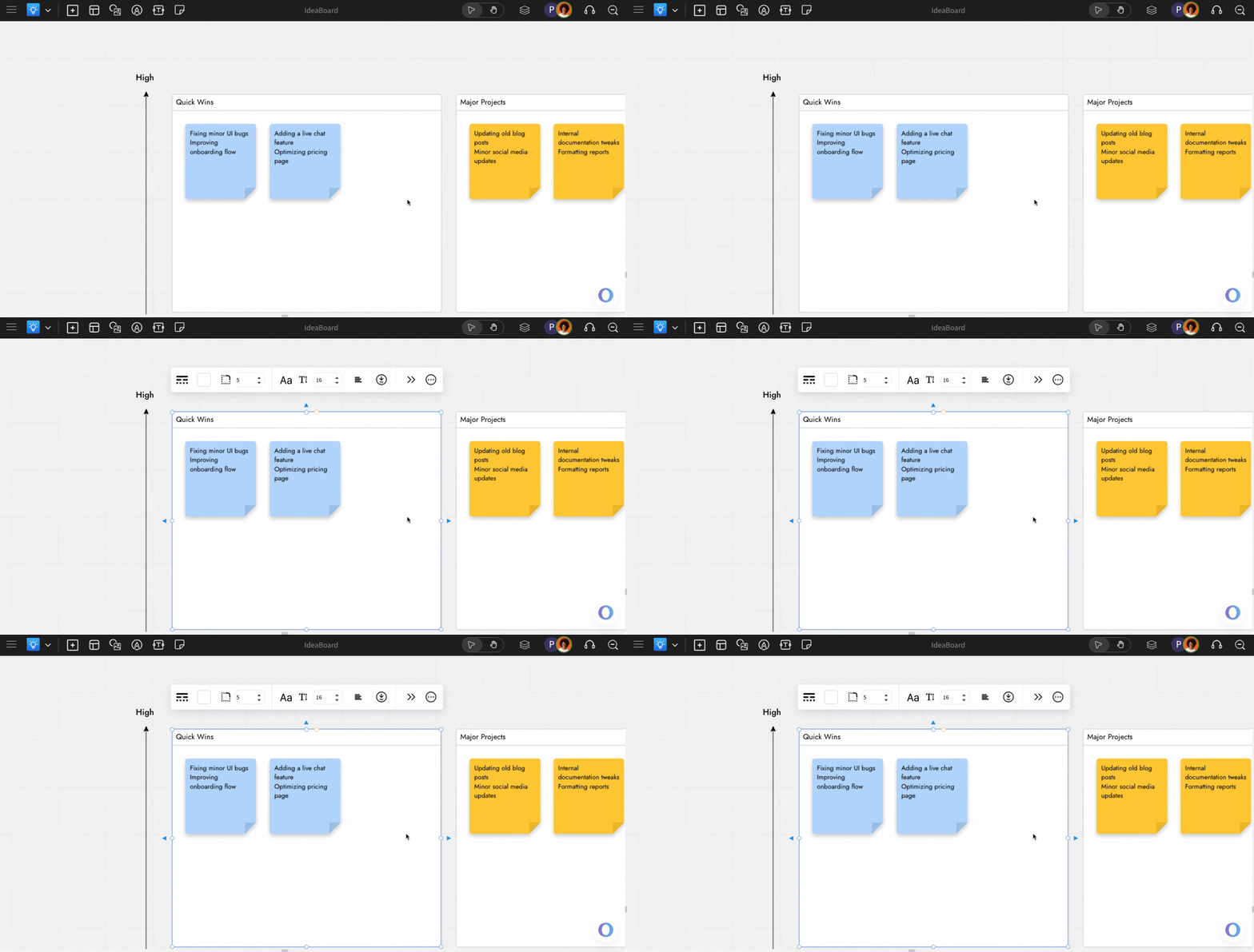
On the board, click on the section component you want to export.
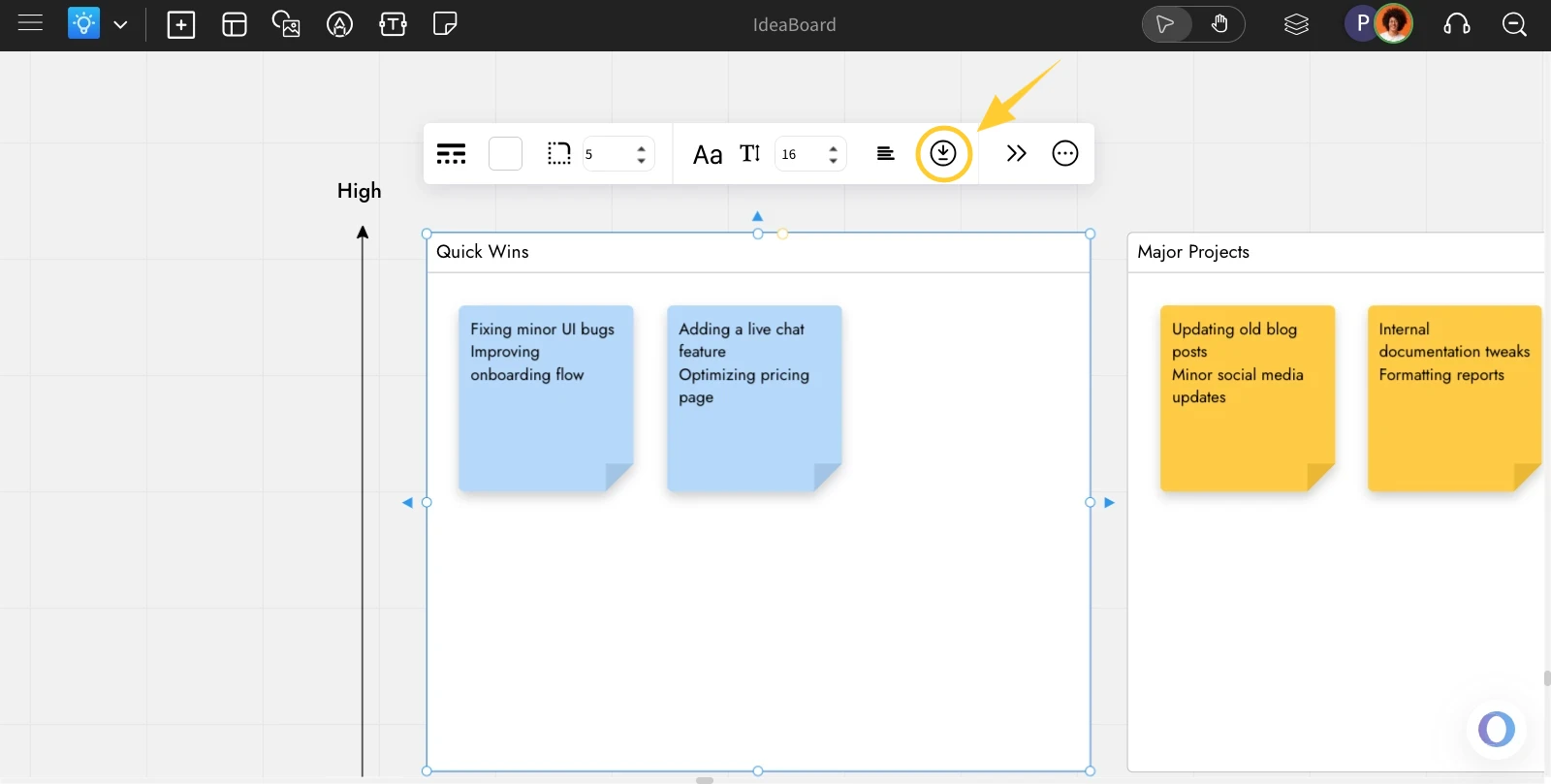
Click the 'Export Section' icon from the quick toolbar options.
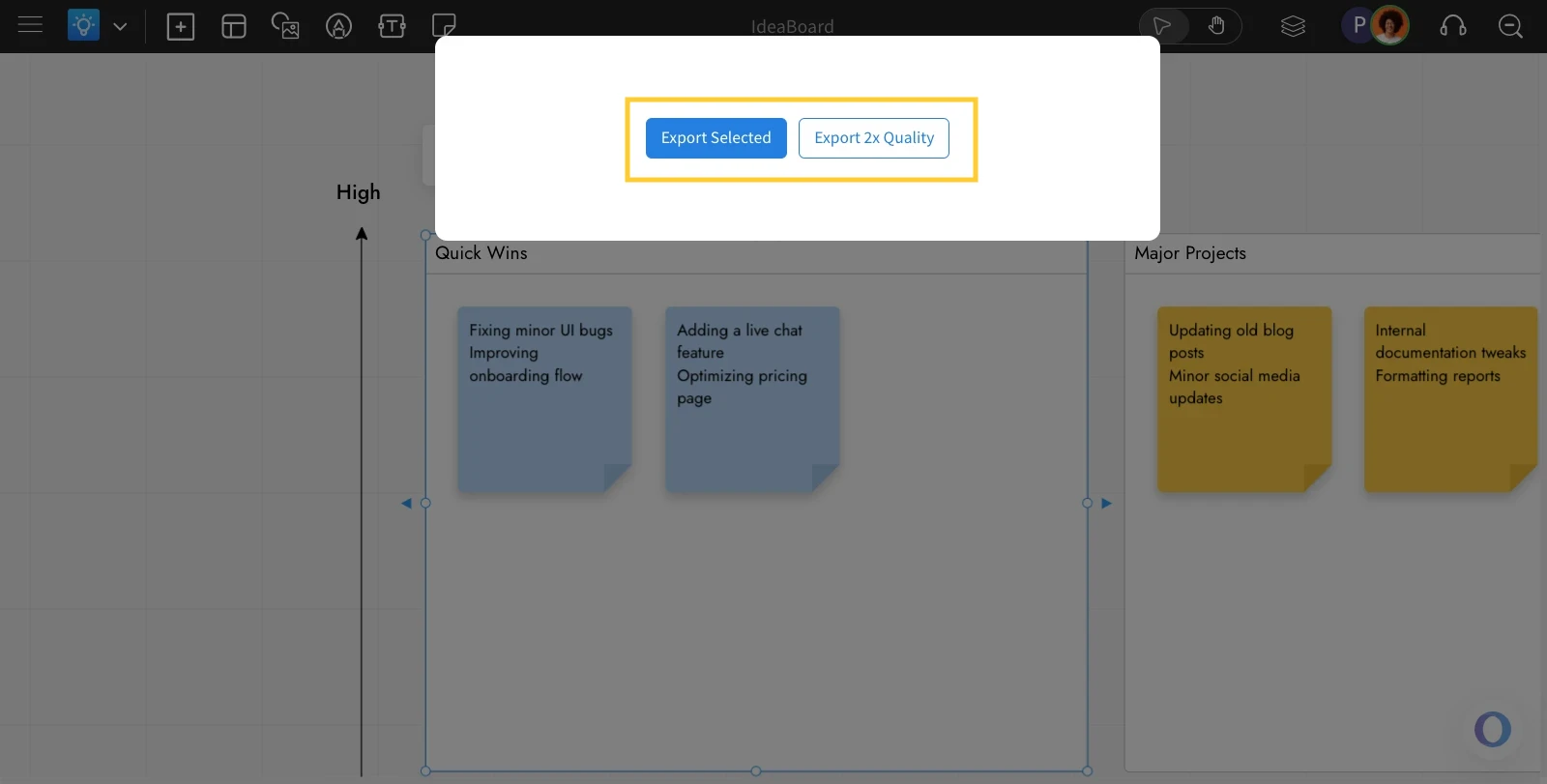
Choose either 'Export Selected' or 'Export 2x Quality' based on your preference.
Click 'Download' to export the section.
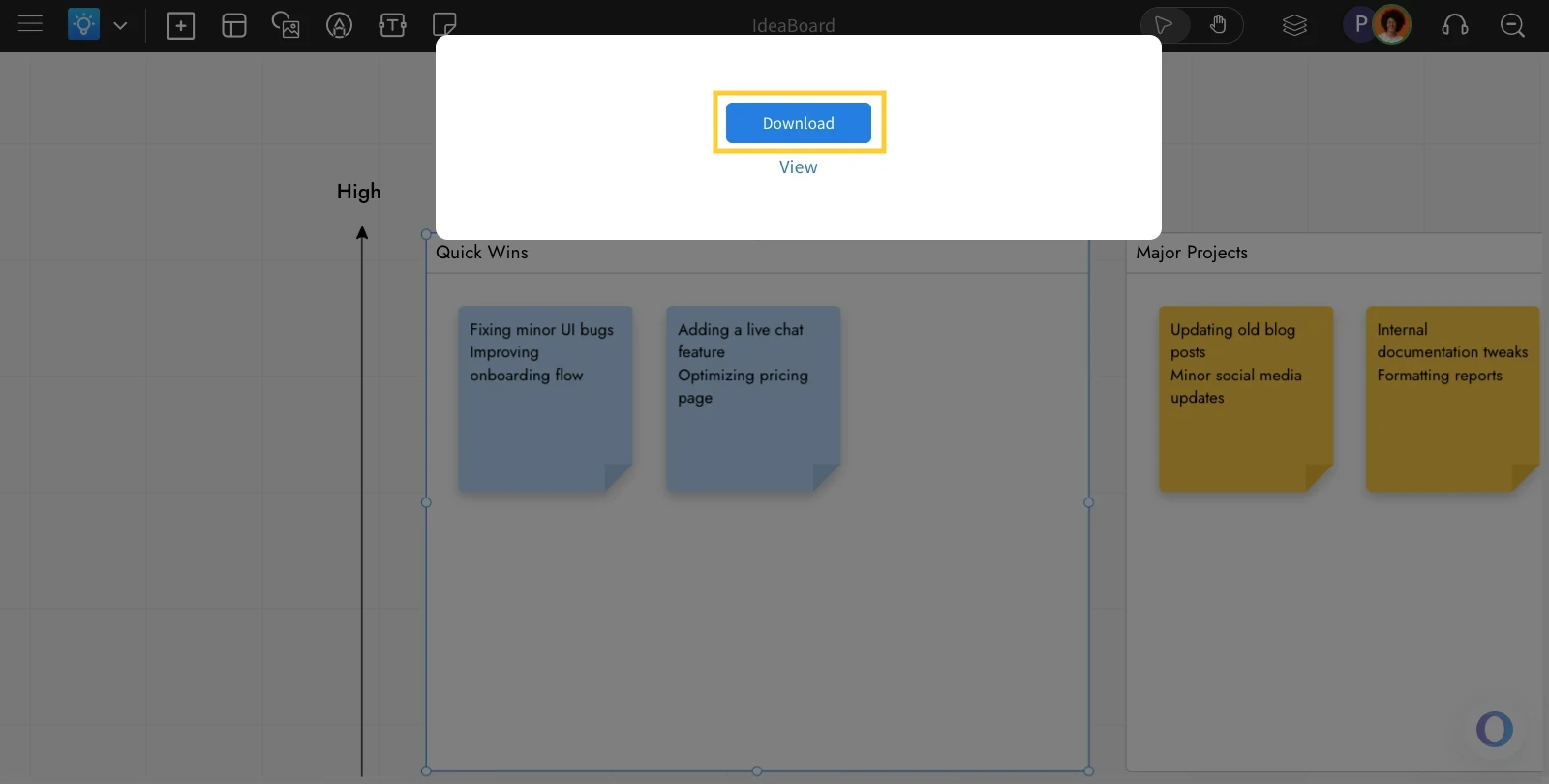
The section component will be downloaded as an image.
Note: The section will be exported in PNG format.
Was this page helpful?