
Try a board without an account
Open a personal MockFlow board at mockflow.com/new without signing up, and save it to an account when you want to keep it.
You can try MockFlow without creating an account. Go to mockflow.com/new and a personal demo board opens immediately, with the canvas and component library ready to use. It is the quickest way to brainstorm, sketch a diagram or wireframe an idea before you sign up.
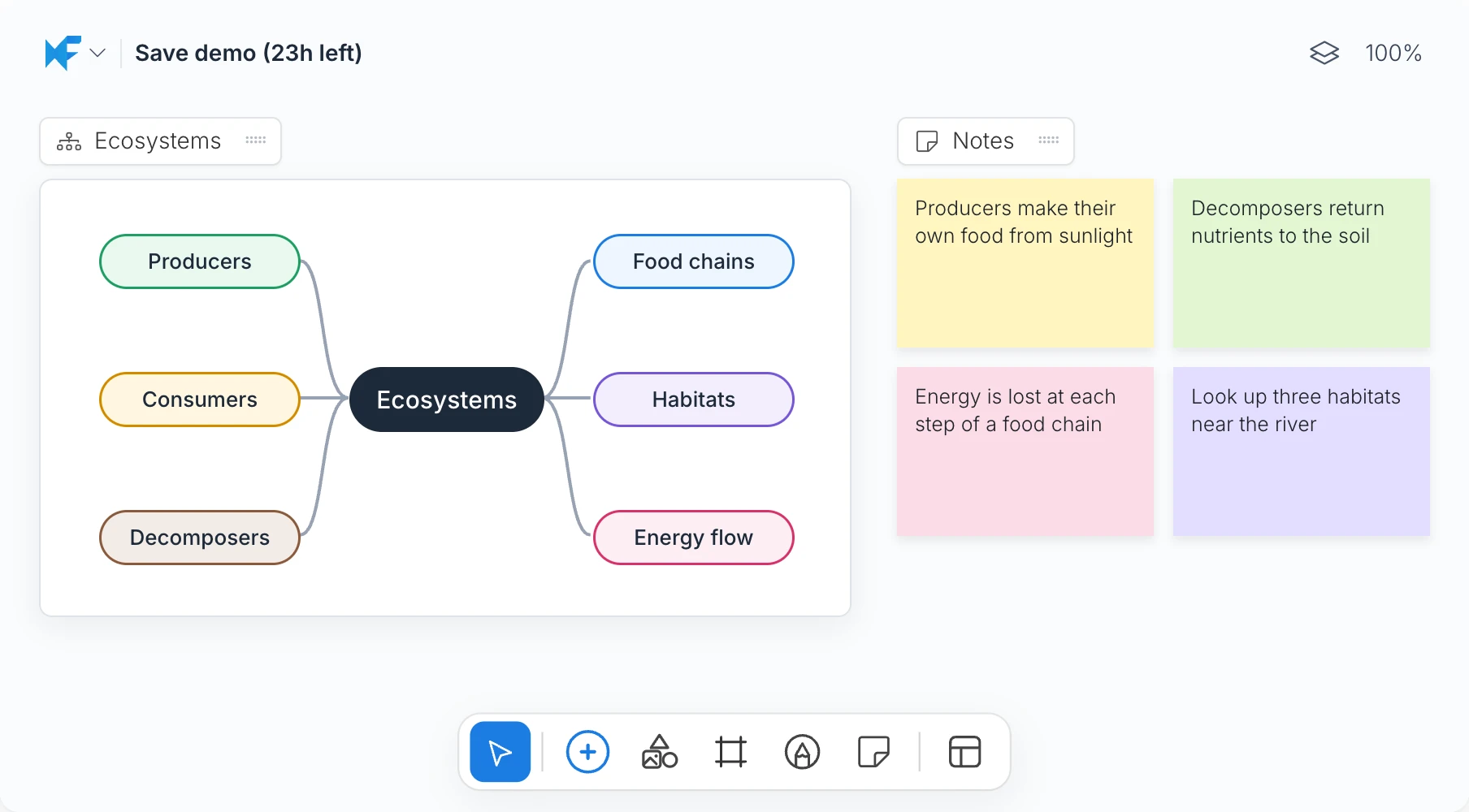
What is not available on a demo board
A demo board lets you try the canvas quickly on your own, with components such as sticky notes, diagrams, mind maps and wireframes. The following features are not available on a demo board:
AI features, including Mida, AI actions on components and Concept Builders
Sharing, comments, team chat, meetings and live presenting
Uploading images, documents and fonts
Revision history and exporting the board as an offline file
Many other features, such as Artifacts, are also not available. Sign up for a free account to use them.
How long a demo board lasts
A demo board is kept for 24 hours from the moment it is created. The board title at the top left shows how many hours remain, for example Save demo (23h left). After 24 hours the title changes to Demo expired and the board is deleted, unless you save it to an account first.
Save the board to your account
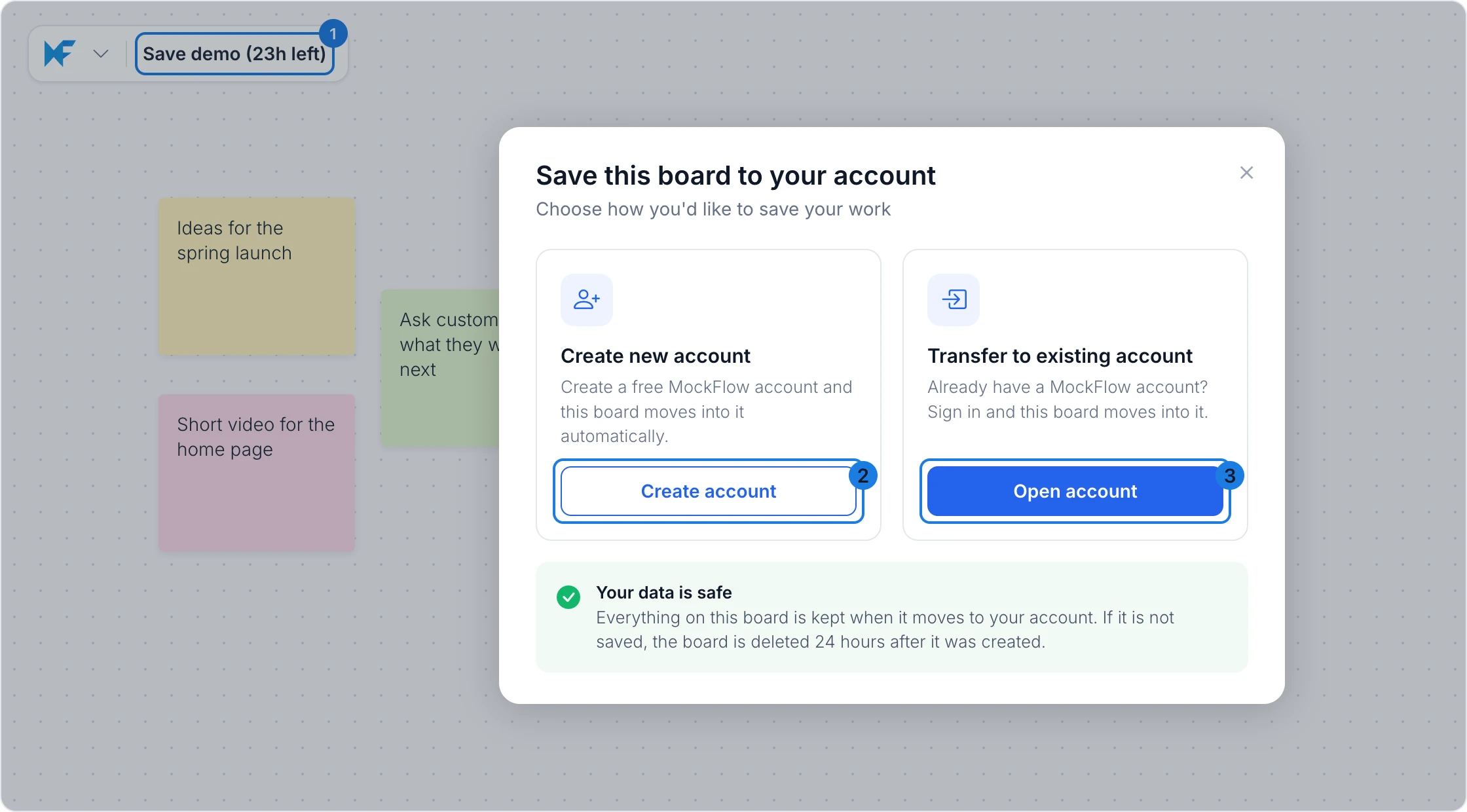
Click the board title, Save demo, at the top left of the board (1).
In Save this board to your account, choose Create account to sign up for a free MockFlow account (2), or Open account to sign in to the account you already have (3).
Complete the sign up or sign in. The board moves into your account and opens there, with everything on it kept.
Limits
To prevent misuse, a limited number of demo boards can be opened from the same network each hour. If you reach the limit, wait a while before opening another board, or sign up for a free account.