
Security controls for team admins
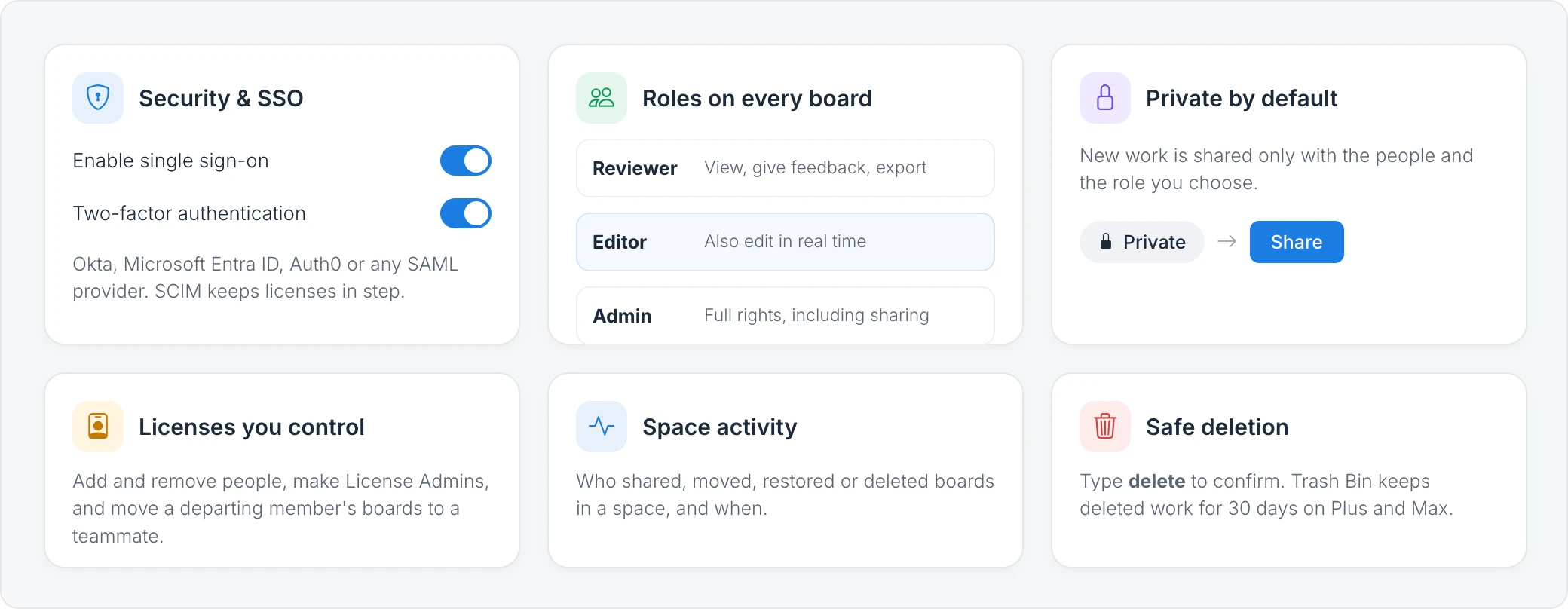
The controls MockFlow gives team admins: single sign-on, two-factor authentication, SCIM, board roles, private boards, license management, Space activity and safe deletion.
MockFlow gives the people who manage a team the controls to keep its boards secure: how people sign in, who joins the license, what each person can do on a board and a record of what changed. This article brings them together, with links to the step-by-step guides.
Control how your team signs in
The license owner manages sign in from My Account > Security & SSO:
Single sign-on (SSO): connect Okta, Microsoft Entra ID (Azure AD), Auth0, OneLogin or any SAML 2.0 identity provider, and require SSO so nobody on your license can sign in another way. See Set up single sign-on (SAML).
Two-factor authentication (2FA): everyone on your license enters a login code sent to their email after their password. See Turn on two-factor authentication for your team.
SCIM provisioning: licenses follow your identity provider, so people get a license when you assign them and lose it when you unassign them. See Provision users with SCIM.
Control who can see each board
Private by default: boards in Private boards are visible only to their owner and have no Share button. See Share a private board.
Roles: people you invite are a Reviewer (view, give feedback and export), an Editor (also edit in real time) or an Admin (full rights, including sharing). See Share a board with people.
Protected public links: a public link is view only, and Protect with key asks viewers for a key. See Share a board with a public link.
Manage your license
Add and remove people, make someone a License Admin, and move a departing member's boards to a teammate so no work is lost. See How team licenses work and Move a departing member's data to a teammate.
Review activity and protect against deletion
Space activity shows who created, shared, moved, restored or deleted boards in a space, and when. See Track activity in a space.
Safe deletion: deleting asks you to type delete to confirm, and on Plus and Max deleted boards and spaces wait in Trash Bin for 30 days. See Delete and restore boards and spaces.
Which plans include these controls
Single sign-on, two-factor authentication for the team and SCIM are part of the Max plan with yearly billing and five or more licenses, and only the license owner sees Security & SSO. Space activity and Trash Bin are available on Plus and Max. Editor roles are also part of Plus and Max. See MockFlow pricing for details.