
Install the MockFlow desktop app
Download MockFlow for Mac or Windows, sign in with your MockFlow account, and keep the app up to date.
The MockFlow desktop app runs your boards in a native window on Mac or Windows, launched from the Dock or the taskbar instead of a browser tab. It also adds file mode, which saves boards as files on your computer.
Download and install
Go to mockflow.com/desktop and click Download for Mac or Download for Windows.
On a Mac, open the downloaded
.dmgfile and drag MockFlow into Applications. The Mac app runs natively on both Apple silicon and Intel Macs.On Windows, run the downloaded
.exeinstaller. It installs on 64-bit and 32-bit Windows.Open MockFlow from Applications or the Start menu.
Sign in
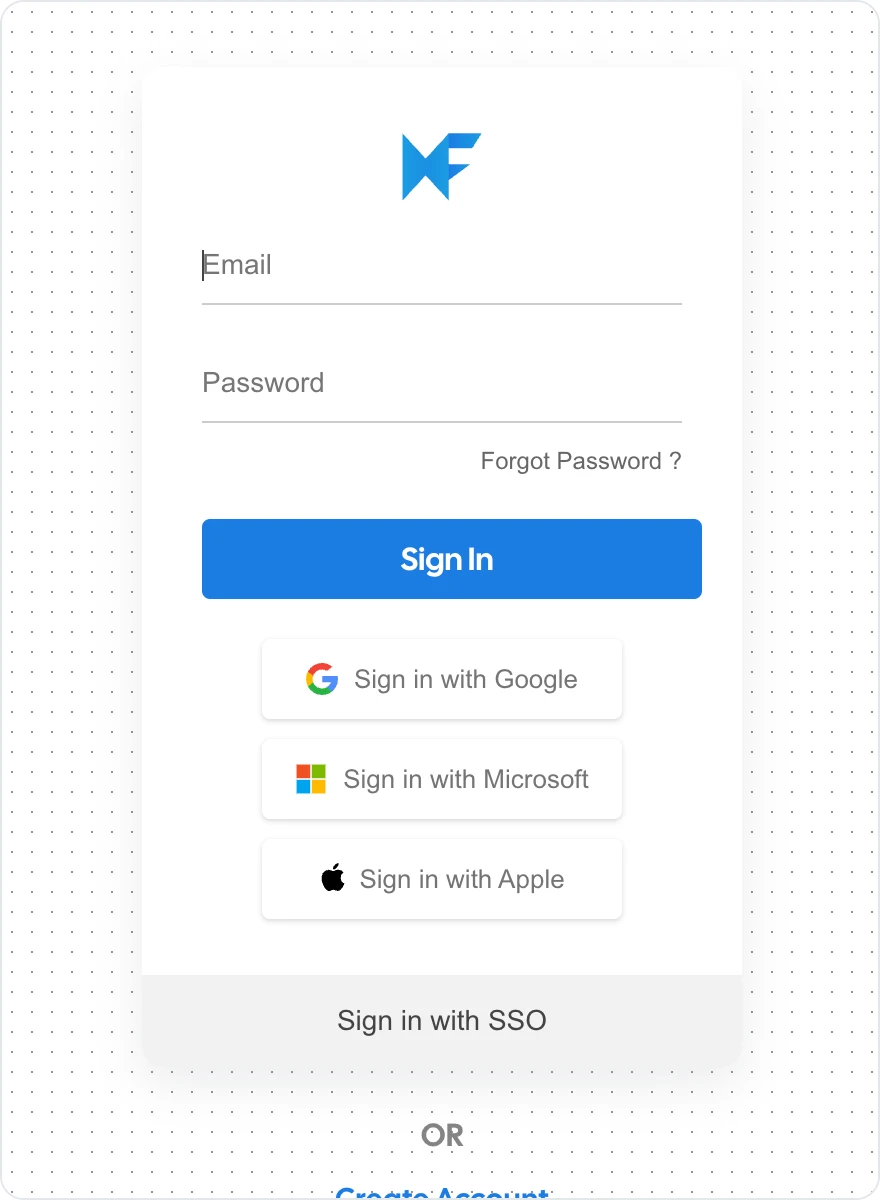
Sign in with the same MockFlow account you use on the web. You can use your email and password, or Sign in with Google, Sign in with Microsoft, Sign in with Apple or Sign in with SSO. If you don't have an account yet, click Create Account.
After you sign in, your workspace opens with your spaces and boards, the same as on the web.
To sign out, choose Account > Logout in the app menu. Signing out closes your board windows and clears the app's stored data from the computer. Files you saved in file mode are not affected.
Update the desktop app
The app checks for a new version each time it starts and downloads it in the background. When the update is ready, a dialog titled Update ready shows your version and the new one. Save your work, then click Restart now to install it, or click Later to keep working; the update is installed the next time the app restarts.
If an update cannot be installed automatically, a Version alert dialog explains that the app is outdated. Click Update to download the latest installer, then run it.
To see which version you have, choose Help > Desktop version.