
Add video, audio and 3D models
Play video and audio and turn 3D models on your MockFlow board: upload files, link to them, record with Clippy or generate them with AI.
Media players bring sound, motion and depth to a MockFlow board: a first cut of an ad next to its storyboard, a voiceover beside a script, a product walkthrough for a review, or a 3D model of a chair beside a room's floor plan. MockFlow has three components for this: VideoPlayer, AudioPlayer and 3D Model Viewer.
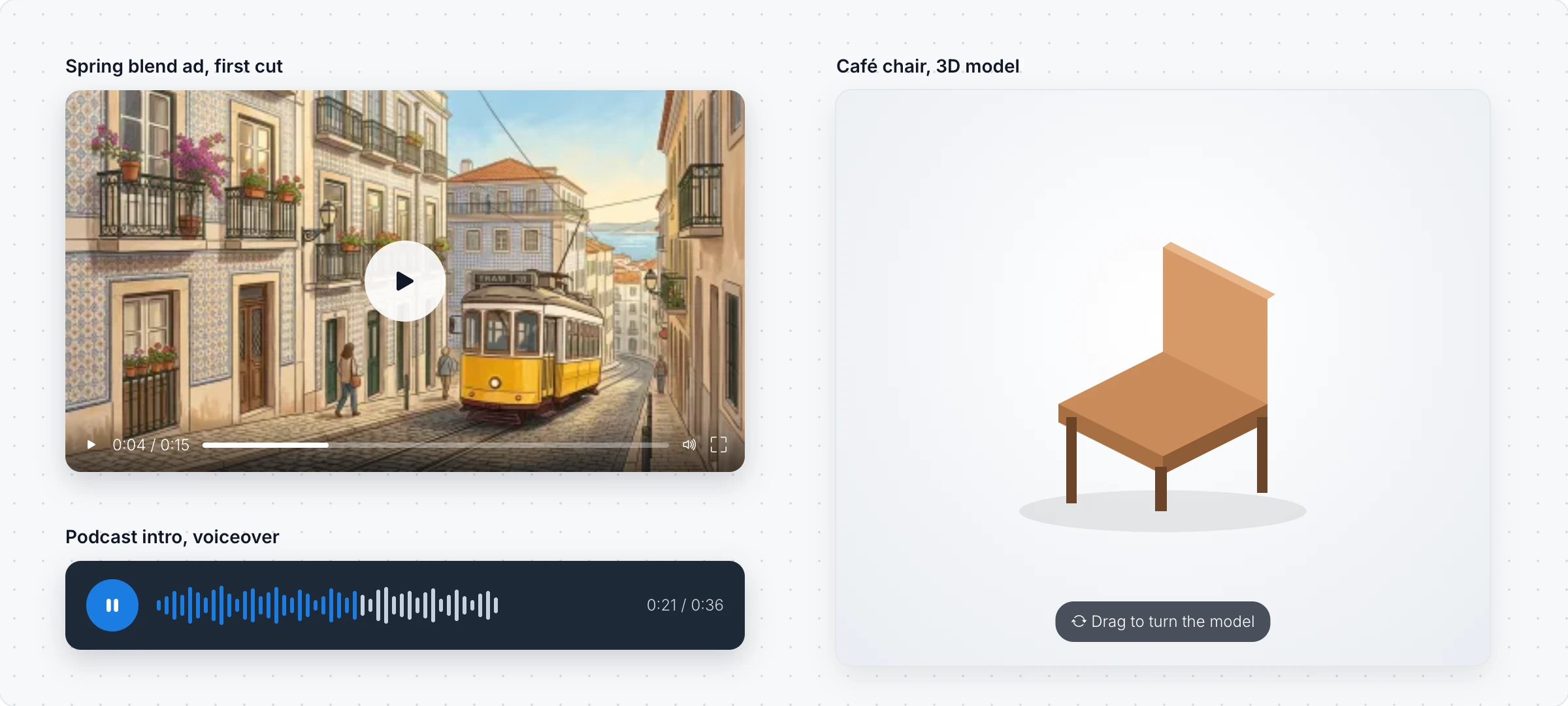
The quickest way to add media is to drag a file from your computer onto the board. A video or audio file gets a player, and a GLB file opens in the 3D Model Viewer.
Add a video
Click Add anything (the plus button) in the toolbar at the bottom of the board and choose VideoPlayer.
In Select Video Source, choose Upload Video, Select Video to reuse a file you uploaded, Video URL to link to a video, or Record with MockFlow Clippy to record your screen.
Add Title to video puts a title above it. Change Theme picks the player's look, such as Minimal, Compact, Glass/Frosted or No Controls, and Change Aspect Ratio sets 16:9, 4:3, 1:1, 9:16 for mobile and more.
Generate Video with AI makes a short clip, about eight seconds, from a description.
Add audio
Choose AudioPlayer from Add anything, then upload an audio file, pick one you uploaded before or paste an audio URL. Add Title to audio labels it, and Change Color Scheme sets a dark, light, blue, chrome, stainless or glass player. Generate Audio with AI makes a clip from a description, such as a short jingle or a voiceover.
Add a 3D model
Choose 3D Model Viewer from Add anything, then Select Model to upload a GLB file, pick one from your library or enter a Model URL. Click Interact with Component (the hand button) to turn and zoom the model.
The toolbar sets the View Type, such as Auto Rotate or a front, side or top view, and has Wireframe Mode, Play Animation for animated models and Reset View. Generate 3D Model with AI makes a model From Prompt or From Image, such as a photo of a product.
Uploading video, audio and 3D files needs the Plus or Max plan. Files can be up to 50 MB. Generating with AI uses AI credits: a video needs at least 1,000, a 3D model at least 300 and an audio clip at least 100. Generating 3D models and linking a Model URL are not available on the Basic plan. See MockFlow pricing.