
Turn a webpage into a wireframe with Clippy
Capture any webpage with MockFlow Clippy, the Chrome extension, and import it into a board as an editable wireframe, a hi-fi copy or a prototype.
Redesigning an existing site or studying a competitor starts with the page as it is. MockFlow Clippy, the MockFlow extension for Chrome, captures a live webpage and sends it to your board as an editable wireframe. Every heading, button and image becomes a wireframe widget you can move, restyle and build on.
Get Clippy
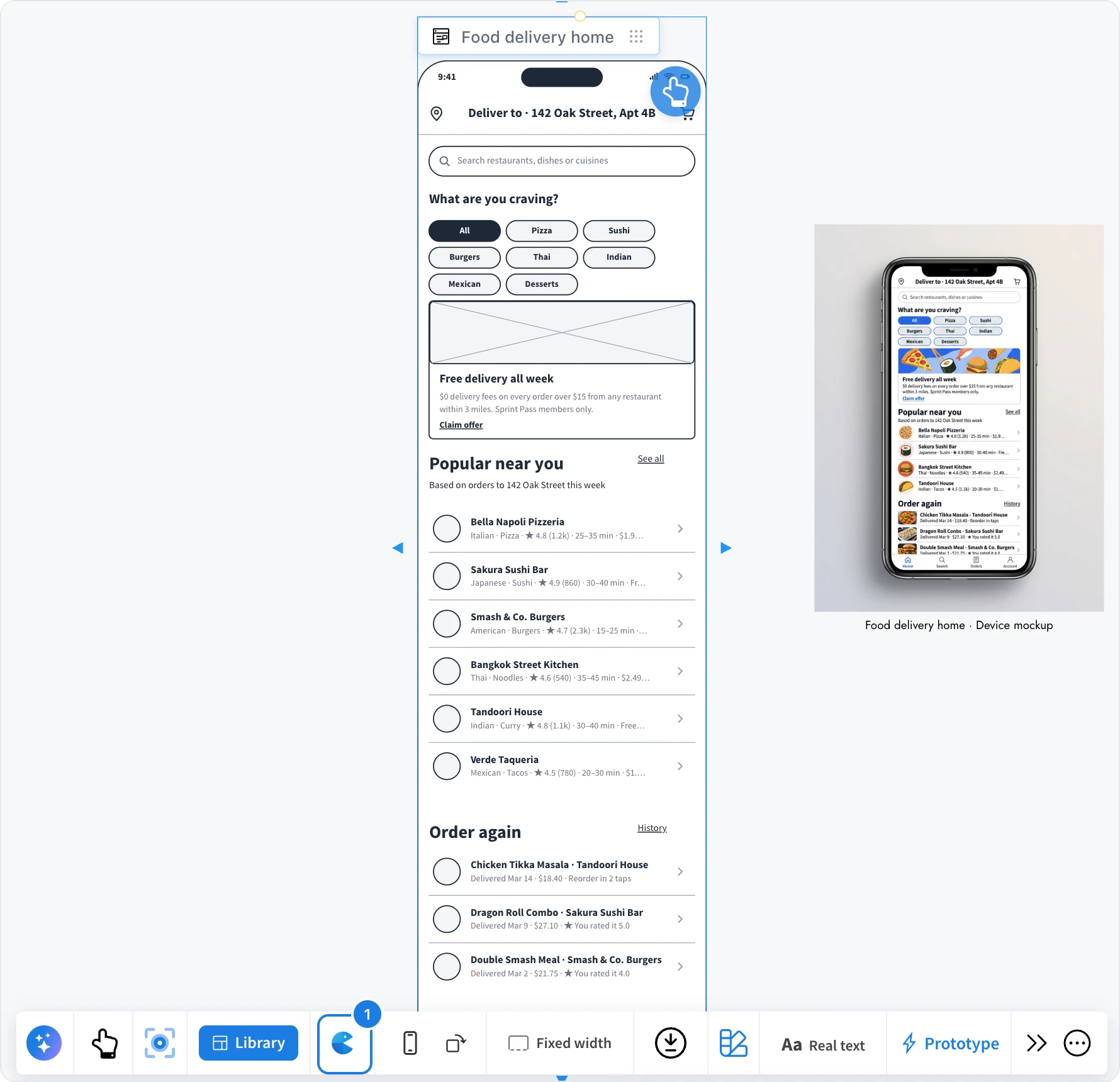
Select any wireframe on the board and click the Clippy button (1) in its toolbar. It opens MockFlow Clippy in the Chrome Web Store, where you add it to Chrome.
Capture a page
Open the webpage in Chrome and open MockFlow Clippy from the browser toolbar.
Under Convert to, choose Wireframe.
Click Wireframe this page to capture the whole page, or Wireframe it to pick one part of it, such as a header or a pricing table.
Click Import in MockFlow and pick the board to send it to.
Clippy keeps your captures in a box in the browser until you import them, so you can collect several pages first.
Import the capture on the board
On the board, the captures wait in the Clip box. For each capture, choose how to import it:
Lo-fi: editable wireframe widgets you can restyle with any wireframe style.
Hi-fi: the page's own colours, fonts and pictures, copied as board components.
Import as another kind, such as Prototype, which builds the wireframe screens and then a clickable prototype from them, or Moodboard and Color palette, which collect the page's colours, type and pictures.
Tick Include images to bring the page's pictures along, then click Import. A whole page arrives as a scrolling screen at the page's width; a part of a page arrives without a device frame, sized to its content.
On the Basic plan, wireframes are imported without images, and up to three clips can be imported at a time.