
MockFlow integrations
Use MockFlow boards where your team already works: Microsoft Teams, Google Meet, Confluence, Jira and Trello, plus embeds, data connectors, AI apps and the API.
MockFlow is the visual canvas for people, teams and agents, and its integrations bring boards into the tools your team already uses. Brainstorm on a board in a Google Meet call, keep it in a Teams channel, or link it to a Jira issue, a Confluence page or a Trello card.
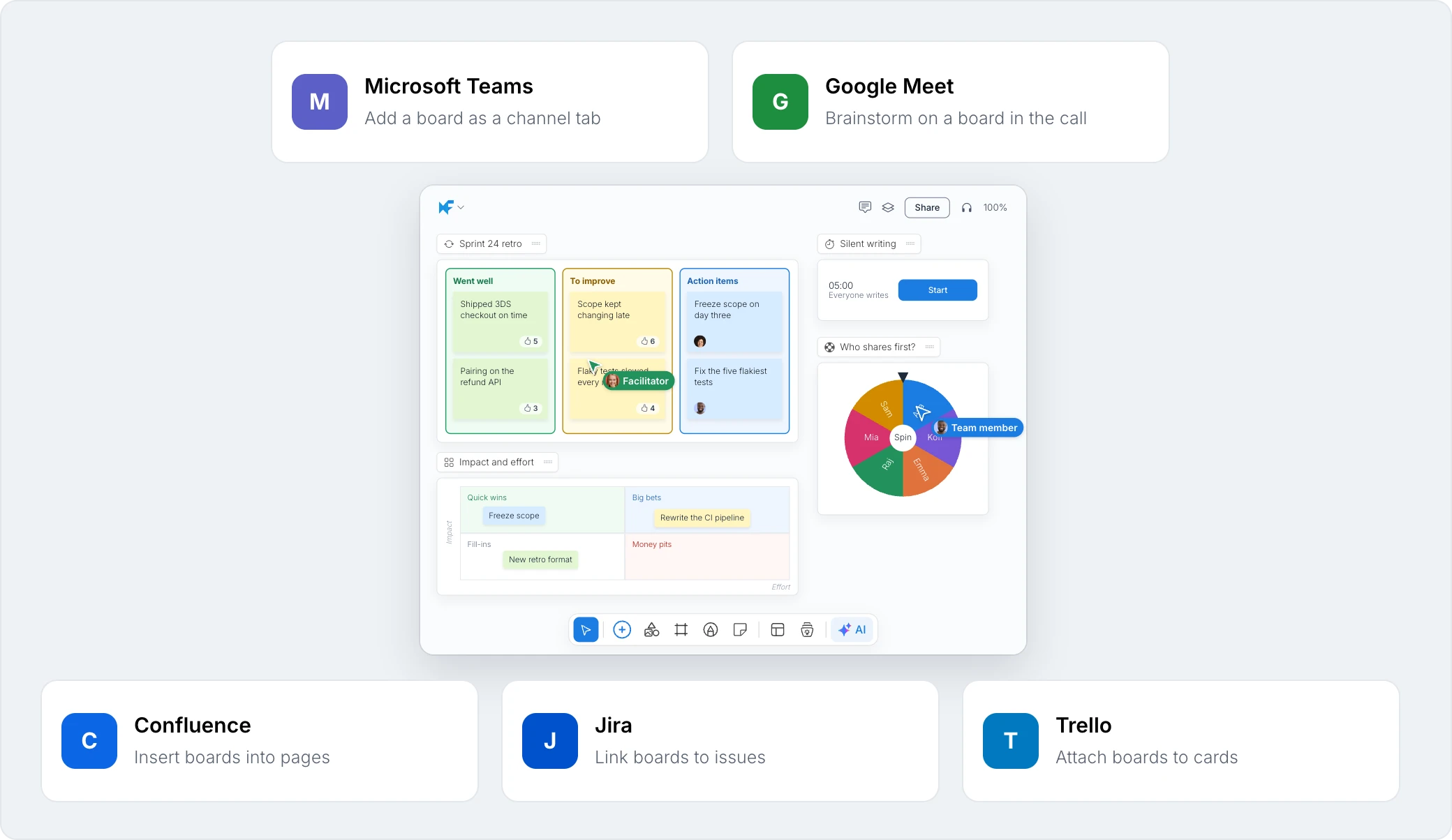
Board apps
App | What it does | Guide |
|---|---|---|
Microsoft Teams | Add a board as a tab in a channel or group chat, and post snapshots | |
Google Meet | Open a board on the meeting stage and work on it together | |
Confluence | Insert a board into a page and update it from MockFlow | |
Jira | Link boards to an issue and attach board images | |
Trello | Attach a board image to a card |
Bring other tools onto a board
Embeds: paste a link from Figma, Miro, Loom, YouTube, Google Docs, Airtable and many other tools to show it live on a board. See Embed content from other tools on a board.
Live data for Mida: connect Jira, Slack, Notion, GitHub, Google Drive and more so Mida can turn real tickets, threads and docs into boards. See Bring live data from your tools.
Make boards automatically
Automations: boards that make themselves from Zoom, Jira, Notion, Gmail and other built-in apps, on a schedule or when something happens. See What are automations.
Zapier: make a board with AI from a trigger in any of thousands of apps on Zapier. See MockFlow for Zapier.
Use MockFlow from AI apps and code
AI apps: connect Claude, ChatGPT, Claude Code, Codex or Cursor to MockFlow. See What is Bring your own AI.
Boards API and webhooks: build your own integrations with the MockFlow Boards API. See the Developers space.