
Let MockFlow Bridge read your local files
Share a folder on your computer with MockFlow Bridge, so Mida can turn code, specs, notes and transcripts into boards without uploading the files.
Because MockFlow Bridge runs your AI agent on your own computer, the agent can read files there. Share one folder with Bridge, such as a code repository, a folder of specs or a set of meeting notes, and you can ask Mida to turn what is in it into a board: the architecture of a codebase, a flowchart of a process described in a spec, or a mind map of the pain points in a set of interview notes.
The files are read on your computer and are never uploaded to MockFlow. Only the finished drawing is saved to your board.
Reading local files is part of Bridge Pro, included in Plus and Max. See MockFlow pricing.
Share a folder with MockFlow Bridge
By default, your agent cannot read any files on your computer. To let it read one folder, start Bridge with --workspace followed by the folder's path:
mockflow-bridge --workspace ~/Projects/northwind-storeBridge confirms that file access is on and names the folder Mida can read:
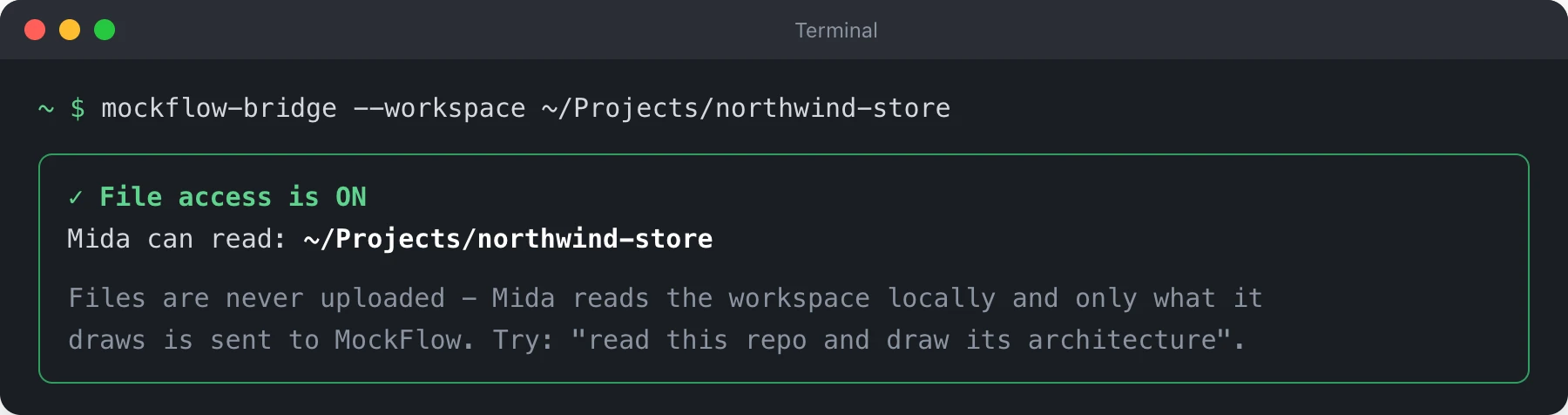
When your board connects, Mida also names the folder, and its message box reads Ask about your local files, codebase, or docs. To share a different folder, stop Bridge and start it again with the new path. If the strip in Mida does not show Connected afterwards, click Connect on it.
Ask Mida about your files
Refer to the folder or to a file in it, and say what you want to see. For example:
"Read this repo and draw its architecture"
"Draw the checkout flow described in docs/checkout-spec.md as a flowchart"
"Map the folders in src as a mind map, with one line on what each one does"
"Draw a mind map of the pain points in the interview notes, grouped by journey stage"
"Make a kanban board of the open TODO comments in this project"
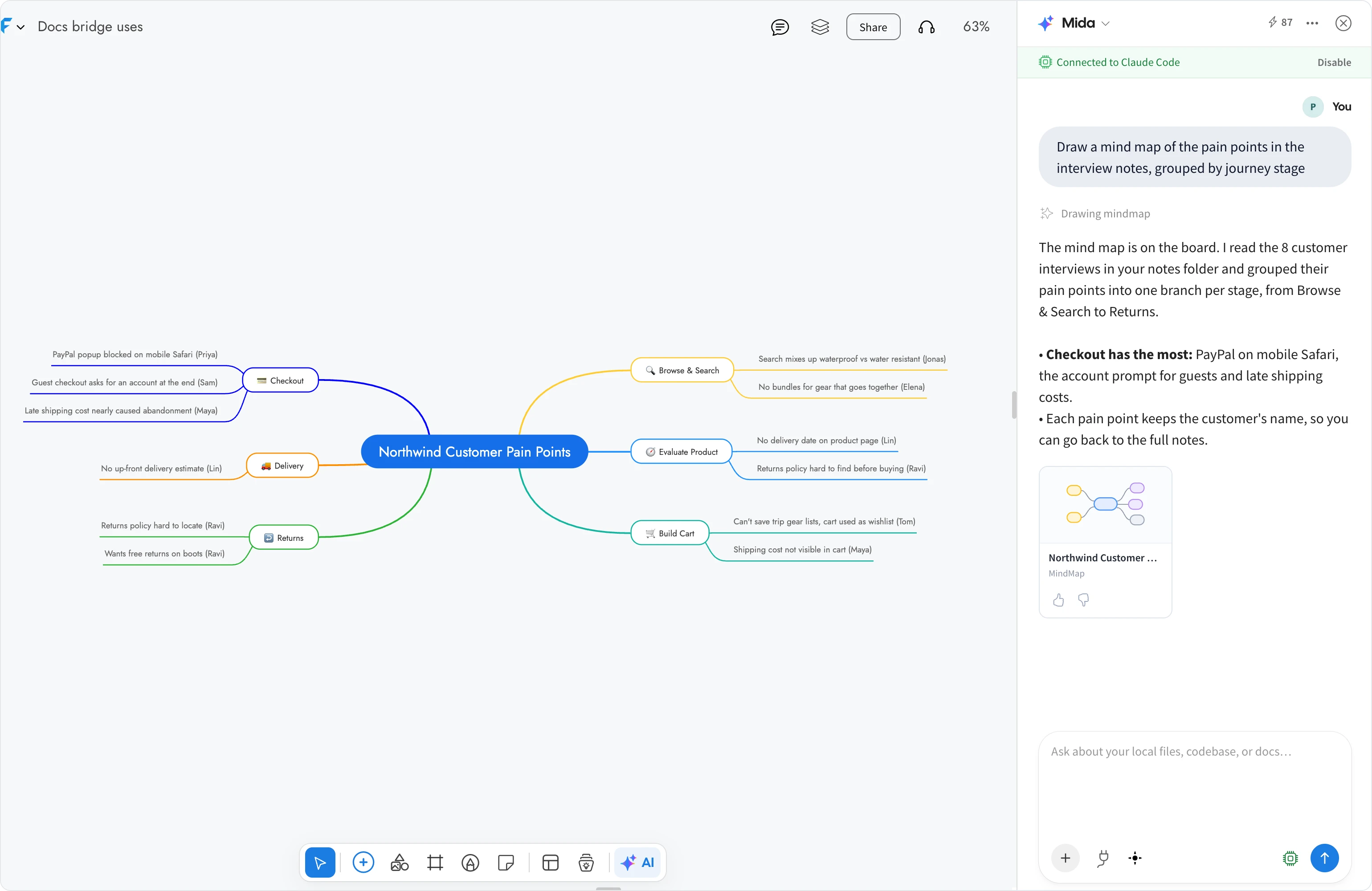
Your agent reads the files it needs, then draws on the board you are looking at. You can keep going in the same chat, for example "Add a branch for ideas to fix each pain point", and the agent changes the drawing in place.
Attach a file in Mida
You can also attach a single file to a message in Mida, such as a PDF, an image or a document. While your board is connected to Bridge, the file is passed to your agent on your computer, not uploaded to MockFlow, and it is removed when you close the board. Attaching a file works without --workspace.
What your agent can do with your files
It reads, and does not change. Your agent can read the shared folder but does not edit, create or delete files in it.
Nothing is uploaded. The reading and thinking happen on your computer, with your agent. Only the drawing is sent to MockFlow and saved to your board.
If you ask about local files while no folder is shared, Mida replies that file access is off and suggests restarting Bridge with --workspace.