
MockFlow Personal Whiteboard for Mac
A private whiteboard app from the Mac App Store that works fully offline with no MockFlow account. Boards are .board files on your Mac, unlocked with a one-time purchase.
MockFlow Personal Whiteboard is a separate app for Mac, available from the Mac App Store. It is your own private whiteboard: an infinite canvas that runs fully offline, needs no MockFlow account and saves boards as ordinary .board files that you keep. There is no subscription; you unlock it once.
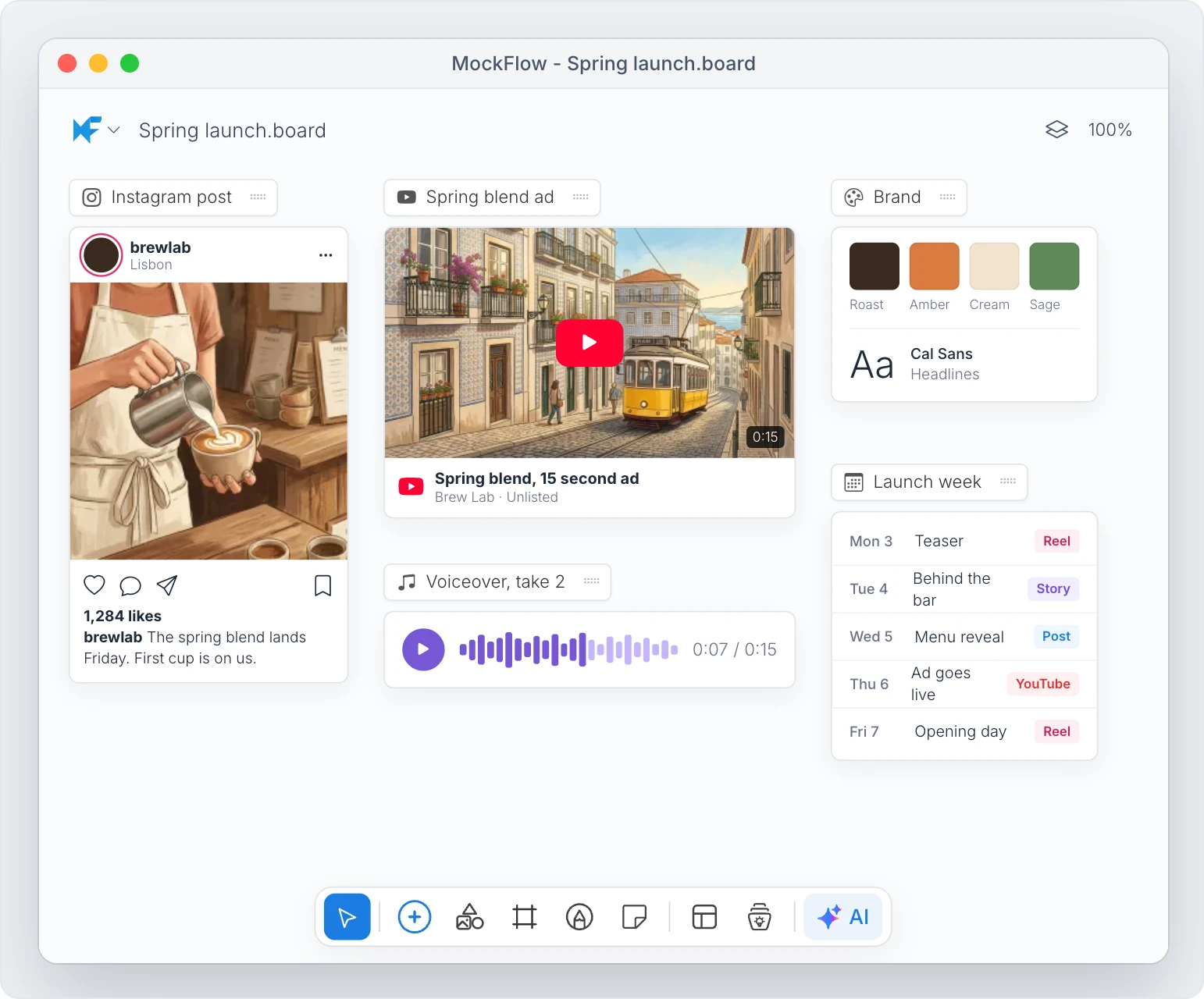
It suits people who want MockFlow's canvas for personal planning, study, writing or design work, and who don't need the team features of a MockFlow plan.
Get the app
Download MockFlow Personal Whiteboard from the Mac App Store and open it. A new, untitled board opens straight away, with no sign in.
Free to try, unlock once
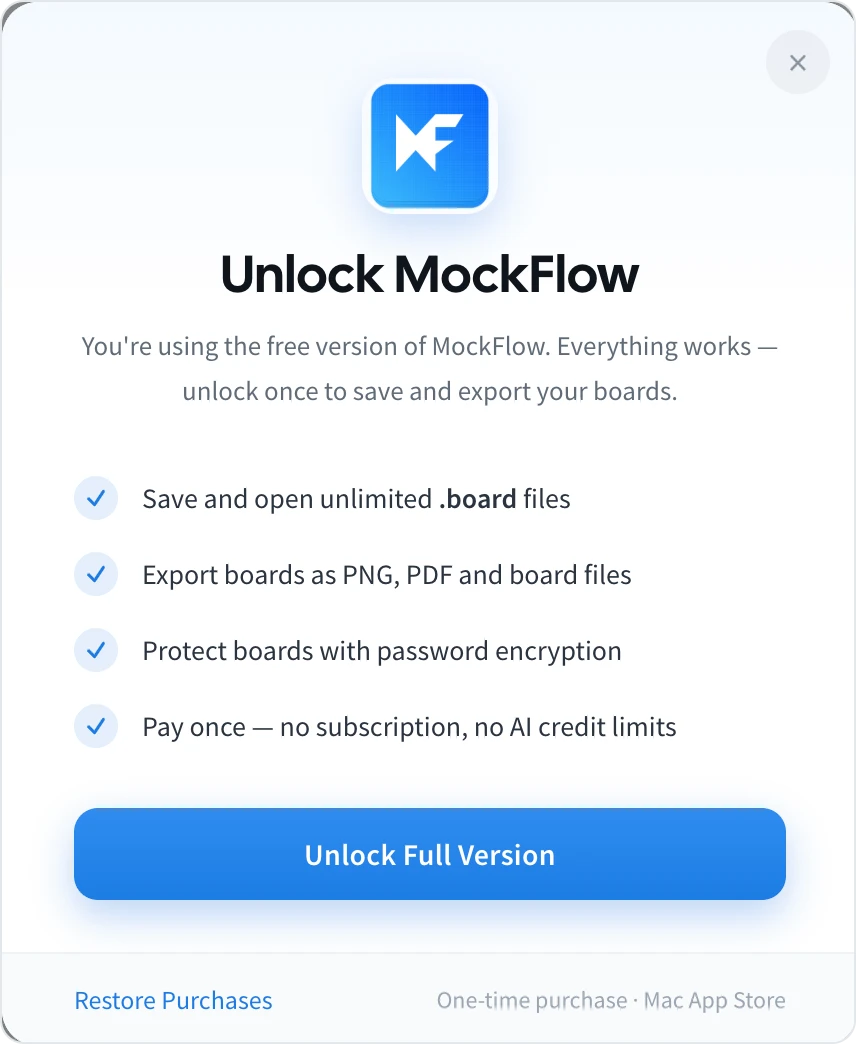
The free version has no time limit and the whole canvas works, but saving is off. Unlocking the full version is a one-time purchase through the Mac App Store and adds:
Saving and opening unlimited
.boardfiles.Exporting boards as PNG, PDF and board files.
Password encryption for board files.
To unlock, click Unlock Full Version in the Unlock MockFlow dialog, or choose Unlock Full Version from the app menu. On a new Mac, choose Restore Purchases to unlock it again with the same Apple account.
What you can do
Draw with the same canvas as MockFlow: wireframes, flowcharts, mind maps, UML, swimlanes, cloud architecture, kanban boards, Gantt charts, docs and spreadsheets.
Connect the AI you already use: the app runs the same local MCP server as the desktop app, so Claude Code, Cursor or VS Code can draw on your open board. See Use AI agents on board files.
How it differs from the MockFlow desktop app
Personal Whiteboard | MockFlow desktop app | |
|---|---|---|
Platform | Mac | Mac and Windows |
Account | None | MockFlow account |
Boards |
| Cloud boards and, on Max, board and wireframe files |
Teams and sharing | Not available | Included with your plan |
Price | One-time purchase | Your MockFlow plan |
The illustration, icon and sticker libraries, which load from MockFlow's servers, are not available in Personal Whiteboard.