
Internal
Choose which emails you get
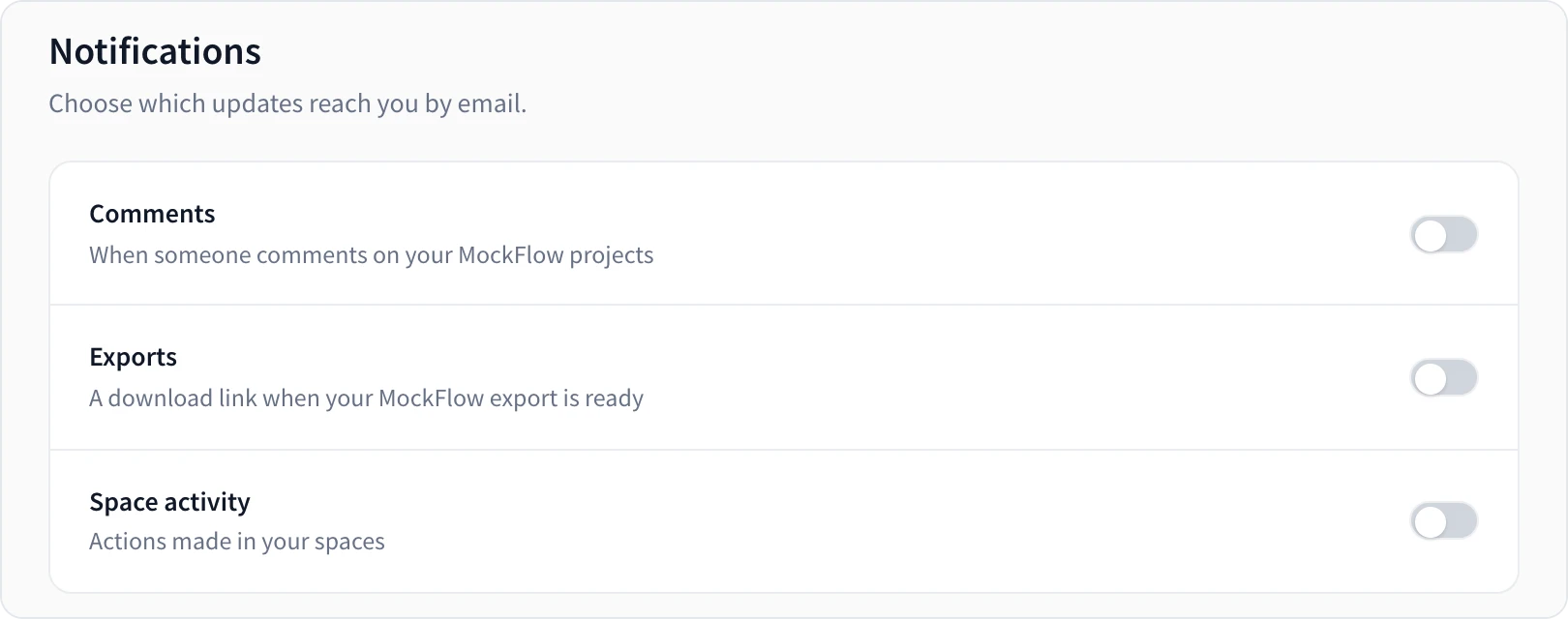
Turn email notifications for comments, exports and space activity on or off.
MockFlow can email you when something happens in your work. To choose which updates you get, click your name at the bottom of the workspace sidebar, choose My Account, then Notifications.
Switch | Emails you when |
|---|---|
Comments | Someone comments on your MockFlow projects |
Exports | An export is ready, with a download link |
Space activity | People make changes in your spaces |
If your account is connected to Slack, the same tab lists the updates that are sent to Slack.
Was this page helpful?