
MockFlow for Confluence
Insert a MockFlow board into a Confluence page, and update it from MockFlow whenever the board changes.
MockFlow for Confluence puts your boards into the documentation your team reads. Add a launch plan, an architecture diagram or a retro board to a page, and update it from MockFlow when the work moves on.
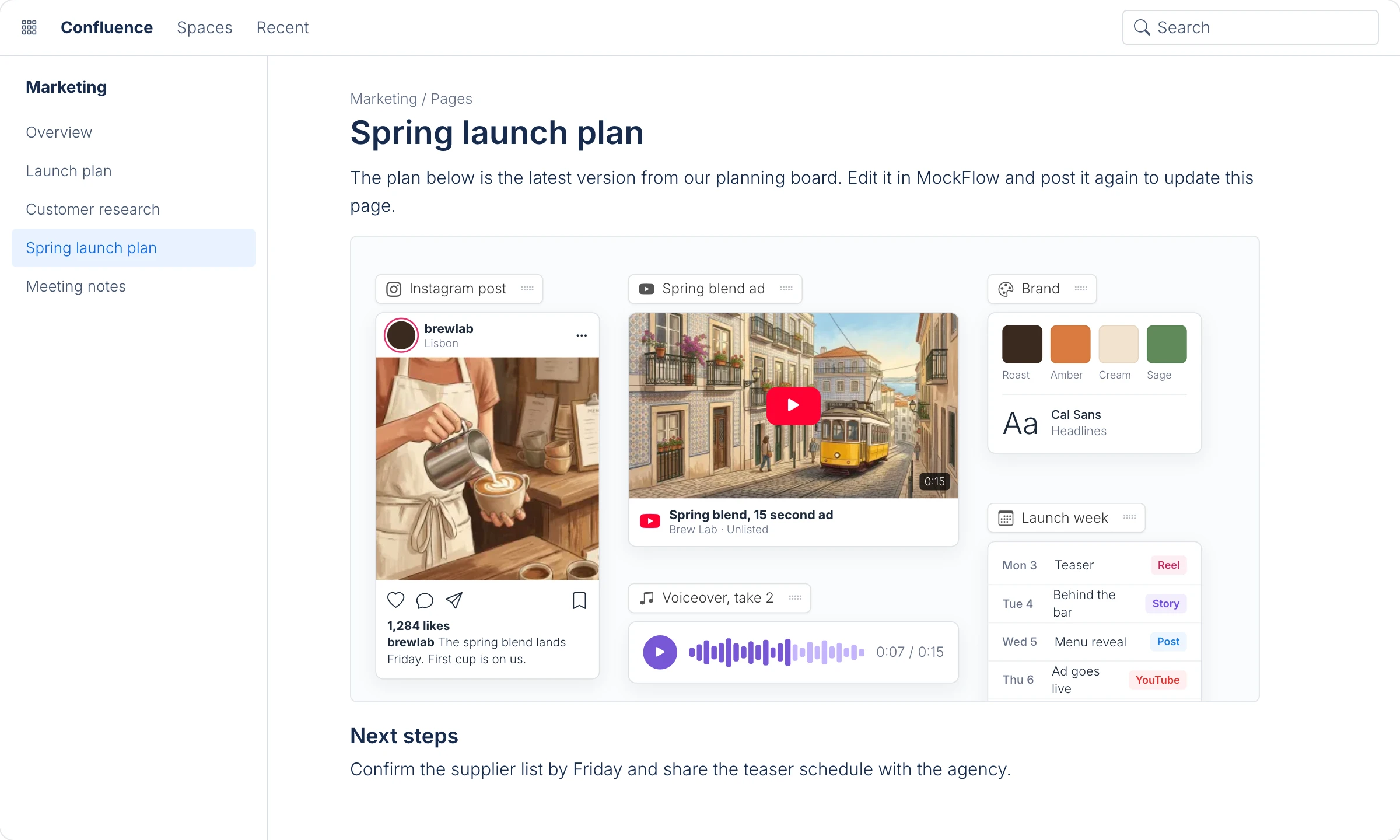
Install MockFlow for Confluence
A Confluence admin installs MockFlow from the Atlassian Marketplace. It is a paid Atlassian app, billed with your Confluence subscription, and it includes MockFlow for everyone on your Confluence site.
Insert a board into a page
Edit a Confluence page and open MockFlow from the Insert or Elements menu.
Create a board, or open an existing one, in the MockFlow window.
Click Post at the top of the board. MockFlow adds the board to the page.
Publish the page.
The page shows the board as an image, so readers see it without leaving Confluence.
Update a board on a page
Edit the page, open the MockFlow item and change the board in MockFlow. Click Post again to update the image on the page.
Who can edit
The app creates one MockFlow account for your Confluence site, so anyone who can edit a page can open and change its boards. Readers see the image.