
Internal
Change your password
Set a new MockFlow password from Account settings.
Your password works for every MockFlow app. To change it, click your name at the bottom of the workspace sidebar, choose My Account, then Password.
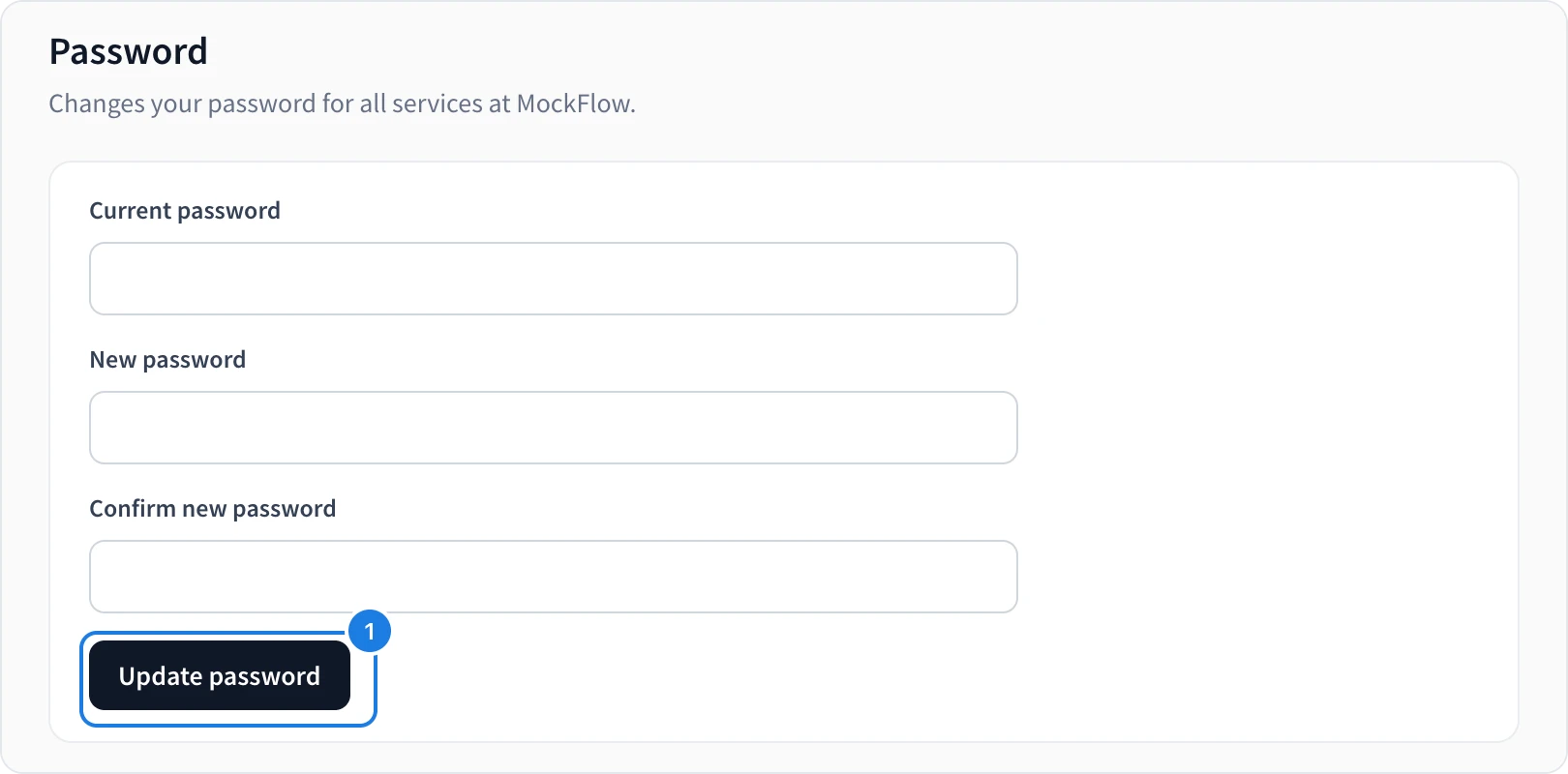
Enter your Current password.
Enter the New password and type it again in Confirm new password.
Click Update password (1).
A password needs at least 6 characters, including an uppercase letter, a lowercase letter and a number.
Forgot your password? Reset it from the sign-in page. See Create your account and sign in.
Was this page helpful?