
Cancel your subscription
Cancel a MockFlow subscription from Account settings, and what happens to your work afterwards.
You can cancel anytime, with no cancellation fees. Your plan stays active until the end of the period you have paid for.
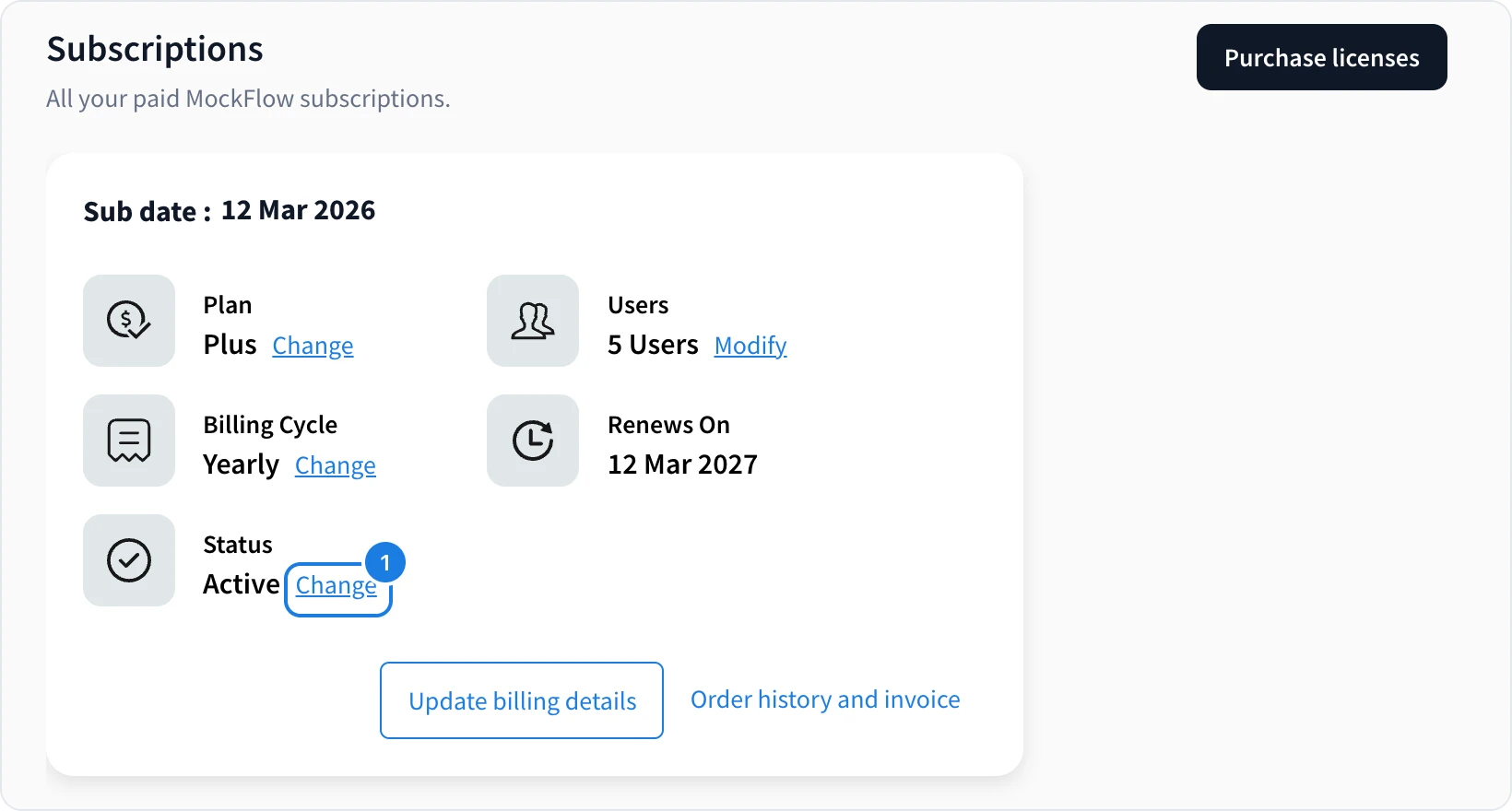
Click your name at the bottom of the workspace sidebar and choose Subscriptions.
Click Change next to Status (1) and confirm that you want to cancel.
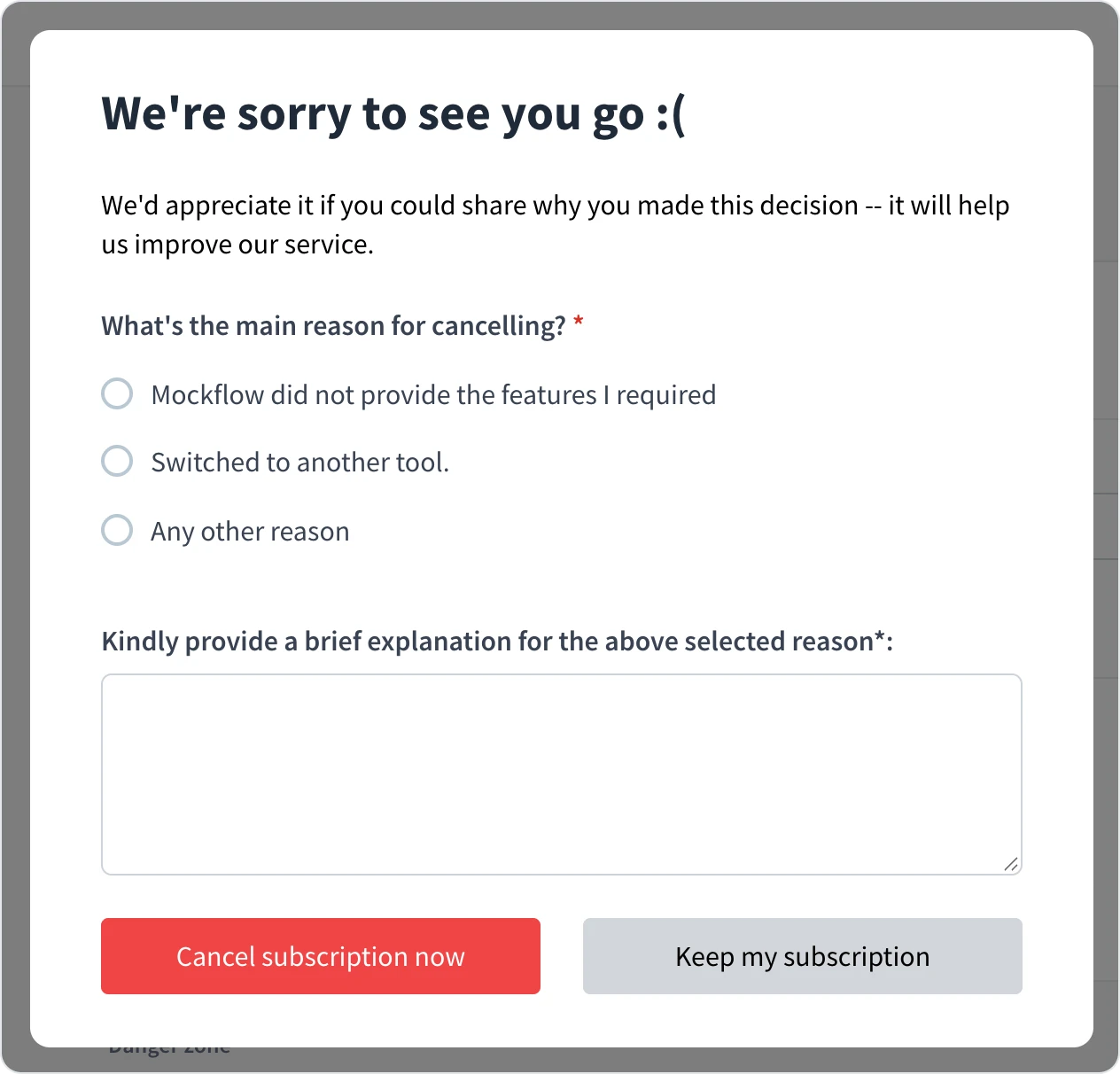
Tell us the main reason, add a short explanation and click Cancel subscription now. To stay, click Keep my subscription.
What happens to your work
Nothing is deleted. When the paid period ends, your account moves to Basic. Projects beyond what Basic includes are closed but kept securely, and they open again exactly as you left them when you upgrade. You can also delete projects you no longer need to get back within the Basic limits.