
What is not available in file mode
Board files are private to your computer, so features that rely on MockFlow's cloud, such as sharing, comments and the online libraries, are not part of file mode.
A board file is stored only on your computer and never reaches MockFlow's servers. That is what keeps it private, and it also means features that work through the cloud are not available in a board file. When a board needs any of them, create it as a cloud board in your workspace instead.
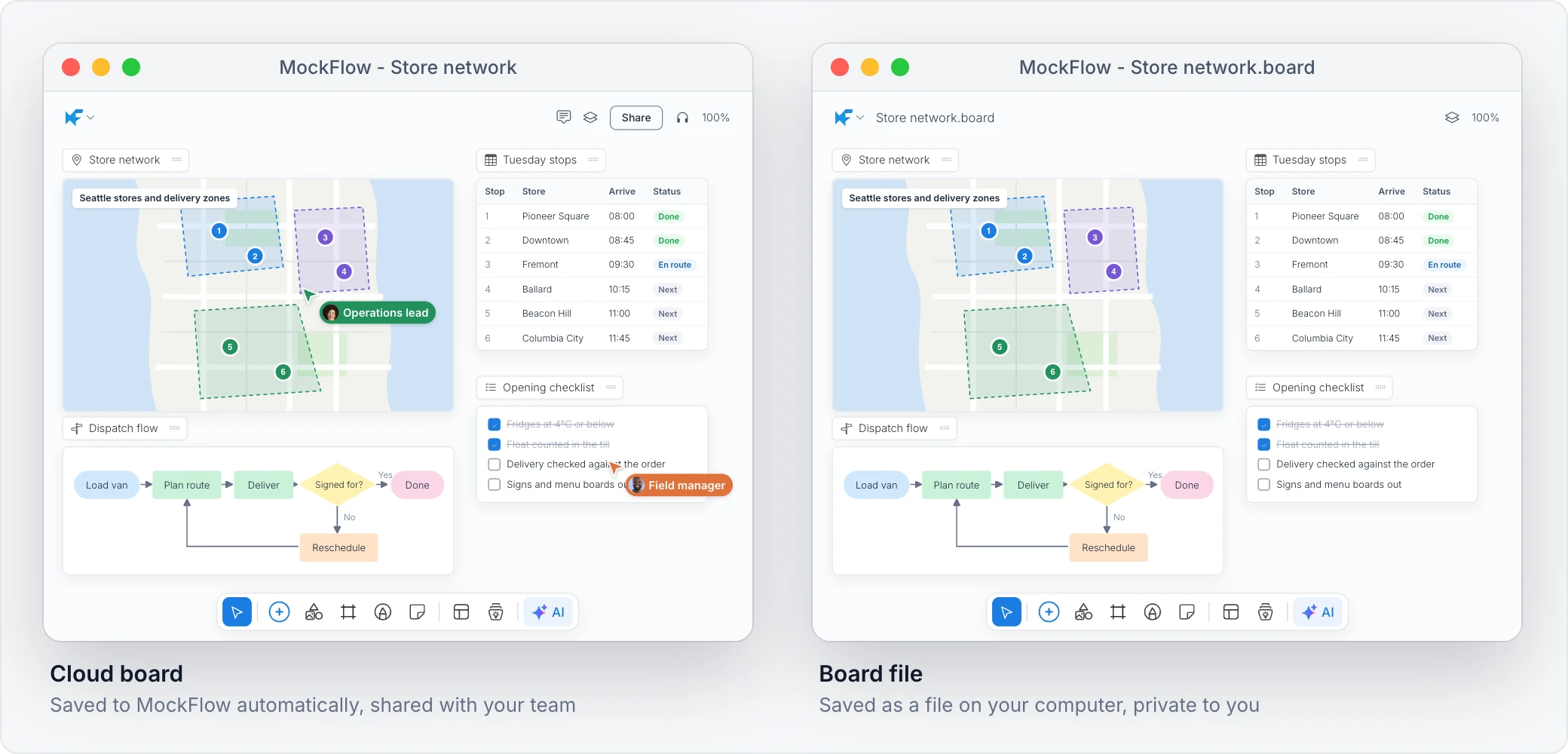
What is not available in board files
Sharing and collaboration: the Share button, inviting people, public links and editing with others at the same time.
Comments and activity: comments on the board and its activity history.
Online libraries: UI packs, shapes and icons that load from MockFlow's servers. Images come from your own computer instead; see Add images to a board file.
Some exports: exporting to PowerPoint, Word and Classic WireframePro. You can still export a selected area of the board from the board menu.
Saved components: saving items as reusable components and the saved components list.
Custom fonts: adding new custom fonts to the board.
Many other cloud features, such as video links, are also not available in file mode.
What stays the same
The canvas itself works as it does on any board: pages, mind maps, kanban boards, charts, flowcharts, tables, wireframes, text and shapes. Board files also have features of their own: revisions stored in the file, password protection and AI agents through the local MCP server.
Move work between a file and the cloud
To share a board file with your team, import it into a space as a cloud board. See Import a board or wireframe file.