
Write a document on the board
Write formatted text on your MockFlow board with the Document component: generate it with AI, format with the slash menu or Markdown, add pictures and video, and export to PDF or Markdown.
The Document component is a page of formatted writing that lives on your MockFlow board: a lesson plan, a project brief, meeting notes, a spec or a reading list. It sits beside the diagrams, wireframes and boards it describes, so the writing and the visual work stay together.
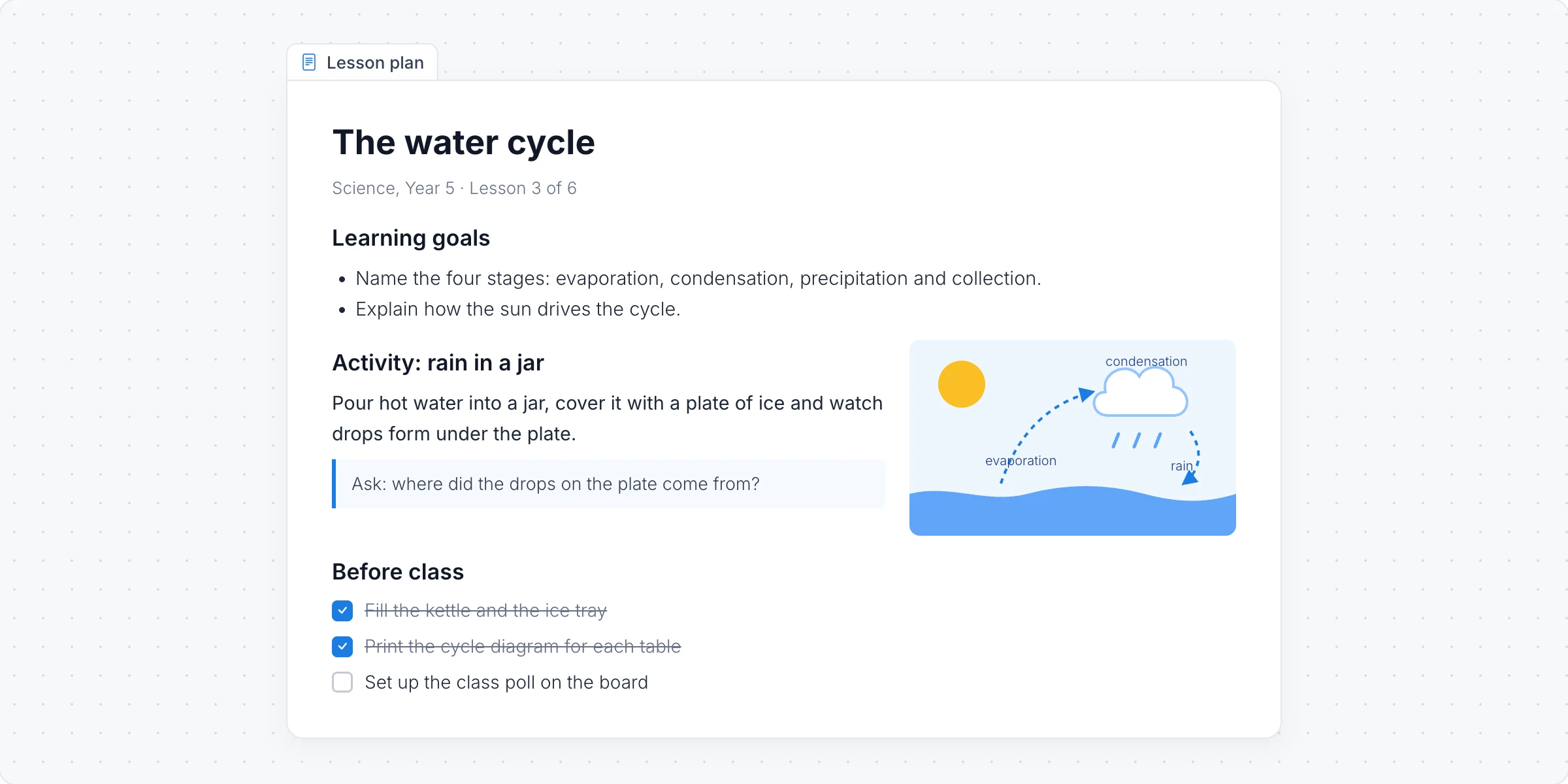
Generate a document with AI
Click Add anything (the plus button) in the toolbar at the bottom of the board and choose Document.
With the document selected, click the AI button on the left of its toolbar and choose Generate new.
Describe what to write, for example "A lesson plan on the water cycle for Year 5 with goals, an activity and a checklist", and click Generate. Turn on Gen Images to add pictures.
The AI menu also has Modify with AI, to rewrite, shorten or extend the text with a prompt, and Convert to, to turn the document into another kind of item, such as a mind map or a checklist.
Write and format
Click Interact with Component (the hand button) to type in the document.
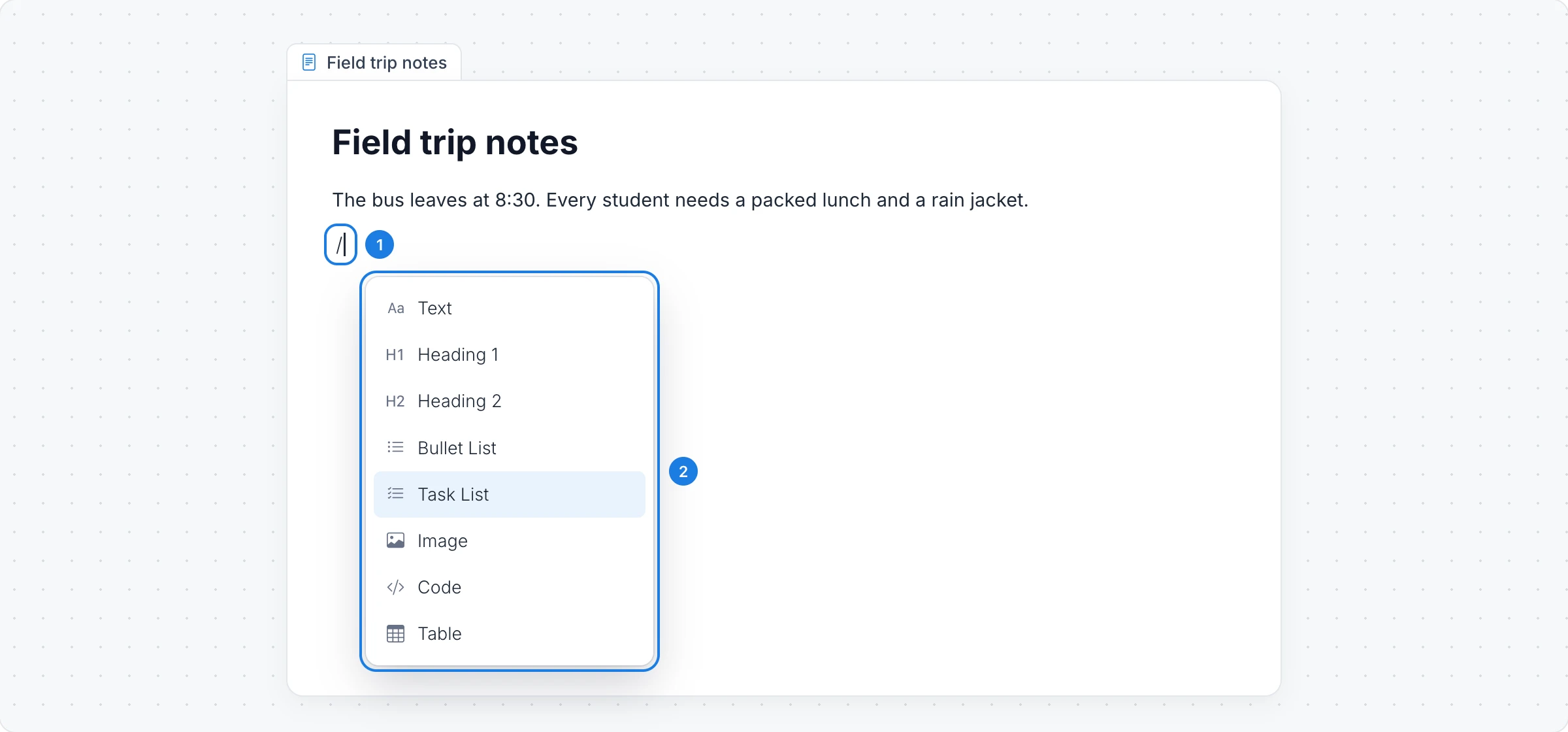
Type / at the start of a line.
Choose a block, such as a heading, a bullet or task list, an image, a code block or a table.
Select text to make it bold or italic or to add a link. Drag a block by its handle to move it.
To write in Markdown instead, click Toggle WYSIWYG/Markdown editor in the toolbar. Markdown Help lists the syntax.
Add pictures, video and audio
Add Image/Video/Audio in the toolbar puts a picture, a video or an audio clip inside the document, such as a diagram for a lesson or a screen recording for a spec.
Change how it looks
Font color, Padding and Opacity: the text color, the space around the text and how see-through the page is.
Fill style: a solid color or a gradient (vertical, horizontal, diagonal or radial), with Fill color and Fill color 2.
Toggle Auto Height: let the document grow as you write.
Export a document
Choose Export Markdown in the toolbar to download the document as PDF, Markdown (.md) or Plain Text (.txt).
The Document component is available on every plan. Generating with AI, and pictures made with Gen Images, use AI credits. See MockFlow pricing.