
Create a social post or poster with a Design frame
Design social posts, stories, ads, covers and posters on your MockFlow board with the Design frame: generate a design with AI, edit it, adapt it to other sizes and download it.
The Design frame is a canvas of an exact size for a finished graphic: a social post, a story, an ad, a YouTube cover, a flyer or a poster. It sits on your MockFlow board next to the moodboard, copy and plan of the campaign, so the whole team can see the ideas turn into the final pieces.
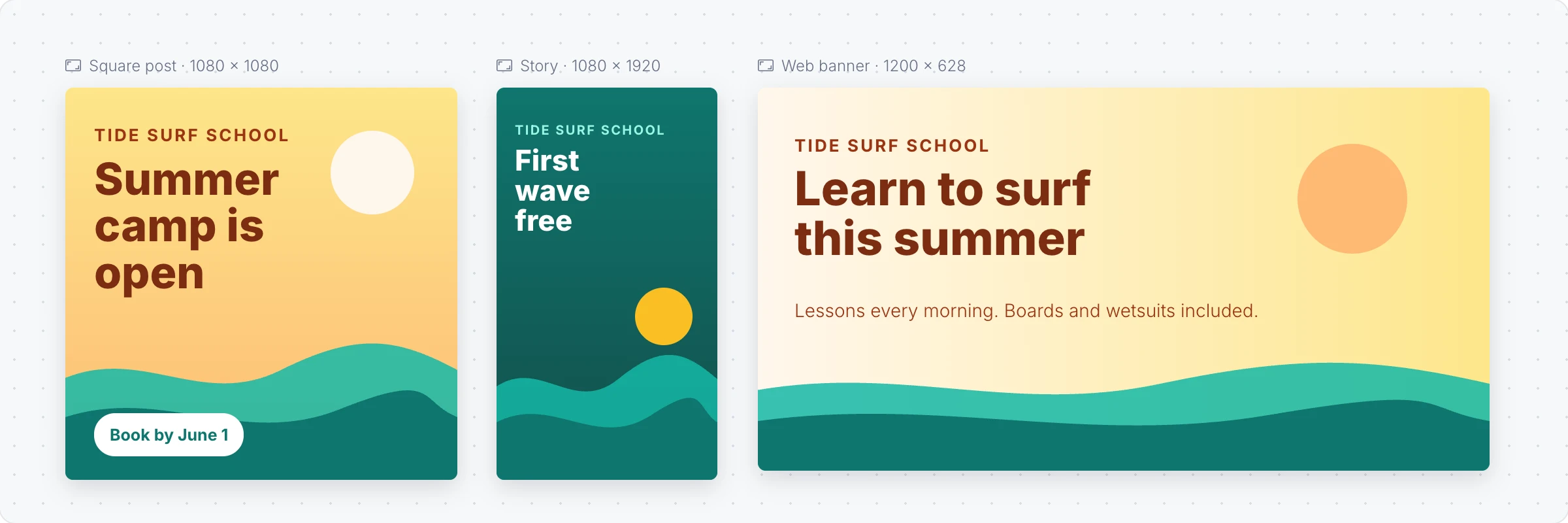
Generate a design with AI
Click Frames in the toolbar at the bottom of the board and choose Design.
With the frame selected, click the AI button on the left of its toolbar and choose Generate new.
Describe the design and pick its Size, for example "A summer camp post for a surf school, warm colors, book by June 1", and click Generate. Turn on With images to have AI make the pictures, or attach a design or sketch to recreate.
Make more versions with AI
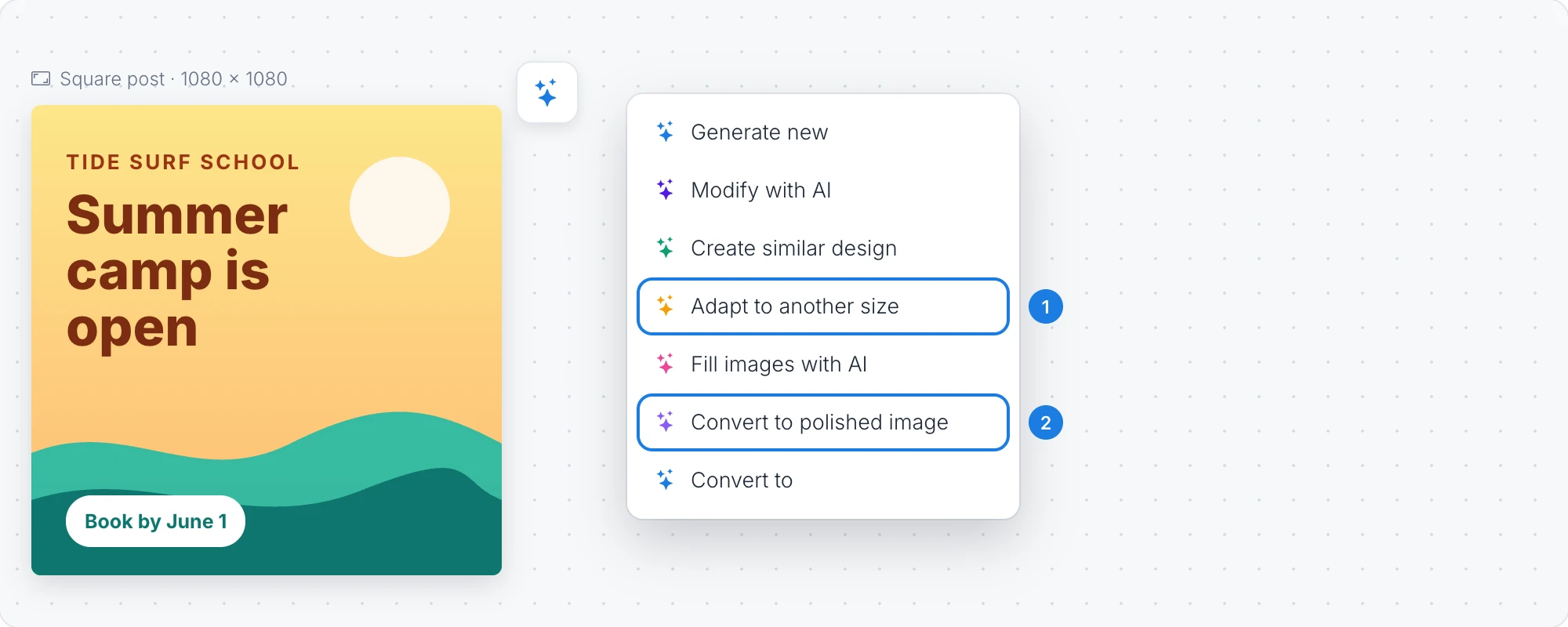
The AI menu has more ways to work with a design:
Adapt to another size: make the same design as a story, a banner or a poster, with the layout rearranged to fit.
Convert to polished image: turn the design into a finished, image quality picture.
Modify with AI changes the design with a prompt, Create similar design makes a new version in the same style, and Fill images with AI fills the picture areas.
Edit a design
Click Edit design in the toolbar to change text, pictures, shapes and colors. The library sidebar has headings, pictures, shapes, frames and grids to drag into the design, and Layers lists everything in it.
Size changes the canvas to a preset, such as social posts, stories and video covers, social ads, web ads, covers and headers or posters, or to a custom size in pixels.
Preview and download
Preview in a social feed shows the design as it would look in a feed, such as Instagram, Facebook, LinkedIn, YouTube or Pinterest.
Download (PNG, JPG, SVG) saves the design as PNG, JPG, SVG or PDF, with an option for a transparent background, or copies it as an image.
The Design frame is available on every plan. Generating and changing designs with AI uses AI credits, and pictures use extra credits. Convert to polished image is not available on the Basic plan. See MockFlow pricing.