
Internal
How to export your board?
To export your board inside the Ideaboard editor, follow the steps below. Select the elements you want to export from the...
To export your board inside the Ideaboard editor, follow the steps below.
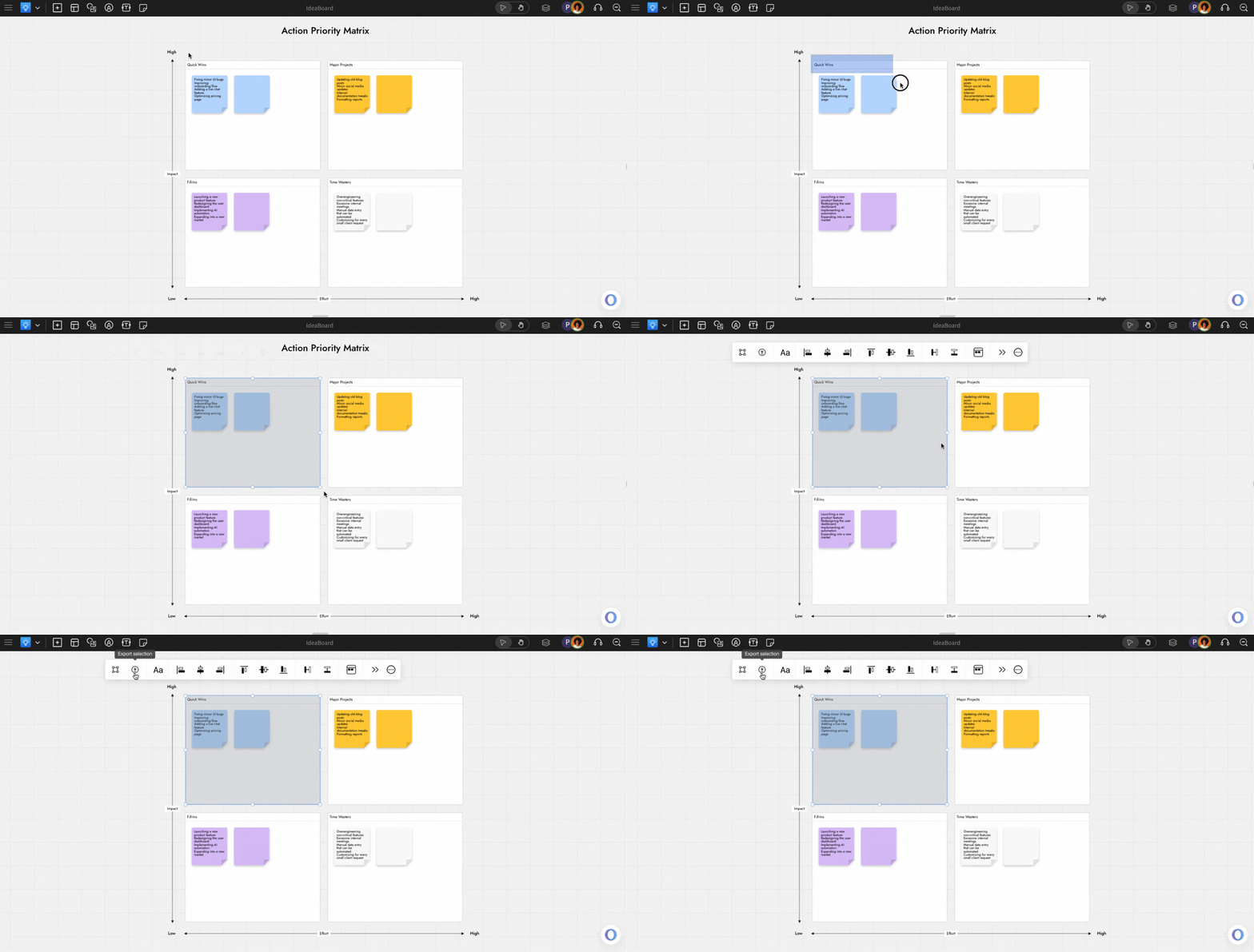
Select the elements you want to export from the Ideaboard editor.
You can export a specific section; check out this
article.
Click the 'Export selection' option from the grouping toolbar.
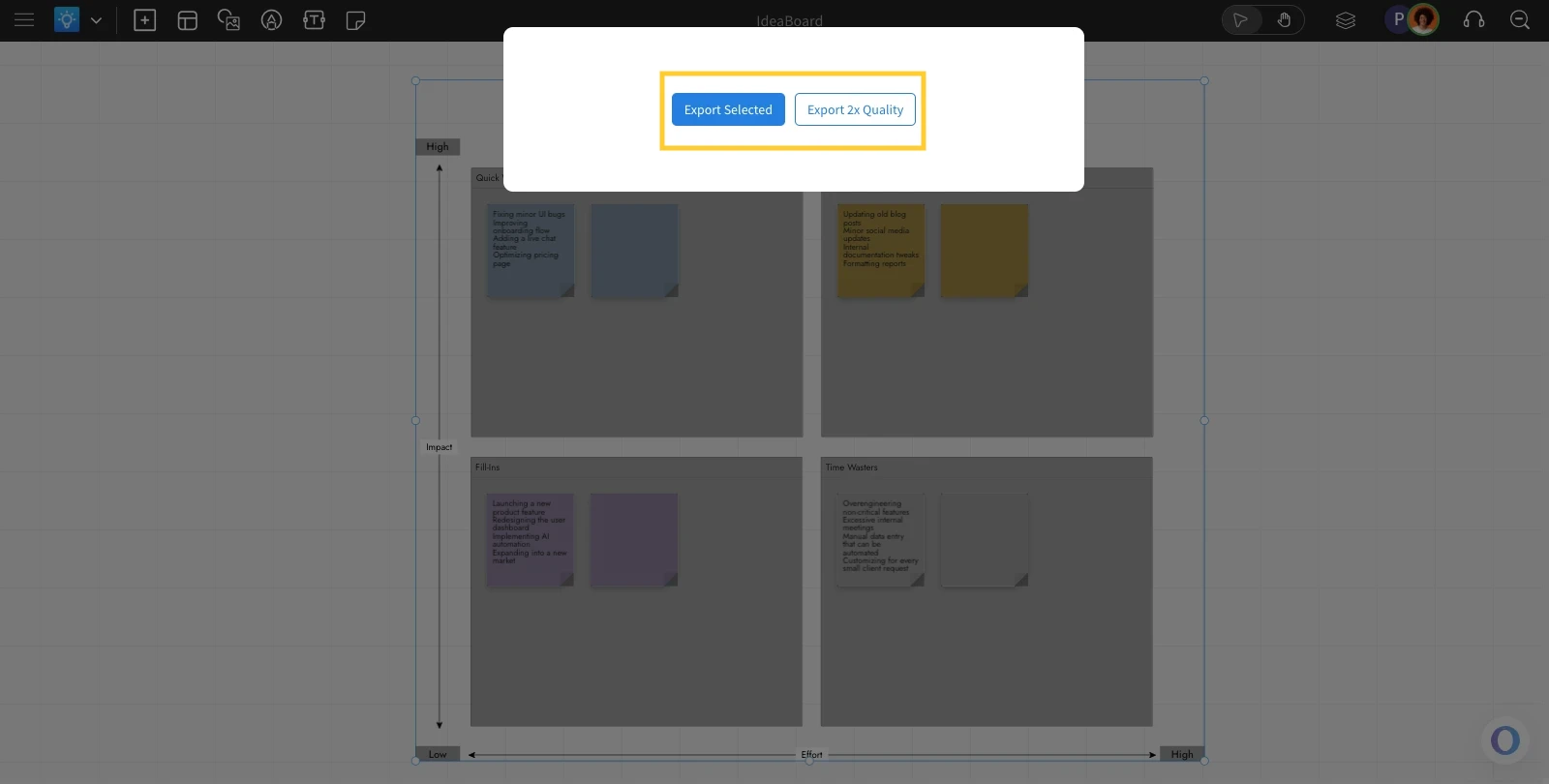
Choose an export option: 'Export Selected' or 'Export 2x Quality.'
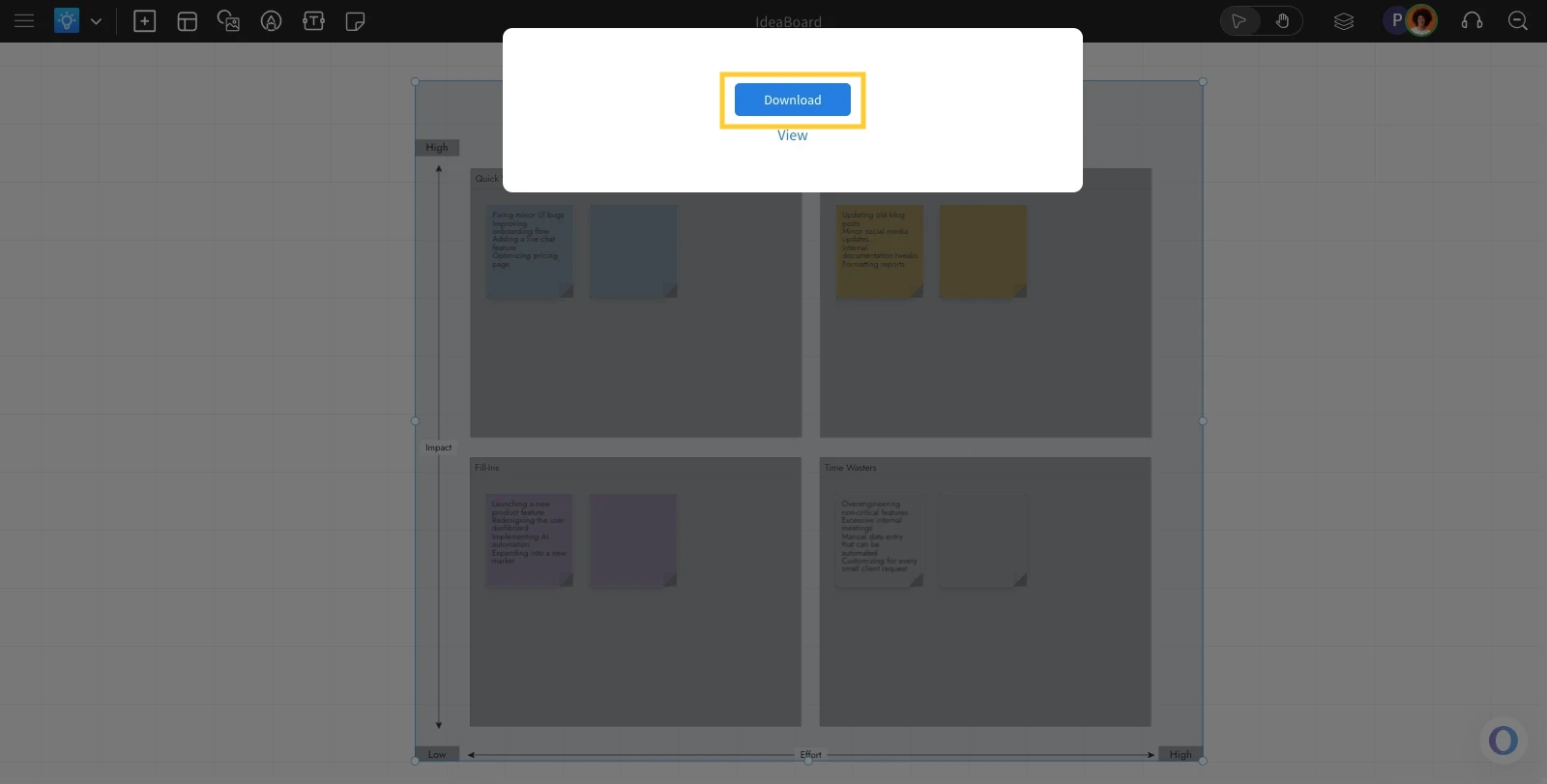
Click 'Download' to export the Ideaboard as an image.
Was this page helpful?