
Internal
How to delete my MockFlow account?
All your data and account details at MockFlow.com can be permanently deleted by logging in and clicking the ' Delete account'...
All your data and account details at MockFlow.com can be permanently deleted by logging in and clicking the ' Delete account' button under 'My Account'->'Edit Profile'.
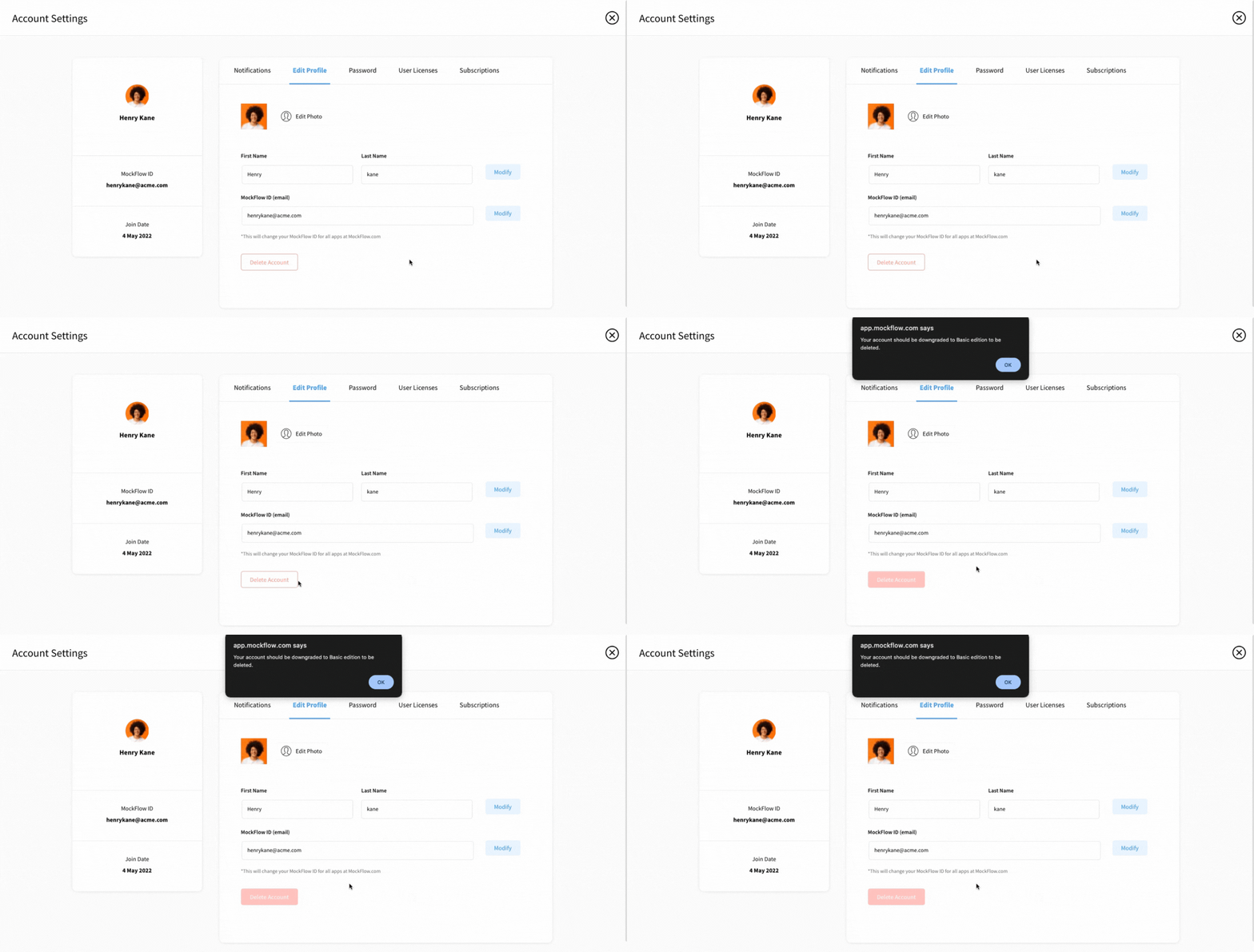
Note: Users with paid licenses cannot delete their accounts. They can either delete their account when their subscription expires or by placing a special request via email to mockflow@produle.com.
Was this page helpful?