
Internal
How to generate design specifications ?
Generate pixel-perfect specifications and CSS code for any component used in the wireframe. 'Specs' simplifies design...
Generate pixel-perfect specifications and CSS code for any component used in the wireframe. 'Specs' simplifies design hand-off.
Follow the steps below to generate design specifications automatically:
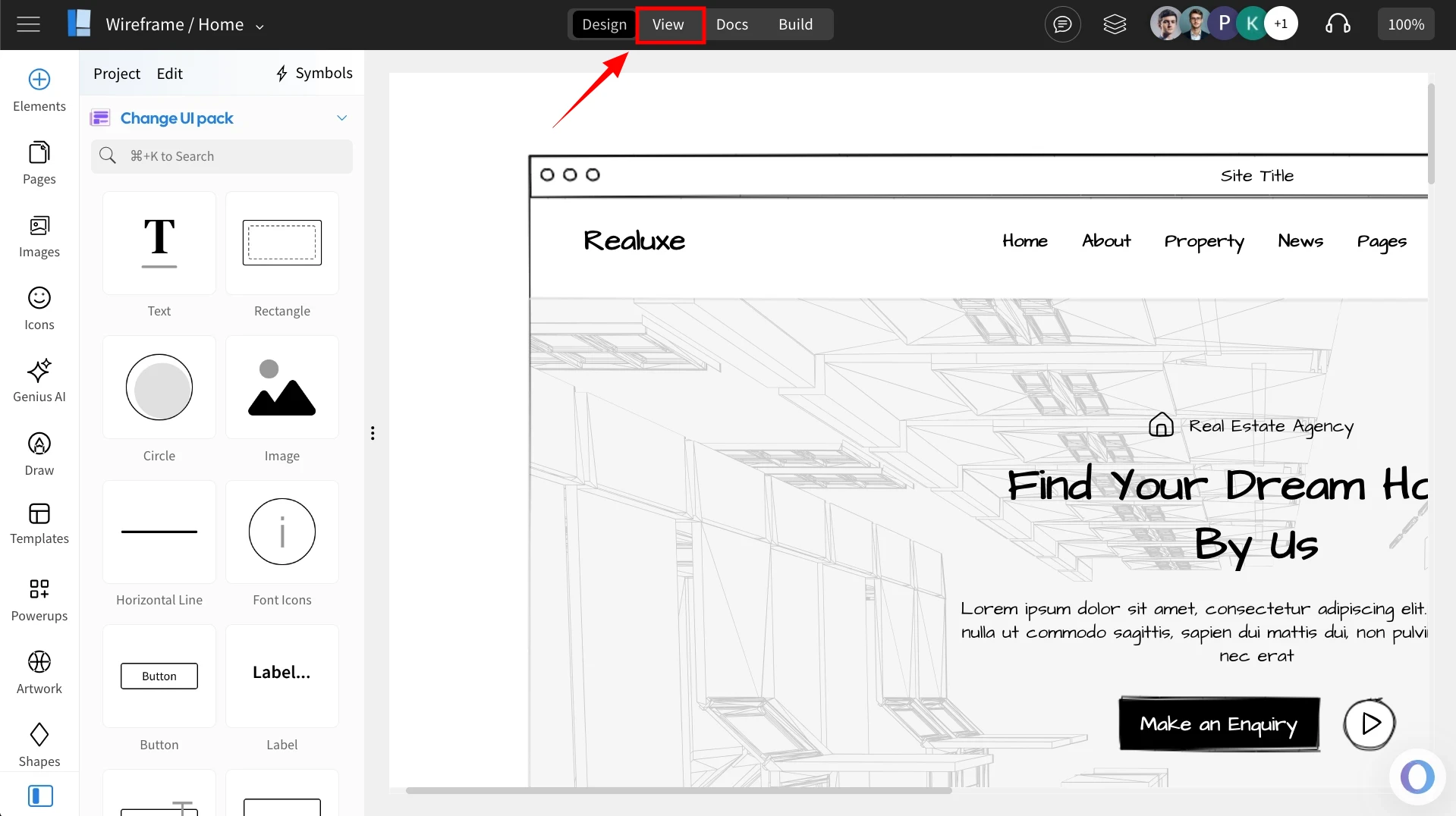
Click on the 'View' Button.
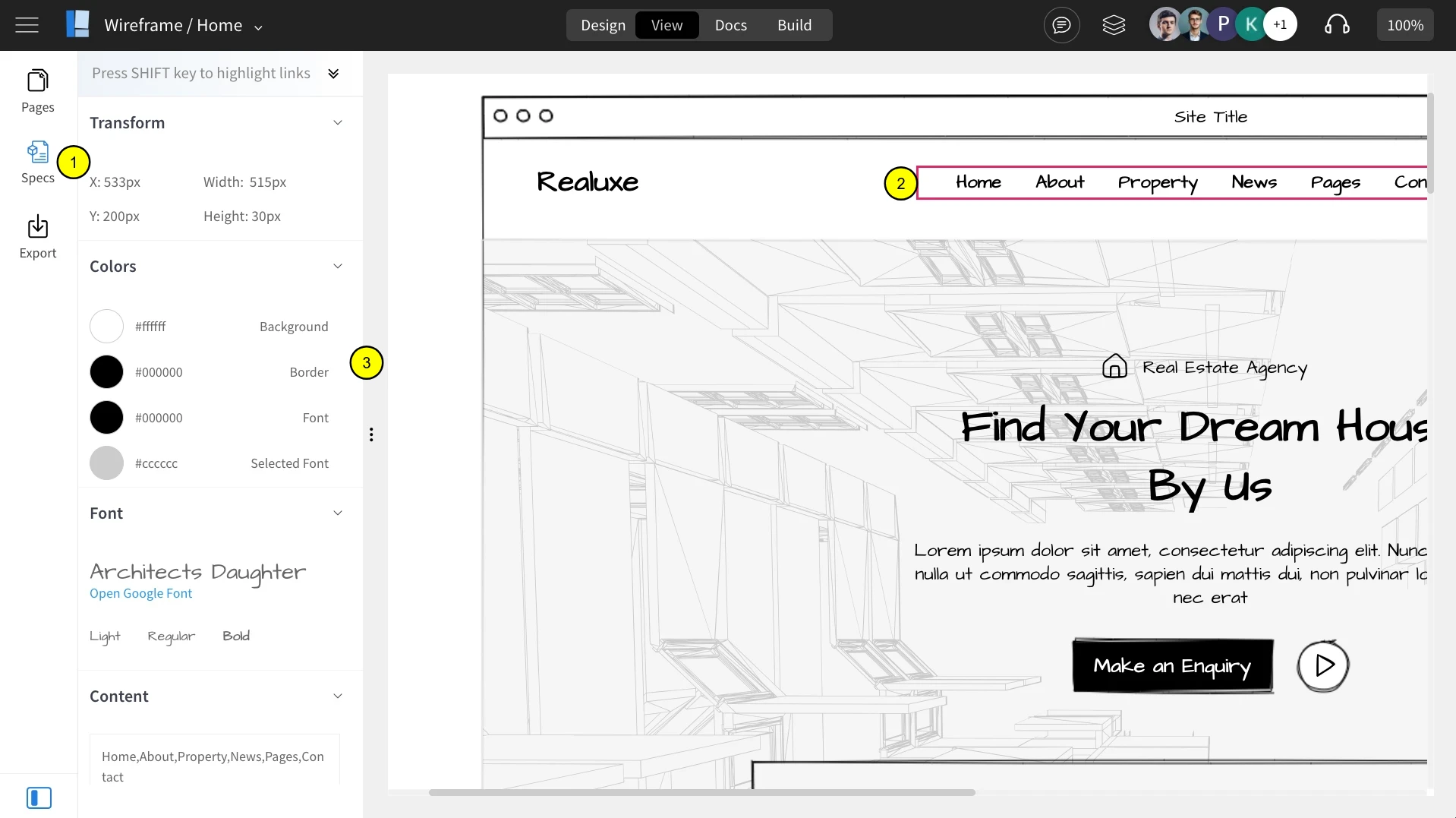
Click on the 'Specs' option in the sidebar.
Select a component to view the specification.
Specifications of the selected component are displayed here.
Was this page helpful?