
Internal
How can I change default font family in WireframePro?
To change the font family of a component, follow the below steps: Select any component that has text like Button, Label,...
To change the font family of a component, follow the below steps:
Select any component that has text like Button, Label, Text,...
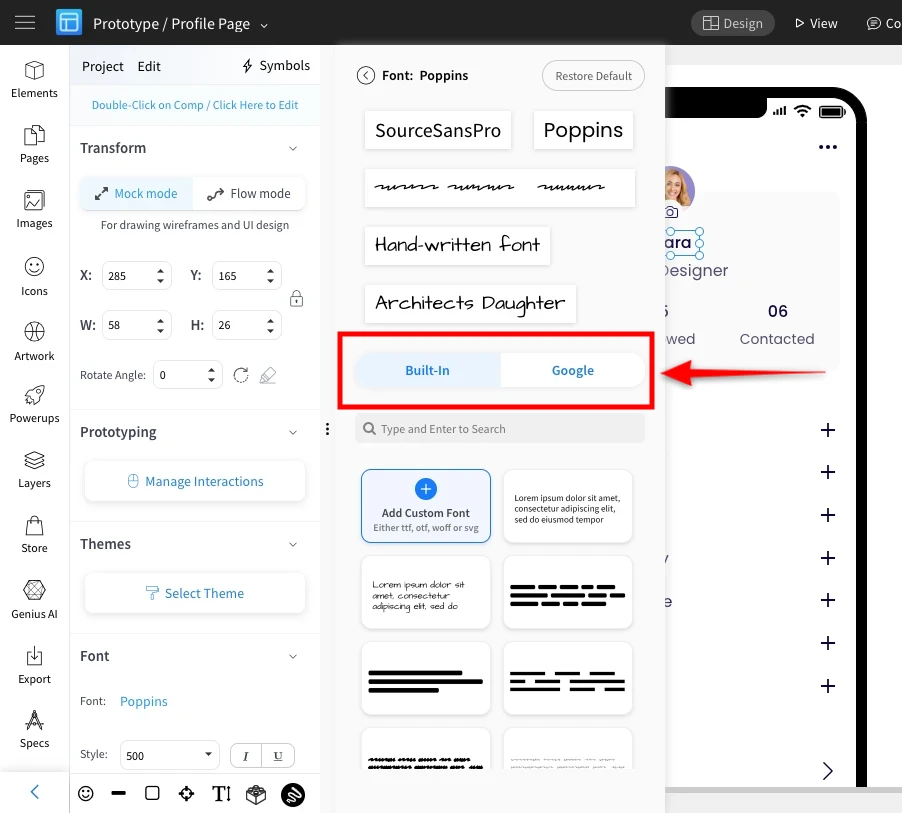
In its component settings, select 'Font' to bring up the 'Font chooser' dialog box.

In the font dialog box, select from built-in fonts / Google fonts to change the 'font-family' of a component.
Was this page helpful?