
How to enable SCIM Provisioning
System for Cross-domain Identity Management (SCIM) helps enterprises to manage user access to various applications like MockFlow...
System for Cross-domain Identity Management (SCIM) helps enterprises to manage user access to various applications like MockFlow directly from their Identity Provider. MockFlow enables enterprise users to provision SCIM with their Identity Providers.
MockFlow supports the following events:
Assign new users to the app
Remove users from the app
Profile updates on a user
Requirements
MockFlow Enterprise license or annual TeamPack license is required for SCIM Provisioning.
Ensure you have set up the Single Sign On feature to make use of the SCIM Provisioning. If it is not done so already, follow the below links for steps.
Setting up SSO with Okta - https://support.mockflow.com/article/150-enterprise-sso-login-okta-identity-provider
Setting up SSO with Azure Active Directory - https://support.mockflow.com/article/MockFlow-SSO-Setup-Azure-identity-provider
Setting up SSO with Auth0 or any other provider - https://support.mockflow.com/article/166-enterprise-sso-any-identity-provider-auth0-bitium
Configuration in MockFlow
Login to your MockFlow account at https://mockflow.com
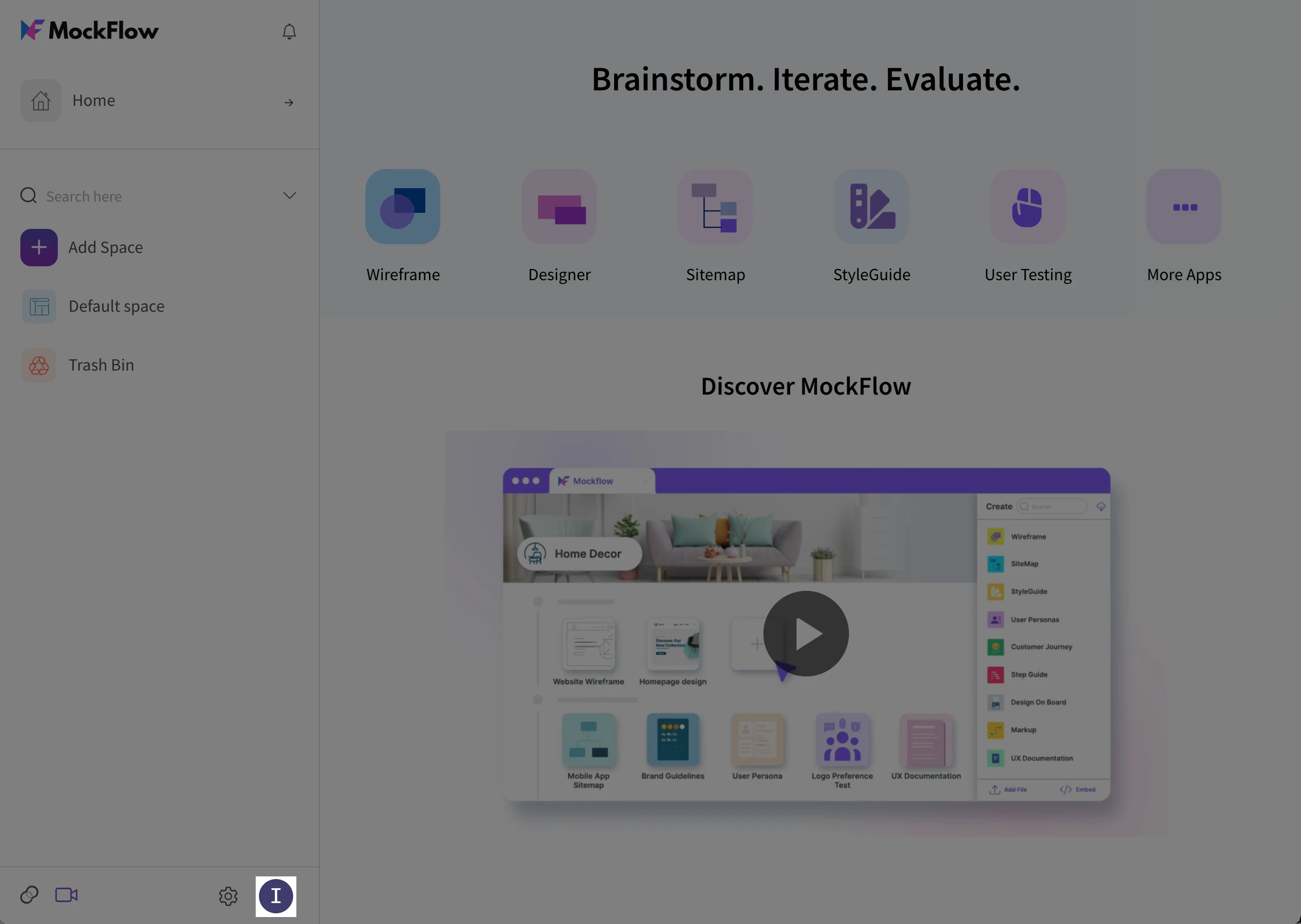
Click on the Profile icon at the bottom left panel of the screen
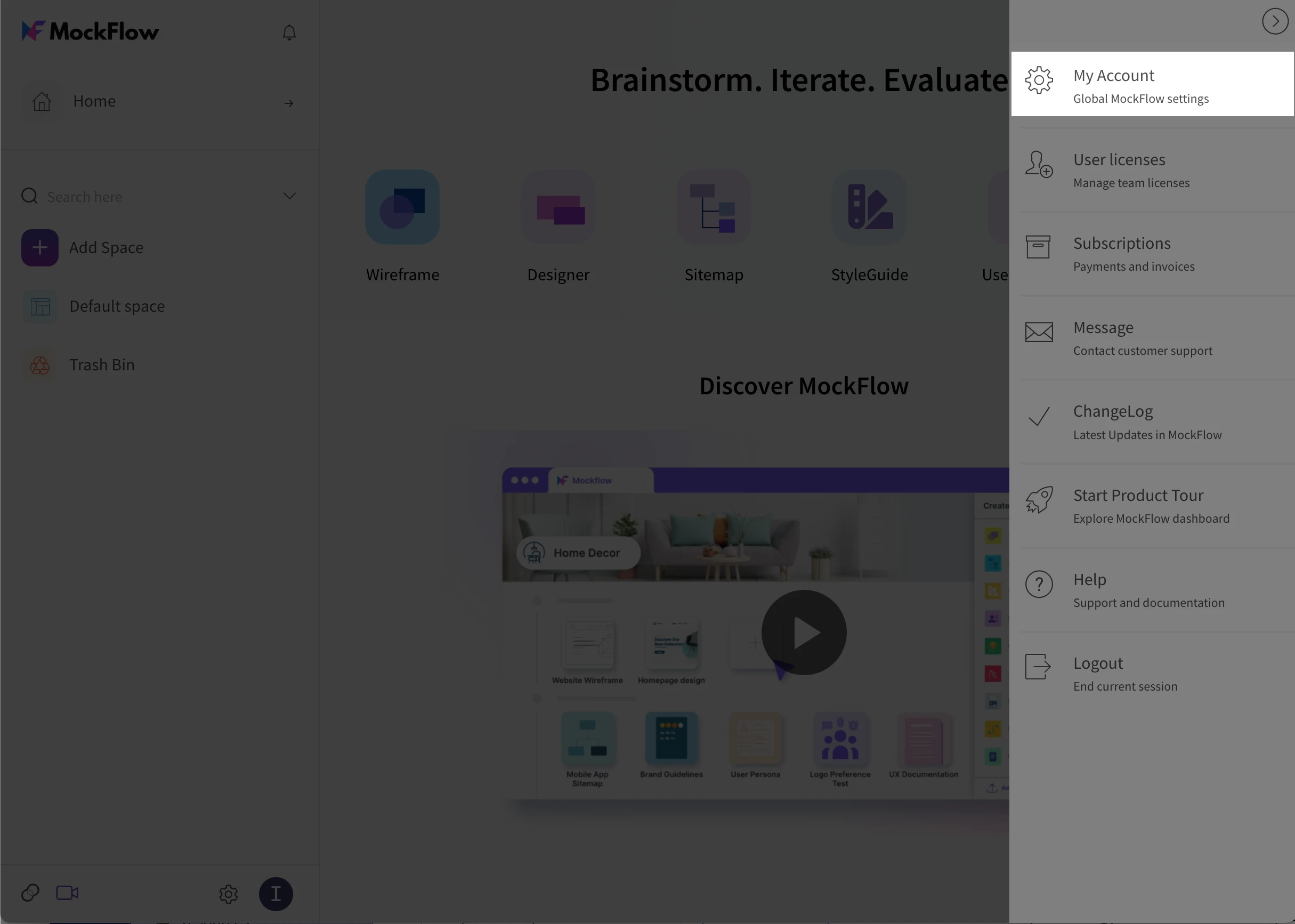
3. Select “My Account” in the sidebar
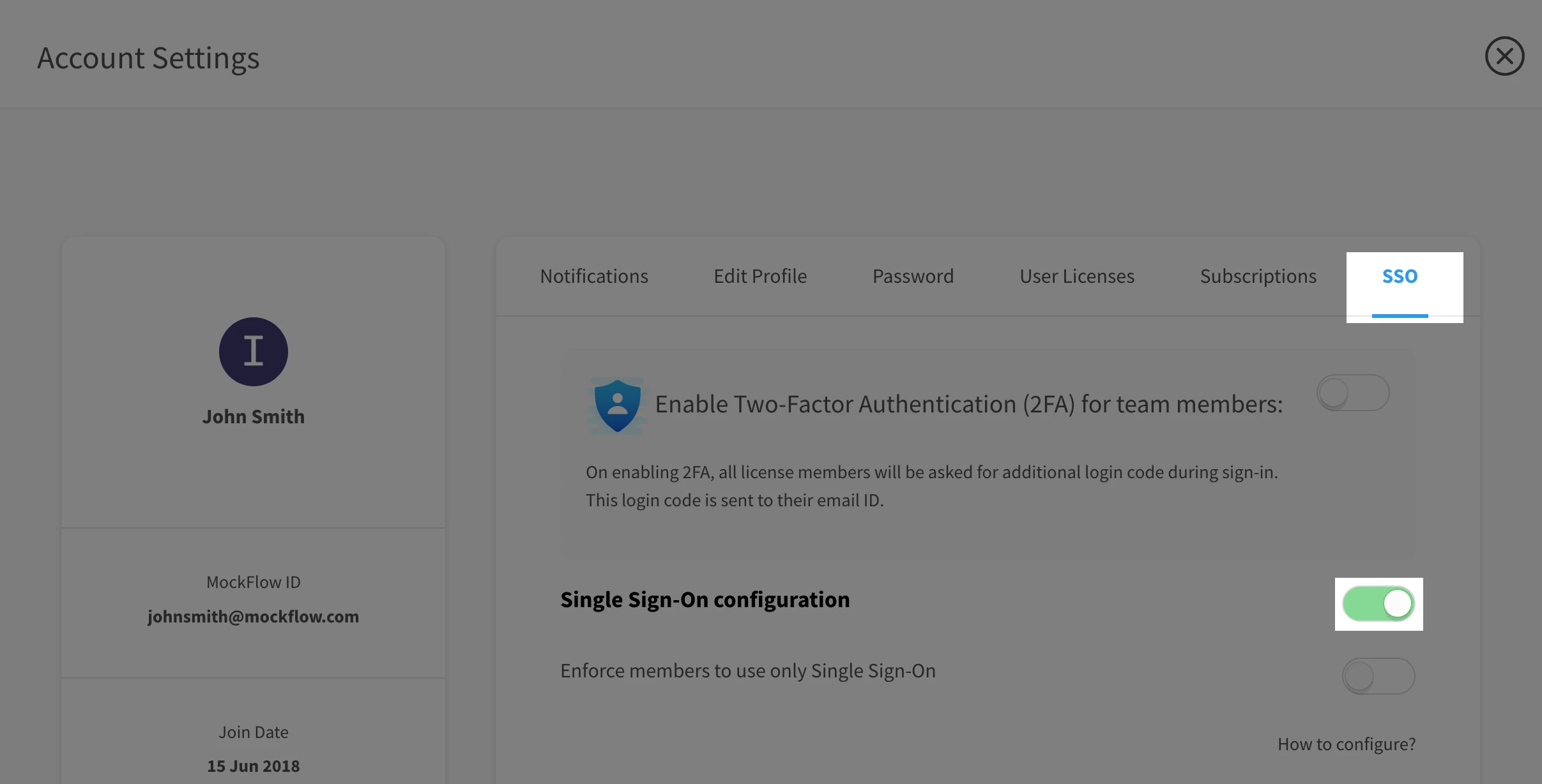
4. Navigate to the SSO tab and enable Single Sign On configuration if not done.
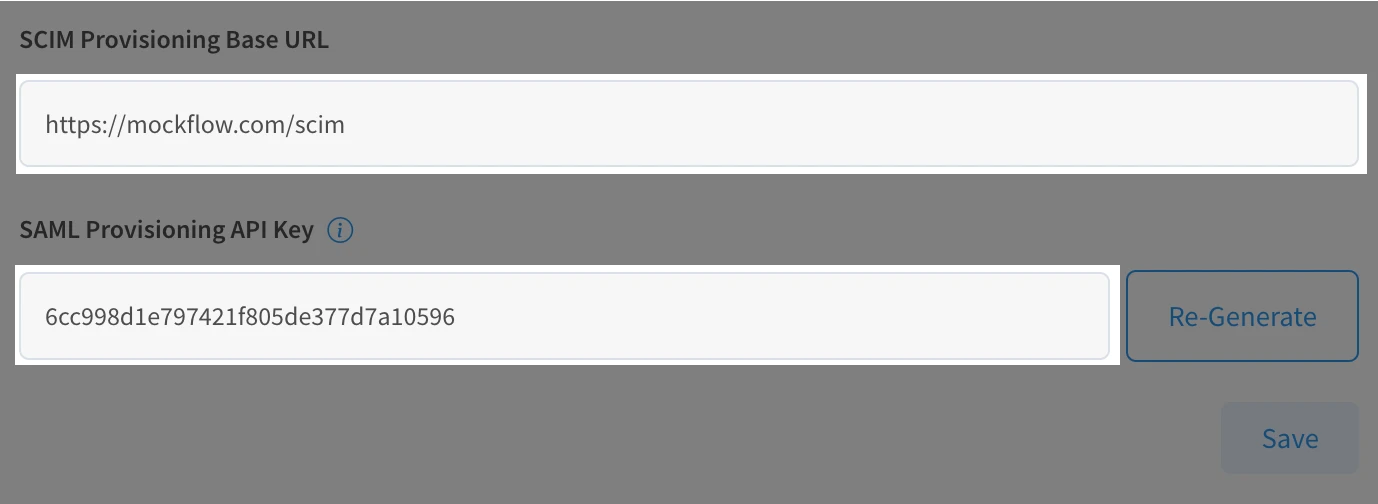
5. Scroll to the bottom of the screen, copy SCIM Provisioning Base URL and SCIM Provisioning API Token. Generate the token if not available.
Configuration in Identity Provider
Login to your Identity Provider and navigate to the Application where you have configured SSO with MockFlow.
Under Provisioning settings, use the SCIM Provisioning API Token.
The “Authorization” method is via HTTP headers