How to use UX Documents templates to create your own?
Learn how to efficiently use UX document templates in MockFlow to create your own documentation. Follow our guide for a streamlined design process and project consistency.
When starting a UX document, using a template can save you significant time. MockFlow's UX Docs feature offers templates to help you jumpstart your documentation. Follow these steps to create UX documents using MockFlow's UX docs templates:
Inside the wireframing editor, click on 'Docs.' The docs editor sidebar appears.
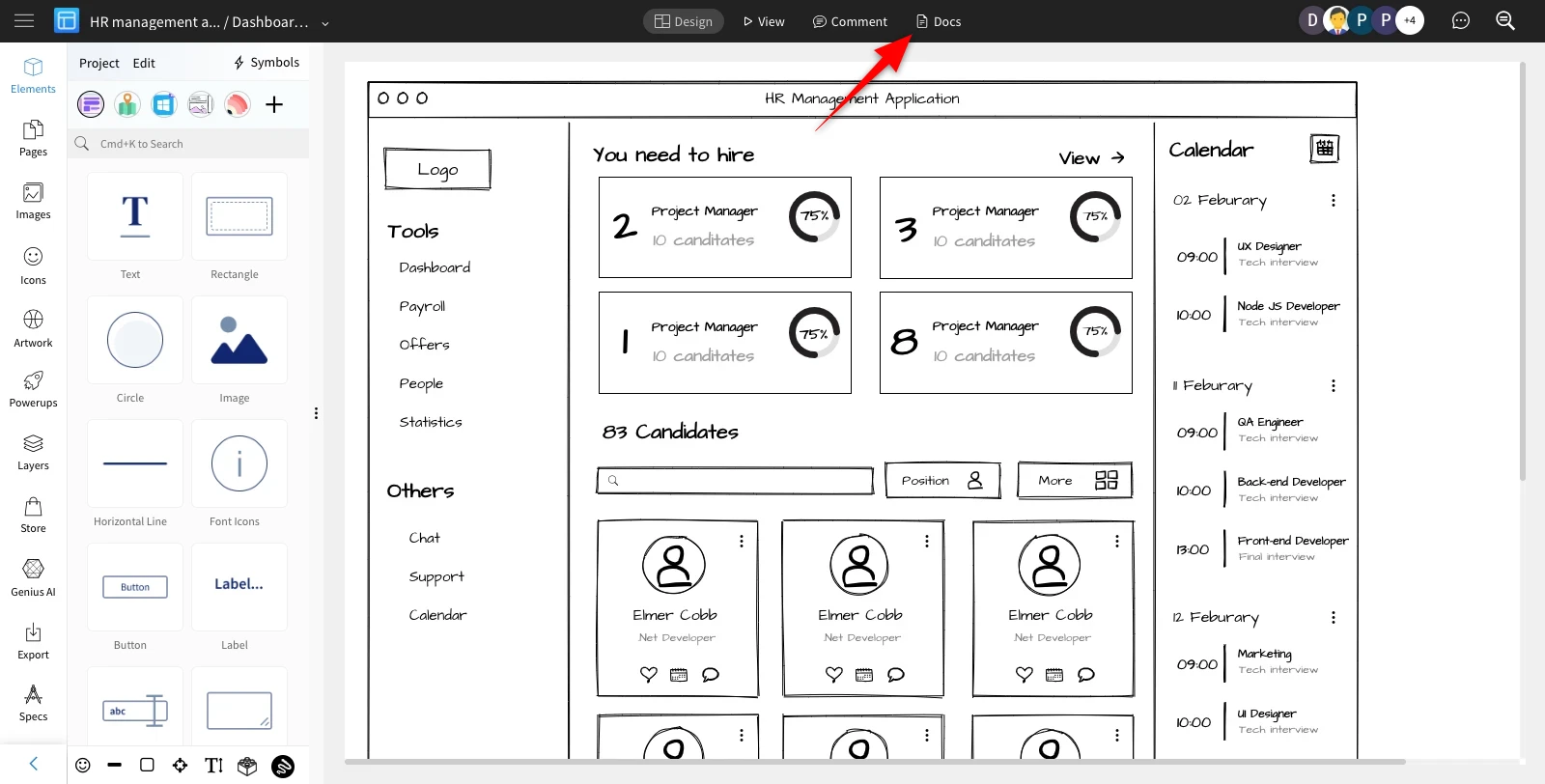
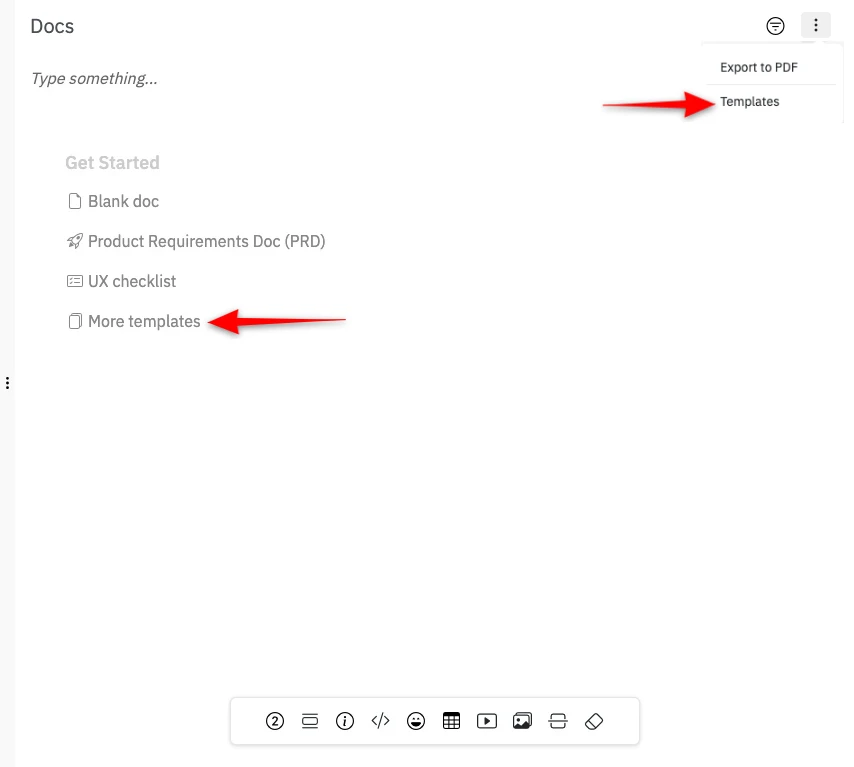
When you open the UX Docs editor, you can see the list of options available to get started -
a Blank doc or to choose any template. Click on the 'More templates' option.
The templates option can also be accessed by clicking on the more options at the top right.
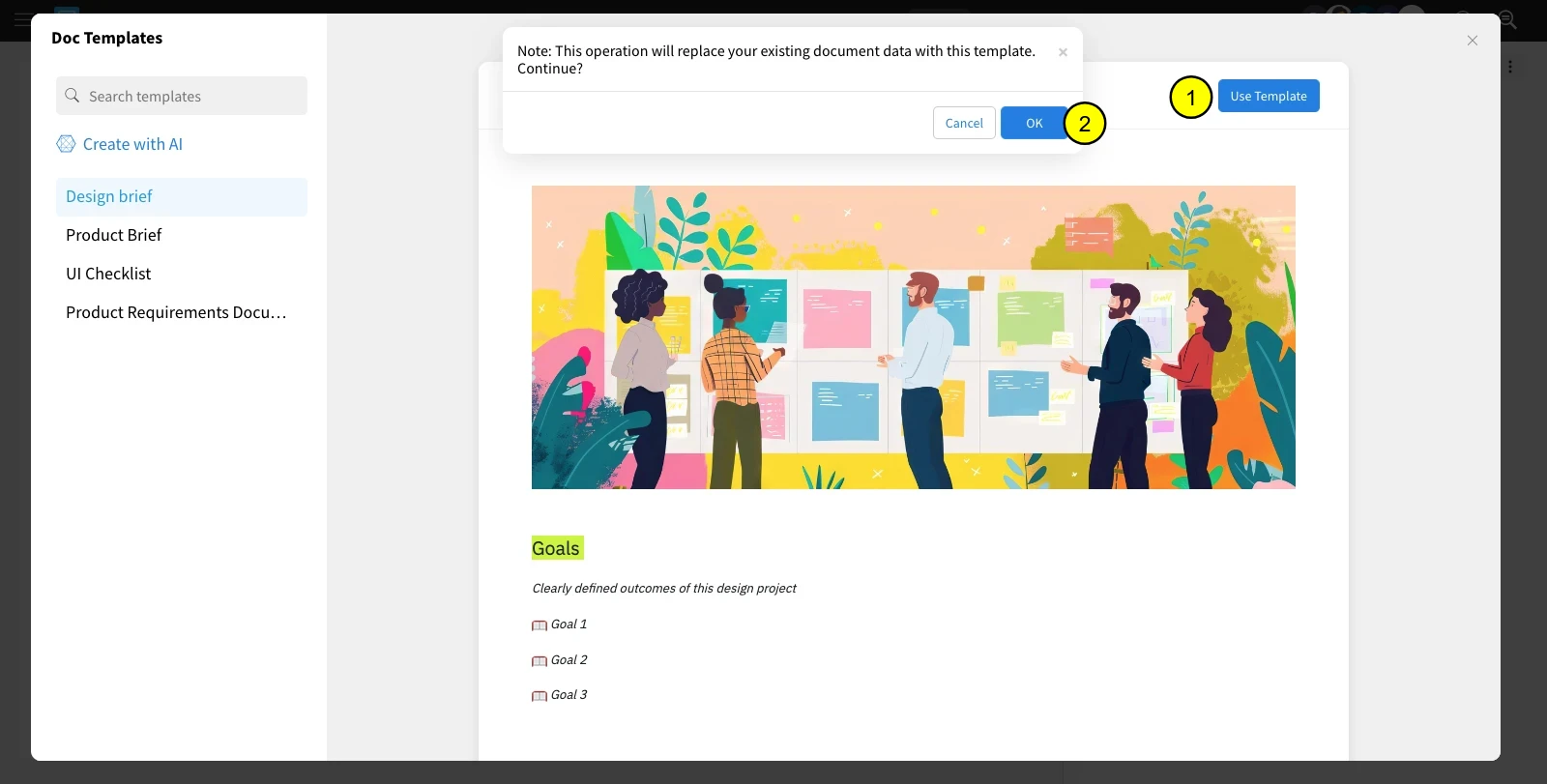
The Doc templates page opens up.
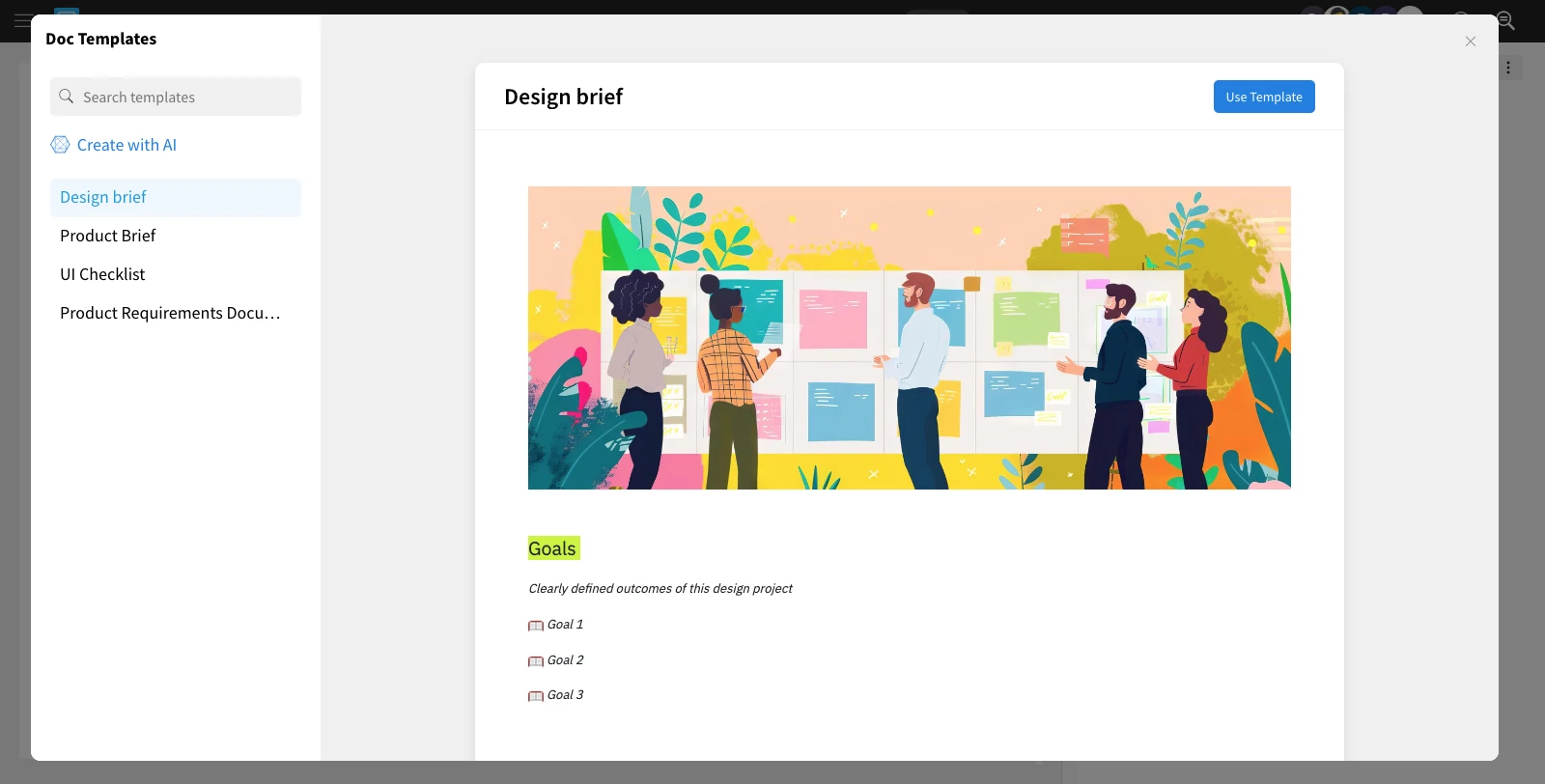
Select any template and click 'Use Template.' Confirm by clicking 'OK' in the alert.
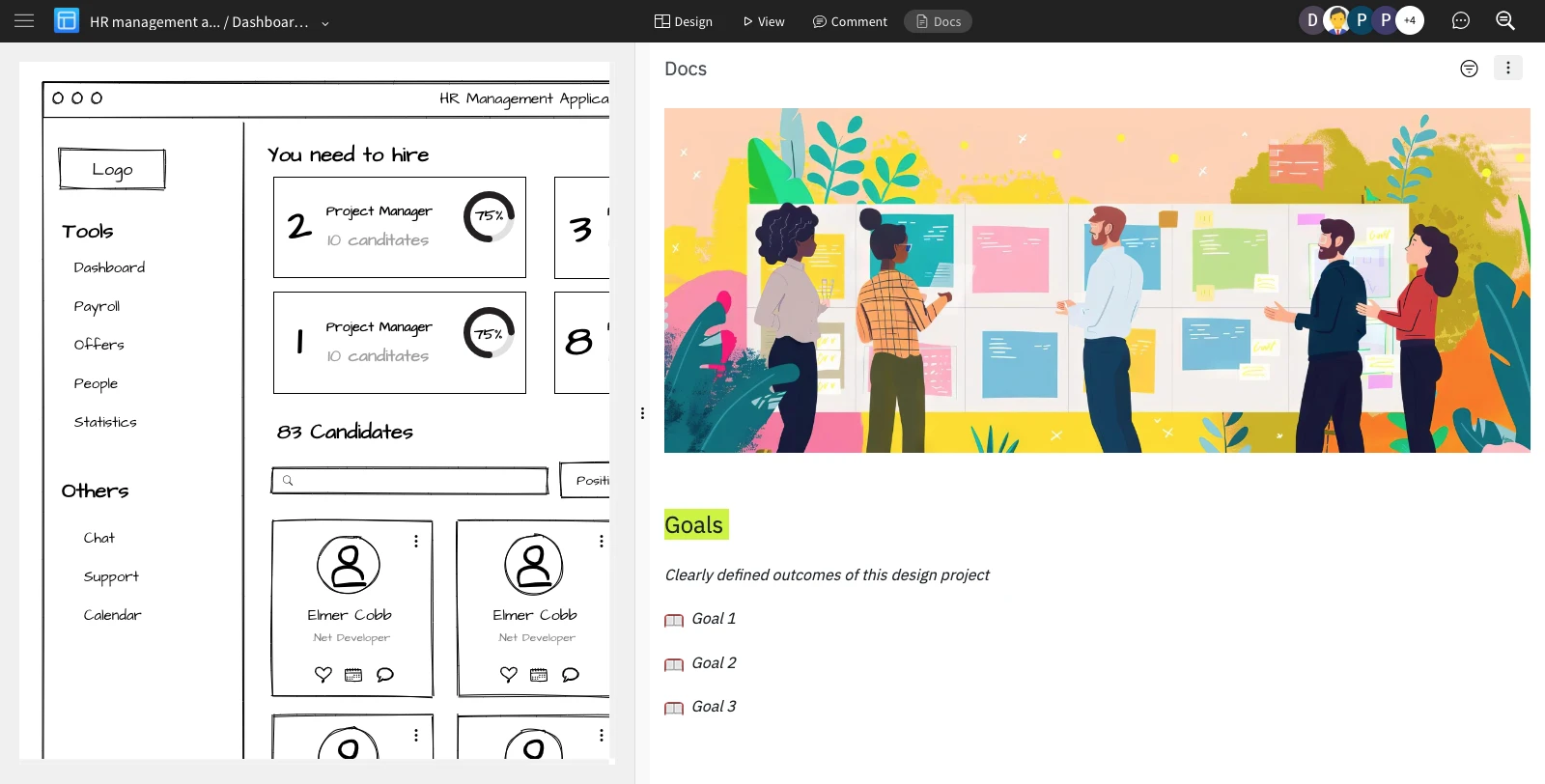
The template will appear inside the Docs editor and can be edited as per your preference.