
Internal
Real-Time Call Alerts for Video Meetings in MockFlow
MockFlow now offers real-time call alerts for in-design video meetings, keeping your team informed and preventing missed calls....
MockFlow now offers real-time call alerts for in-design video meetings, keeping your team informed and preventing missed calls. Follow these steps to enable real-time call alerts for your teammates.
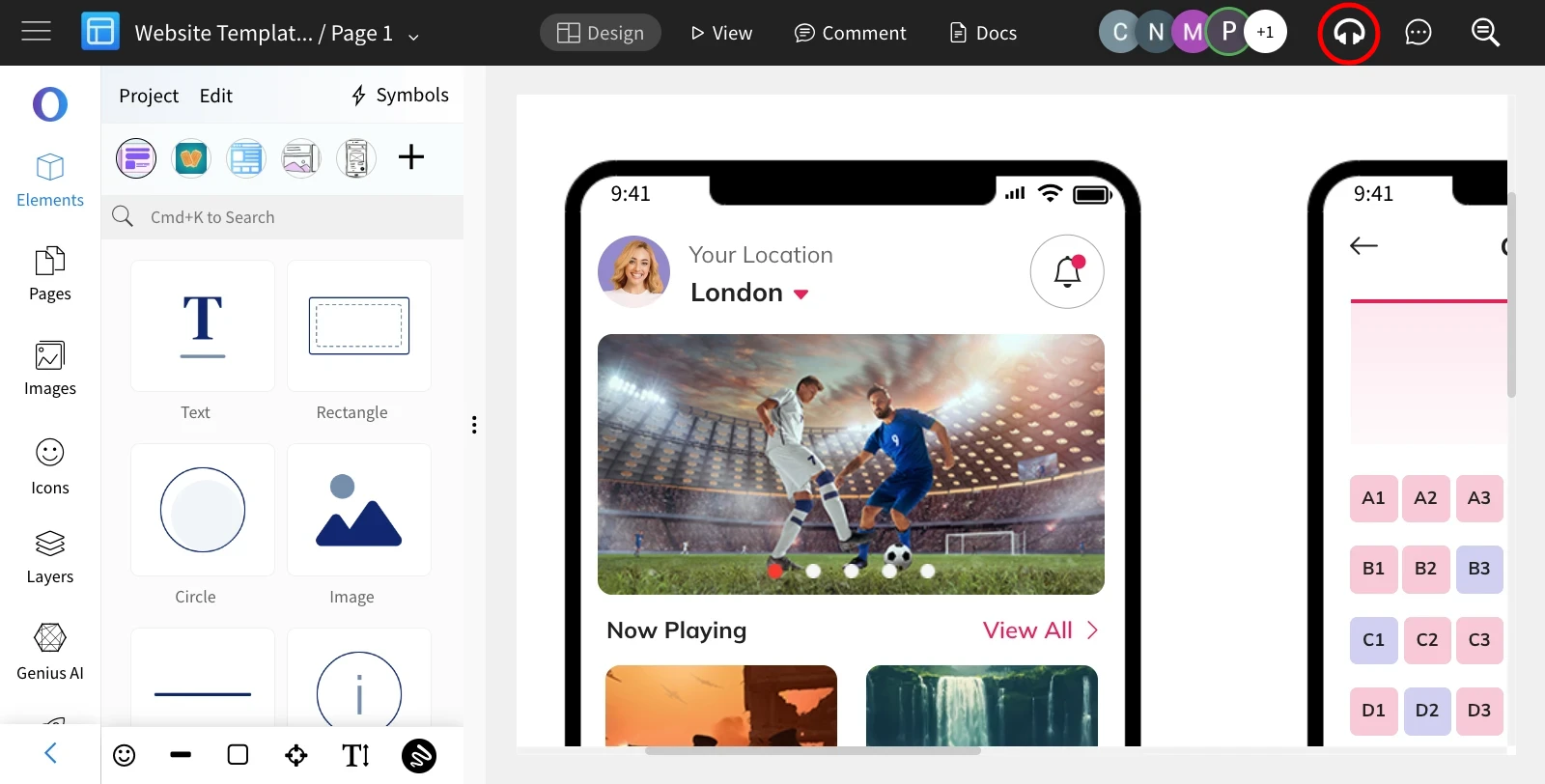
Inside the editor, click the 'Start Meeting' icon in the top right.
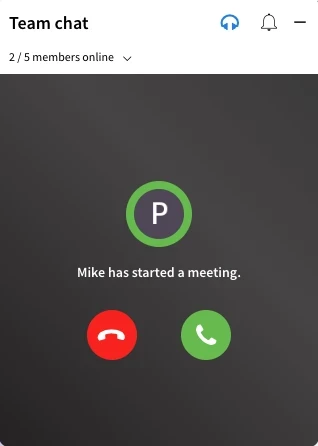
All project members will receive real-time call alerts with options to either join or decline the meeting.
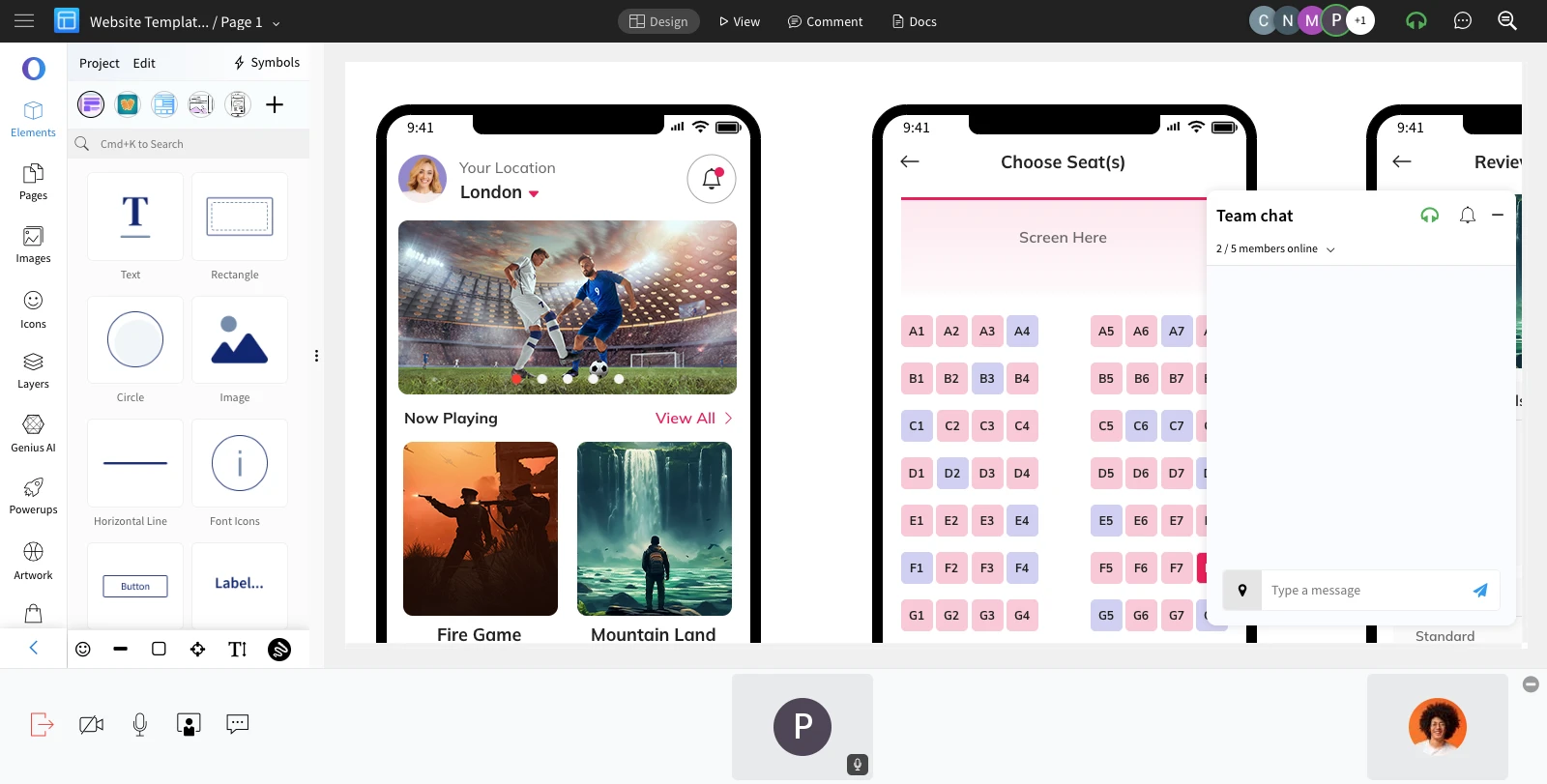
When the call is joined, it will switch to video conferencing.
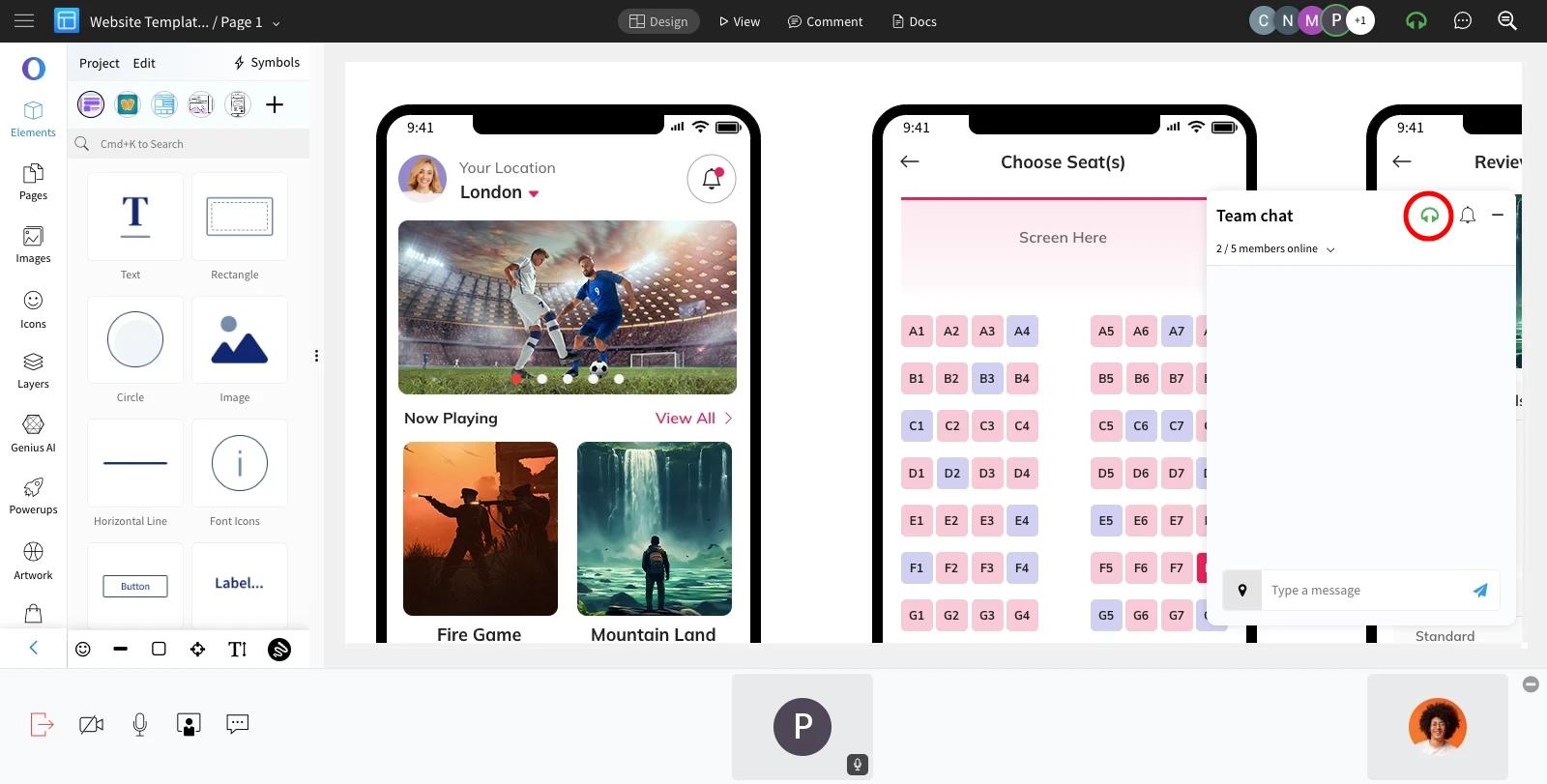
To exit the meeting, click the 'Exit Meeting' icon at the top or from the team chat.
Was this page helpful?