Generate Color Palette with AI
If you were switching to third-party apps to brainstorm on the perfect color palette for your UI design, this feature is a...
If you were switching to third-party apps to brainstorm on the perfect color palette for your UI design, this feature is a must-try. You can now generate color palettes with AI right inside MockFlow's wireframing editor. And once you finalize your color palette, you can add them to your favorite color listings to easily access them while creating your wireframes.
Read below to know how.
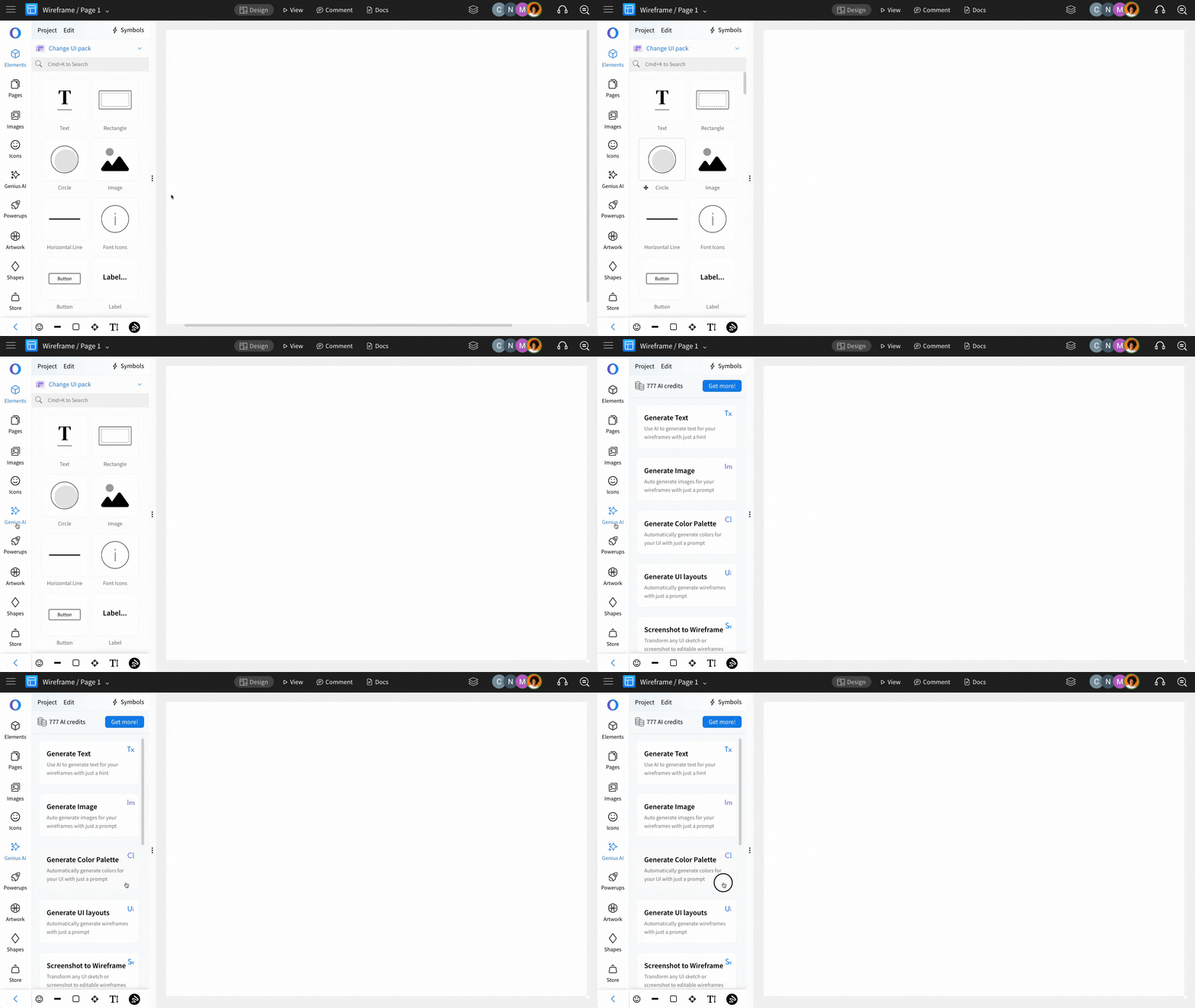
Click on Genius AI on the left sidebar.
Select Generate Color Palette.
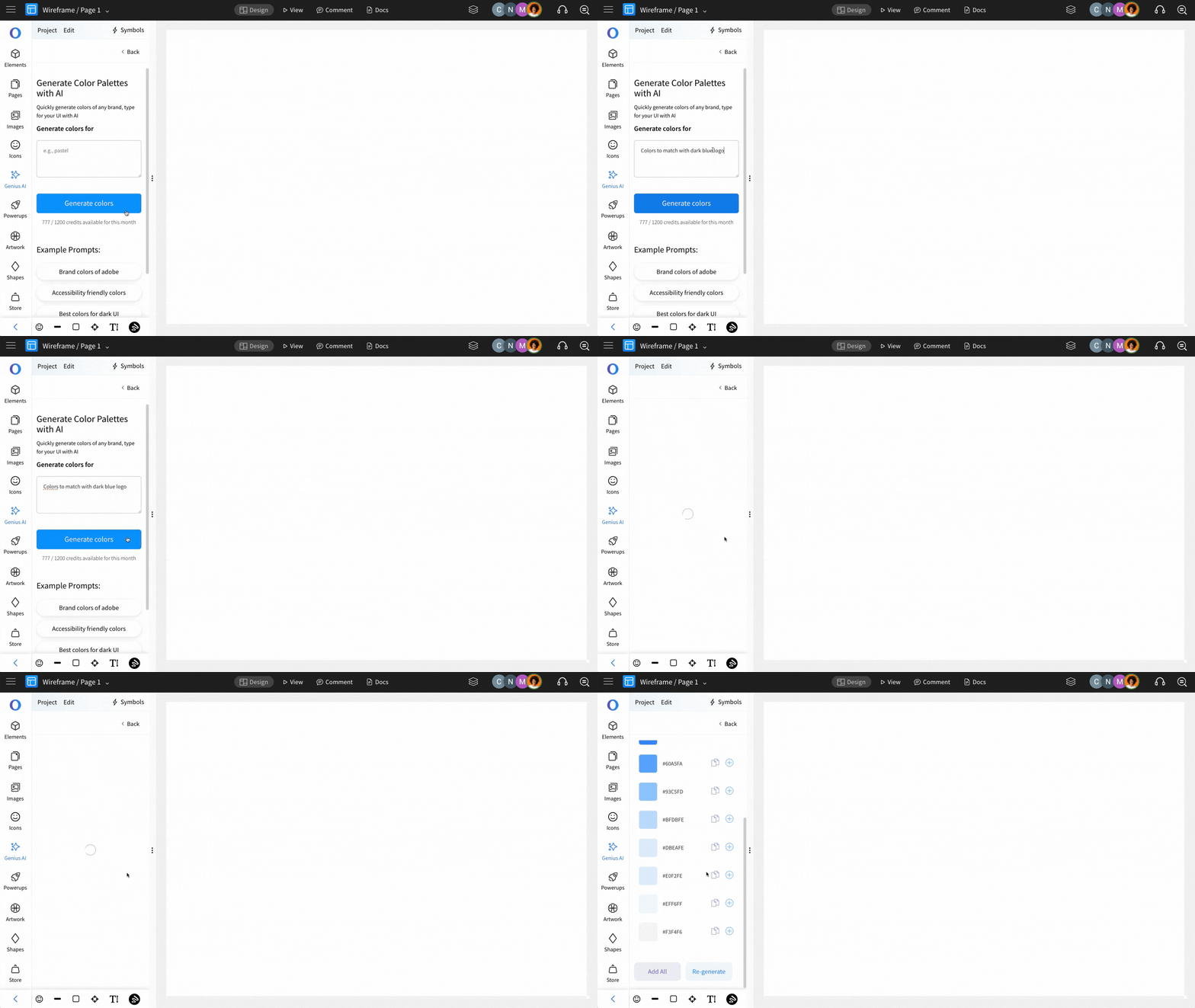
Enter the prompt to generate the desired color palette and click on Generate colors.
Based on your prompt, an AI-generated color palette will be displayed instantly.
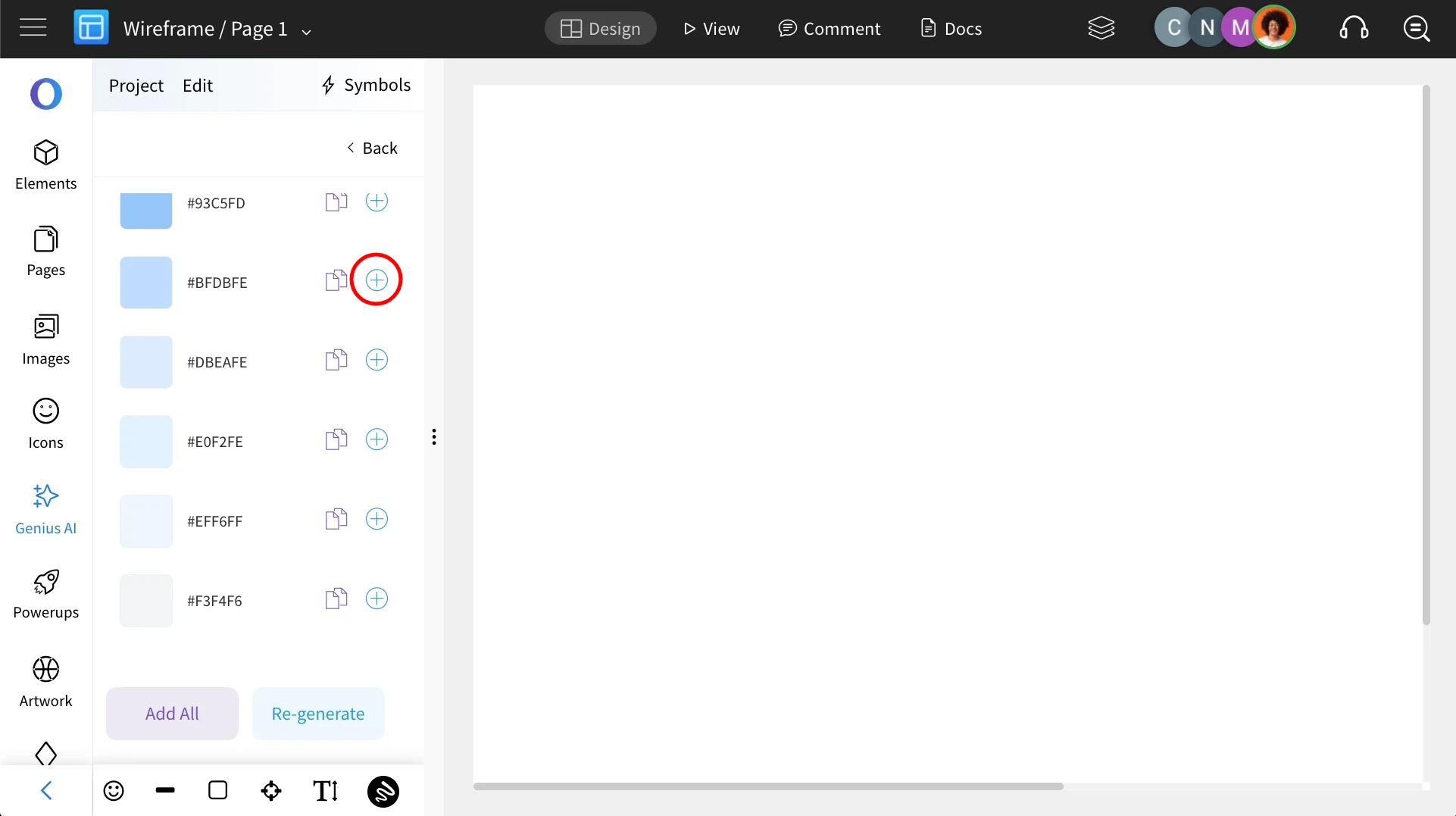
Click the plus (+) icon next to any color to save it to your MockFlow color palette.
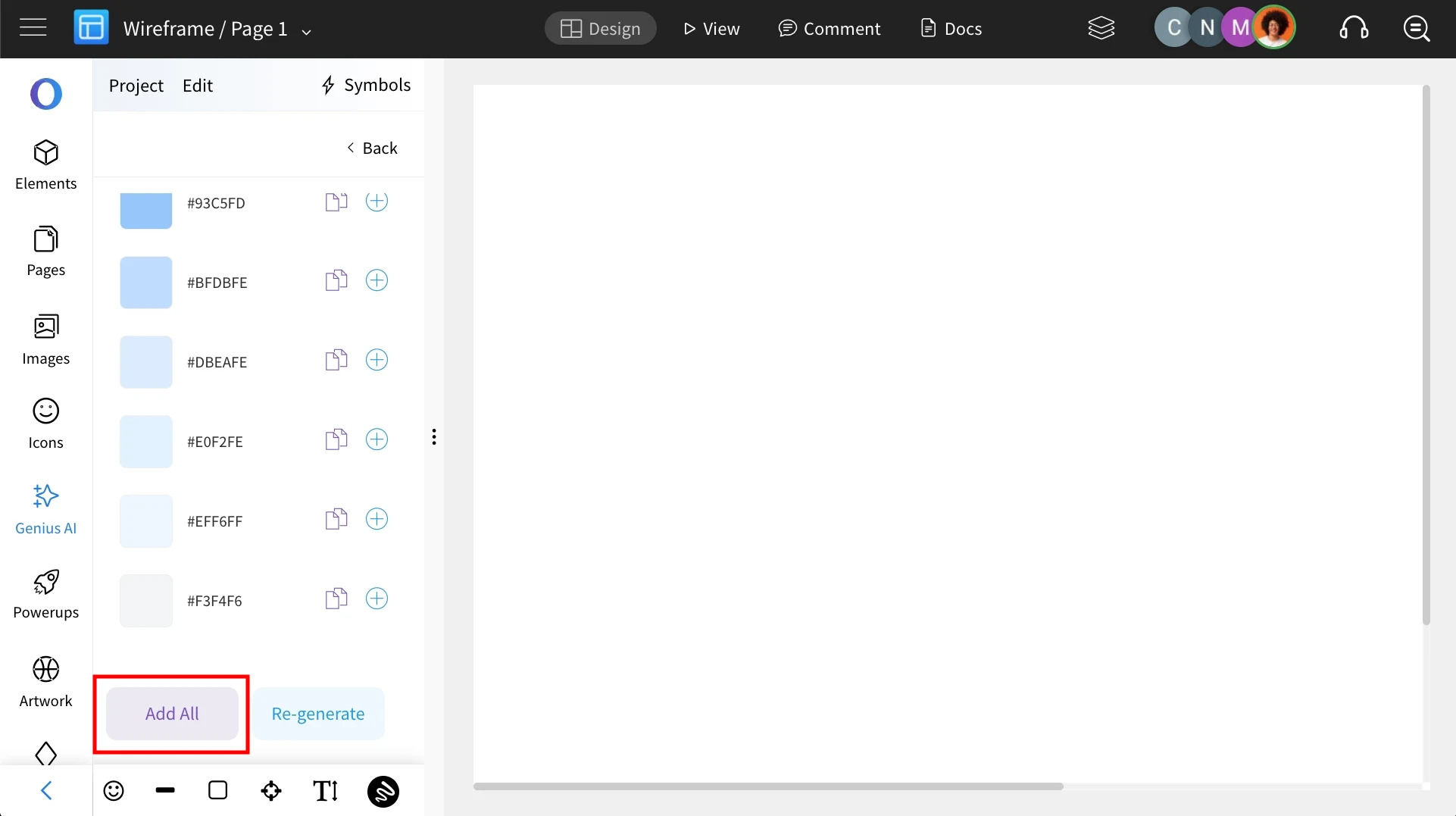
To save the entire palette at once, use the "Add All" button.