
Internal
Convert Screenshot to Wireframe with AI
Instantly convert your screenshots into wireframes with MockFlow's Screenshot to Wireframe AI feature. Just follow the steps...
Instantly convert your screenshots into wireframes with MockFlow's Screenshot to Wireframe AI feature. Just follow the steps below.
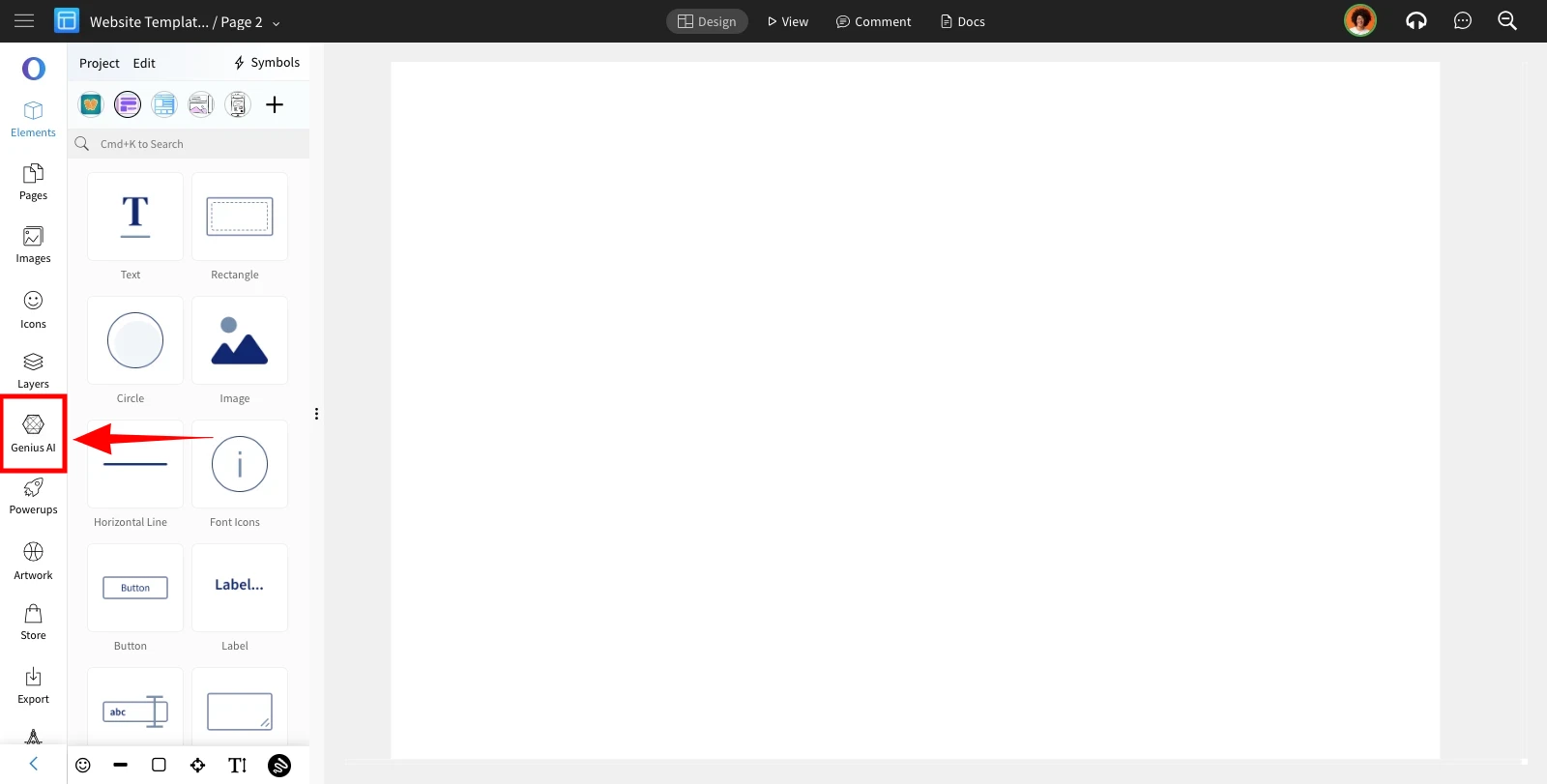
Inside the Wireframe editor, click on the 'Genius AI' from the editor sidebar.
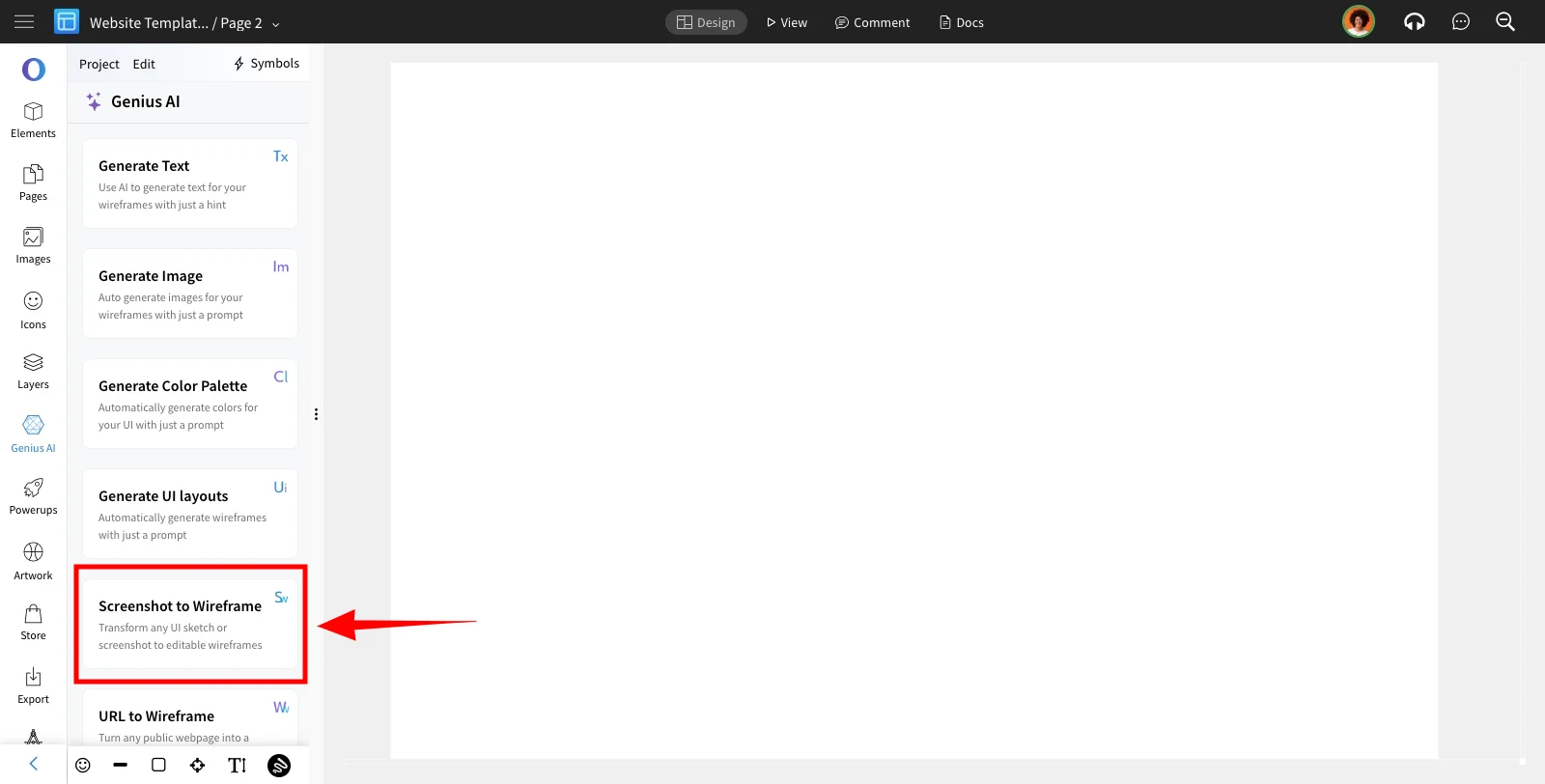
Choose 'Screenshot to Wireframe' from the AI features list.
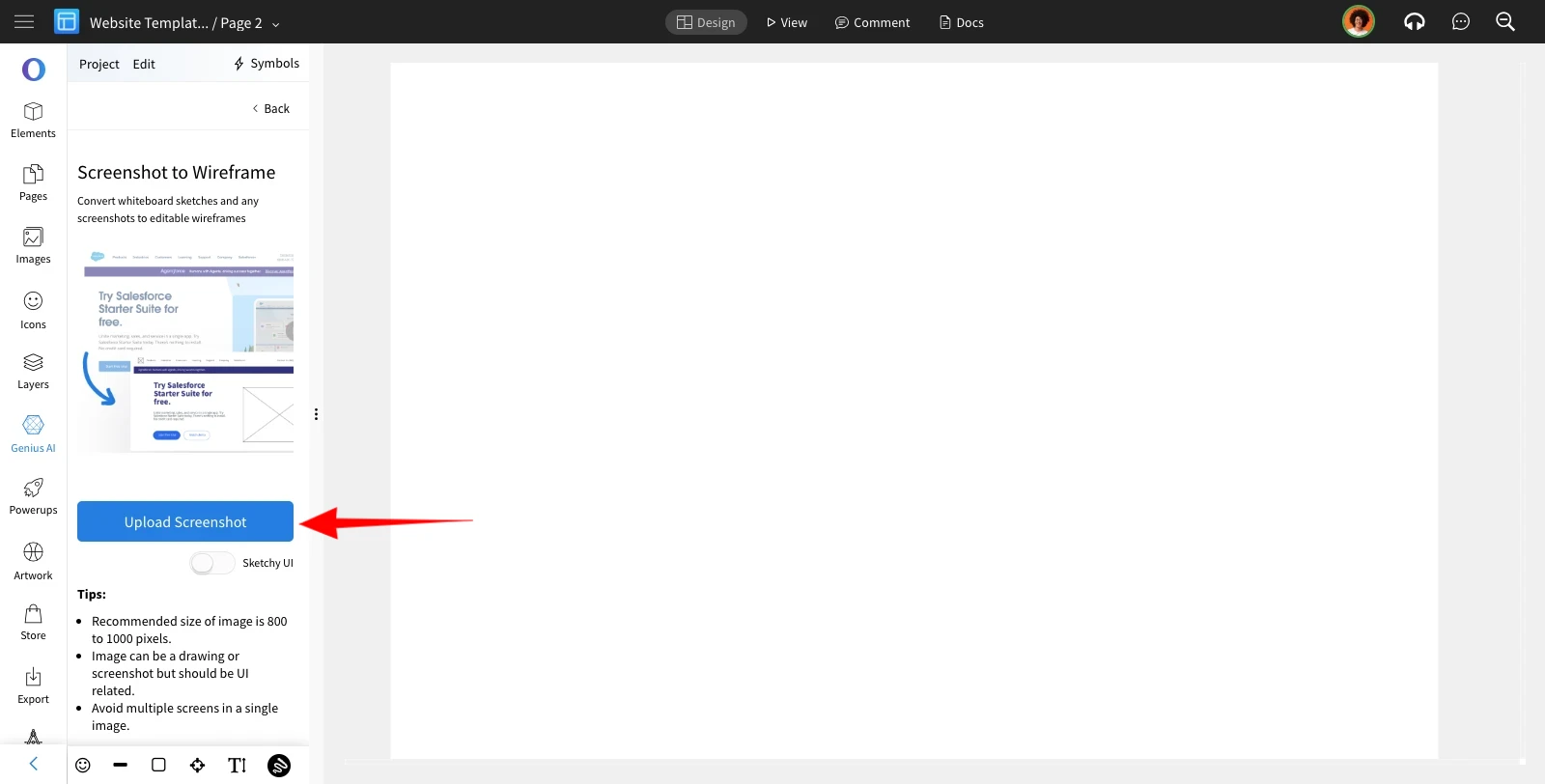
Upload the screenshot by clicking on the 'Upload Screenshot.'
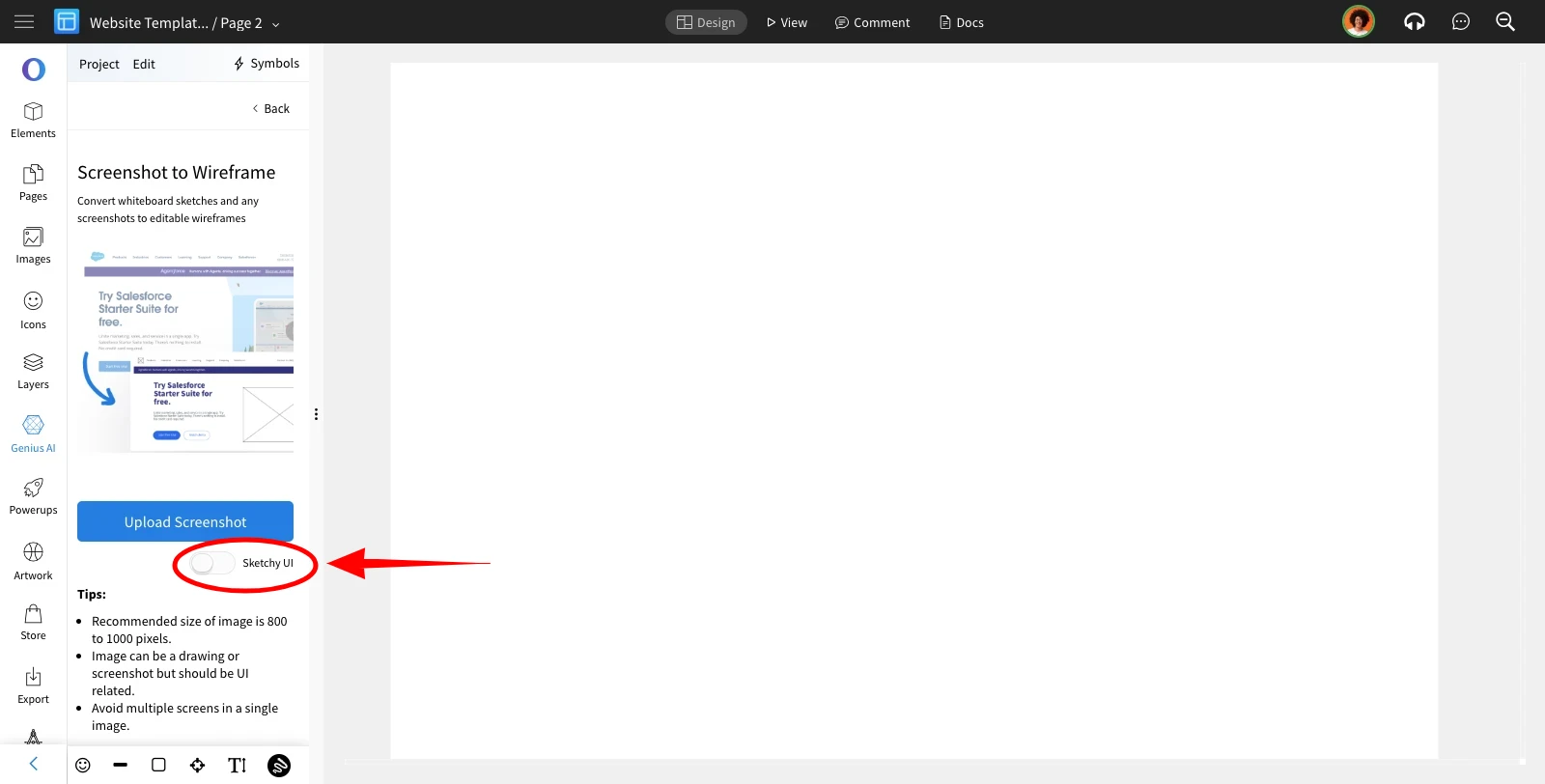
By toggling the 'Sketchy UI' button, the generated wireframe will appear in a sketchy format.
Select the screenshot and confirm it to upload.
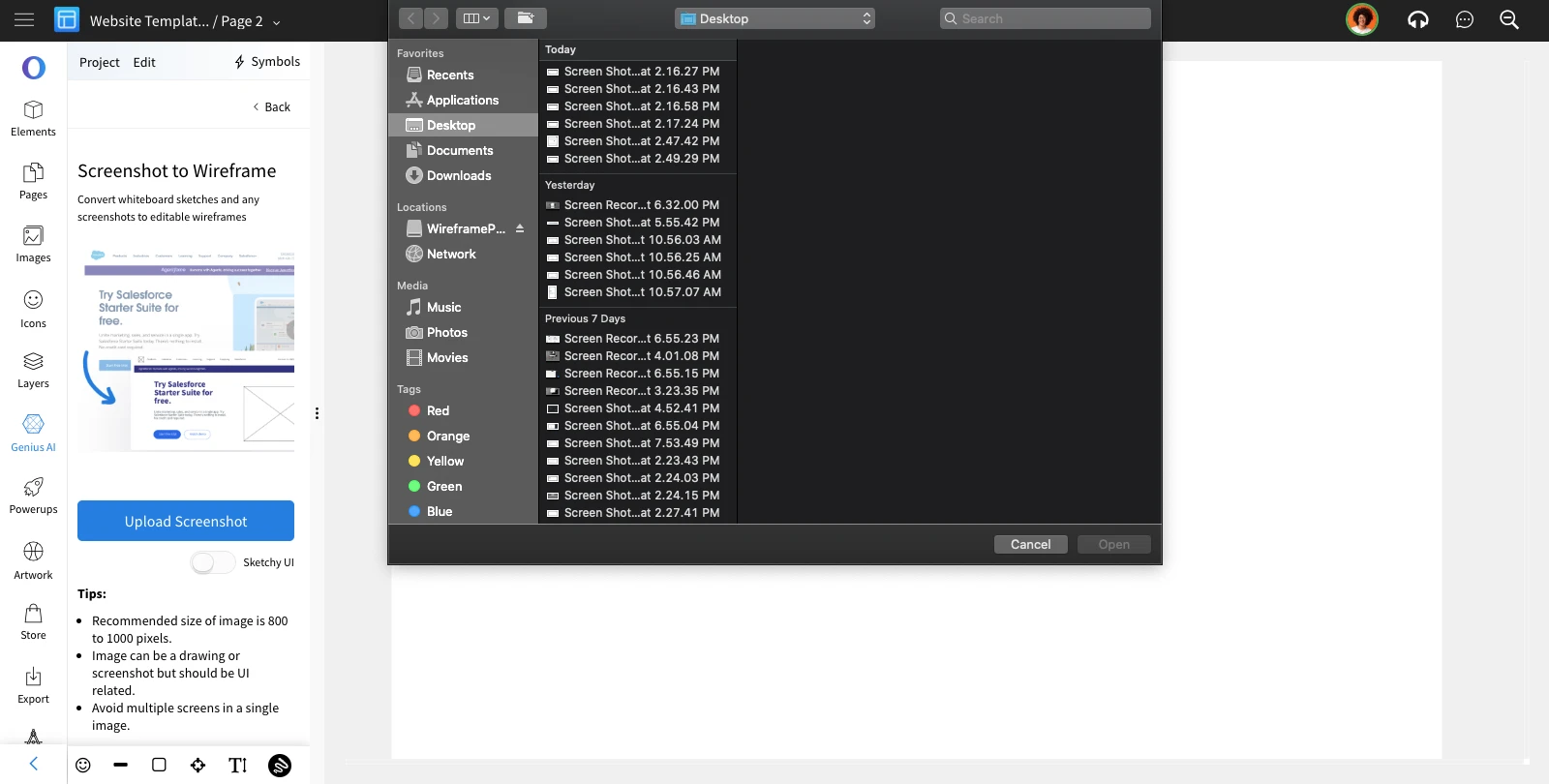
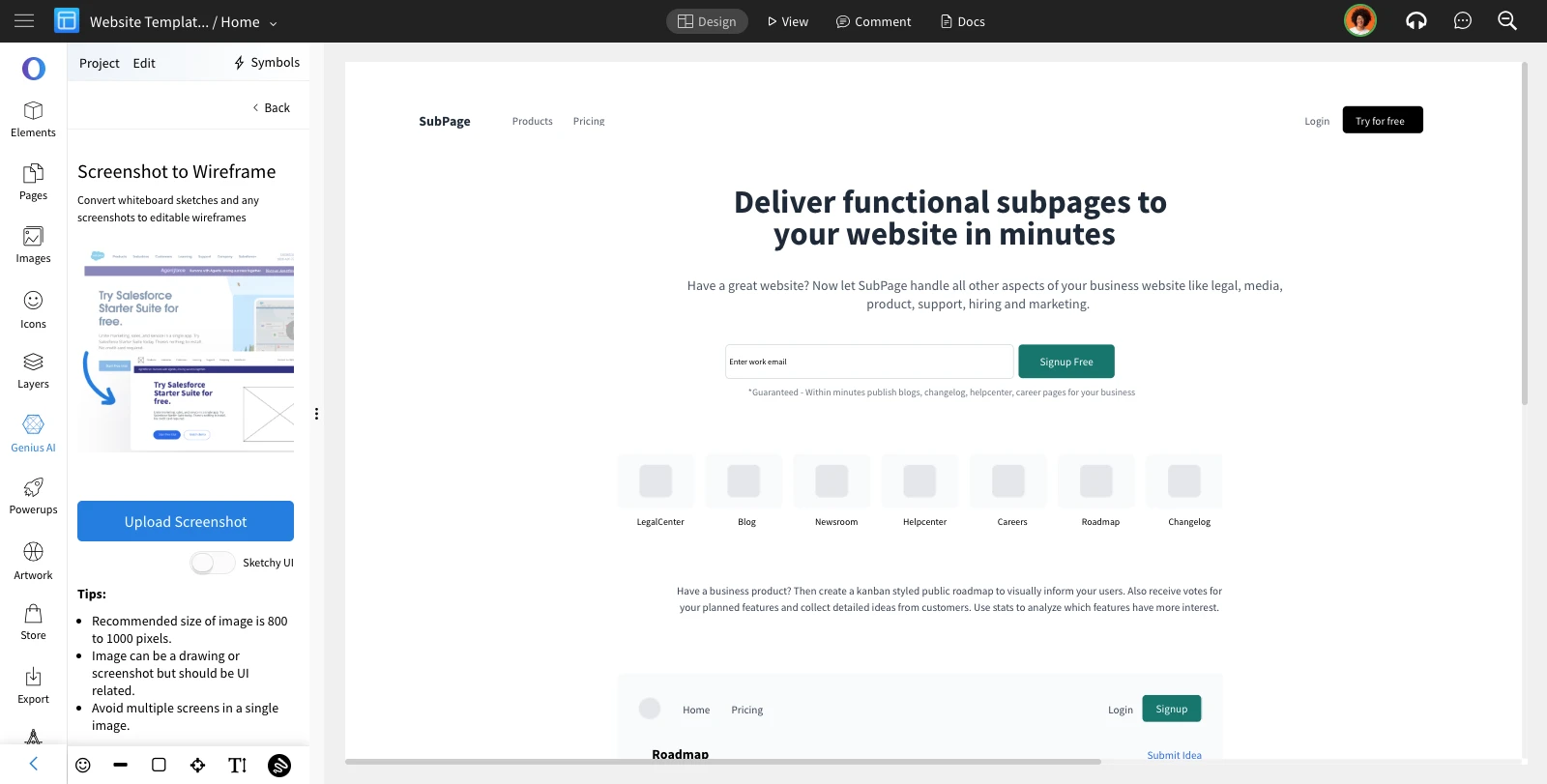
The uploaded screenshot will be converted to a wireframe.
Was this page helpful?