
How to create UX Document for your wireframe?
Learn how to create comprehensive UX documentation for your wireframe in MockFlow. Follow our step-by-step guide to enhance your design process and deliver a seamless user experience.
Effective UX documentation is crucial for developing and sustaining a digital product. With MockFlow, you can create all your UX documents seamlessly within the platform, eliminating the need to use additional apps or switch between tabs. Here are the steps to create comprehensive documentation for your product using the MockFlow editor.
Navigate to your Design Space and select the project (Wireframe) for which you want to create a document.
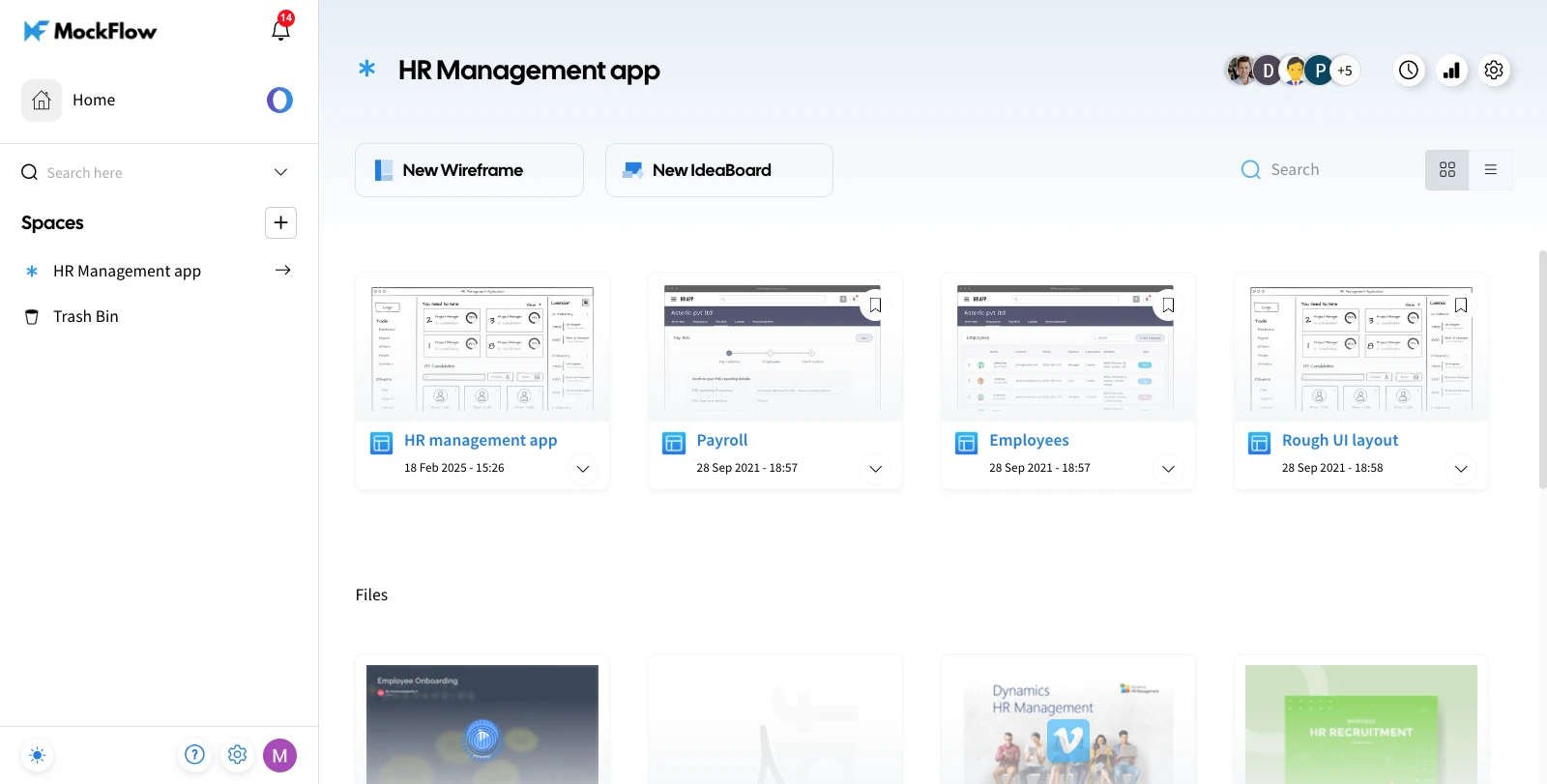
Once the project is selected, the editor will open. Here, we are creating a UX doc for a wireframe project. Look for the 'Docs' option in the top menu and click on it.
A sidebar will appear, providing you with a toolbar to create documentation for your design.
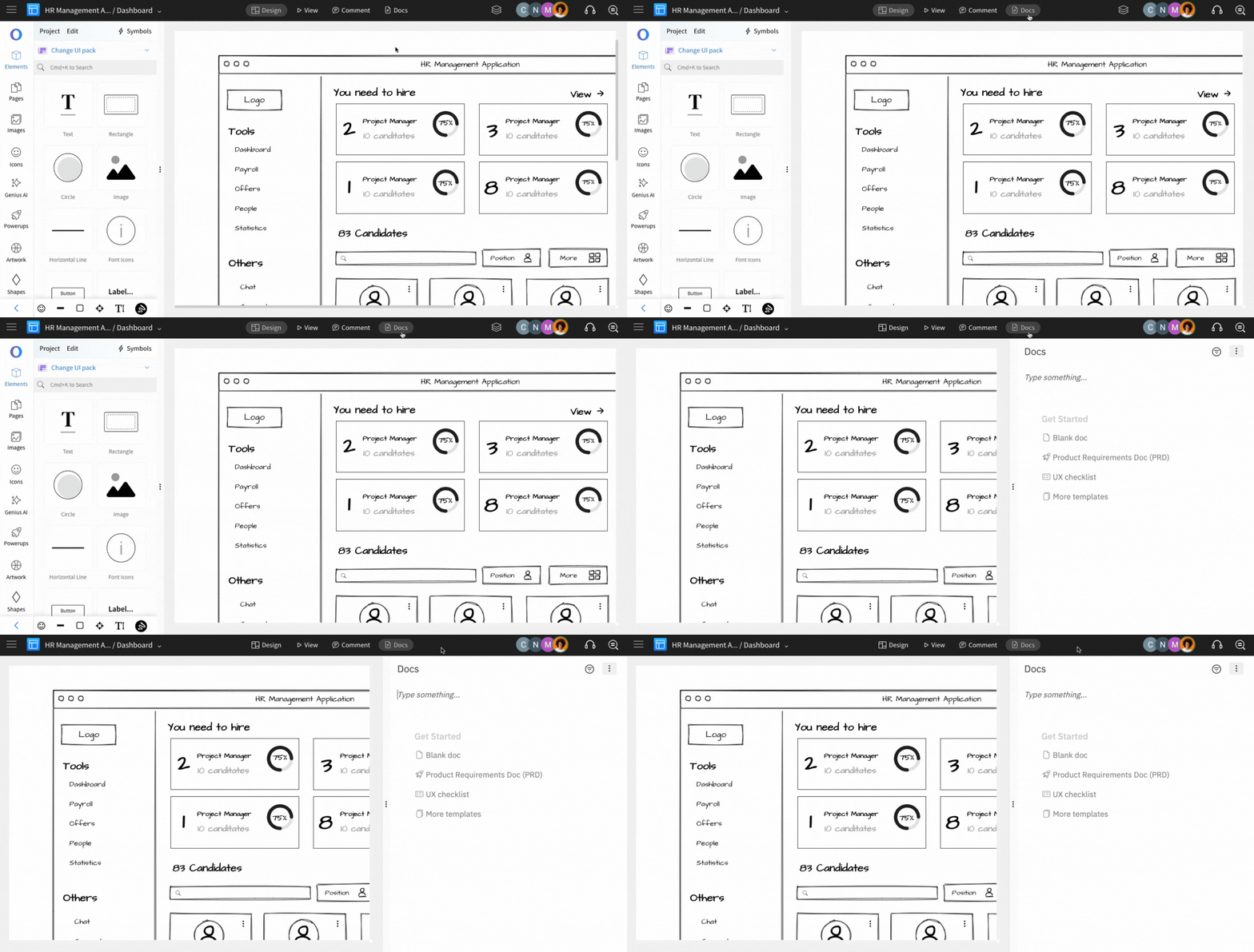
The added documentation will be visible for all the pages of the project.
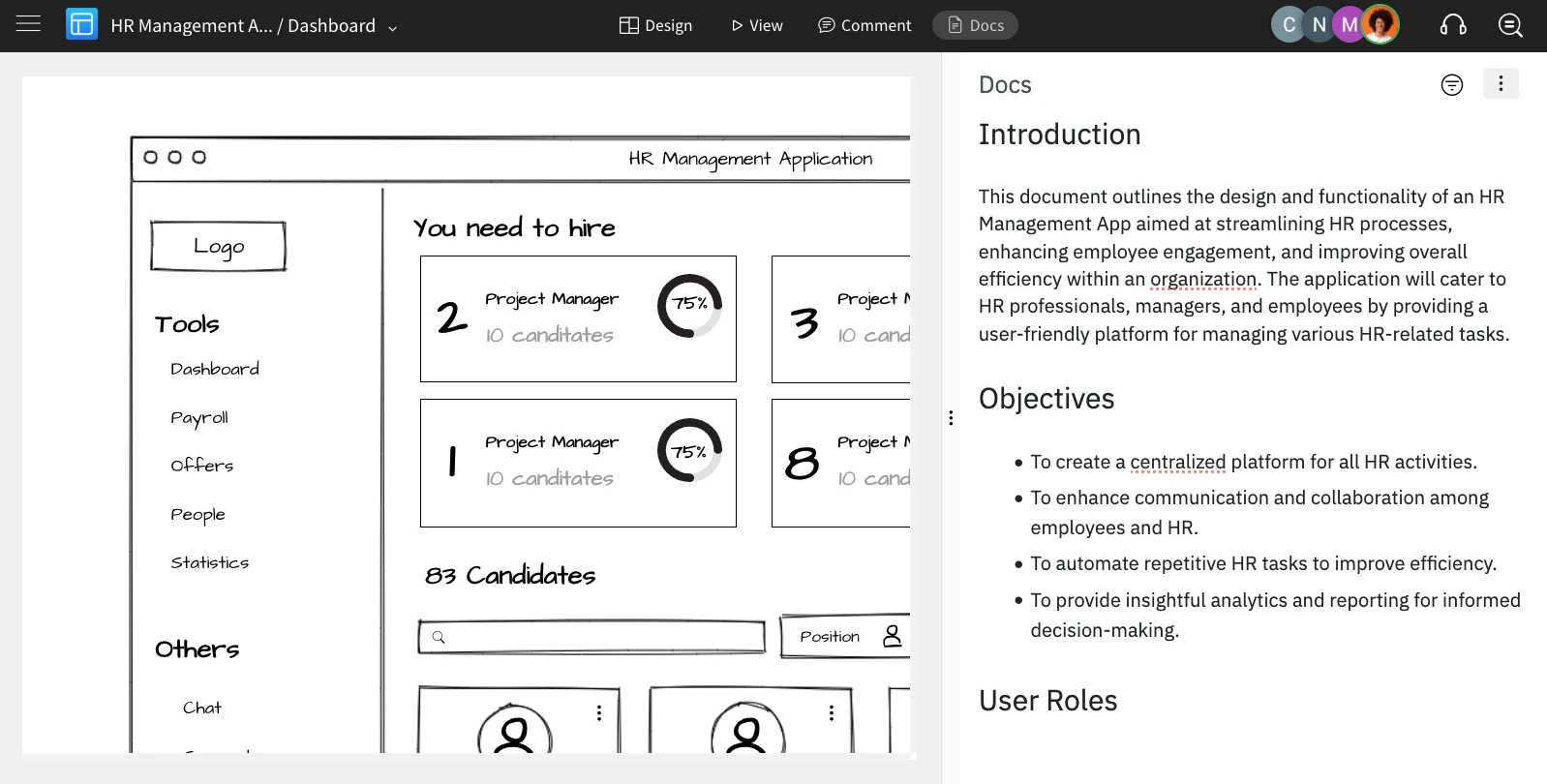
Using MockFlow's documentation feature allows you to seamlessly switch between your design and documentation with just one click, making the process effortless and efficient for you and your team.