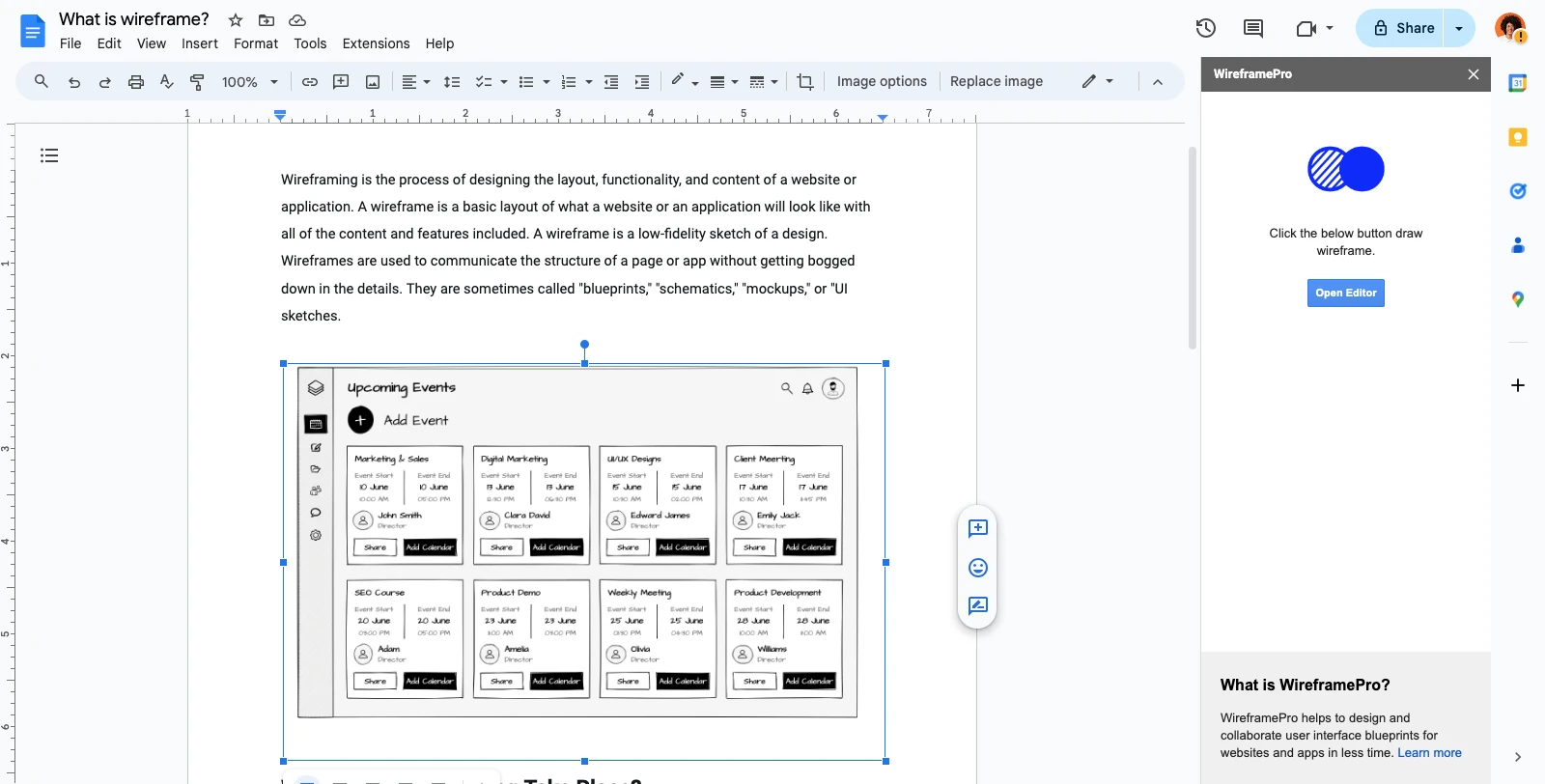
Google Docs Integration
With the Google Docs and MockFlow integration, you can add your finished designs right at the cursor's current location in your...
With the Google Docs and MockFlow integration, you can add your finished designs right at the cursor's current location in your document.
In the MockFlow dashboard, navigate to 'Integrations' and click the plus icon next to Google Drive.
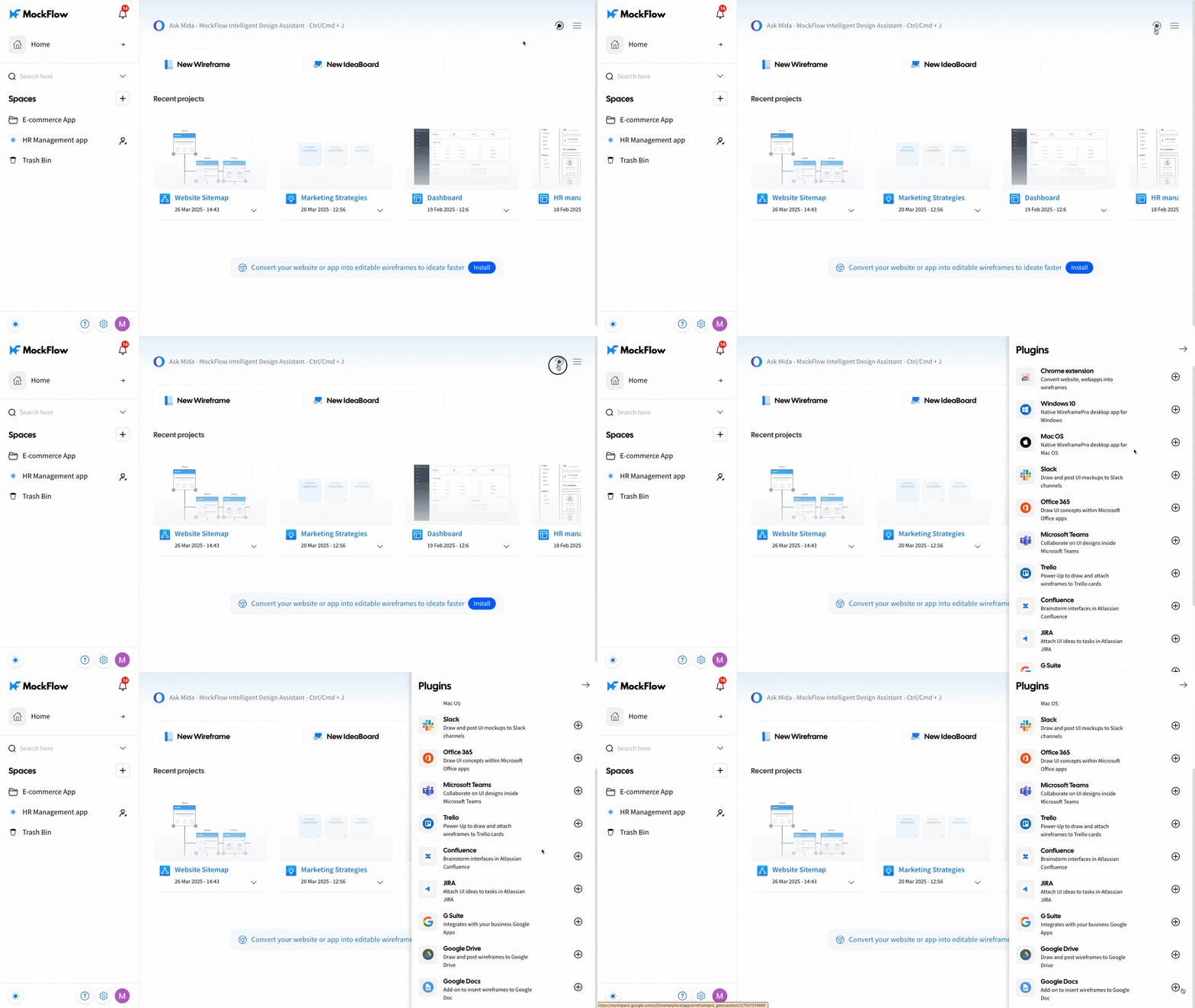
On the Wireframe Pro page, click 'Install' and confirm by selecting 'Continue' in the confirmation prompt.
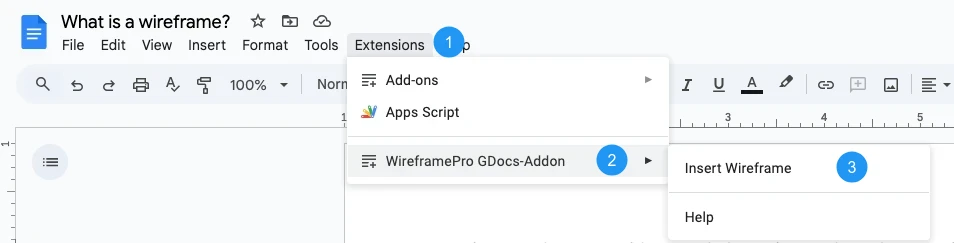
Open Google Docs, go to Extensions, select the Wireframe Pro extension, choose 'Insert Wireframe.'
And then click 'Open Editor' from the sidebar.
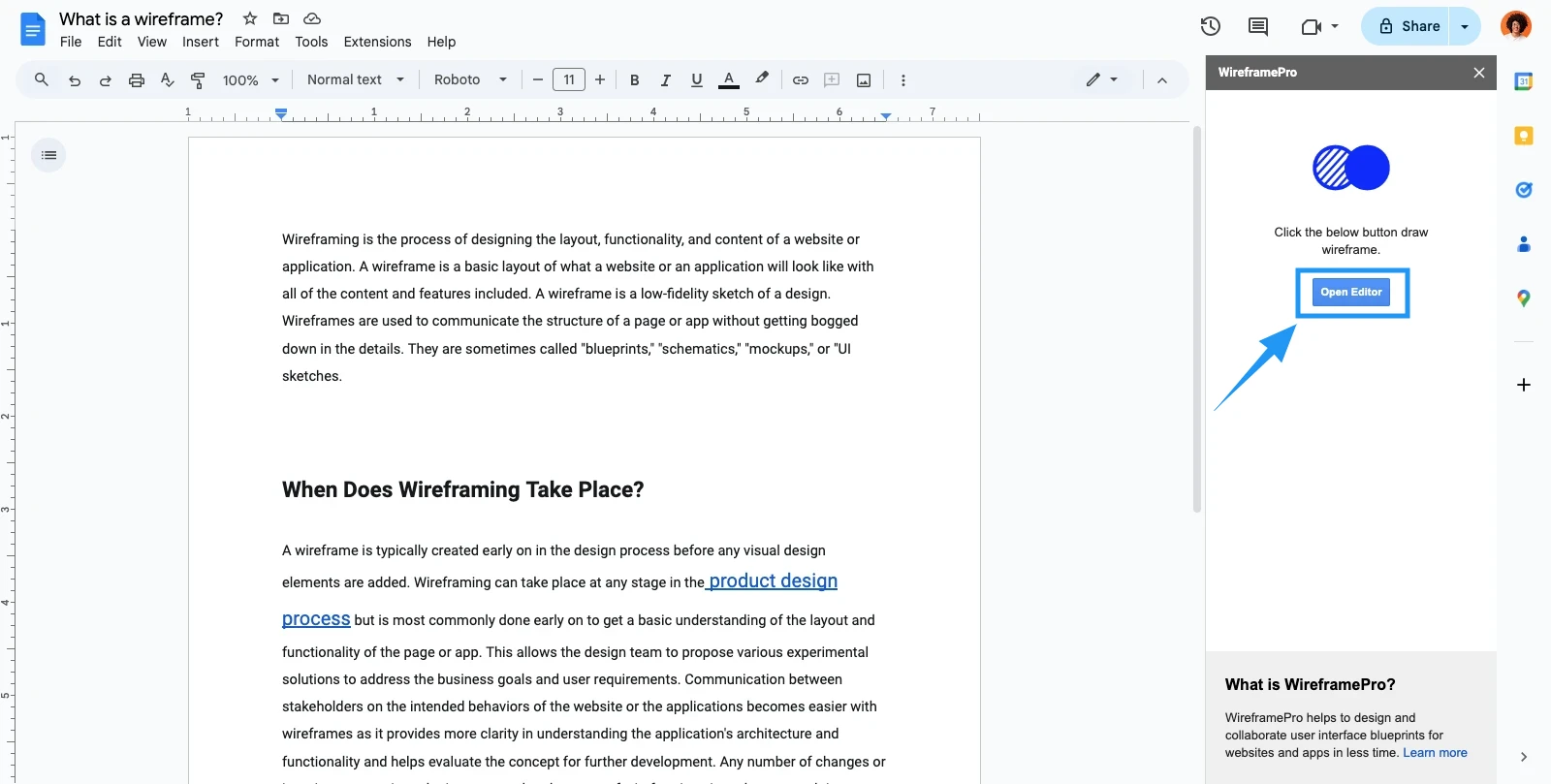
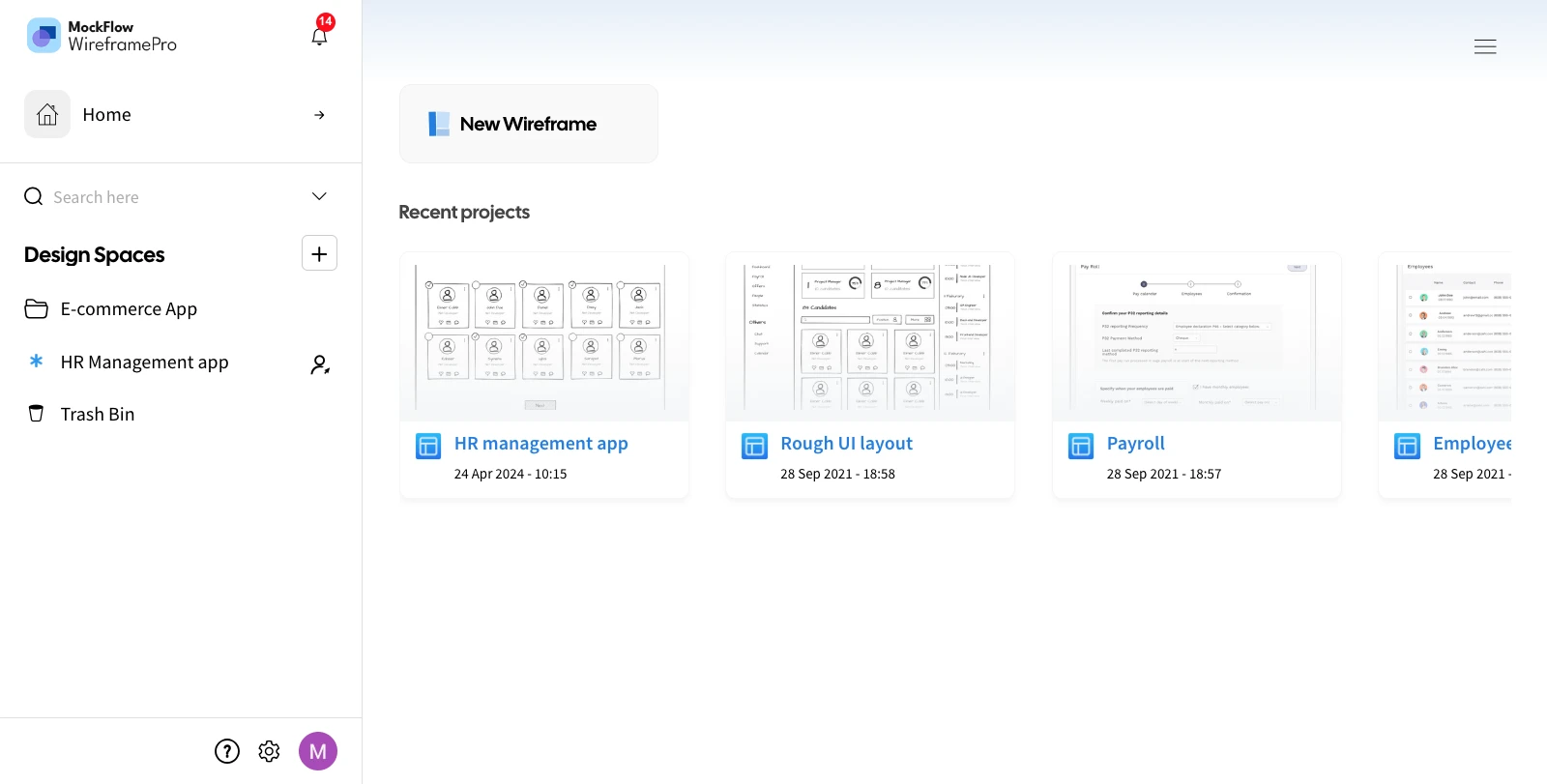
Start a new project by selecting 'New Wireframe' or choose an existing design space and click on the project.
Click the 'Post' button to generate the project, and confirm by selecting 'OK' in the confirmation prompt.
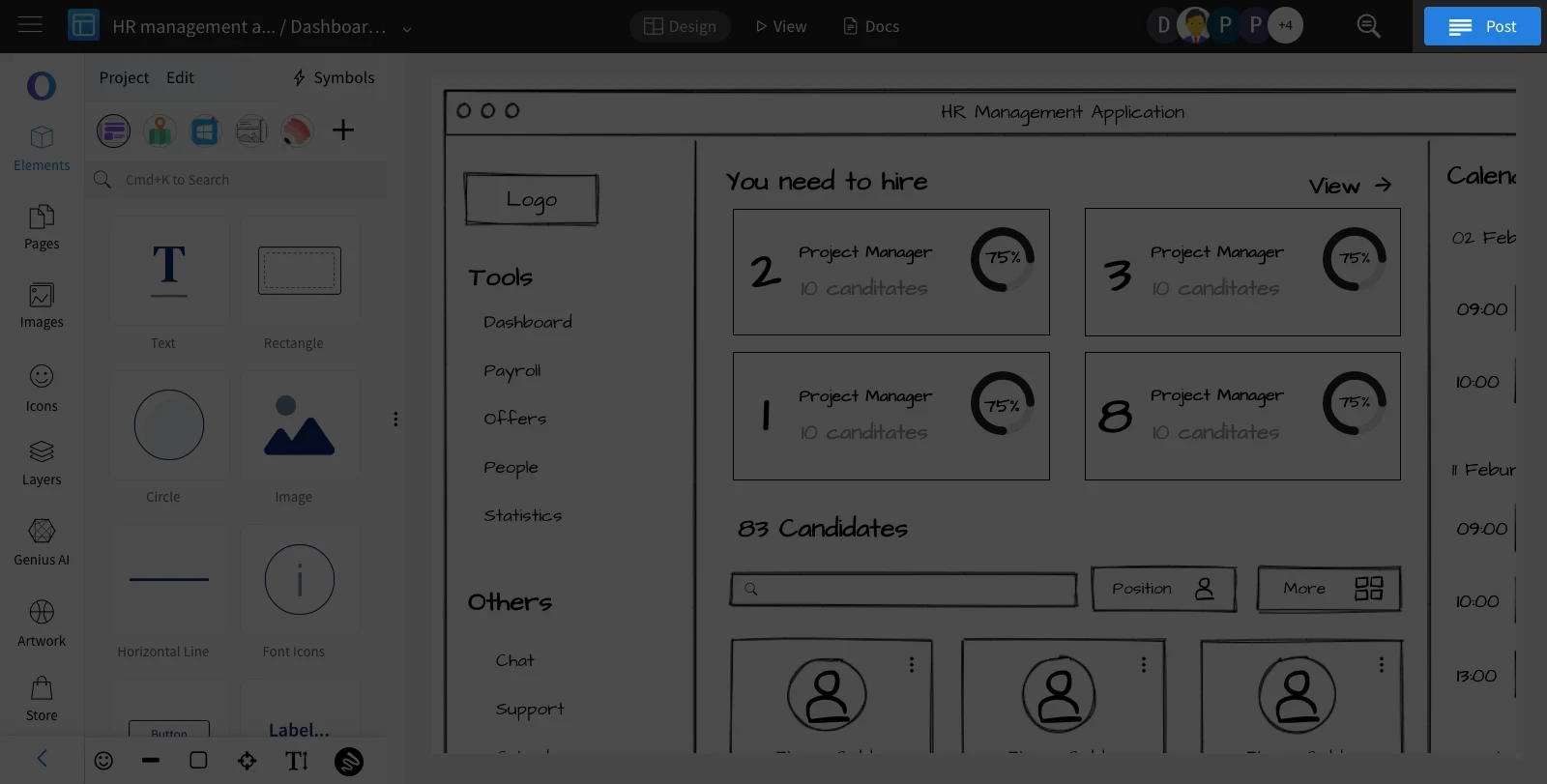
Your wireframe page will be uploaded to Google Docs.