
Internal
How to Show or Hide Annotated Marker?
Discover how to effectively show or hide annotated markers in MockFlow. Follow our step-by-step guide for easy navigation and understanding in your design projects.
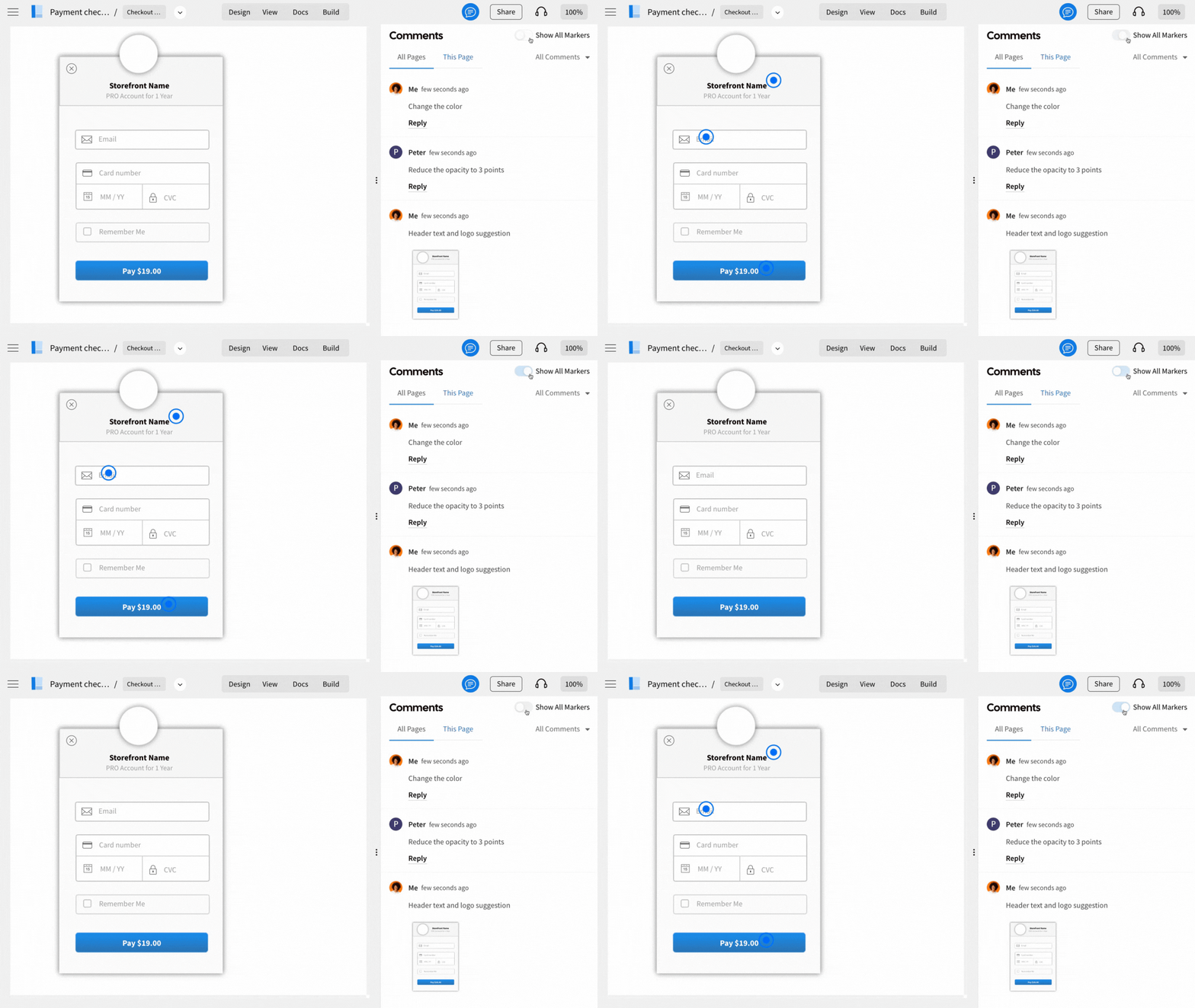
MockFlow simplifies design feedback with Comments. Your team members can leave comments directly on specific parts of your design, visible within the editor with just one click. Switch from Design to Comments and toggle the "show all markers" option to view feedback from all team members instantly.
Was this page helpful?