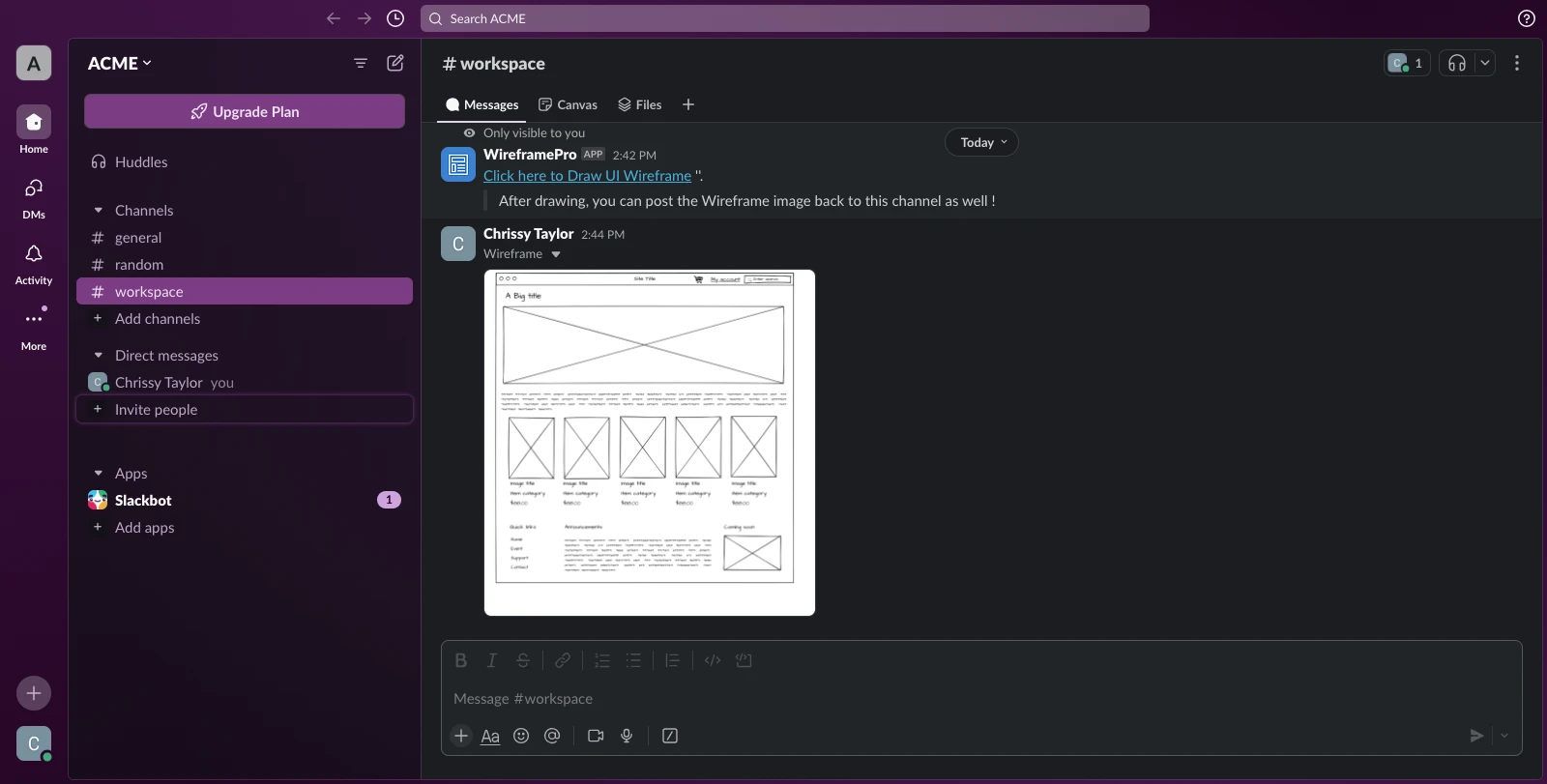
Slack Integration
Integrating Slack with MockFlow allows you to seamlessly attach your UI designs directly to your conversations. In the MockFlow...
Integrating Slack with MockFlow allows you to seamlessly attach your UI designs directly to your conversations.
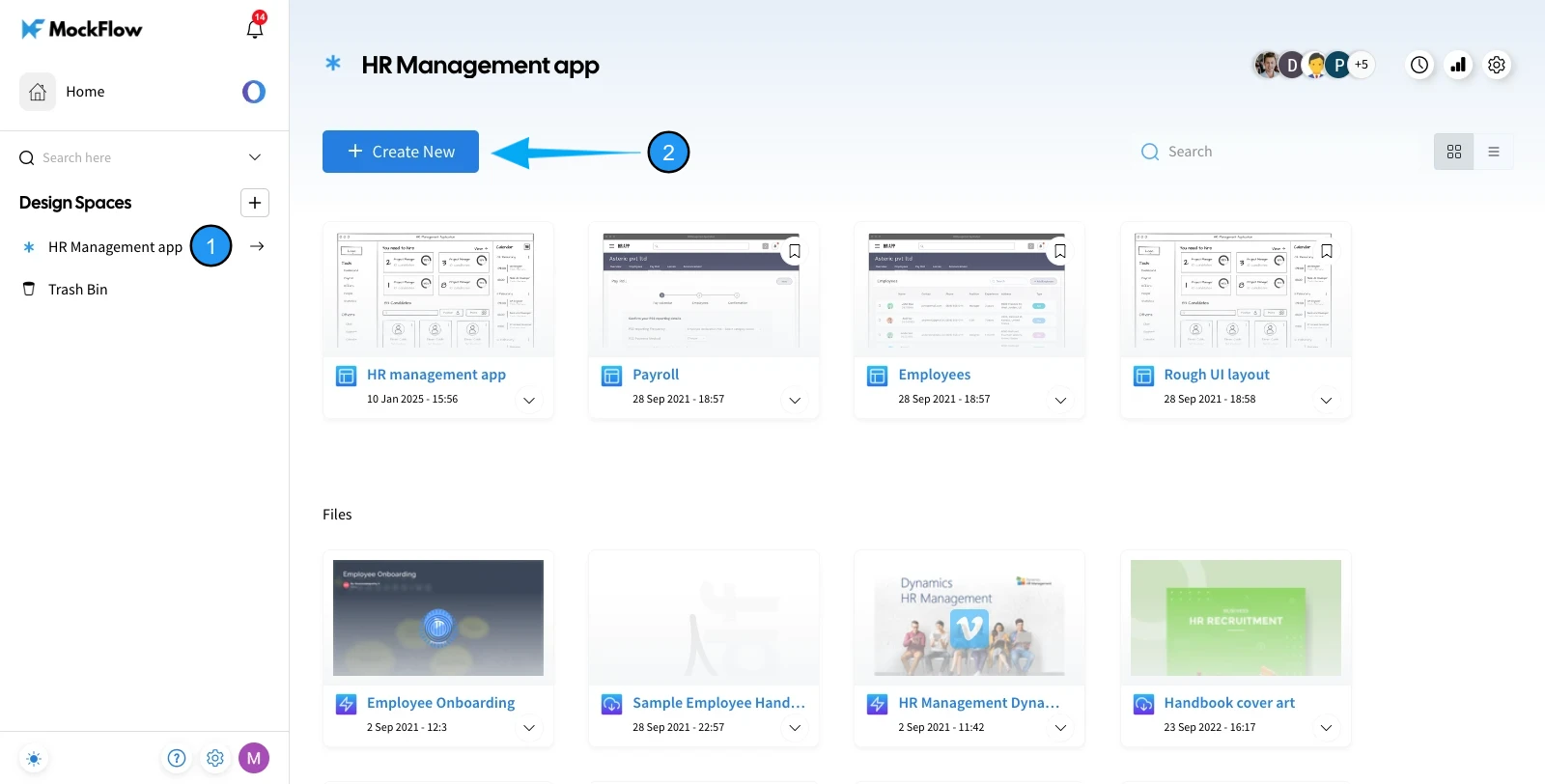
1 In the MockFlow dashboard, choose a design space and click on the 'Create New' button.
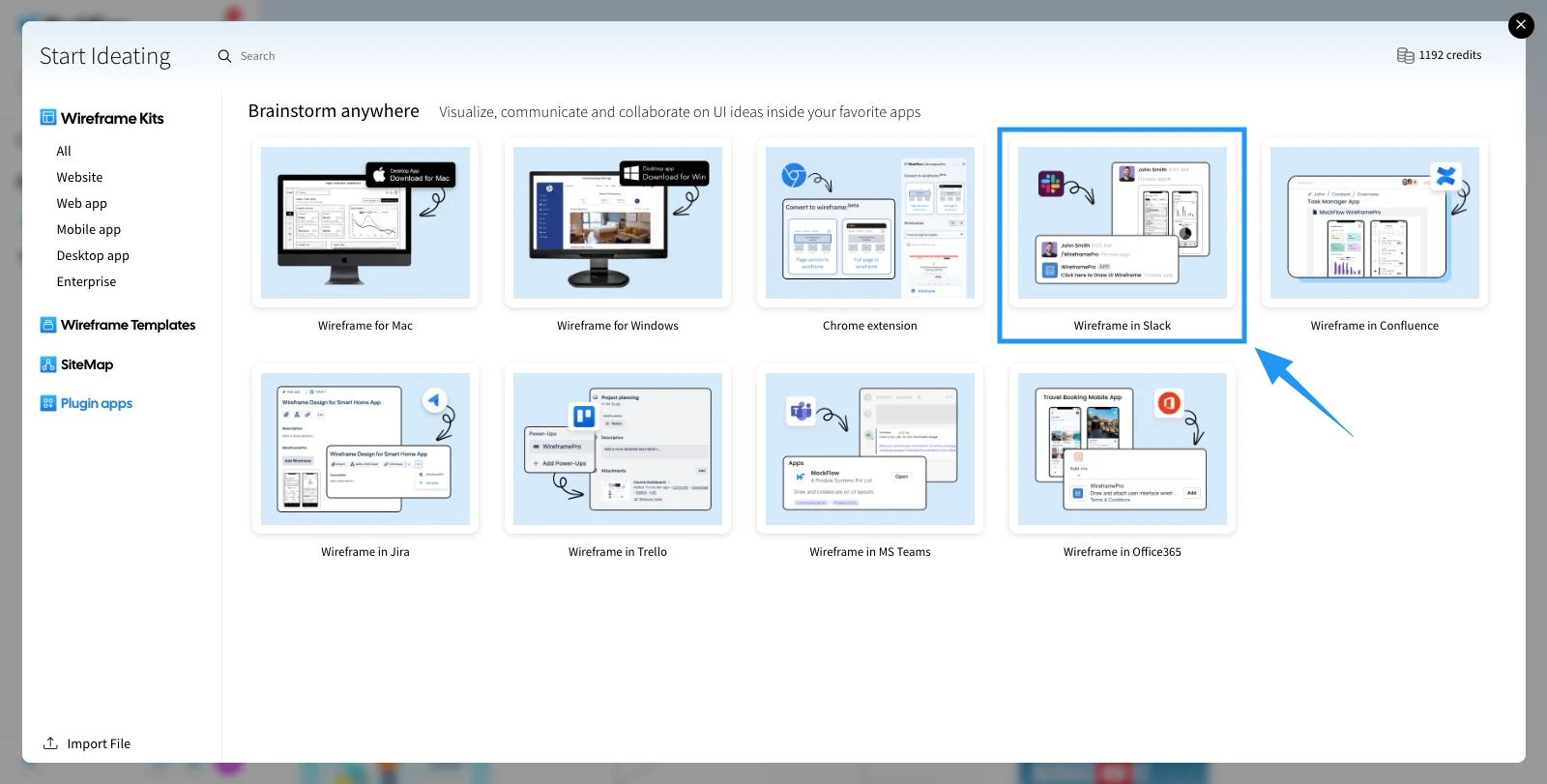
2 From the appeared dialog, select 'Plugin Apps' from the sidebar and click on 'Wireframe in Slack.'
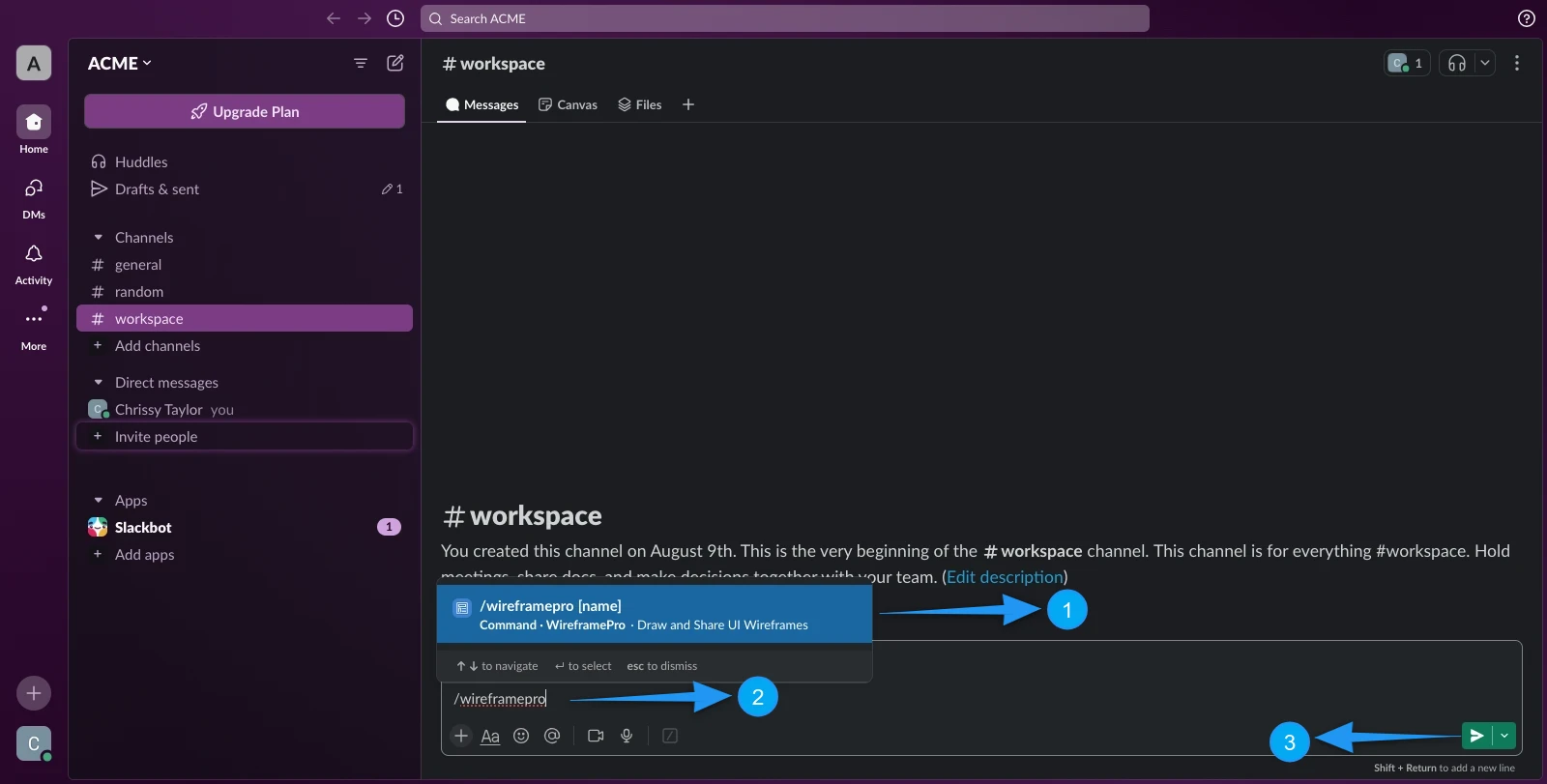
To start the wireframe pro editor from Slack.
Enter the backslash in the Jot section, and search wireframe. The wireframe option will appear in the menu bar.
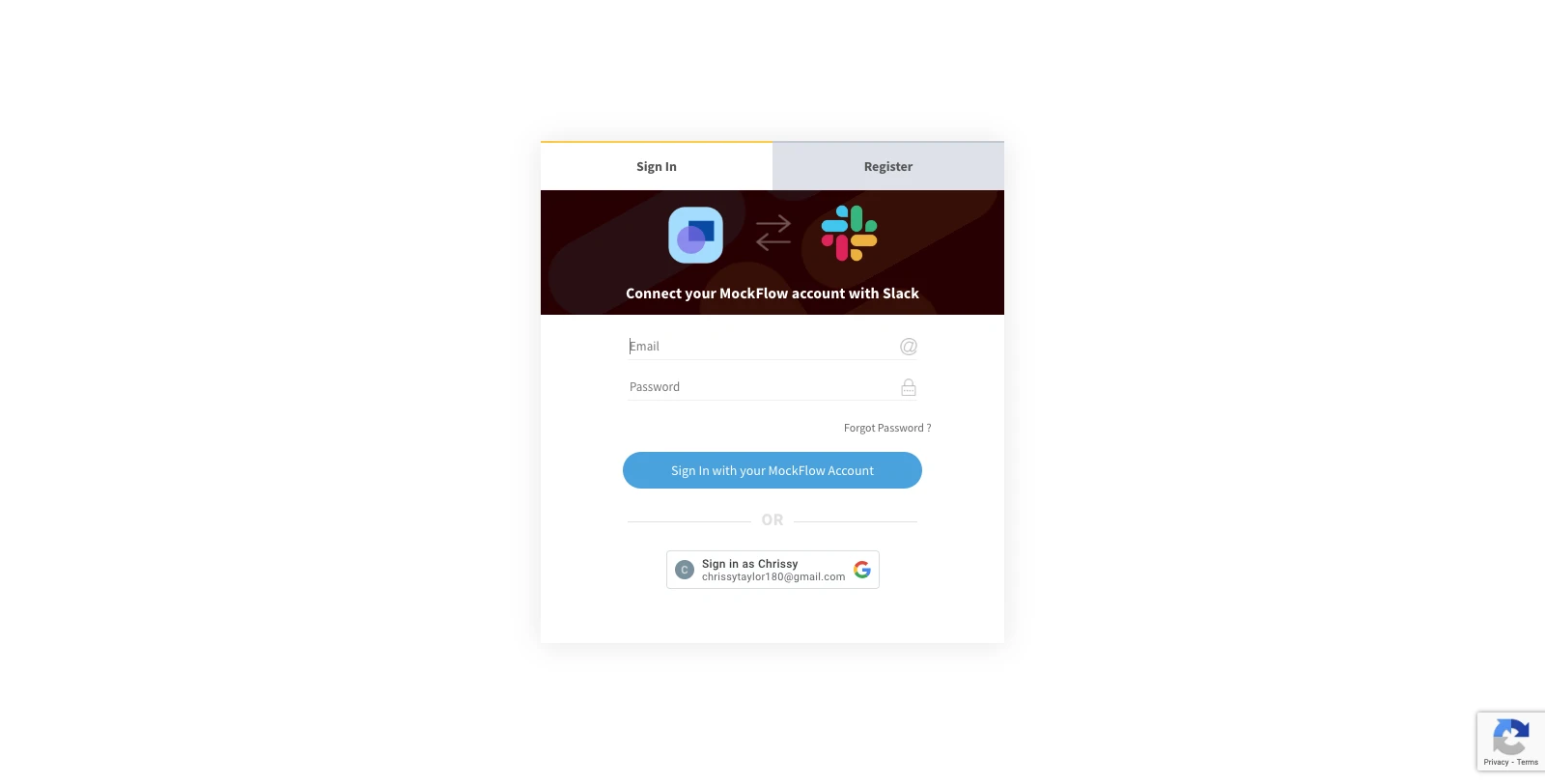
Login to your MockFlow account.
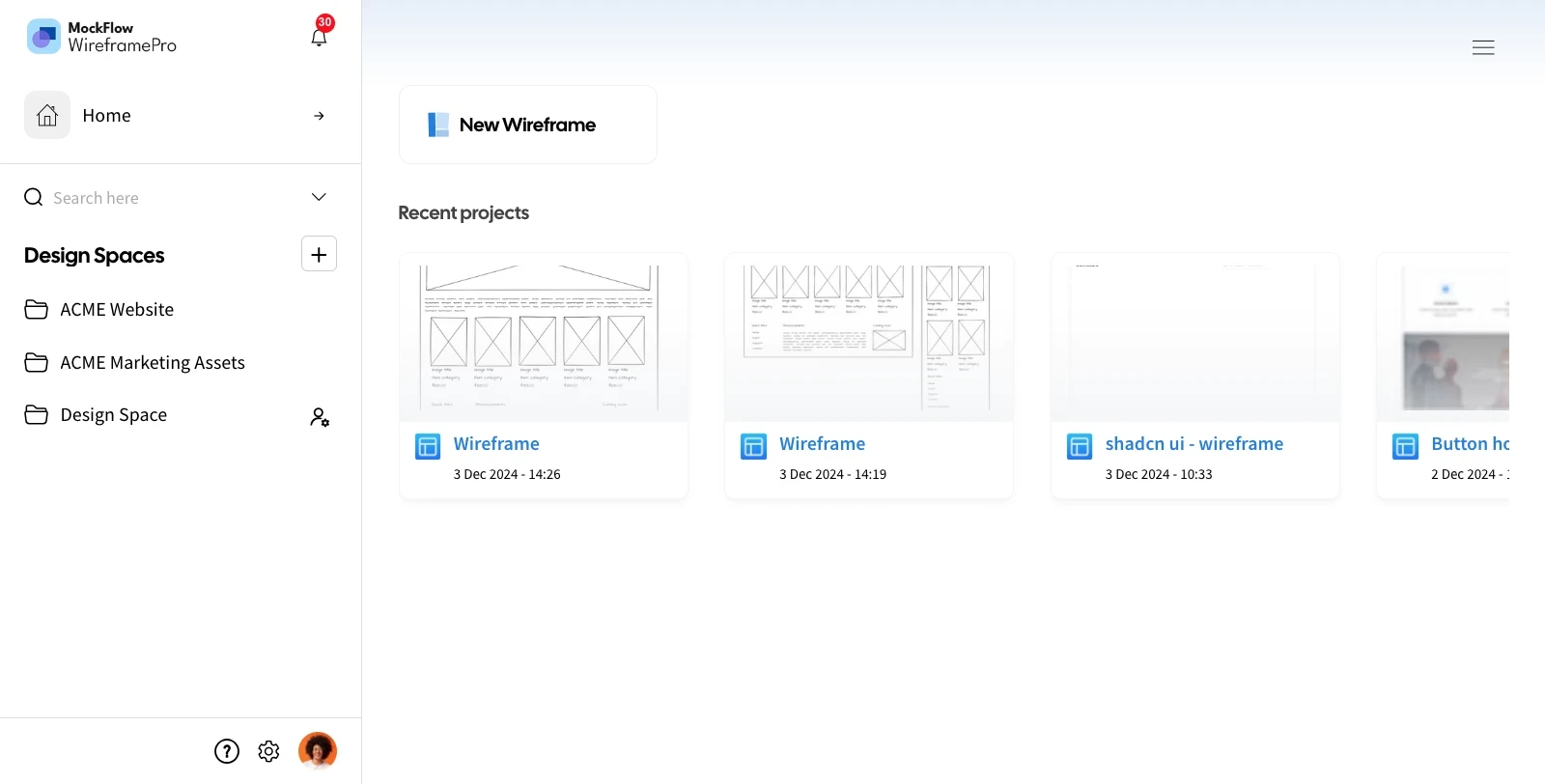
And select an existing project or add a new UI design.
Once done, click the send button, and the Wireframe Pro app will appear on the channel. Click on it.
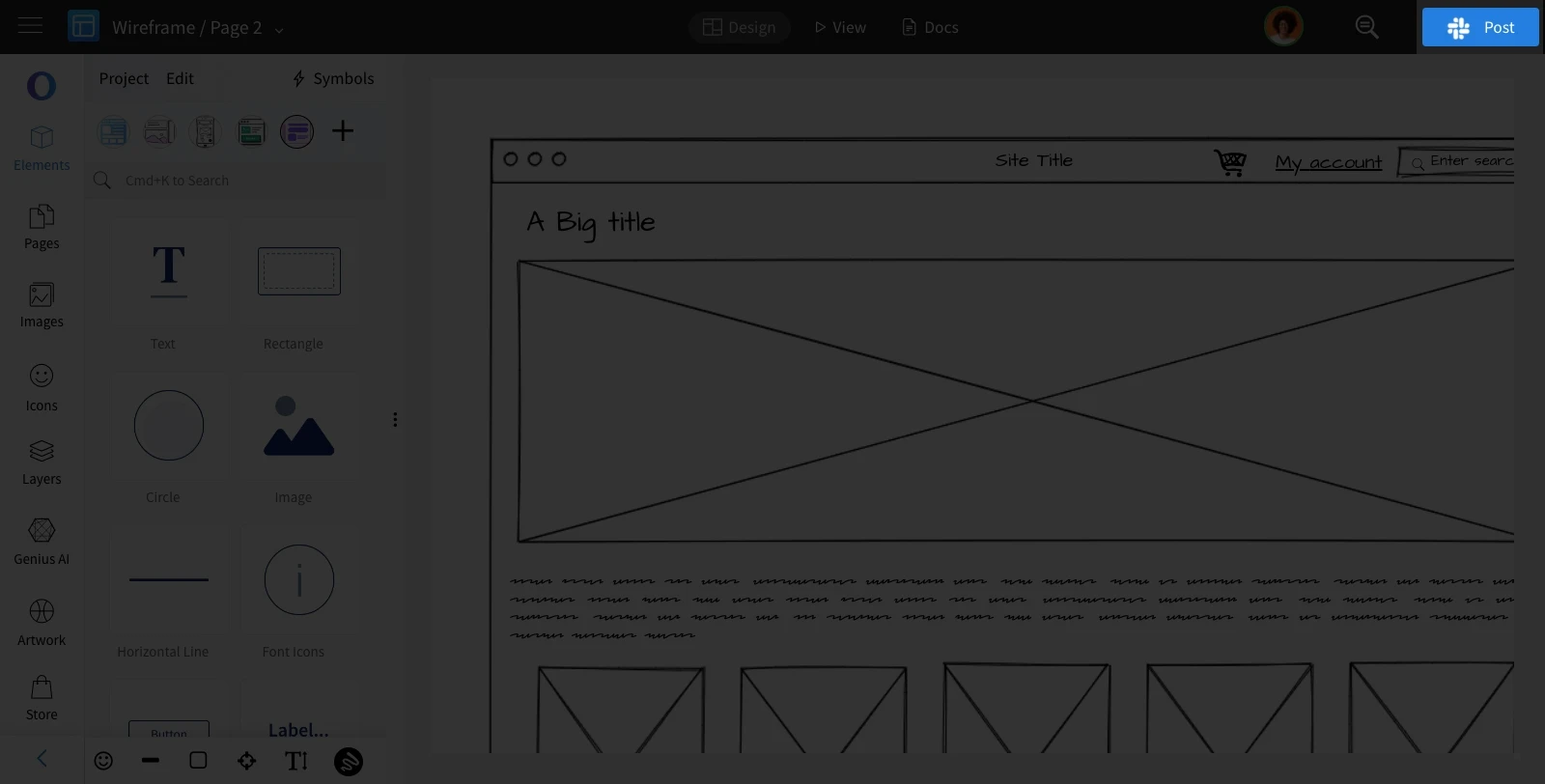
The project is shared in the Slack channel.