
Internal
How to restore my deleted project from trash bin?
Any deleted project can be restored from the Trash Bin within 30 days, by following the steps below. In your MockFlow...
Any deleted project can be restored from the Trash Bin within 30 days, by following the steps below.
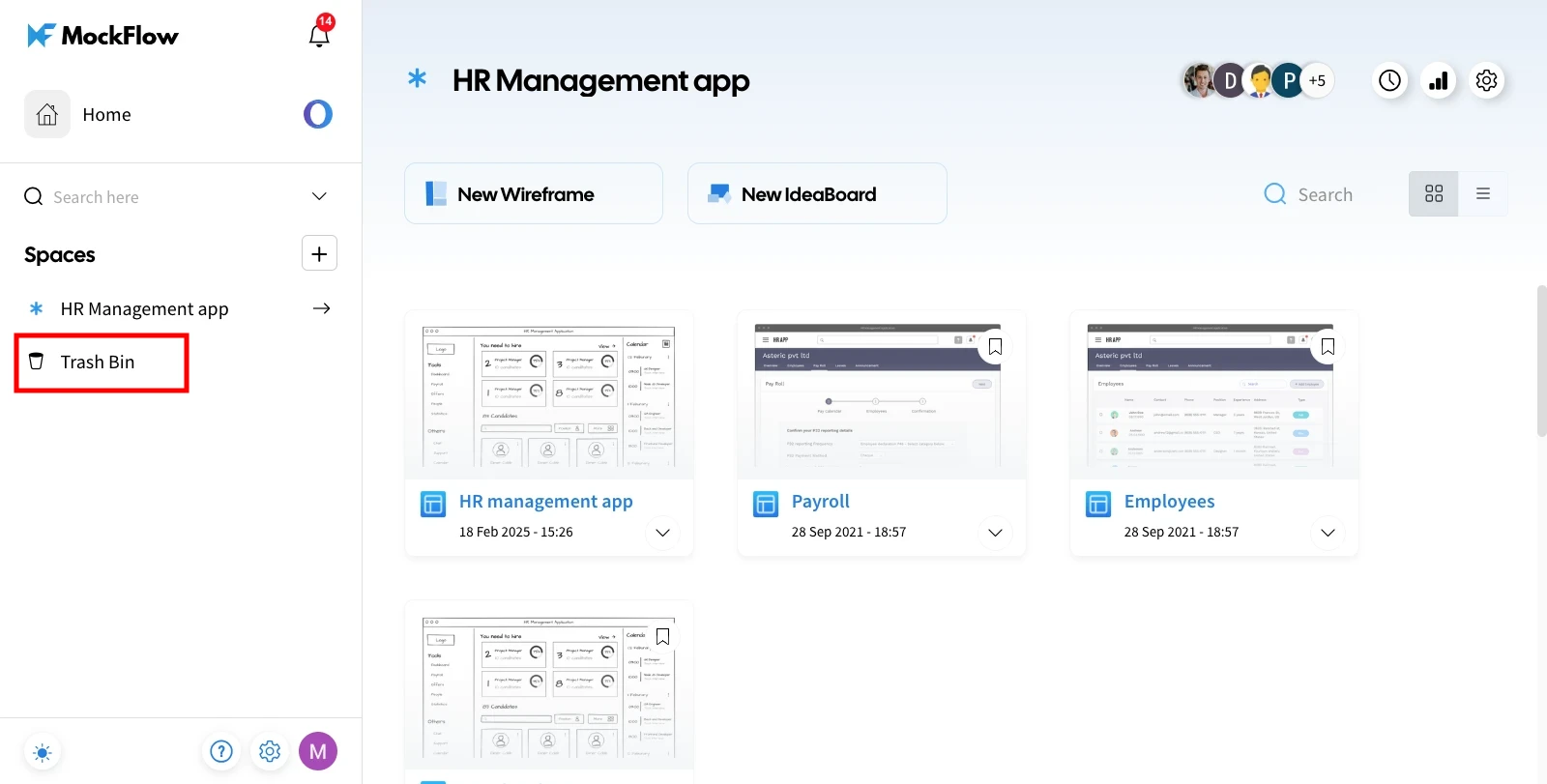
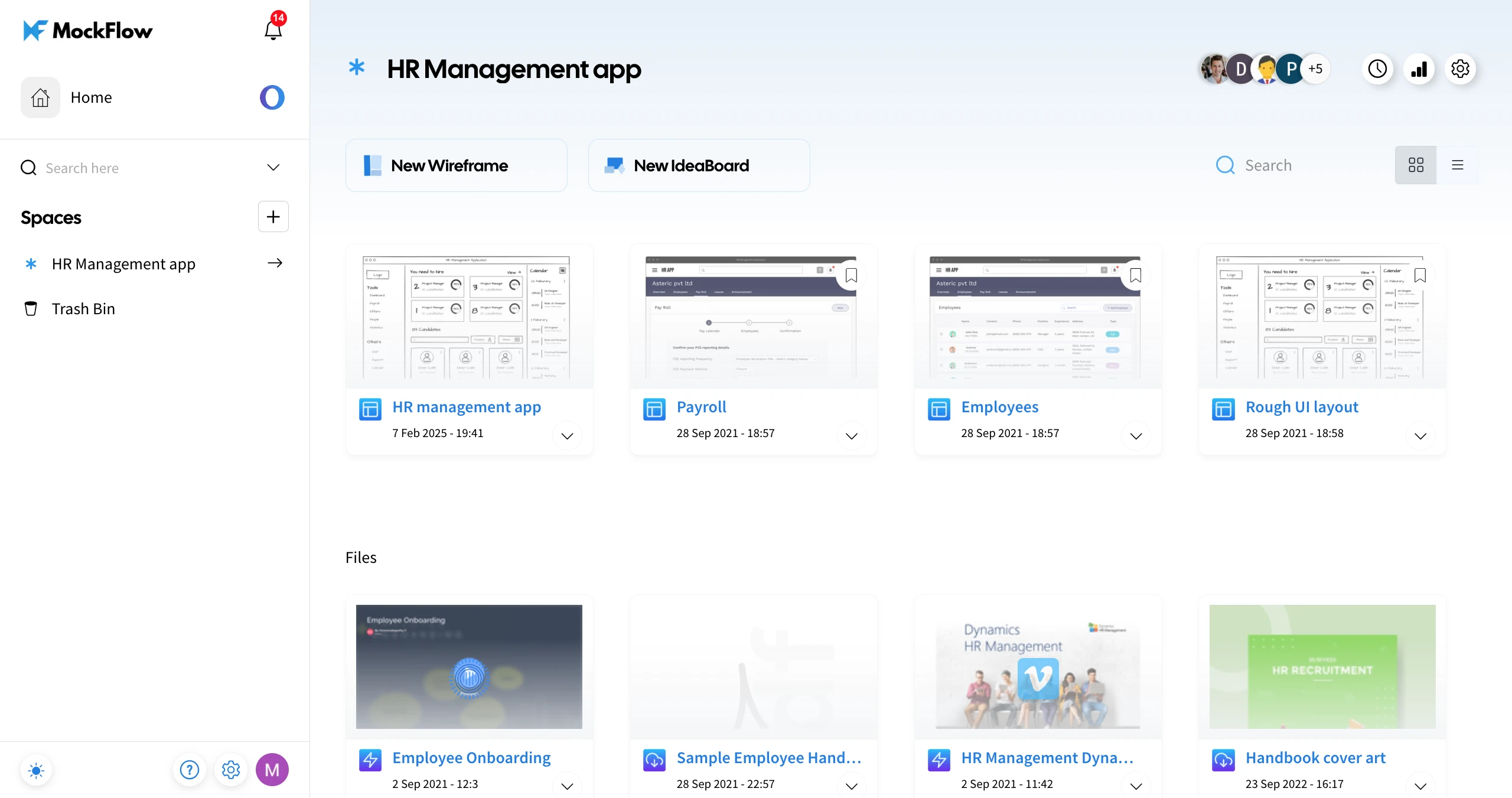
In your MockFlow dashboard, navigate to the 'Trash Bin.'
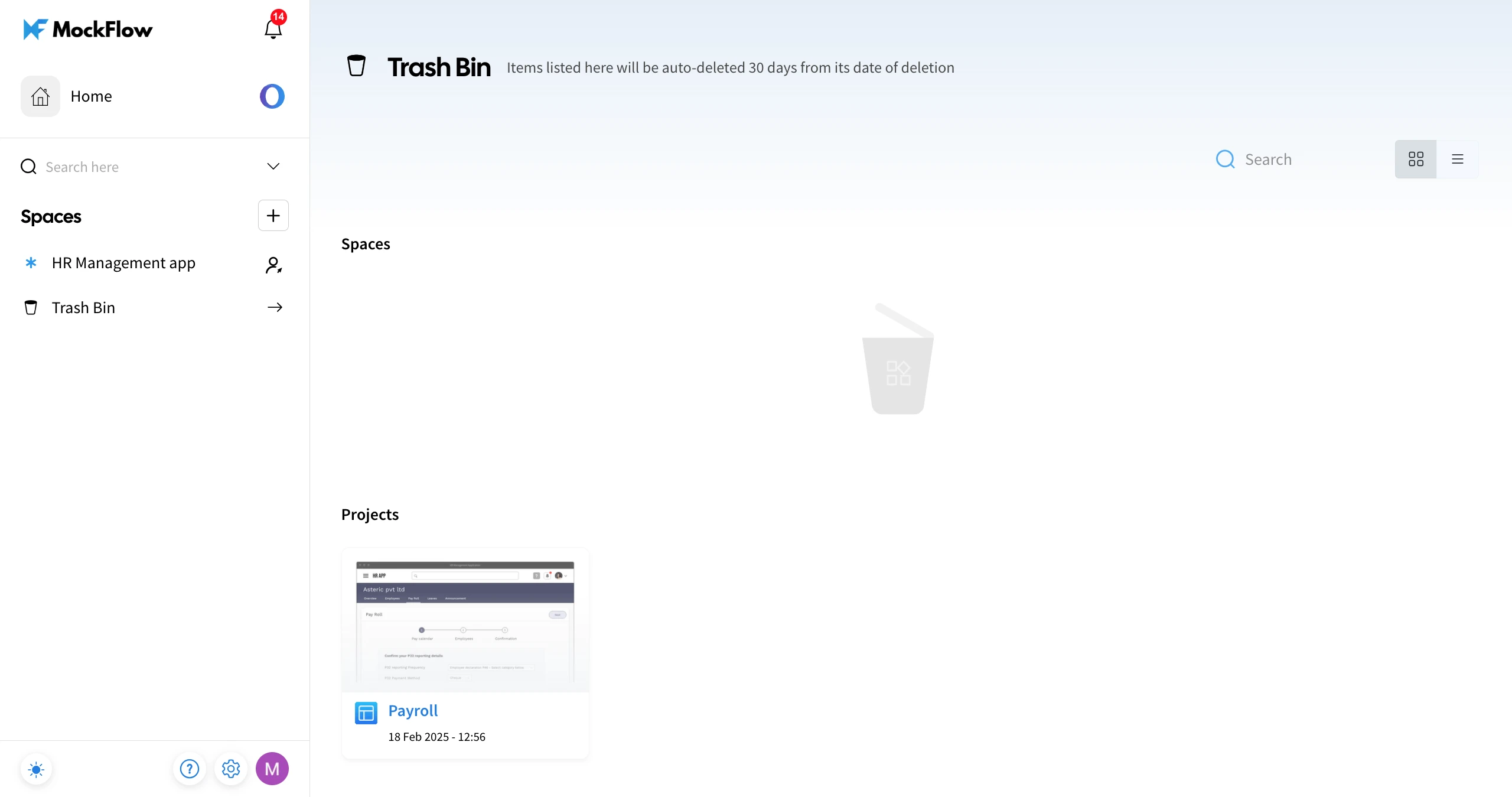
The deleted items will be listed in the Trash Bin - categorised under Spaces and Projects.
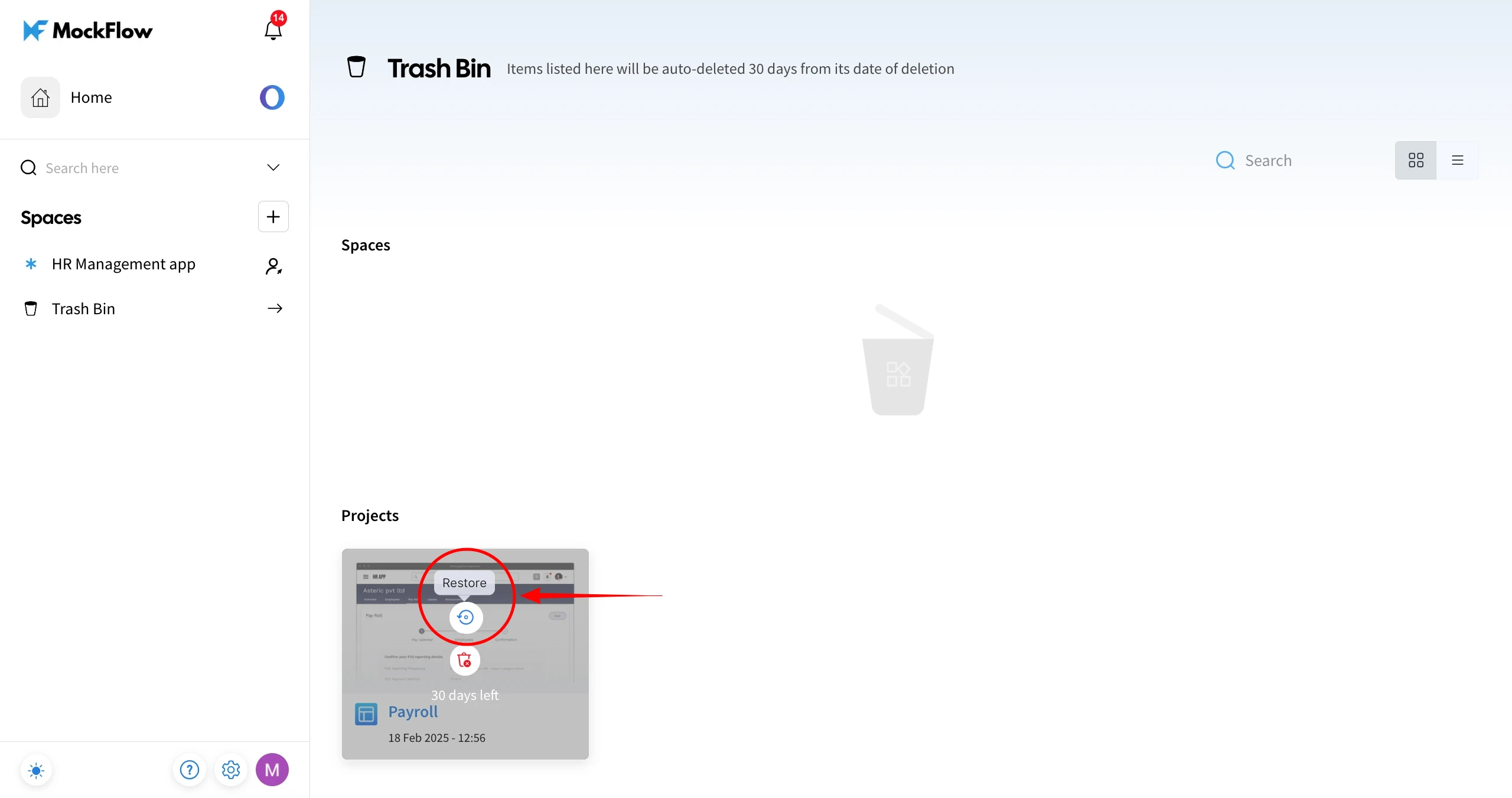
Hover over the project you want to restore.
Click the 'Restore' option to revert the deleted project back to the Design Space from where it was deleted.
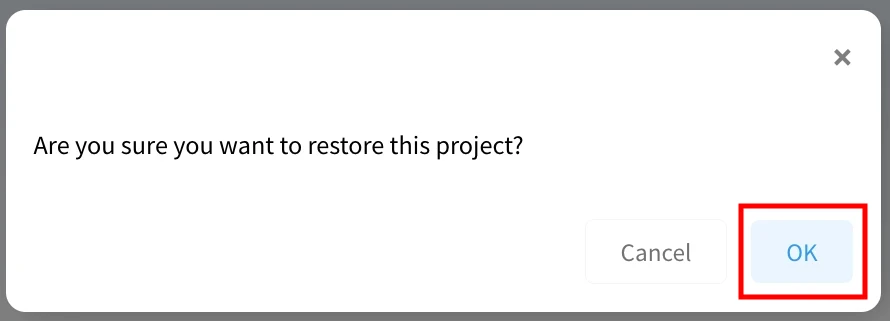
Confirm by clicking 'OK' in the confirmation alert.
The project will be restored to its respective Design Space.
Note - Items in the trash bin will be permanently deleted after 30 days and cannot be restored.
Was this page helpful?