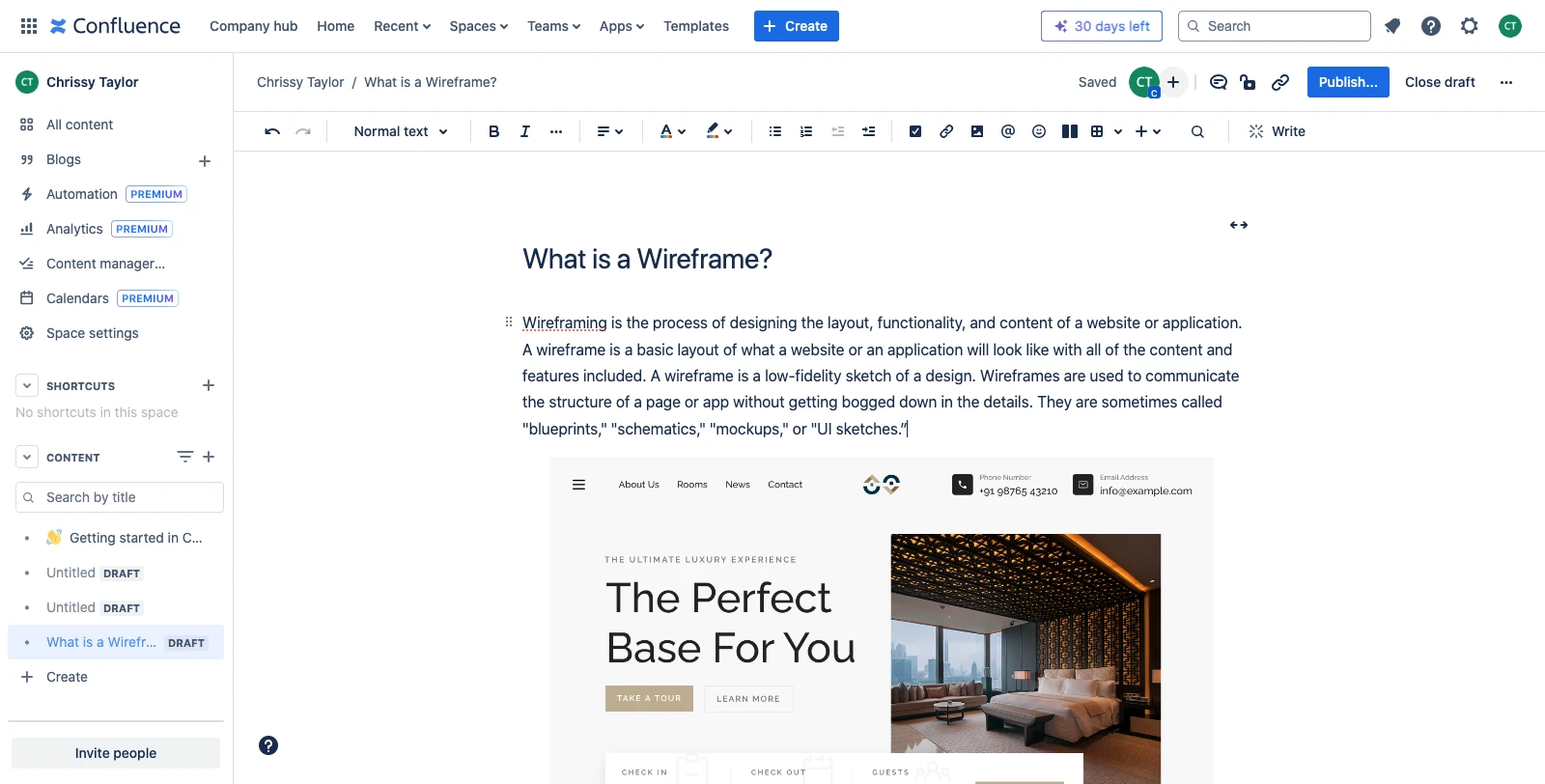
Altassian Confluence Integration
By integrating MockFlow with Atlassian Confluence, you can easily incorporate UI designs into your Confluence wiki, enhancing...
By integrating MockFlow with Atlassian Confluence, you can easily incorporate UI designs into your Confluence wiki, enhancing your design documentation. Follow the steps below to integrate Atlassian Confluence to MockFlow.
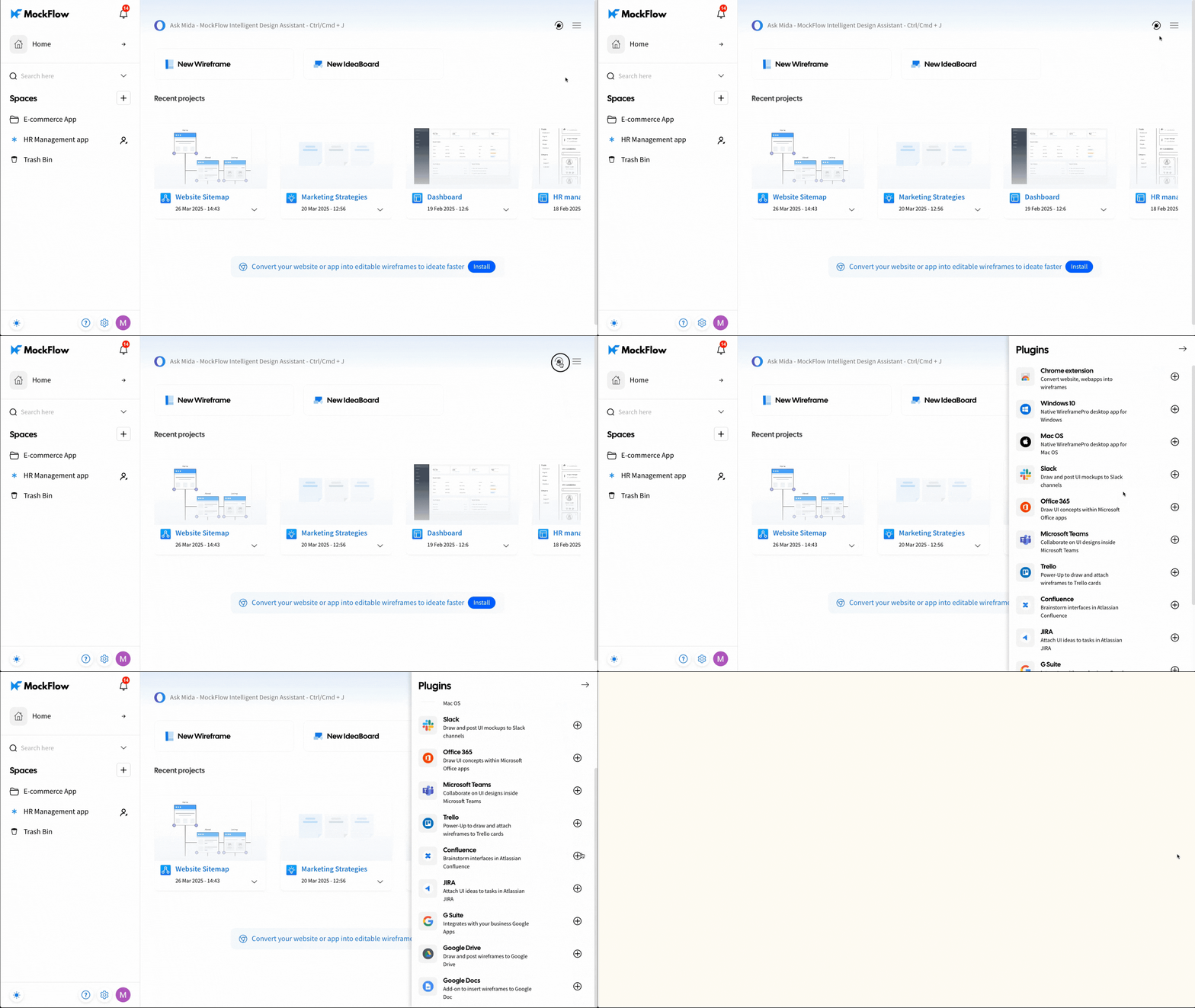
1 In the MockFlow dashboard, navigate to 'Integrations' and click the plus icon next to Atlassian Confluence.
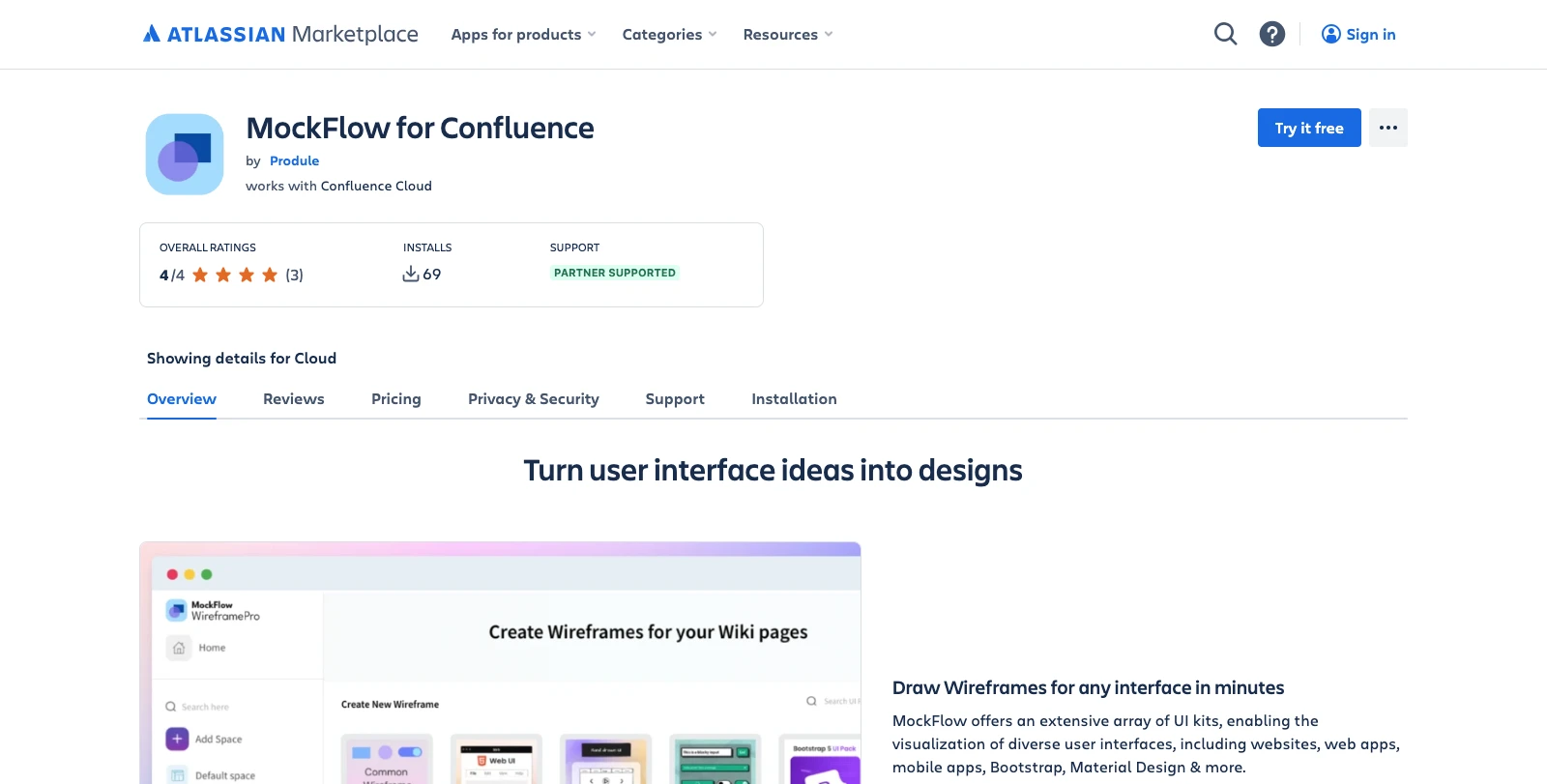
Next, click Try for Free to add MockFlow to the Confluence editor.
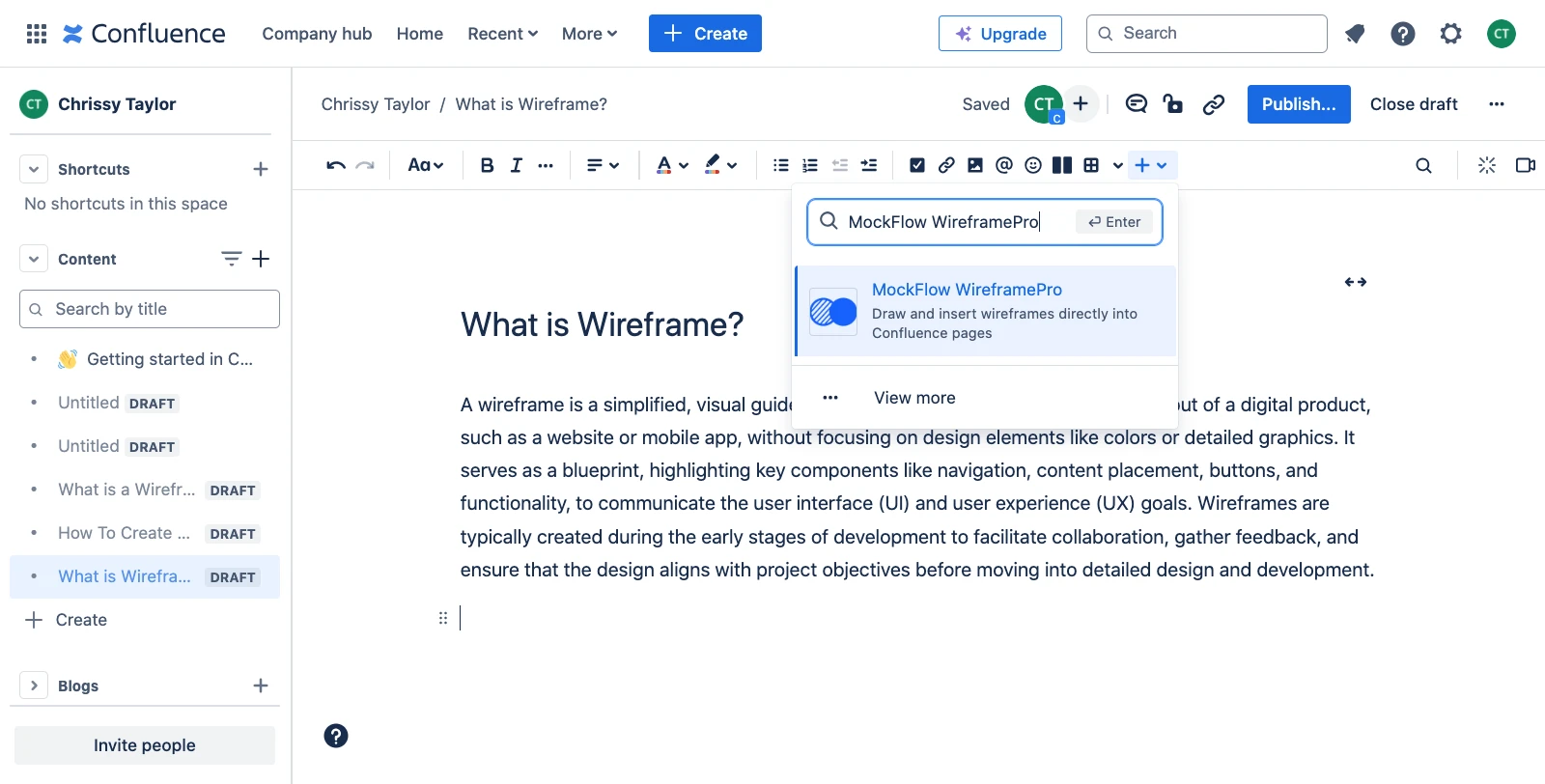
Open the Confluence editor, click 'Insert' in the top menu bar, and search for 'MockFlow WireframePro.' Select it from the search results and click on it.
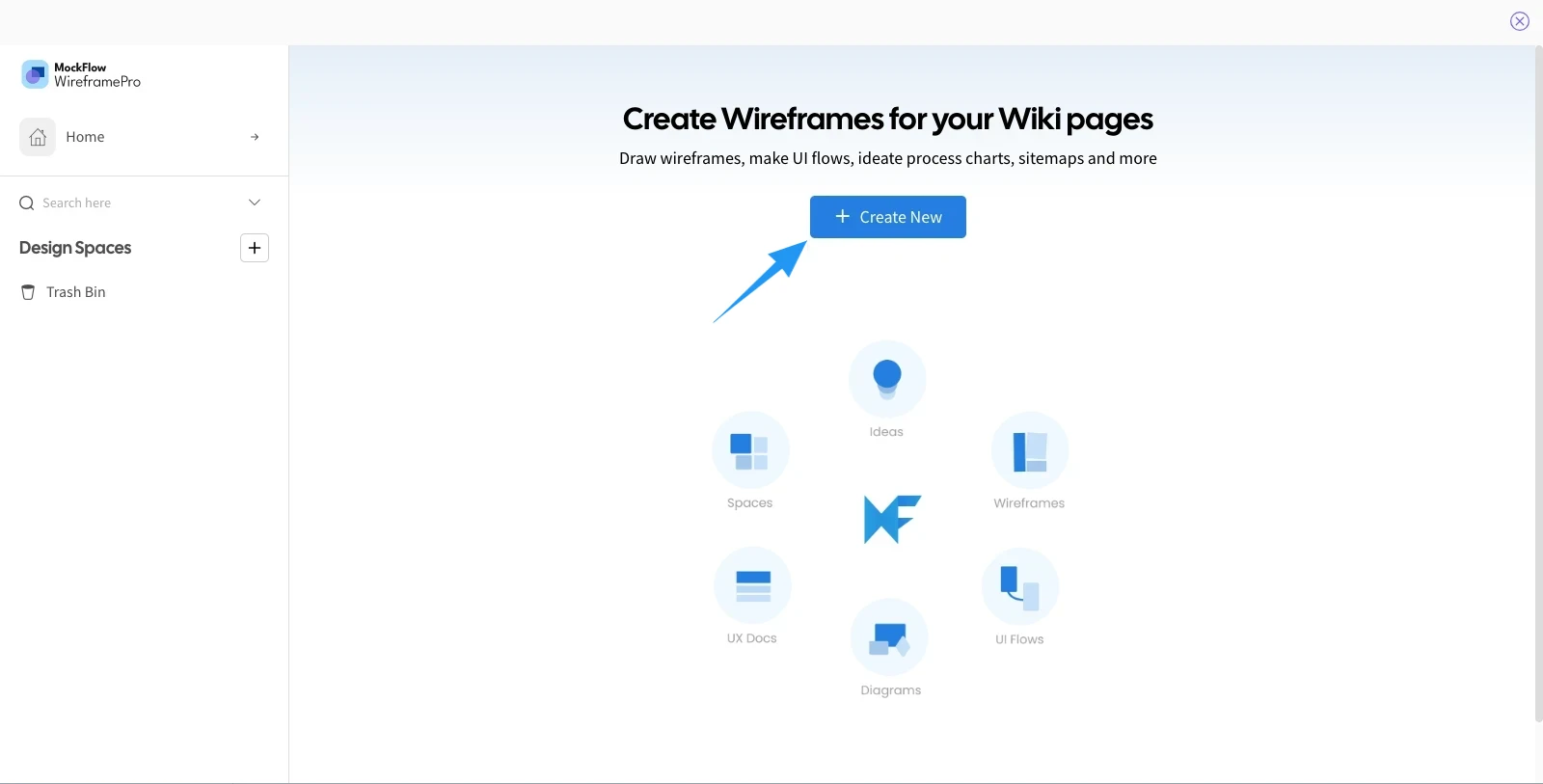
The MockFlow dashboard will open. Click the 'Create New' to create a new project.
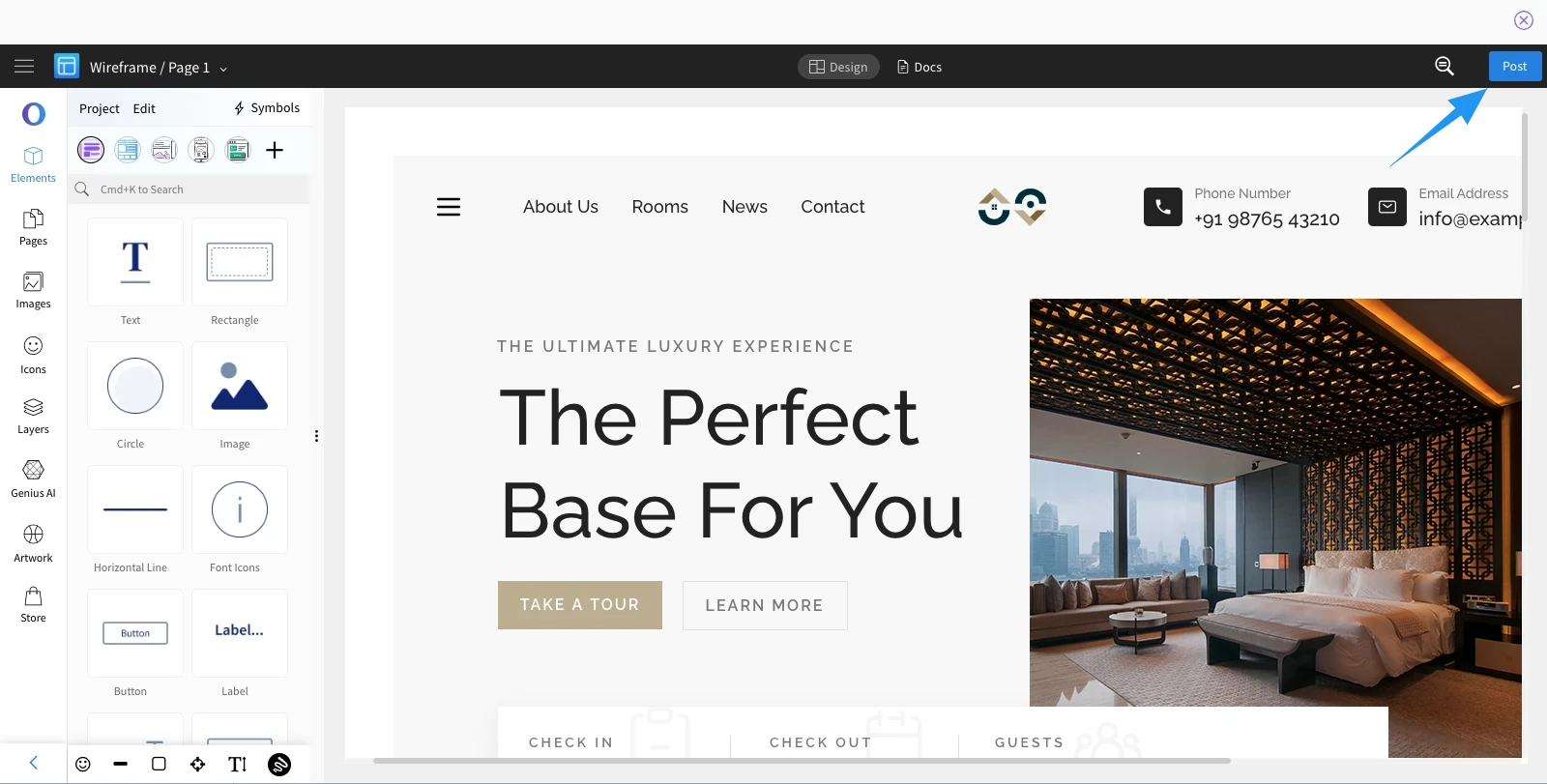
After creating the project, click the 'Post' button to attach it..
The wireframe will now be added to your wiki document.