
How to Preview the Generated Frontend Code in Build mode?
MockFlow provides two options to preview the generated frontend code, Use the ‘Preview’ option in the top right corner to view...
MockFlow provides two options to preview the generated frontend code,
Use the ‘Preview’ option in the top right corner to view the UI inside the editor.
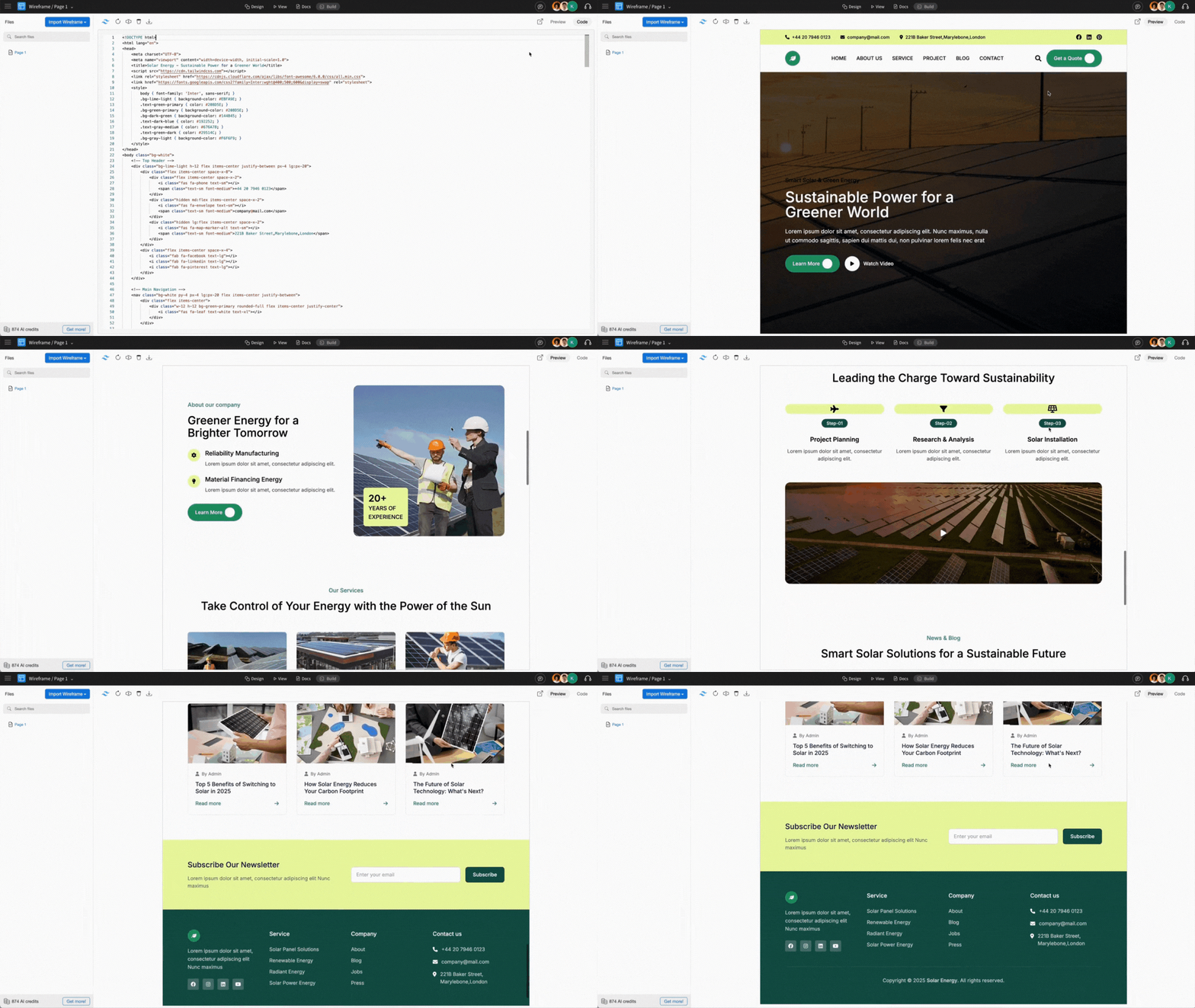
Click ‘Open in New Window Tab’ to launch a live website preview in a new browser window.
Note - MockFlow provides in-app preview support for limited frameworks
Supported Framework Previews
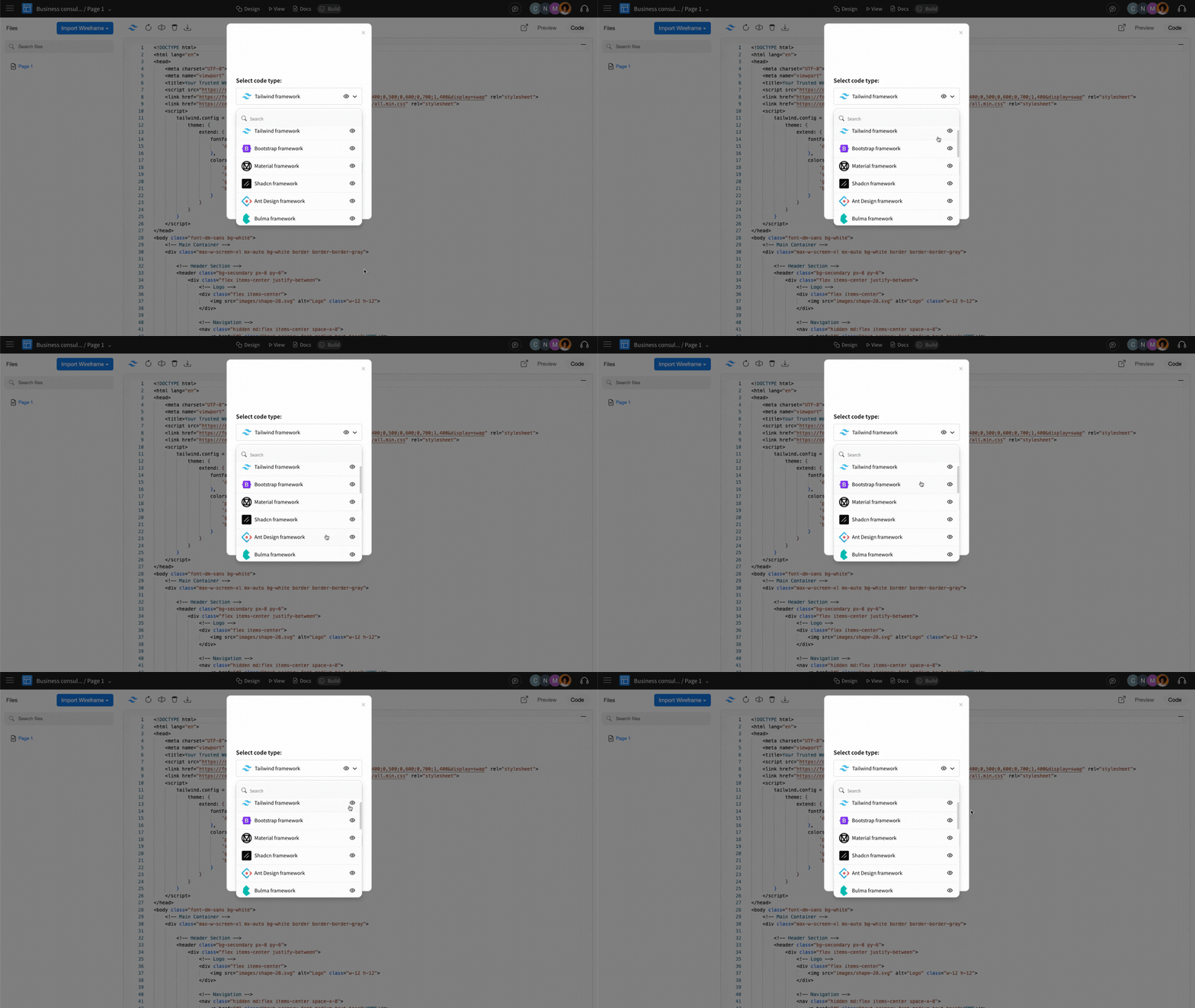
MockFlow supports live previews for the following frameworks:
Tailwind
Bootstrap
Material
Shadcn
Ant Design
Bulma
These frameworks allow instant UI previews directly within MockFlow.
Watch this video to learn how to generate frontend code for an Android Mobile App UI using MockFlow Build Mode and preview it in Android Studio:
Frameworks without Preview Support
MockFlow does not provide preview for the front-end code generated from these frameworks:
React Tailwind
React Shadcn
React Bootstrap
React Ant Framework
Vue Tailwind
Vue Bootstrap
Vue Ant Framework
iOS UI
iPadOS UI
Watch OS UI
Android UI
Flutter UI
MS Windows UI
macOS UI
These require an online playground of the desired framework to preview the generated frontend code. You can export the code and open it within the respective framework to preview it.