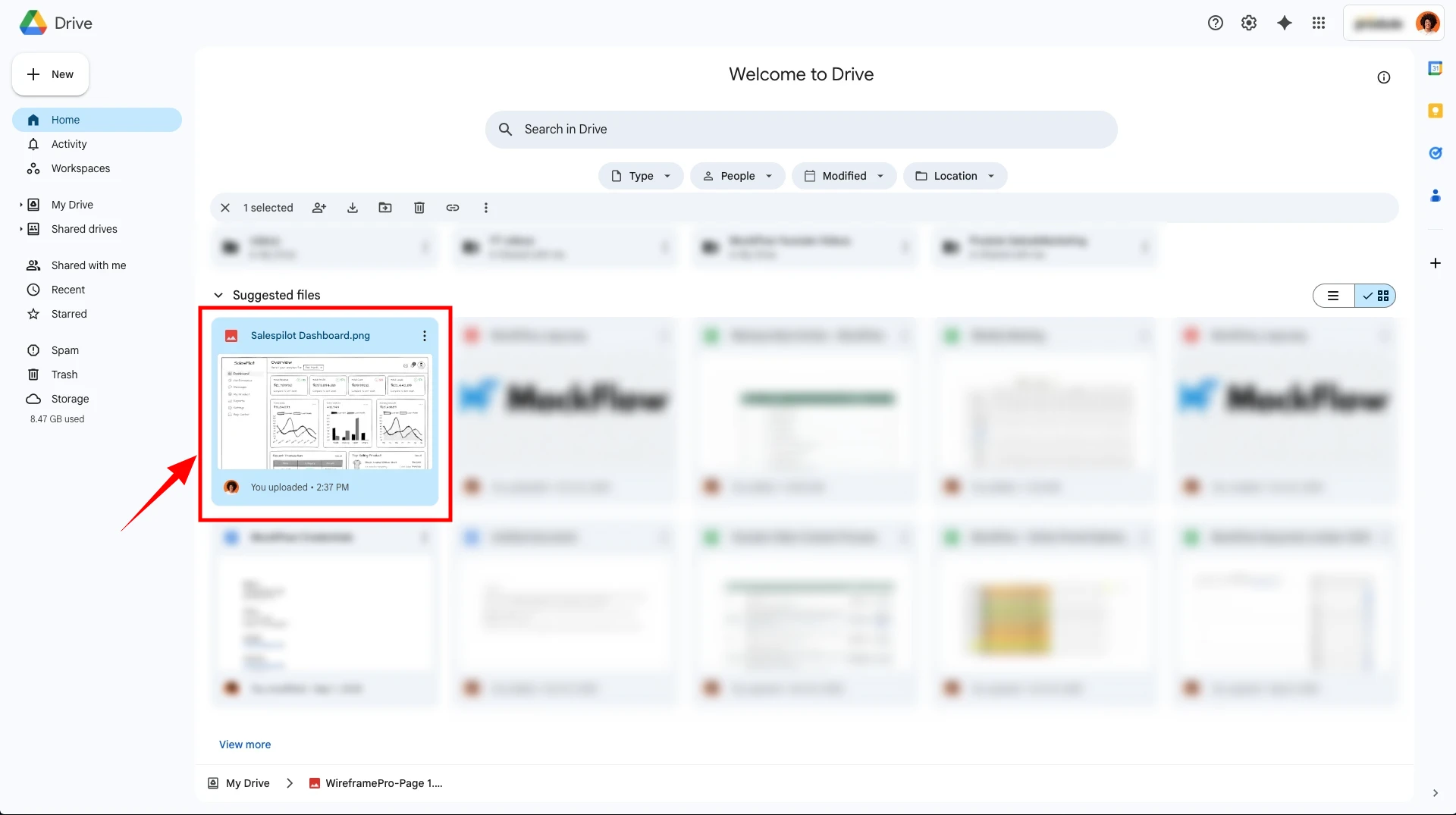
Google Drive power up
Learn how to easily access assets directly from Google Drive or export projects to Gdrive, in MockFlow WireframePro.
The Google Drive power up in MockFlow WireframePro helps you to
Upload images from your google drive folder directly into your wireframes
Export your wireframe project to Google drive directly
This help articles lists
How to install Google drive powerup?
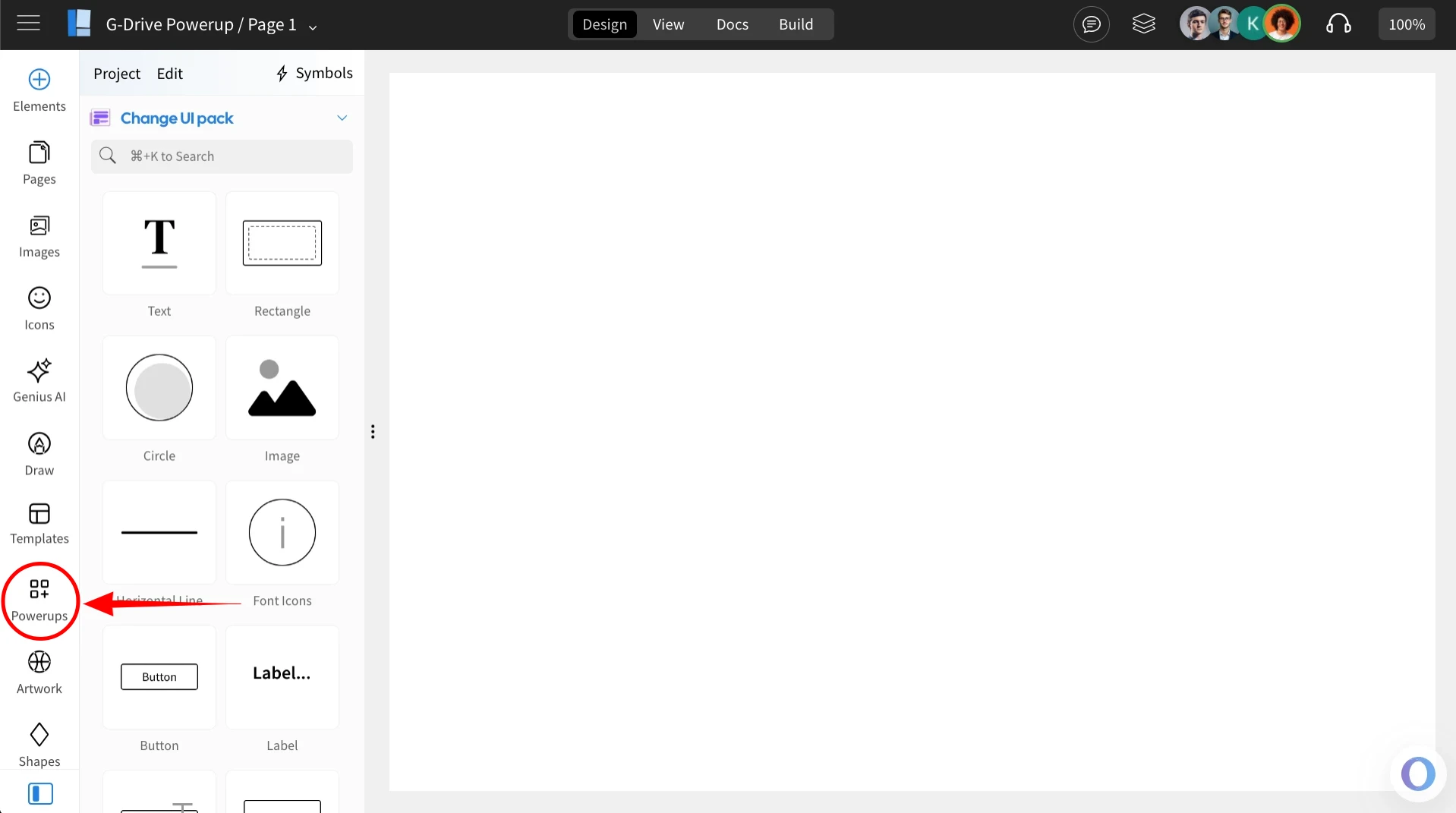
Inside the MockFlow WireframePro Editor, click on ‘Powerups’.
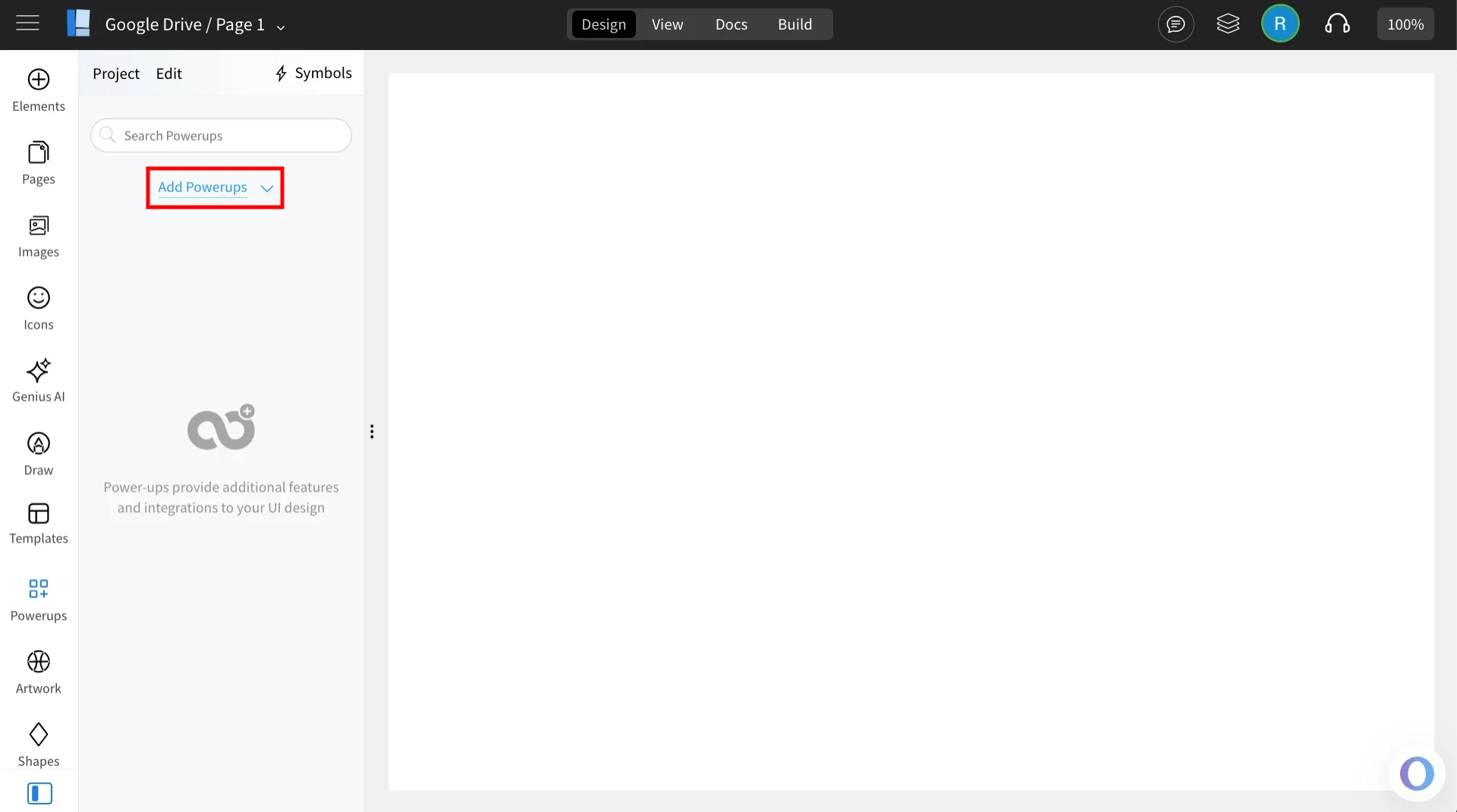
Click on the 'Add Powerups' to install the powerups.
From the list of available powerups, locate ‘Google Drive’ and click on it.
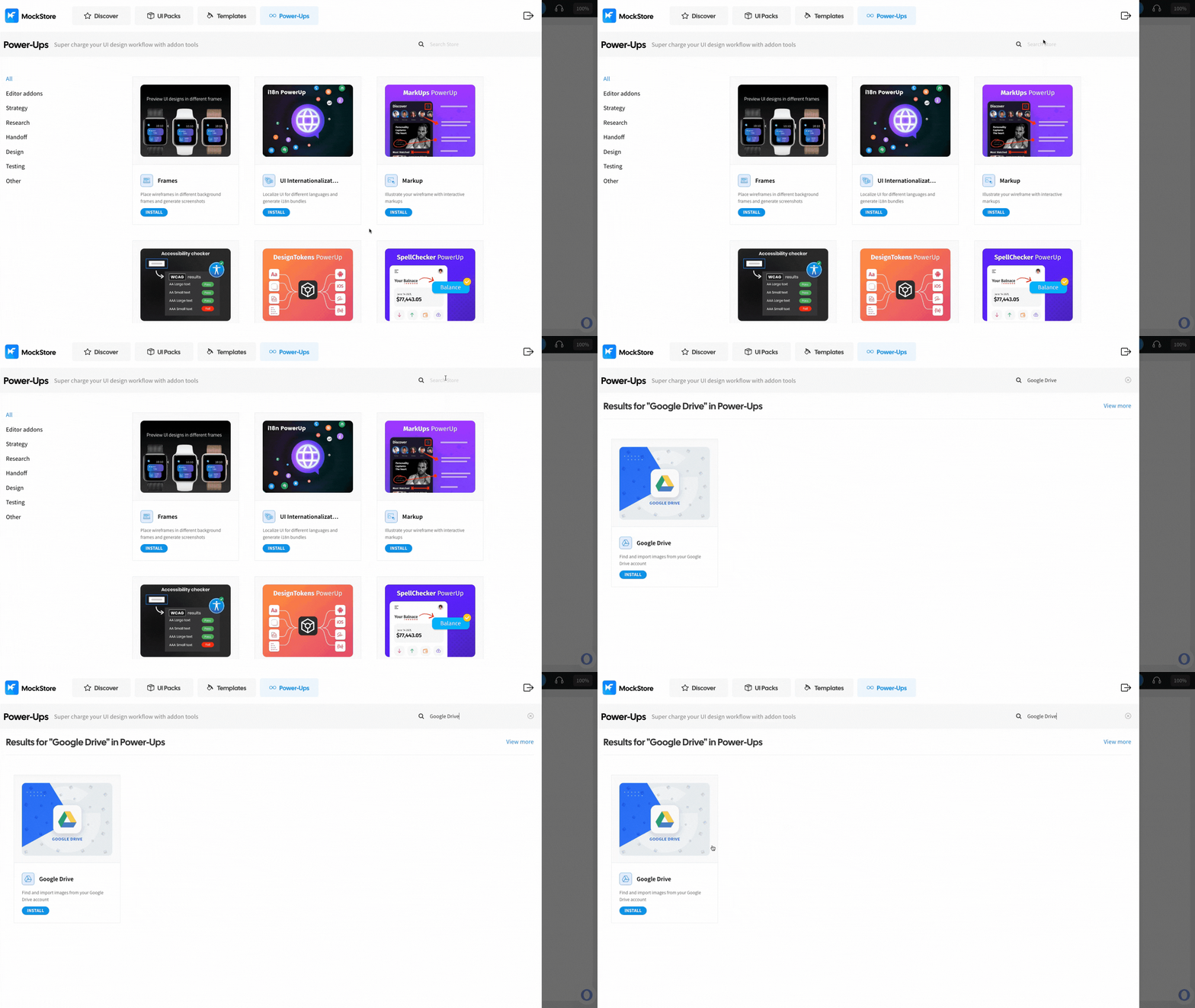
Click ‘Install’ to confirm. The power-up will be added to your editor.
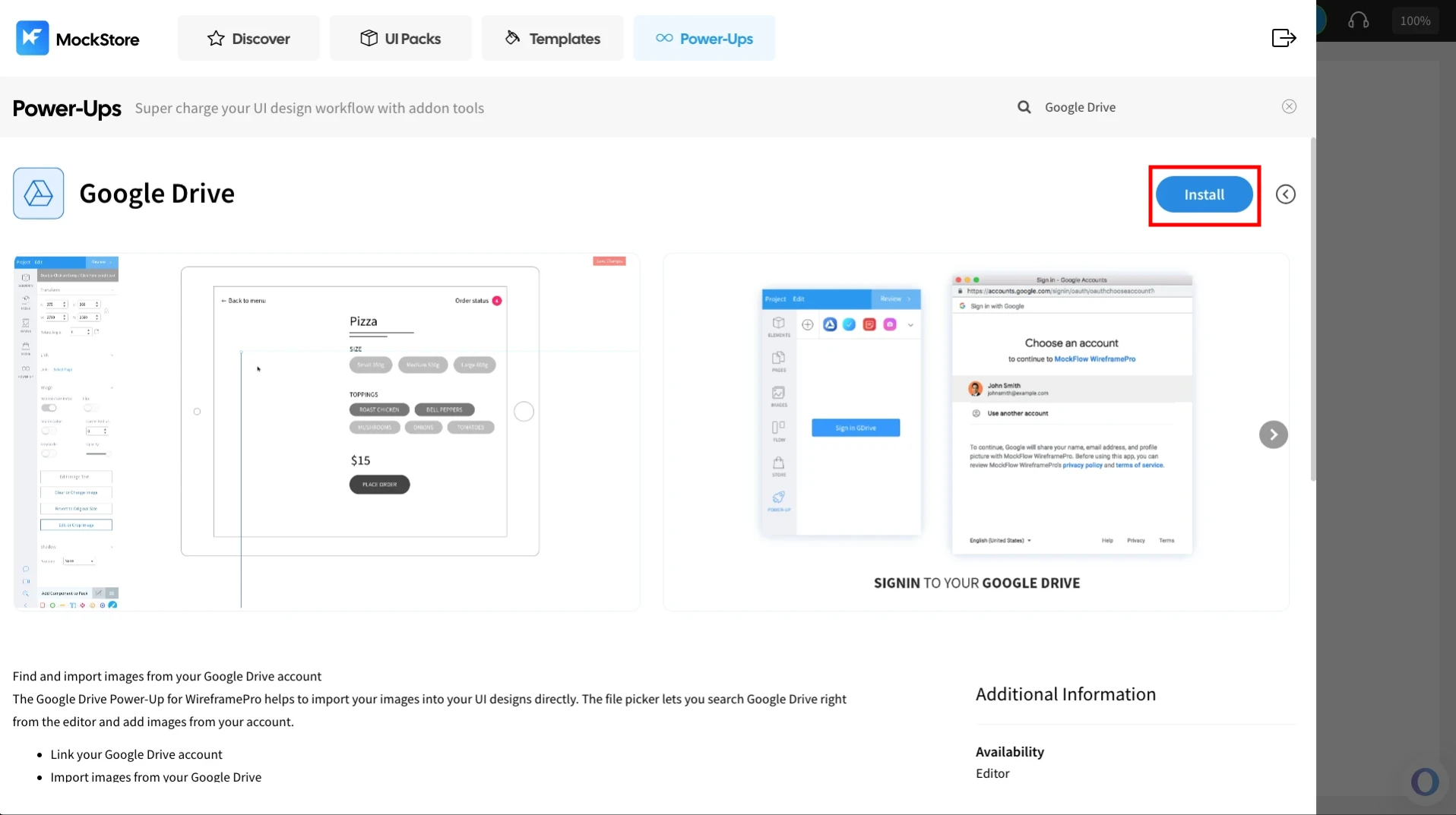
Use Google drive powerup to import images to image gallery
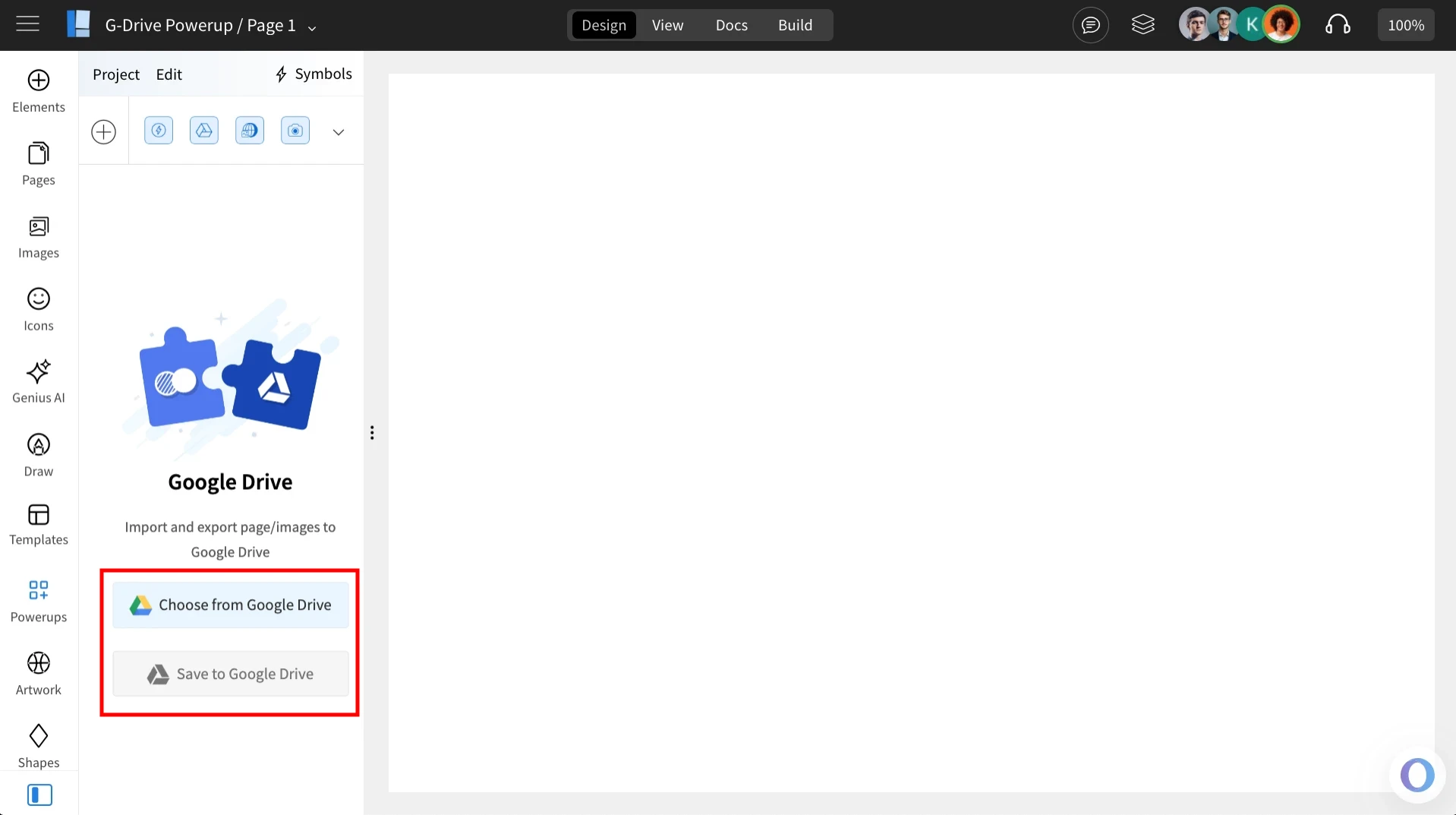
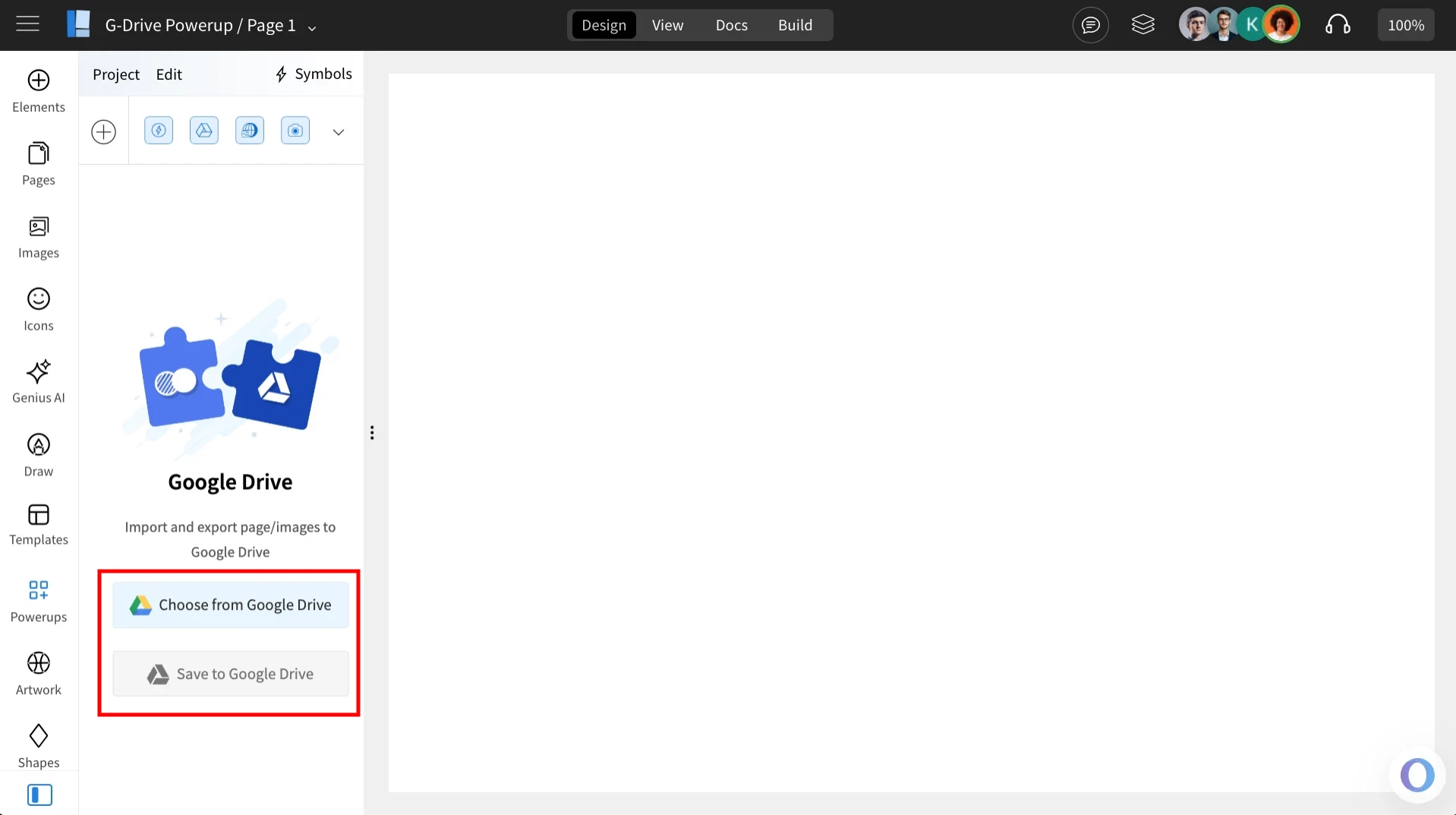
Once installed, click on the ‘Google Drive’ powerup — you’ll find two available options.
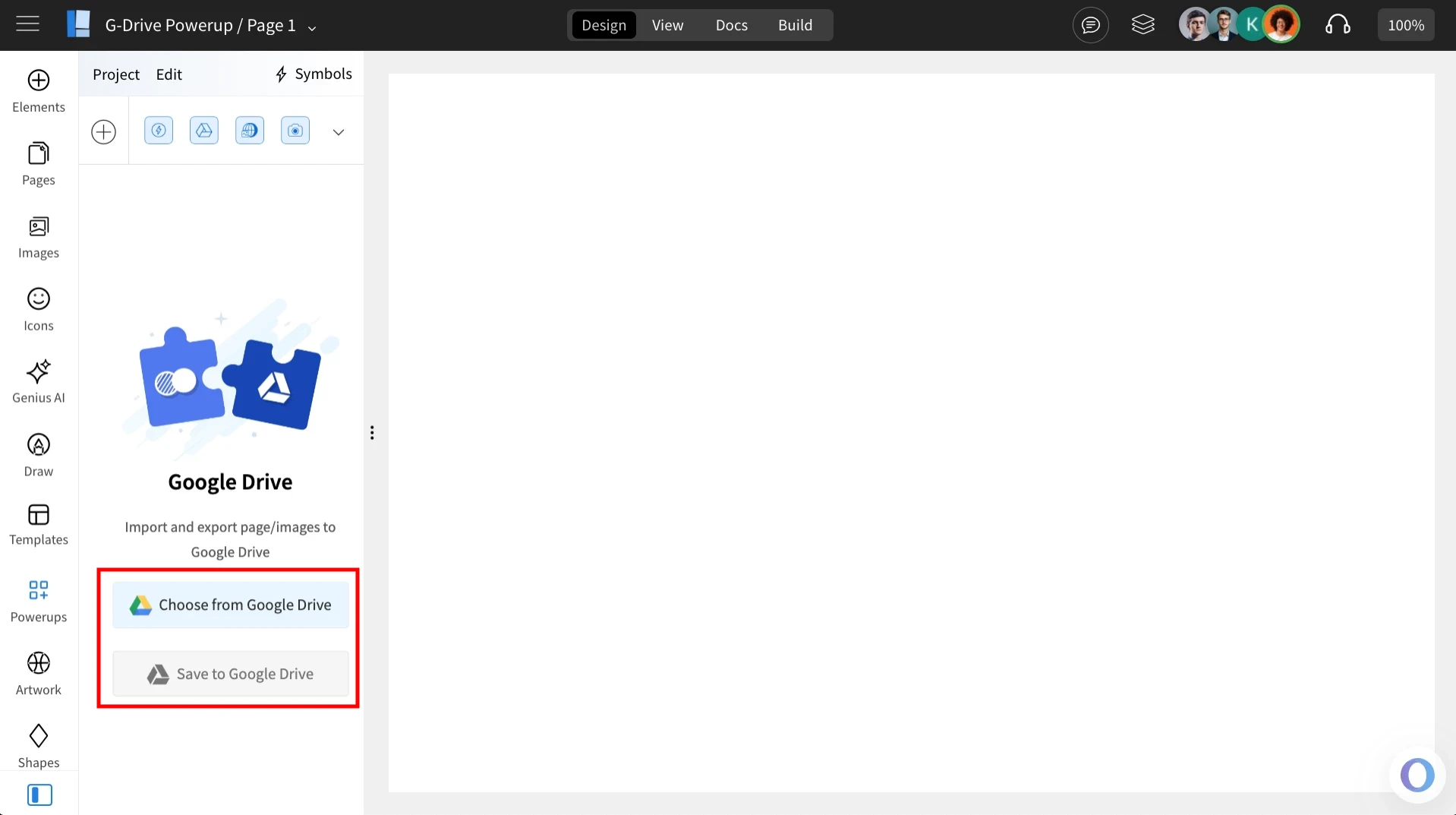
Choose from Google Drive
Click on ‘Choose from Google Drive’ and sign in to your account to access the assets you want to import.
Select the asset you wish to import and click ‘Select’.
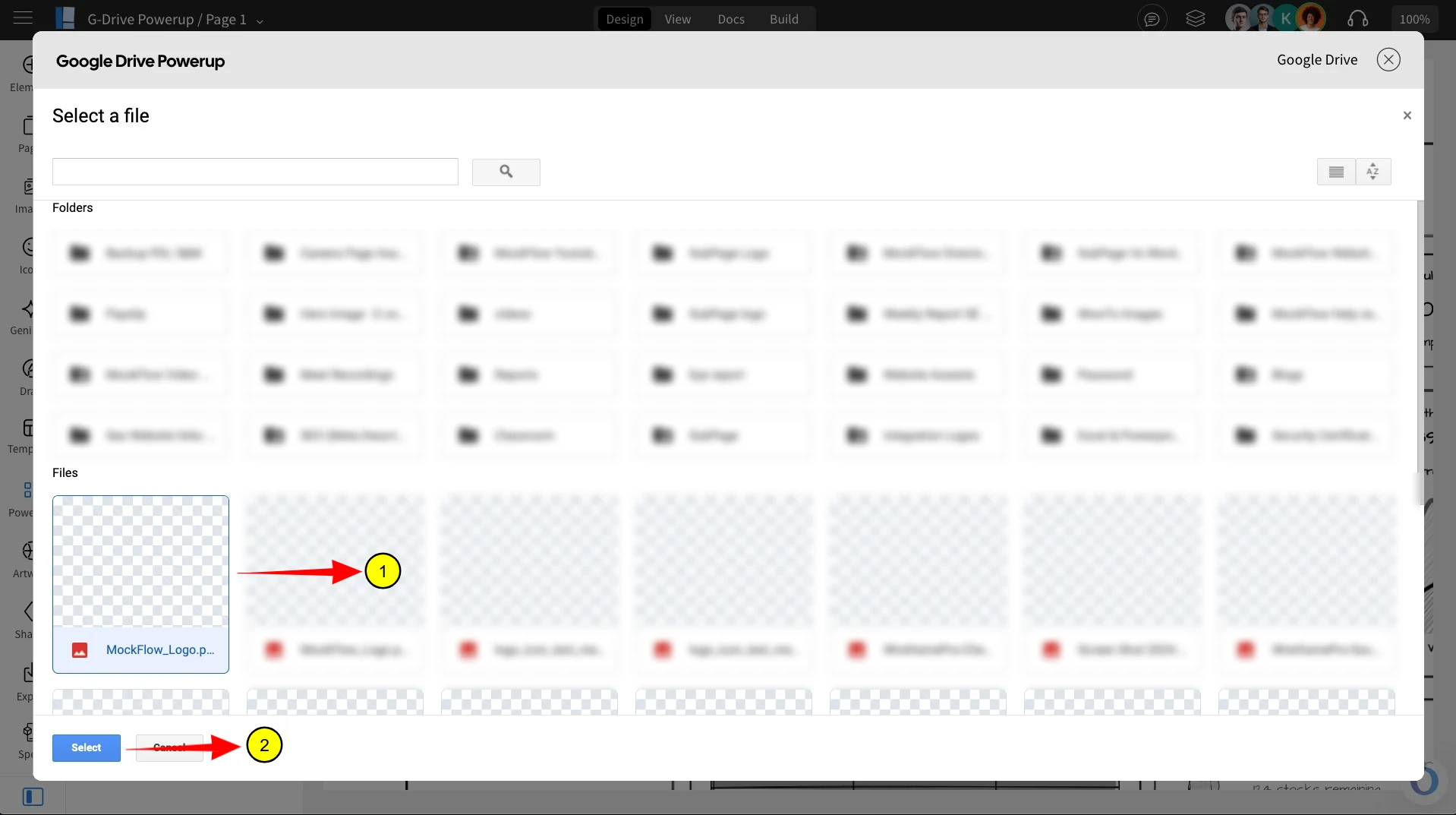
The selected asset will be imported into the image gallery of the wireframe project.
Use Google drive powerup to save wireframe project to drive
Click on ‘Save to Google Drive’ and sign in to your account to export the wireframe.
The wireframe will be saved as an image file inside your Google Drive.