Atlassian Jira Integration
Integrating MockFlow with Atlassian Jira allows you to attach UI designs to Jira tasks as live documents or images. In the...
Integrating MockFlow with Atlassian Jira allows you to attach UI designs to Jira tasks as live documents or images.
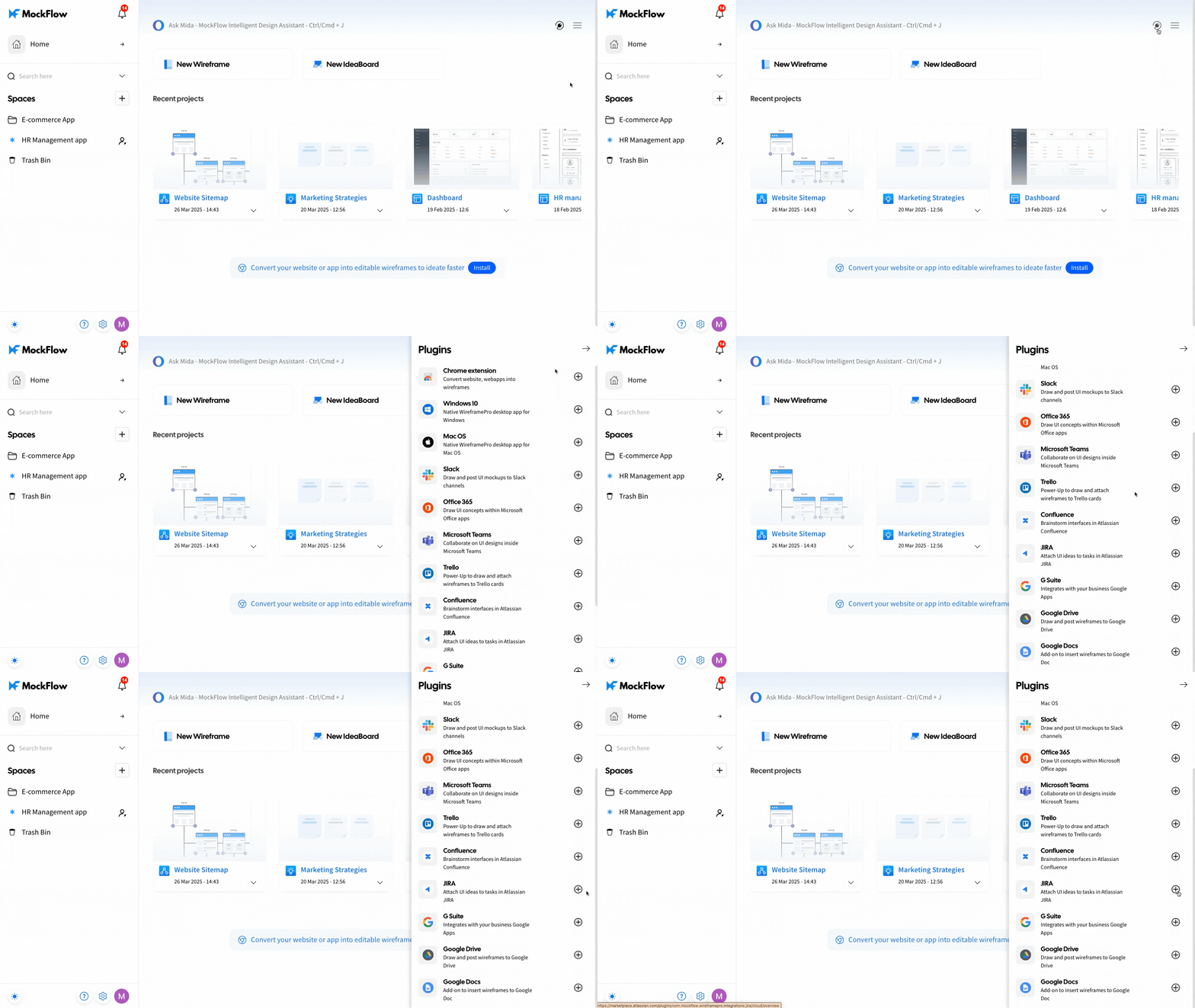
1 In the MockFlow dashboard, navigate to 'Integrations' and click the plus icon next to Atlassian Jira.
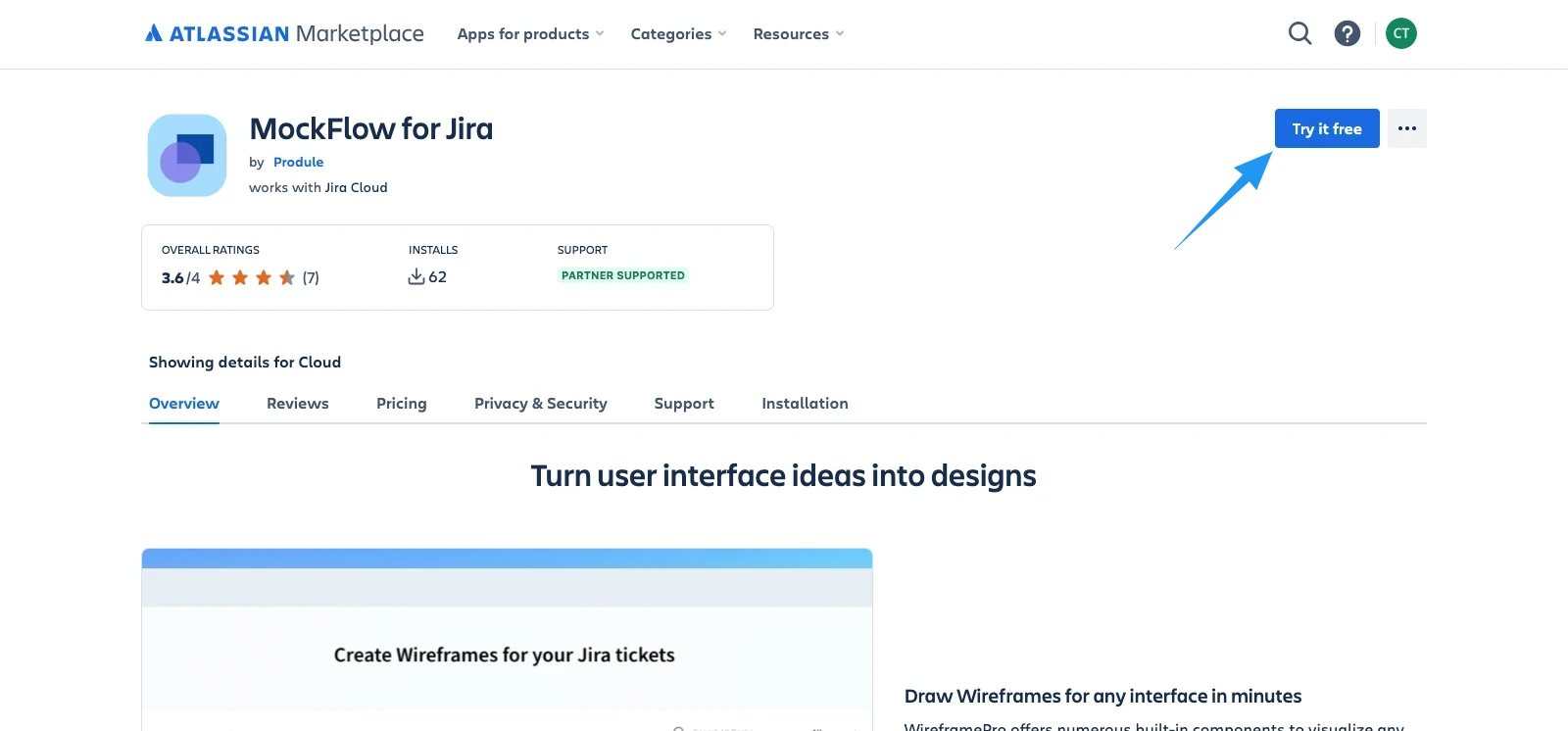
2 Next, click Try for Free to add MockFlow to the Jira editor.
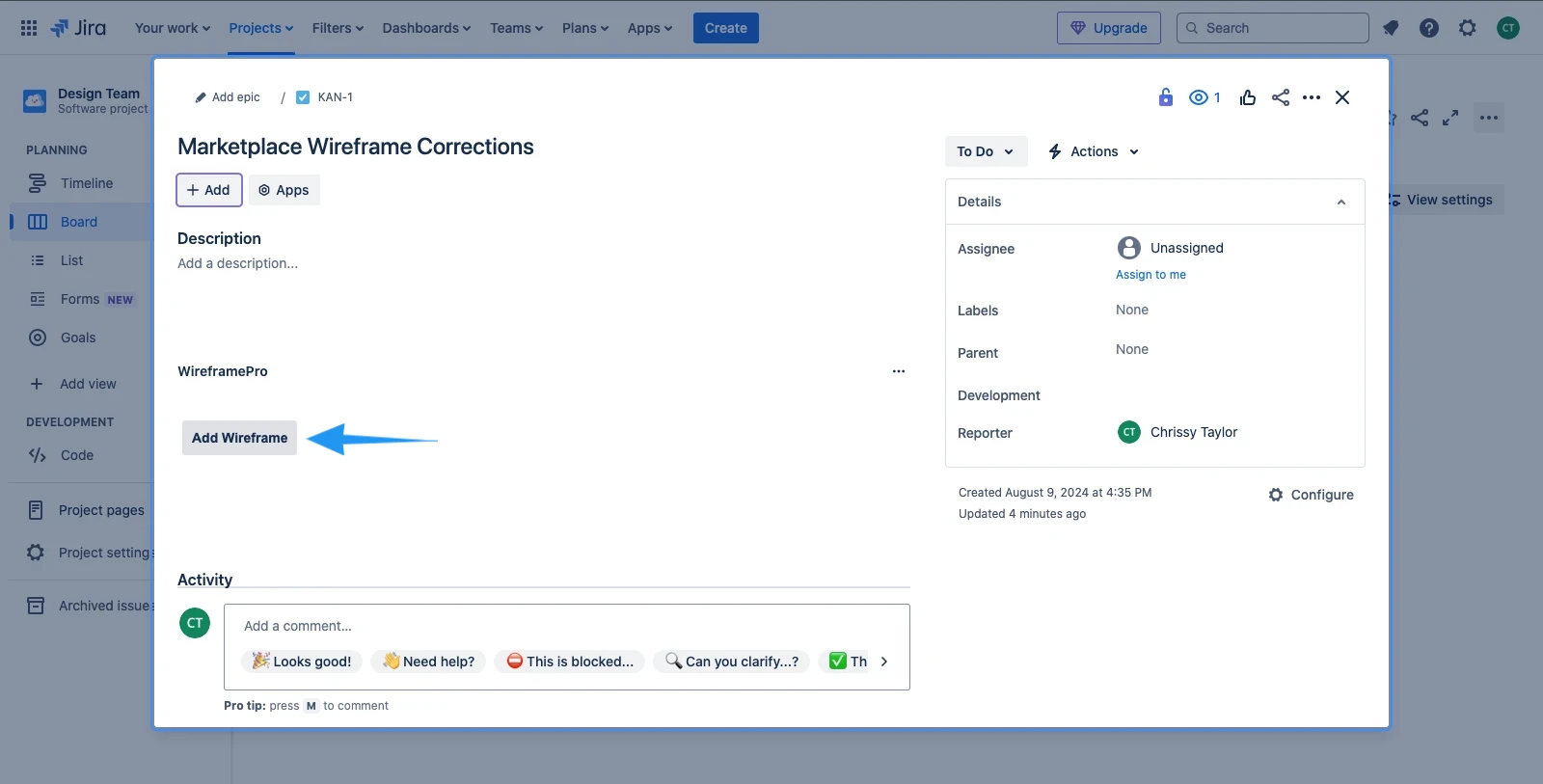
3 Click on the 'Add Wireframe' button.
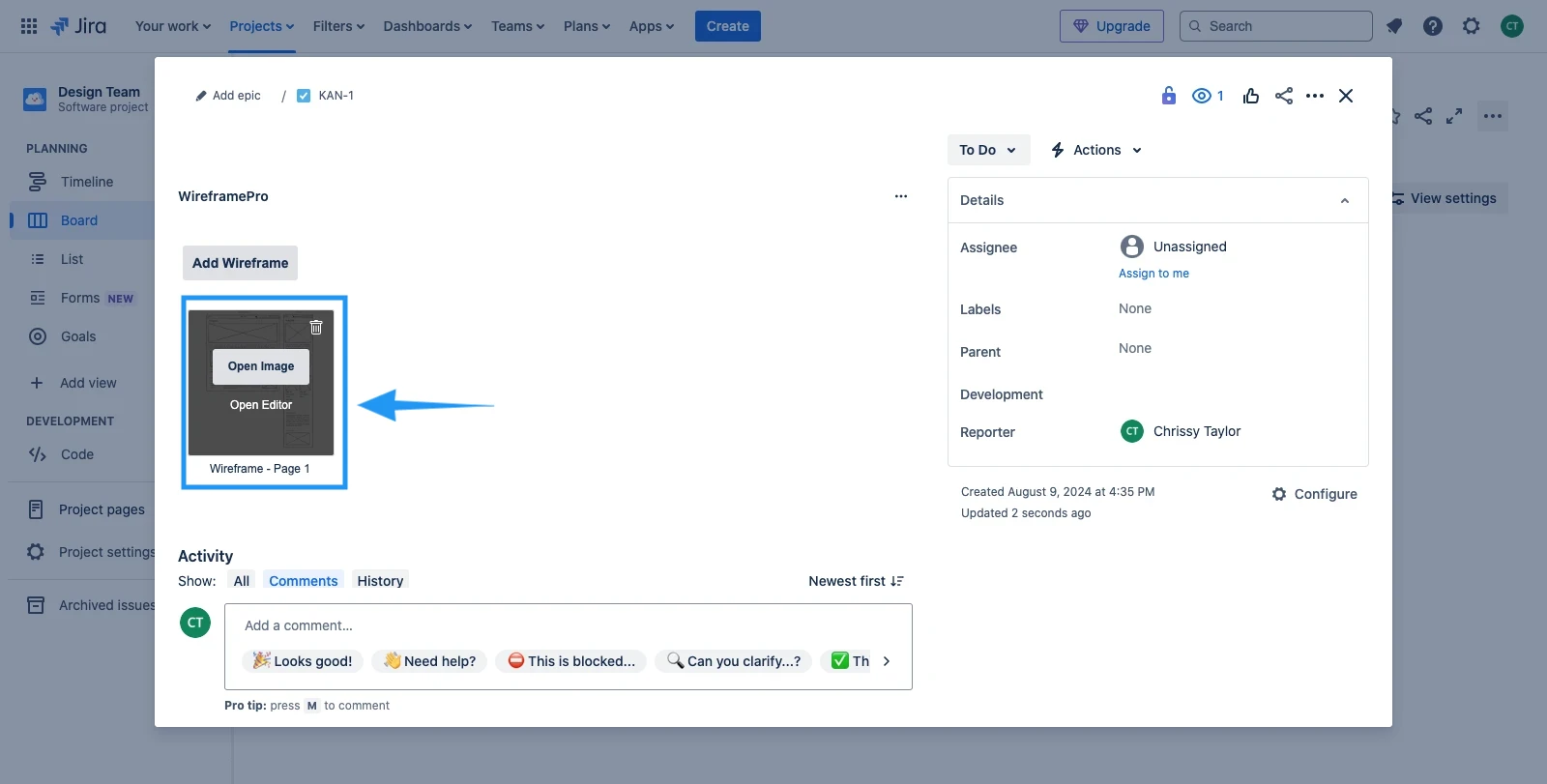
4 Create a new project. When you click on the 'Attach' option, you'll see two options in the top right: 'Add to Jira' and 'Add to Jira Issue with Attachment.'
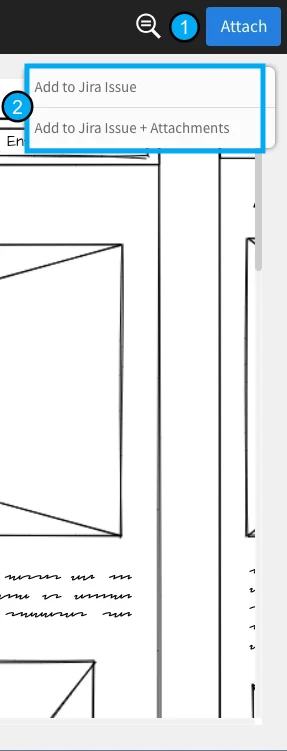
5 Once the project is generated, it will be posted as an issue and as an attachment in Jira.
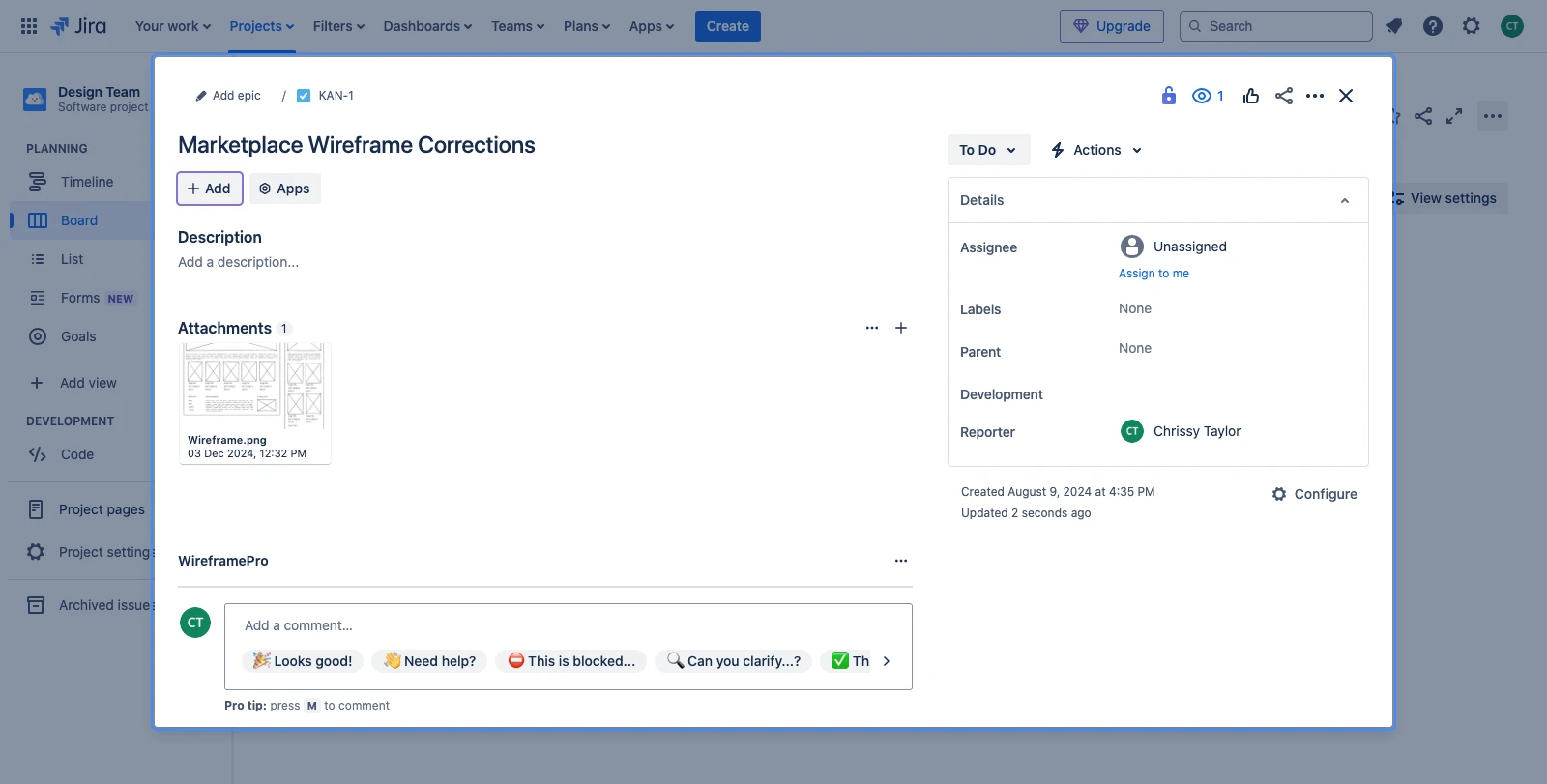
6 In Jira, the attached project can be opened in the MockFlow editor or viewed as an image by clicking on it.