
Internal
How to Share your UX Document?
Discover how to effectively share your UX document using MockFlow. Follow our step-by-step guide to streamline collaboration and ensure clarity in your design projects.
You can export the UX documents created within MockFlow for your wireframe project in PDF format for sharing or other purposes. Follow these steps to learn how:
Navigate to Docs inside the editor and click on it.
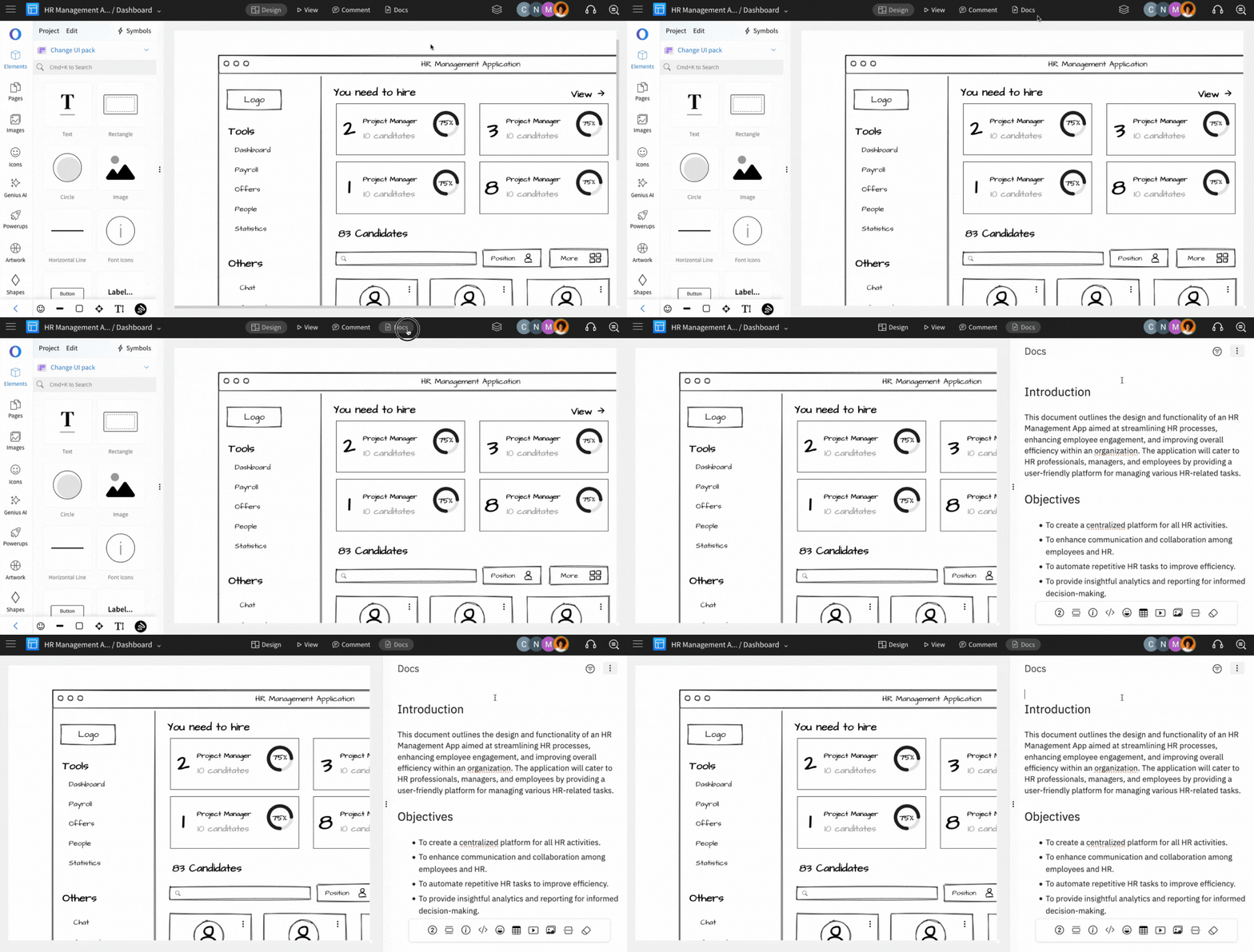
From the Docs sidebar, click on the 'More Options' icon from the top right.
Now, Select 'Export to PDF.'
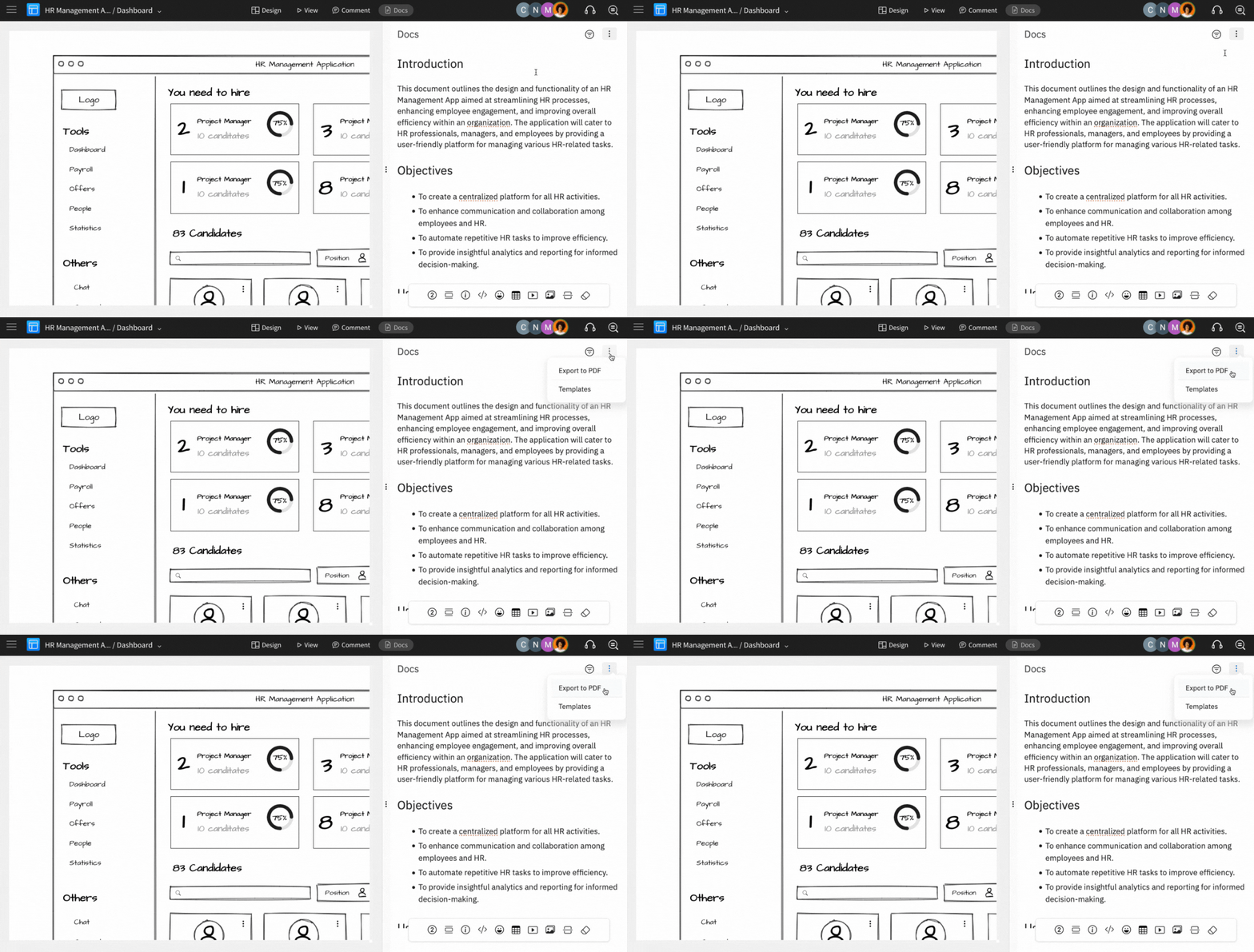
Click on 'Download' from the modal.
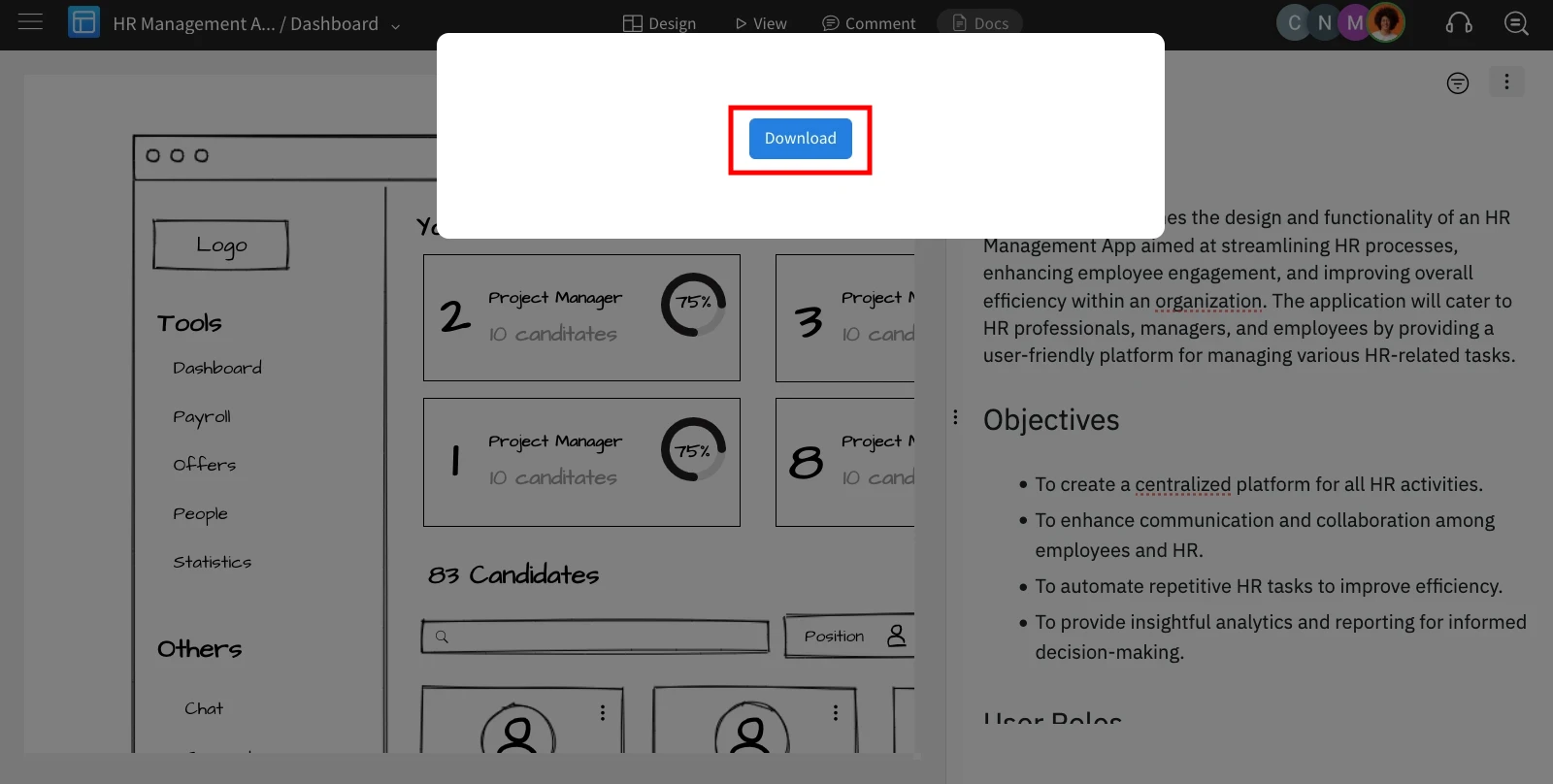
Your project's documentation will be exported as a PDF.
Was this page helpful?