
Internal
How to edit multiple components at once?
For example, to change the font family of multiple text components, first select the components in the editor. Then, from the...
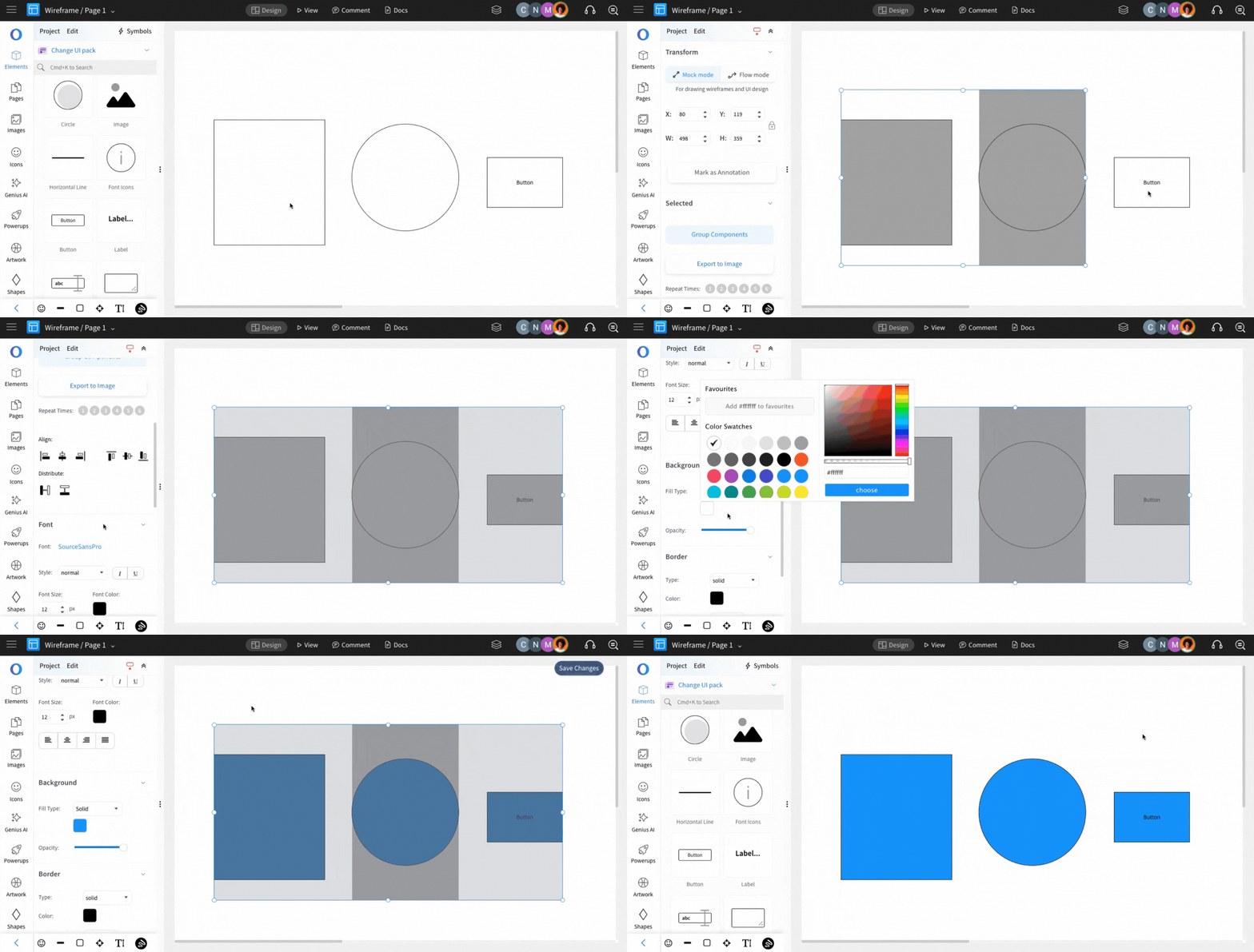
For example, to change the font family of multiple text components, first select the components in the editor. Then, from the global settings panel in the left sidebar, choose the desired font family to apply to all selected components simultaneously.
Inside the Wireframe editor, select multiple components to edit simultaneously.
Adjust the component property; the changes will apply to all selected components.
Was this page helpful?