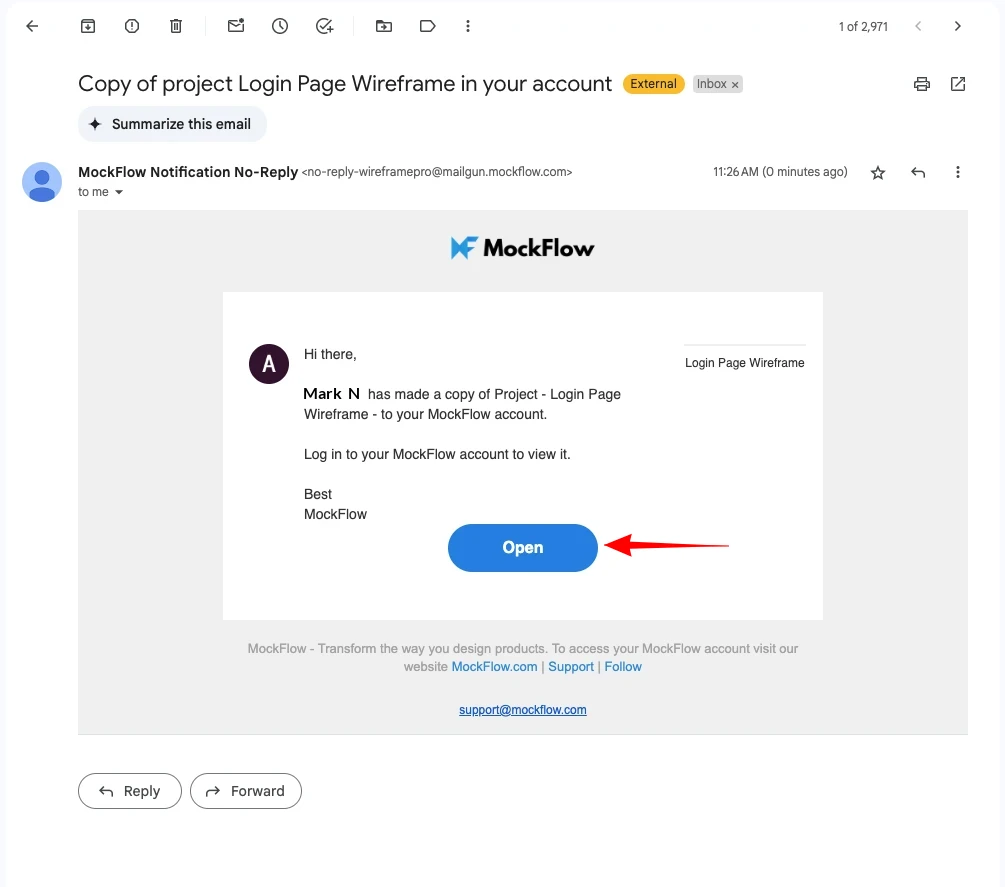
How to send a copy of a project to another user?
When a project copy is sent to another user, it is transferred to a new space (with the name 'UI ideation, or to the default...
When a project copy is sent to another user, it is transferred to a new space (with the name 'UI ideation, or to the default space - in case of old users), granting them full ownership rights to the project copy.
Sending a copy of a project is different from sharing a project. Use 'Send copy to' when you want to transfer a
copy of a project to another user.
Follow these steps to send a copy of a project to another user.
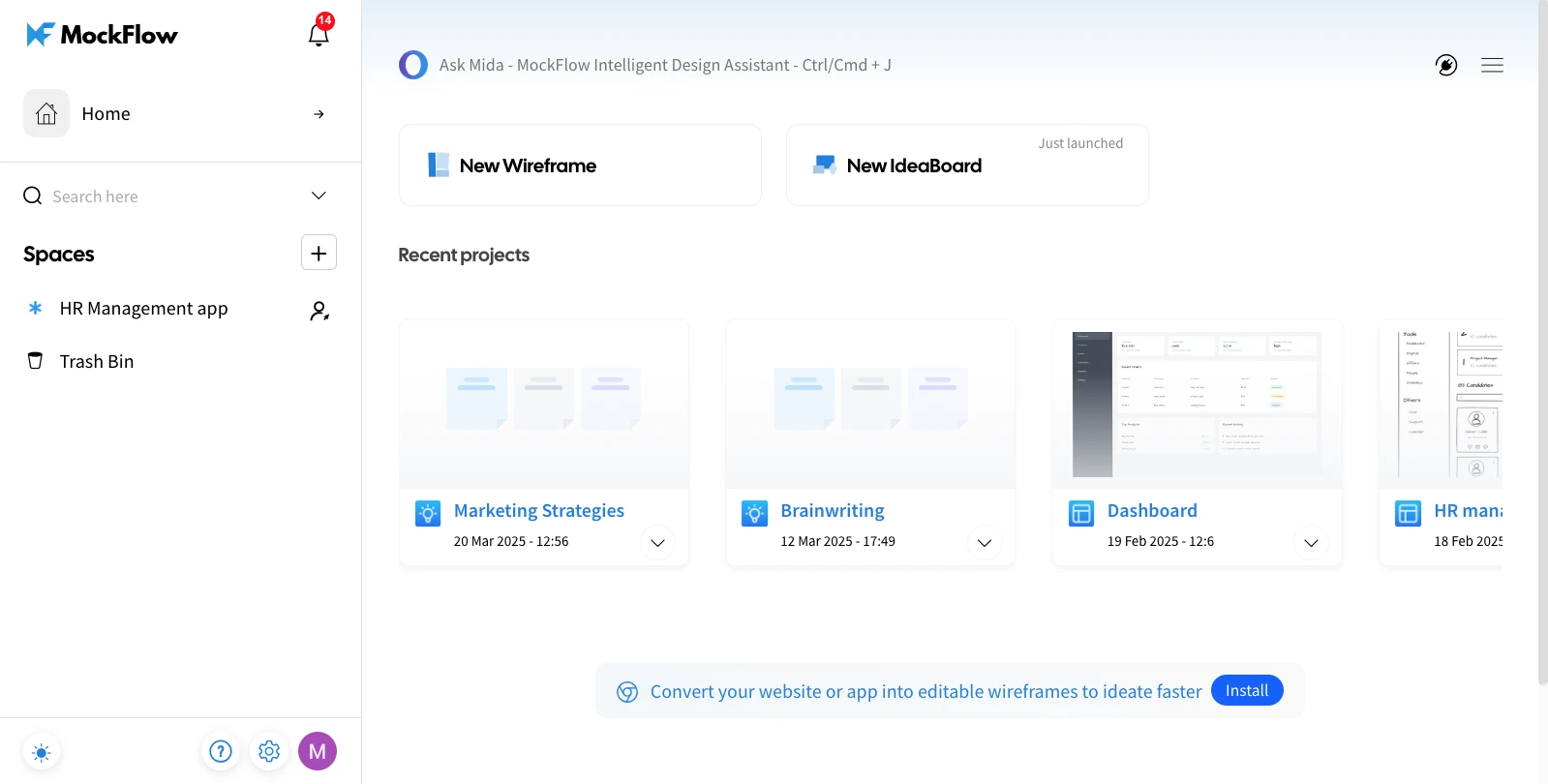
Log in to your MockFlow account to access the dashboard.
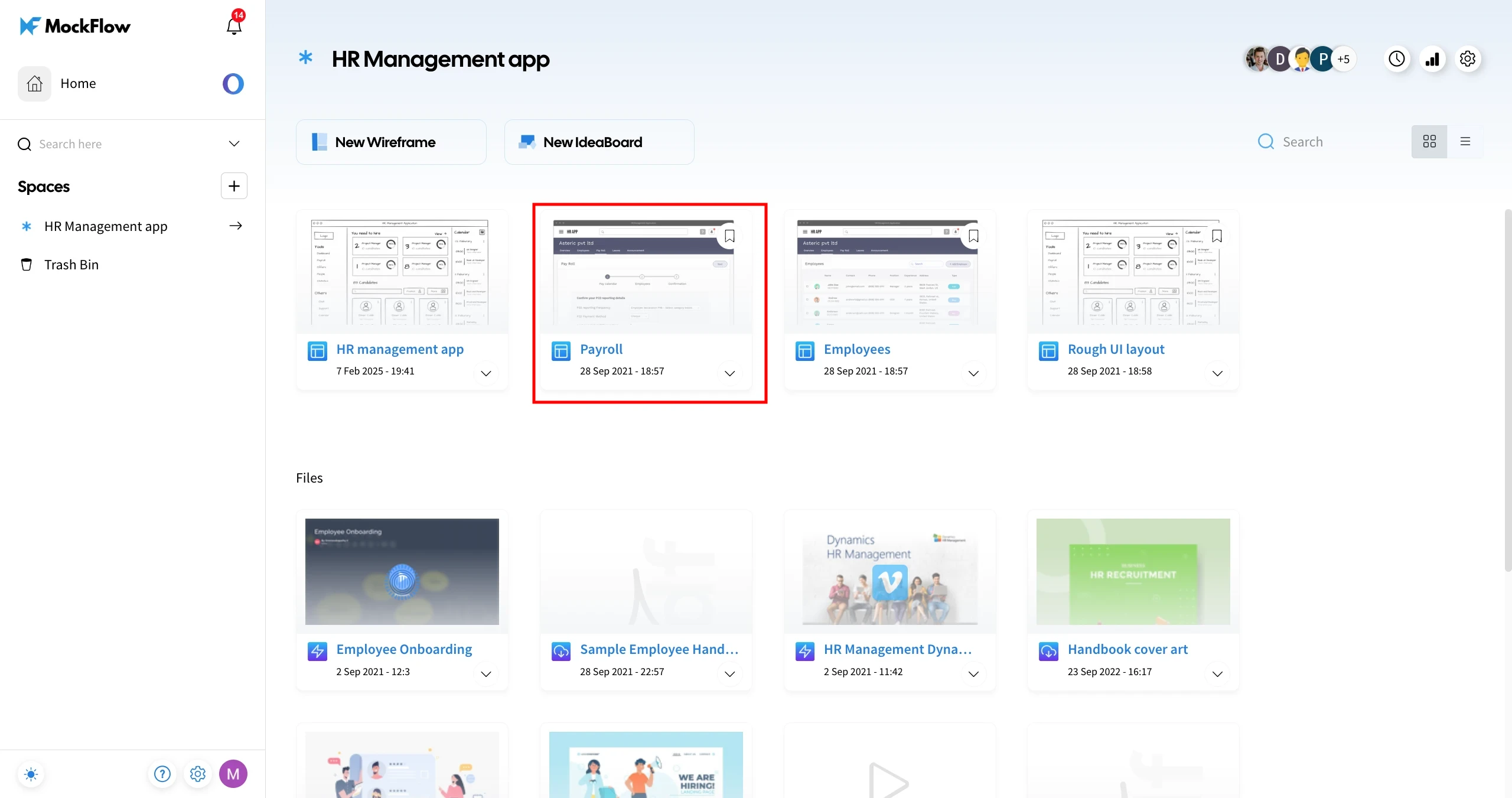
Select a Design Space and choose the project you want to transfer.
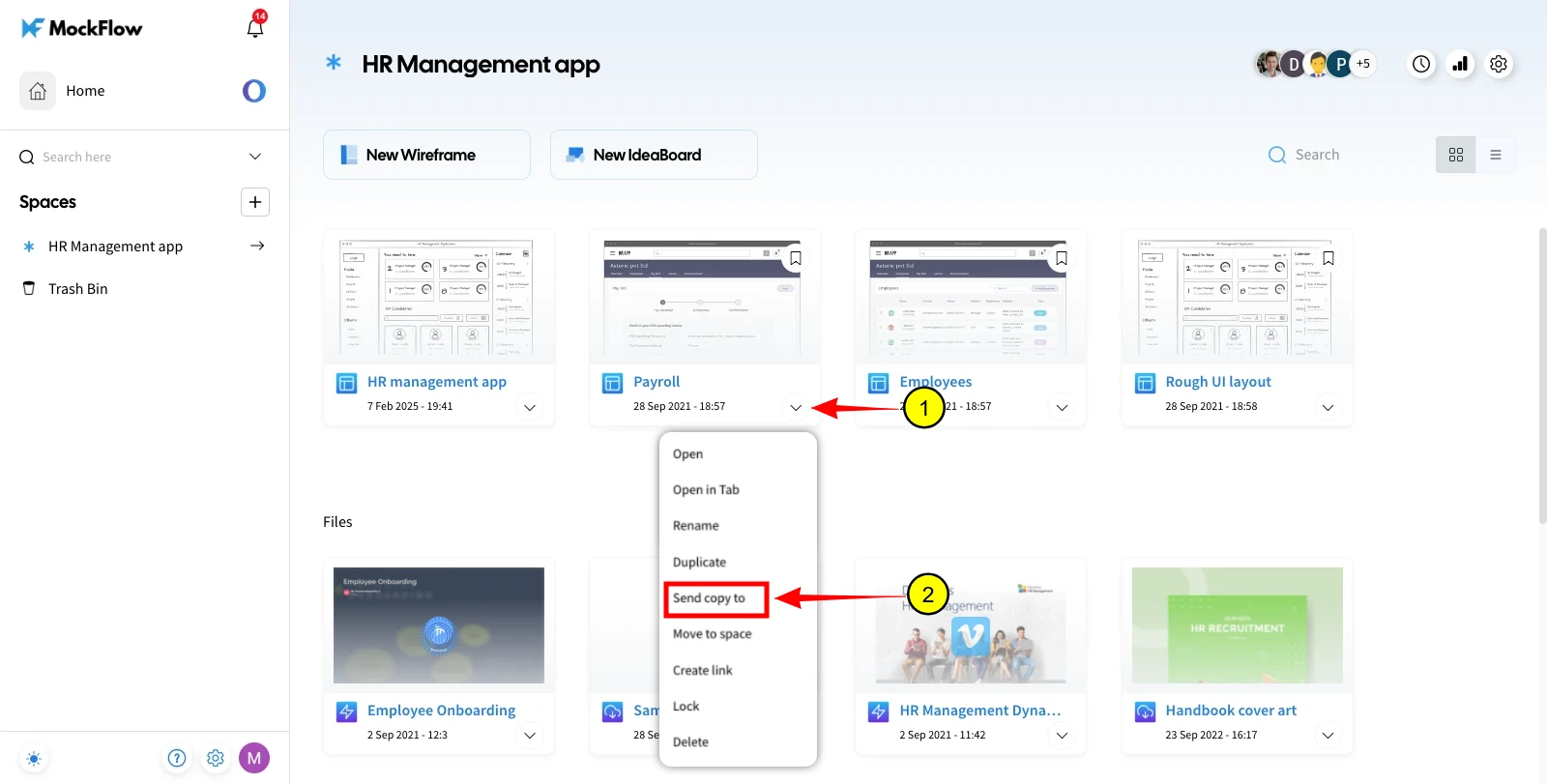
Click on the "More options" dropdown and select 'Send Copy to.'
Enter the recipient's email ID and click Copy to transfer the project.
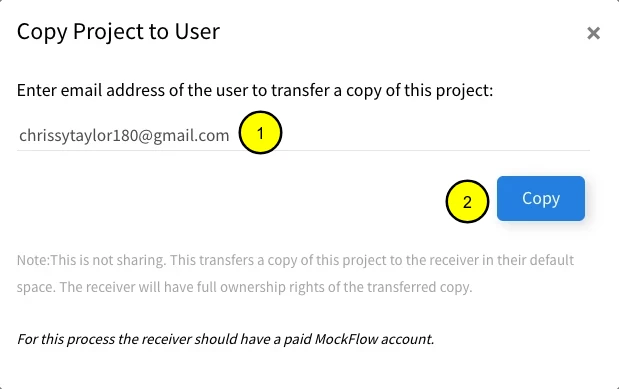
Note - The receiver should have a Paid MockFlow account for this Process.
The recipient will receive an email with the project copy and can click 'Open' to access it.