
Internal
How to restore a board after deleting?
If you deleted a board by mistake and wanted to get it back, you can restore it from the trash bin within 30 days. All deleted...
If you deleted a board by mistake and wanted to get it back, you can restore it from the trash bin within 30 days.
All deleted projects are moved to the Trash Bin, where they remain for 30 days. After this period, they are permanently deleted and cannot be recovered.
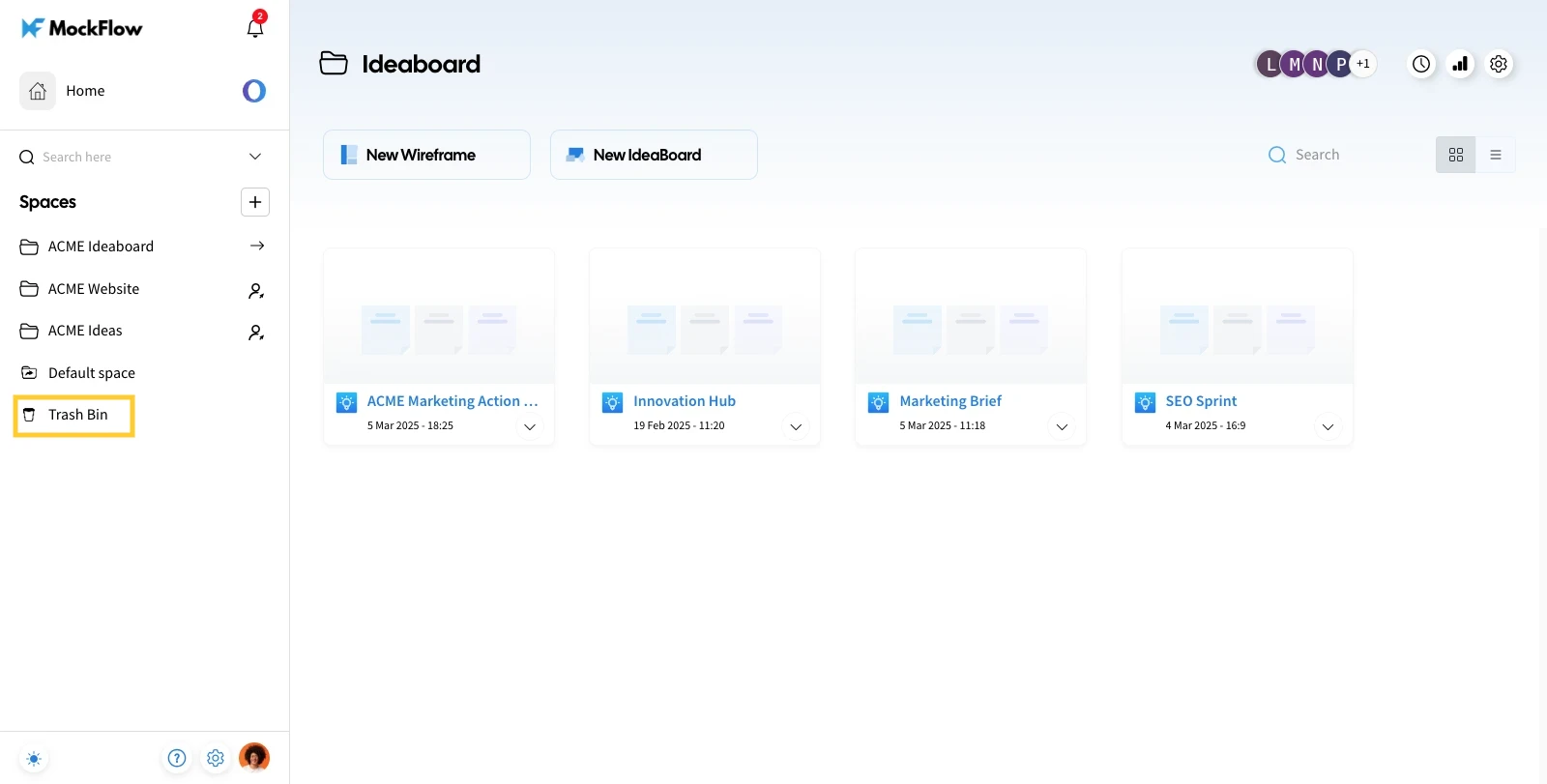
Navigate to the Trash Bin in the MockFlow dashboard to restore a board.
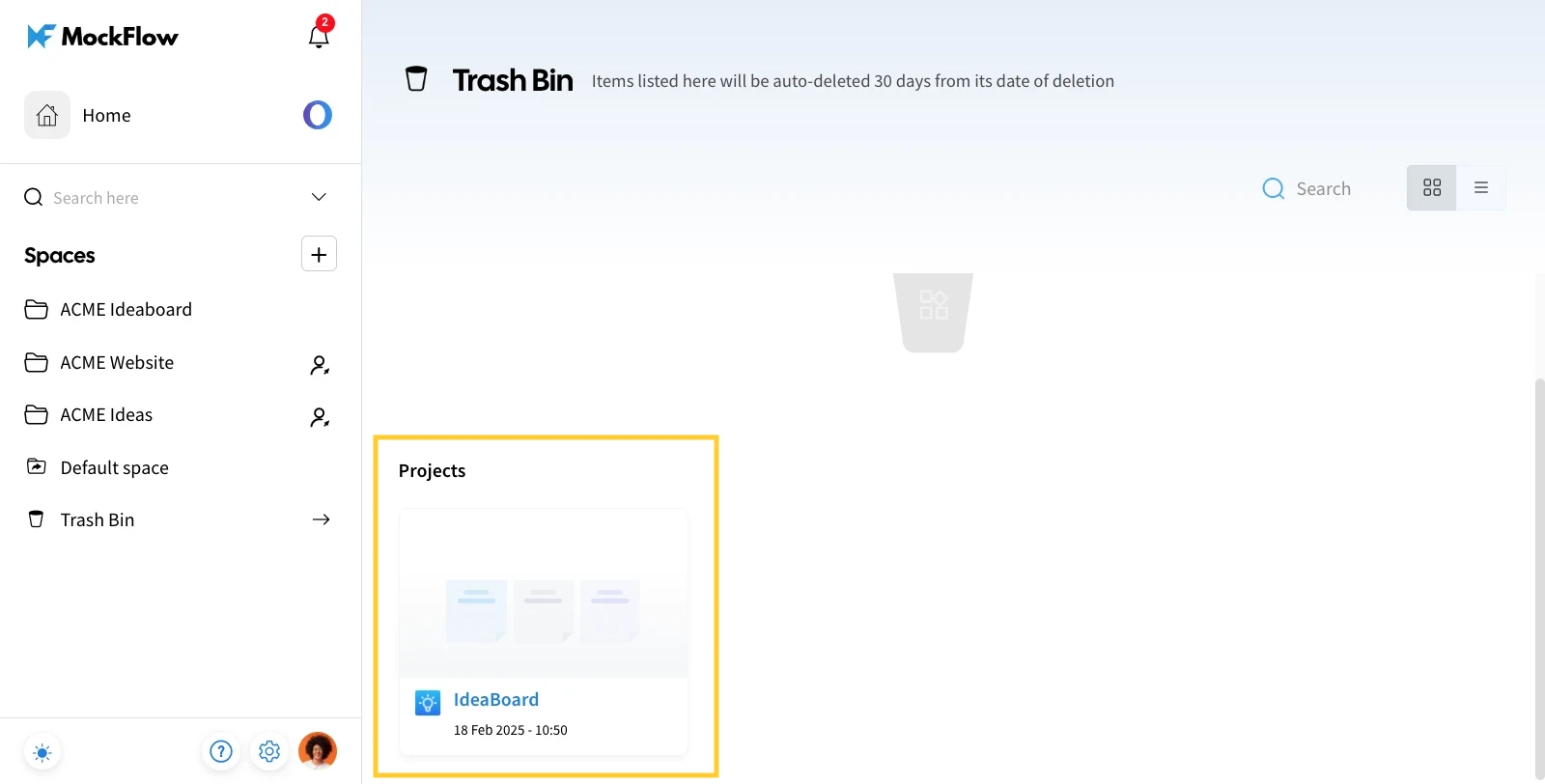
Hover over the project you want to restore.
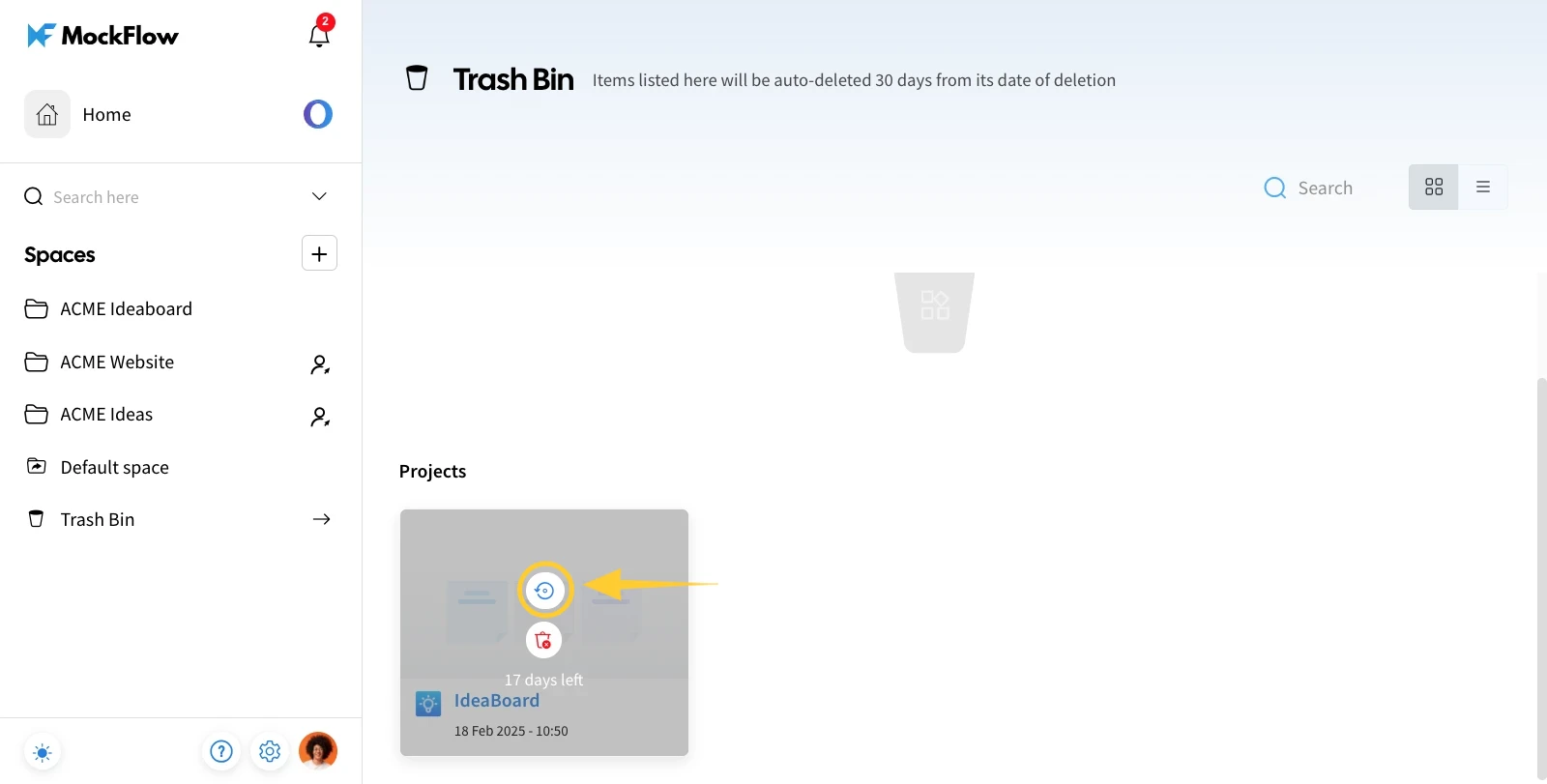
Click "Restore" to return the board to its original Design Space.
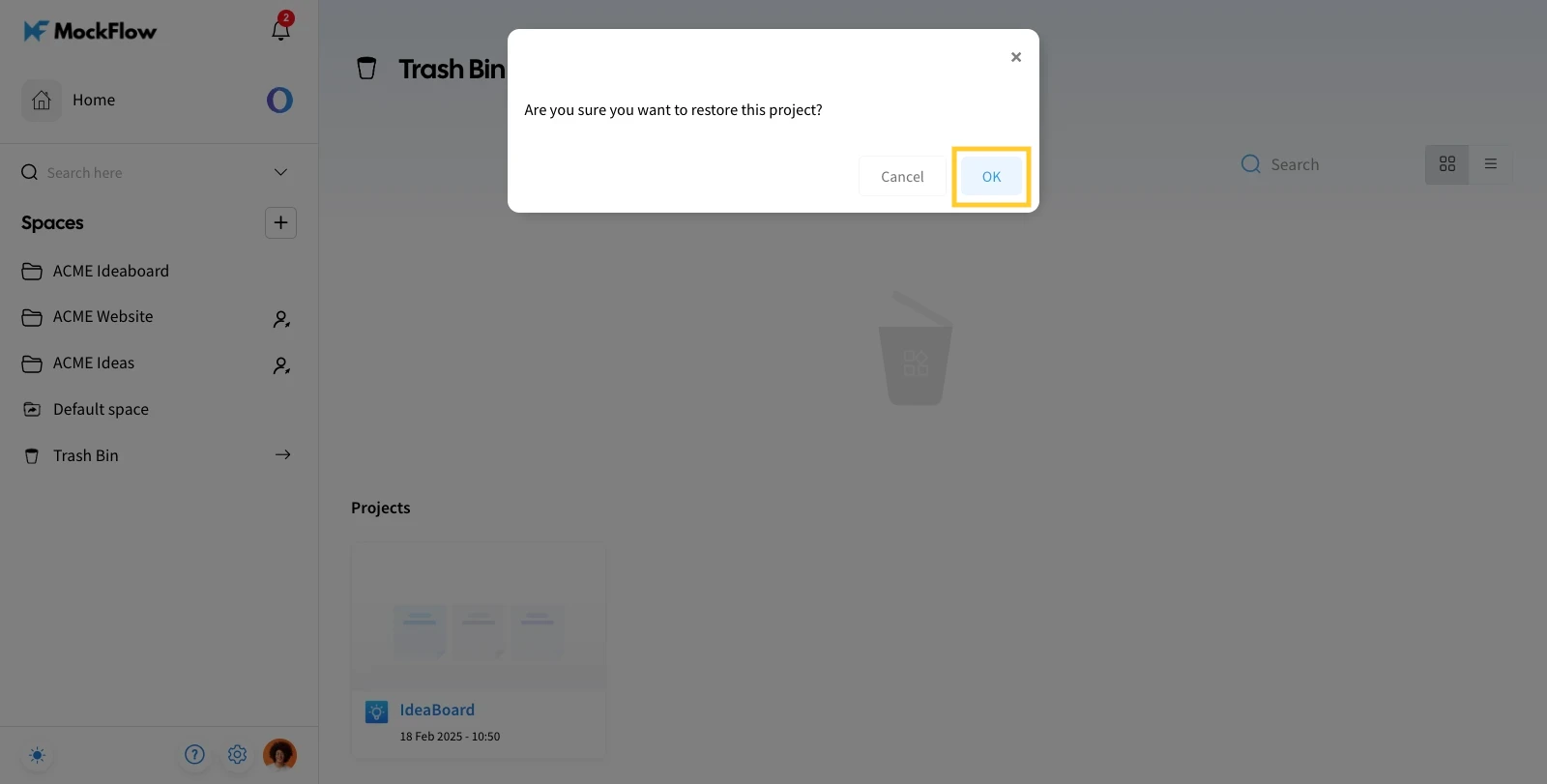
Click on 'Ok' for confirmation.
The board will be restored to its original Design Space.
Was this page helpful?