
Internal
How to backup projects ?
While most of the tools in MockFlow comes with "Revision History" that allows the user to backup individual section or pages...
While most of the tools in MockFlow comes with "Revision History" that allows the user to backup individual section or pages inside a project, this article helps you to backup entire projects in any MockFlow app in a single click.
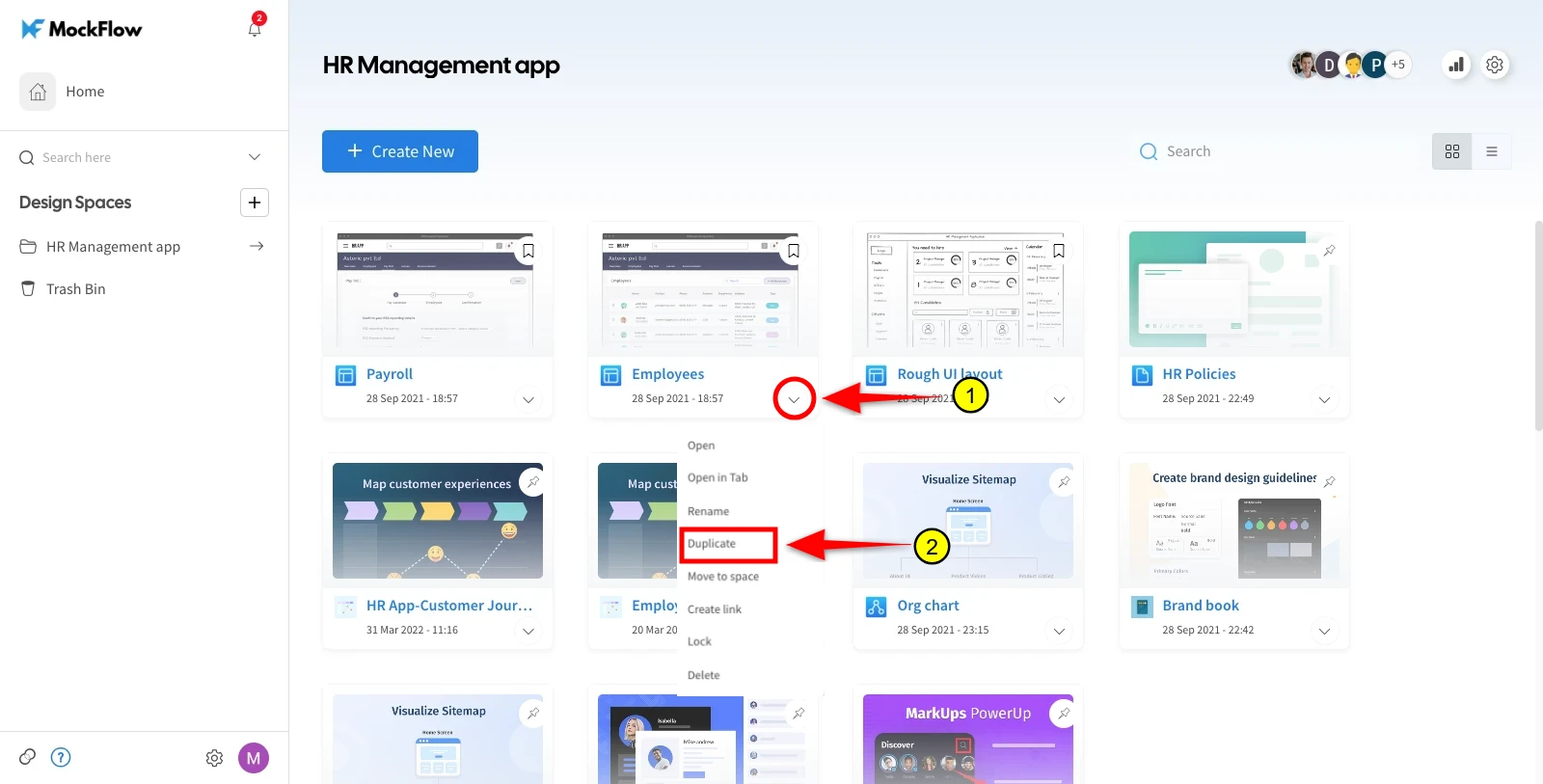
Follow the below steps to backup entire projects in MockFlow:
Click on the project item in the dashboard which needs backup.
Click more icon in the sidebar.
Select "Duplicate" to save a new version of the project for backup purposes.
Was this page helpful?