
Internal
How to invite your team to co-edit your board?
Assigning the 'Editor' role allows the team members to access and co-edit the board in real-time. To invite, click on the...
Assigning the 'Editor' role allows the team members to access and co-edit the board in real-time.
To invite, click on the Members icon at the top right.
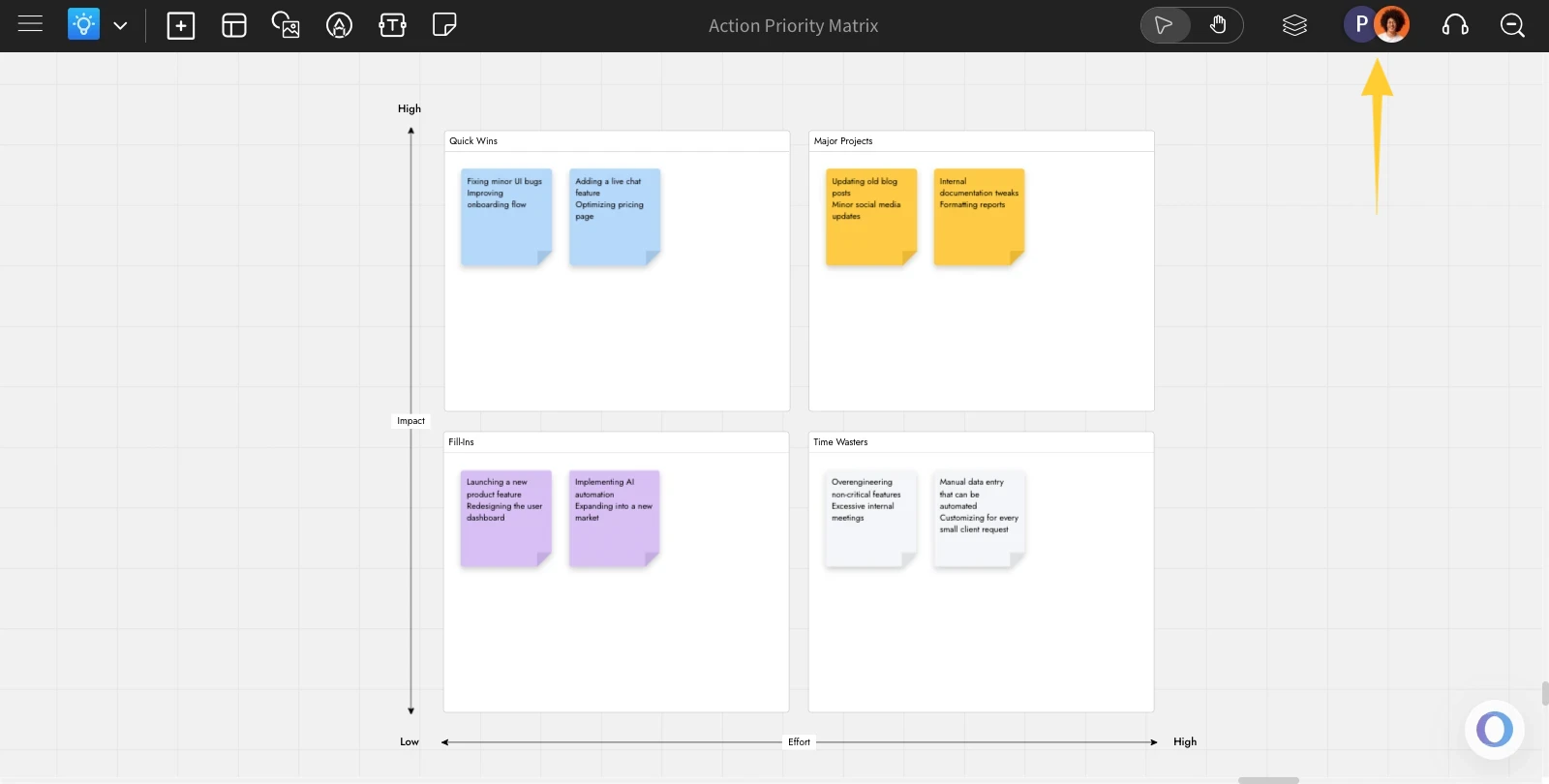
This will open the members list sidebar.
Enter the email address of the user you want to invite, and from the list of roles, select 'Editor.'
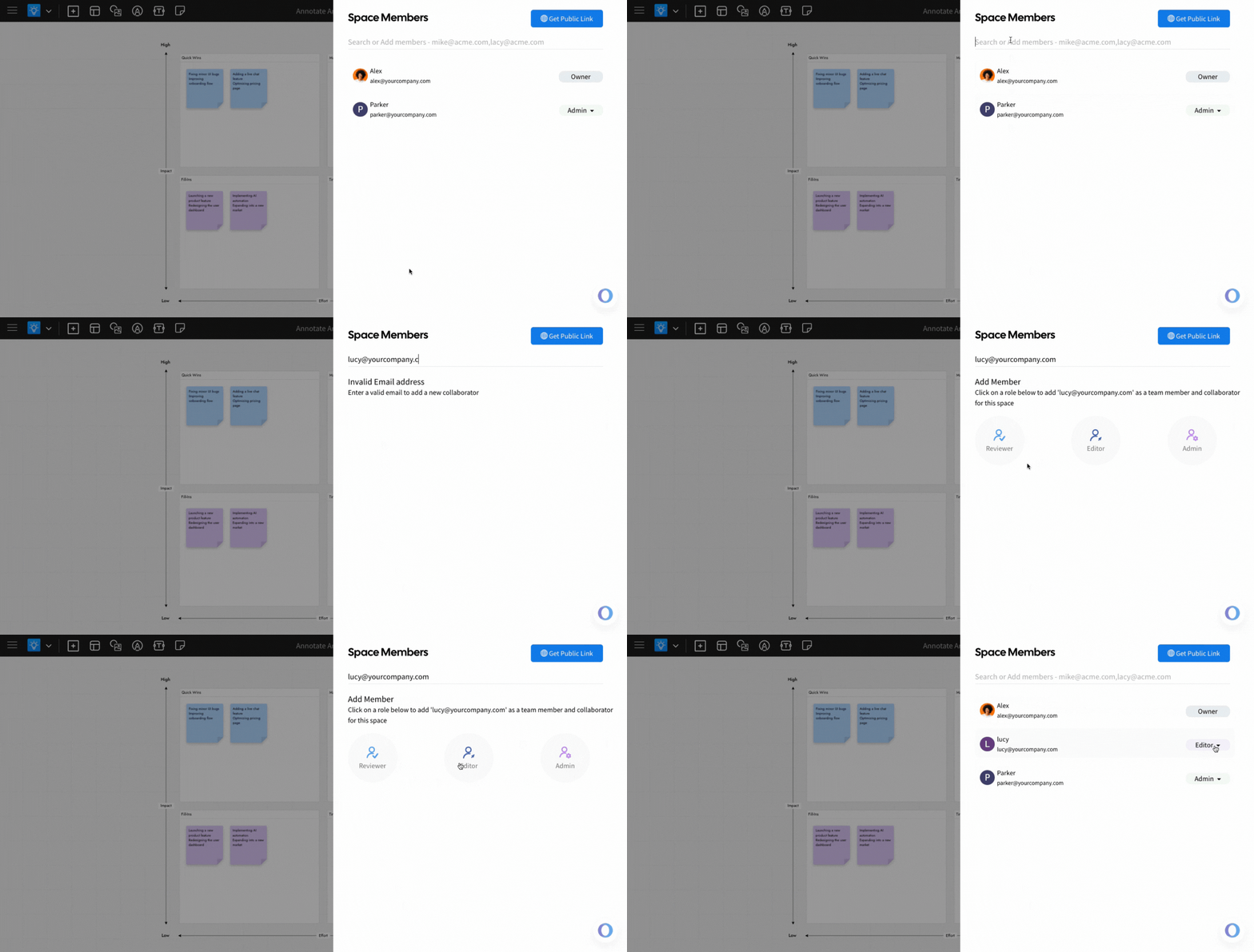
The member will be added to your board with editing permission.
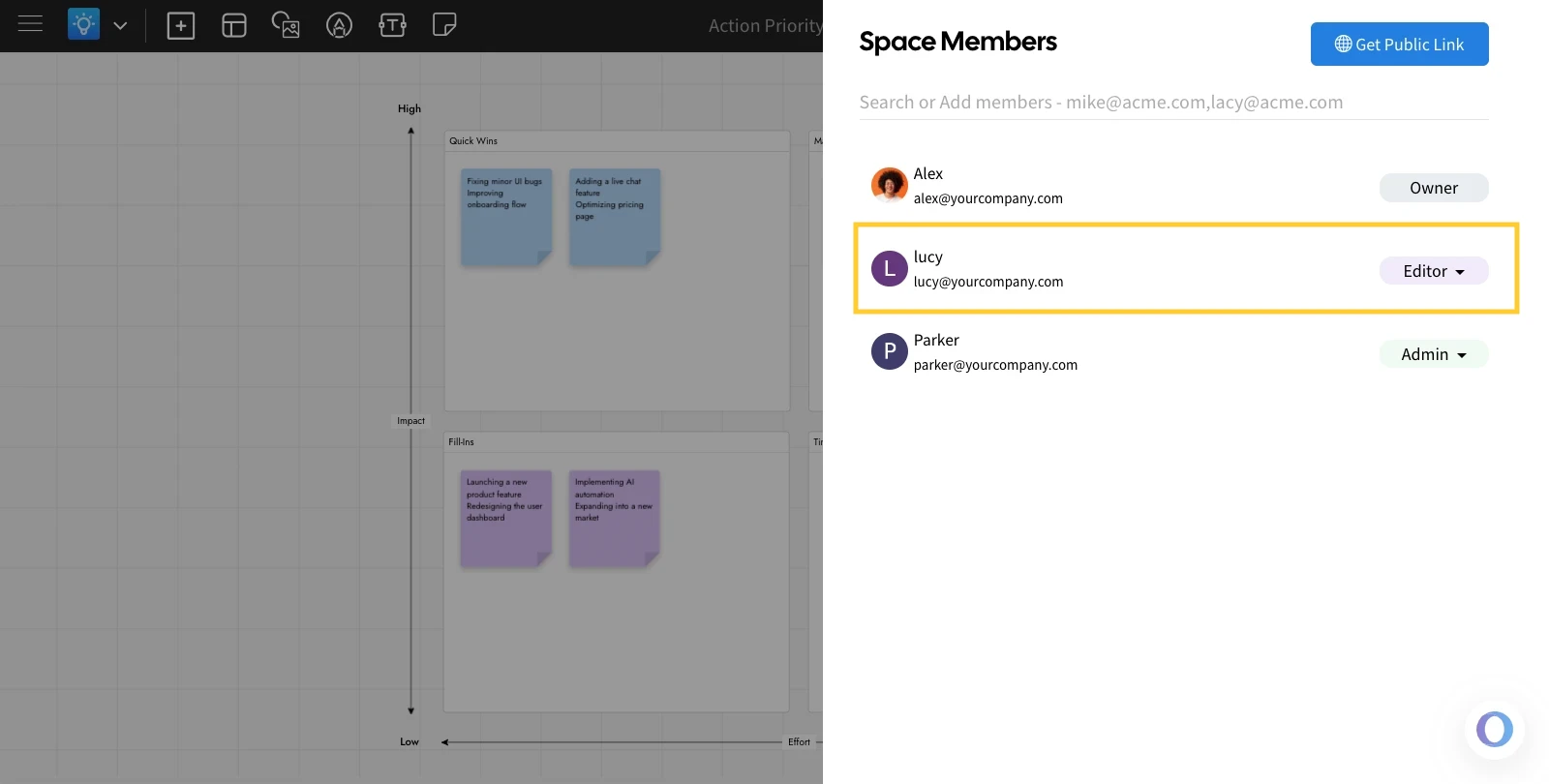
The invited user will receive an email and a notification in their MockFlow dashboard. Once they accept the invite, they can start editing the board.
Was this page helpful?