
Dummy Data Generator Power Up
Learn how to easily generate dummy data for your wireframes using the Dummy Data Generator Power up in MockFlow WireframePro
The Dummy Data Generator Power-Up helps you quickly insert realistic placeholder content into your wireframes. With one click, it generates sample user details such as names, phone numbers, addresses, emails, and more - in more than 35 languages.
This allows you to bring your wireframes closer to real-world context without manually typing fake information each time. Wireframes look far more meaningful when they contain believable placeholders instead of repeated dummy text like "John Doe" or "123456".
With the dummy data generator, you can instantly produce content for:
First Name / Last Name / Full Name
Date of Birth
Phone Number and Email
Username & Password samples
Address fields (Street, City, State, Country, Zip, Full Address)
Geo-location coordinates
Company name
Paragraph text
This help article lists,
How to install the Dummy Data Generator powerup?
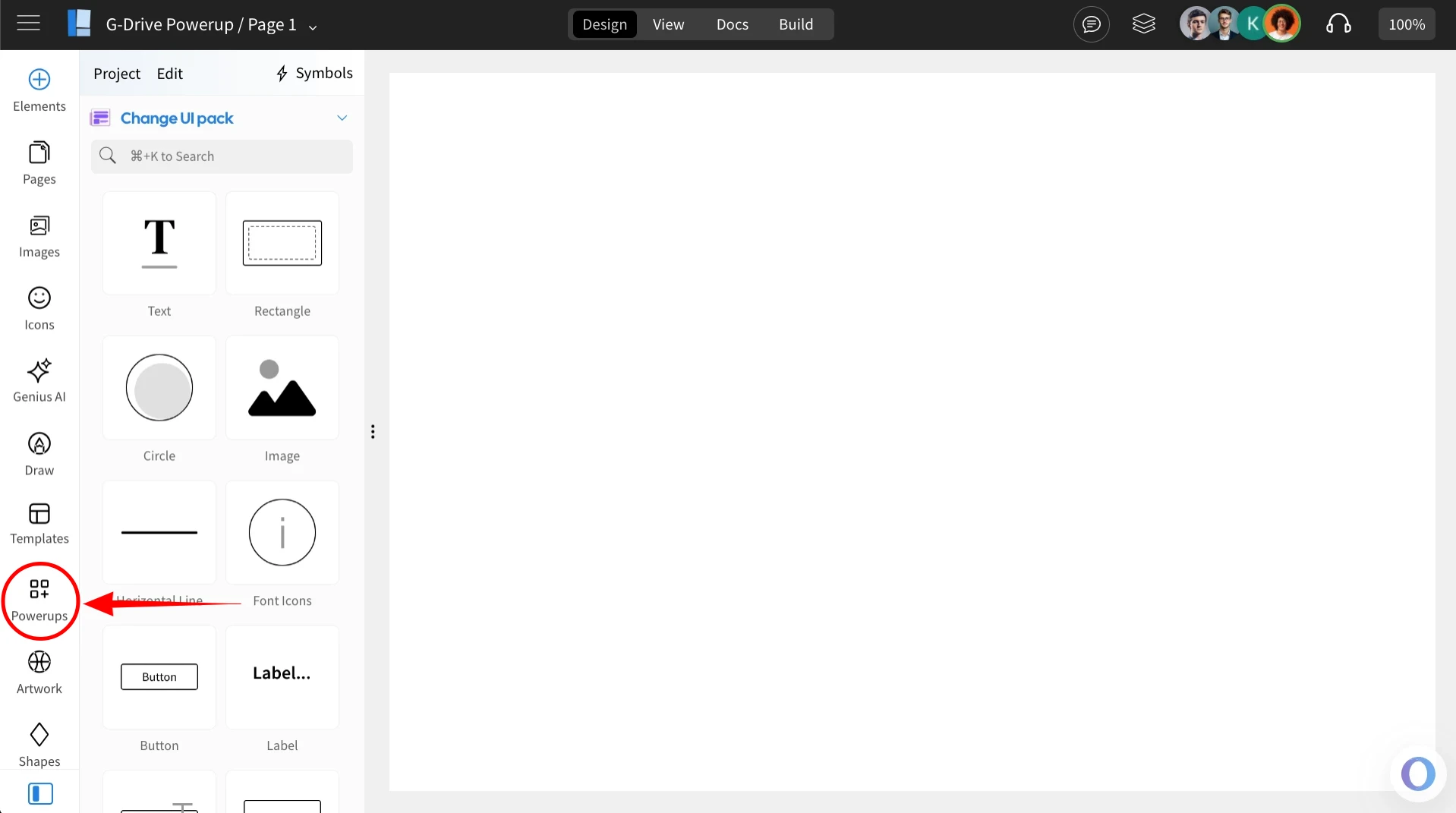
Inside the MockFlow WireframePro Editor, click on ‘Powerups’.
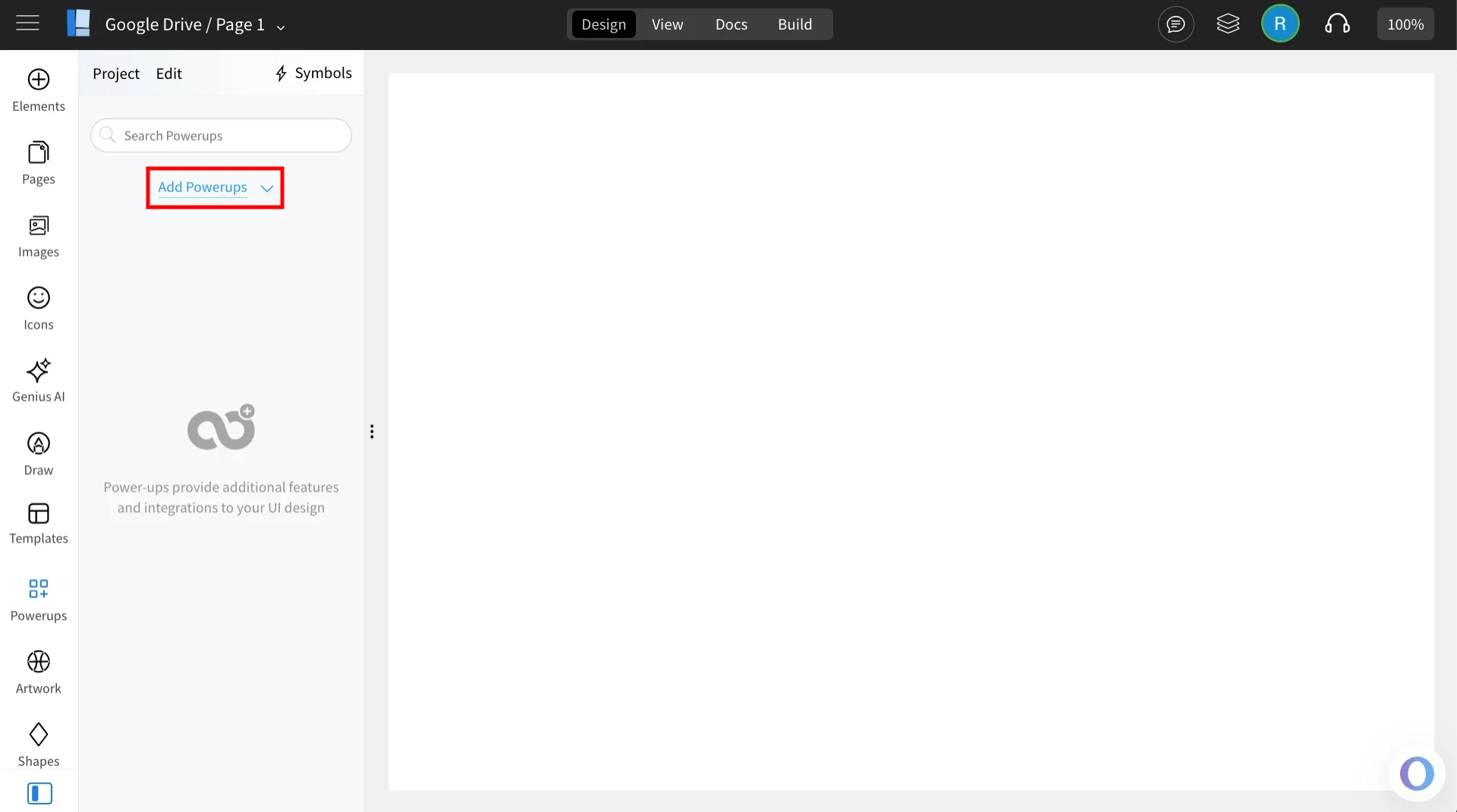
Click on the 'Add Powerups' to install the powerups.
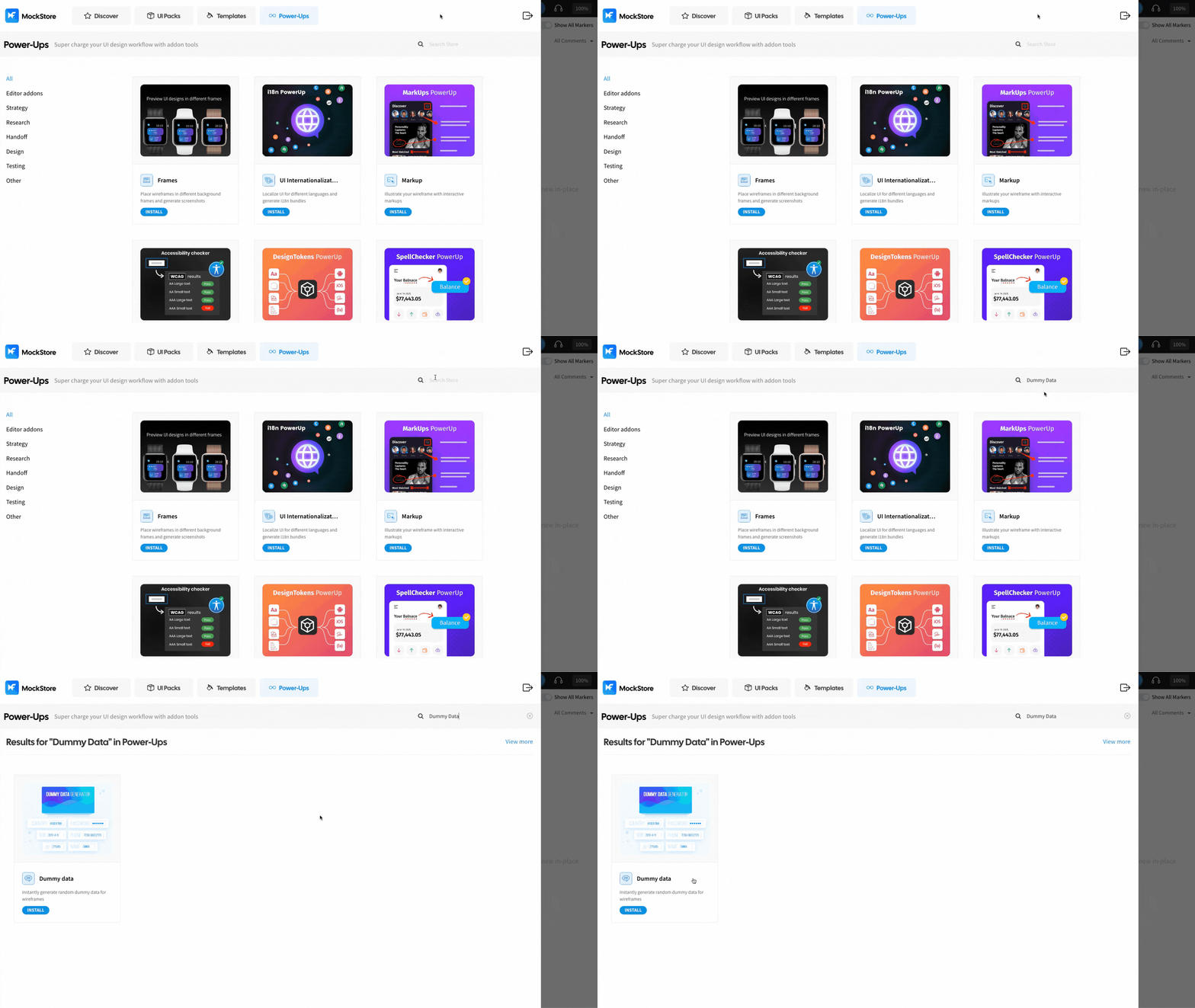
From the list of available powerups, locate ‘Dummy Data Generator’ and click on it.
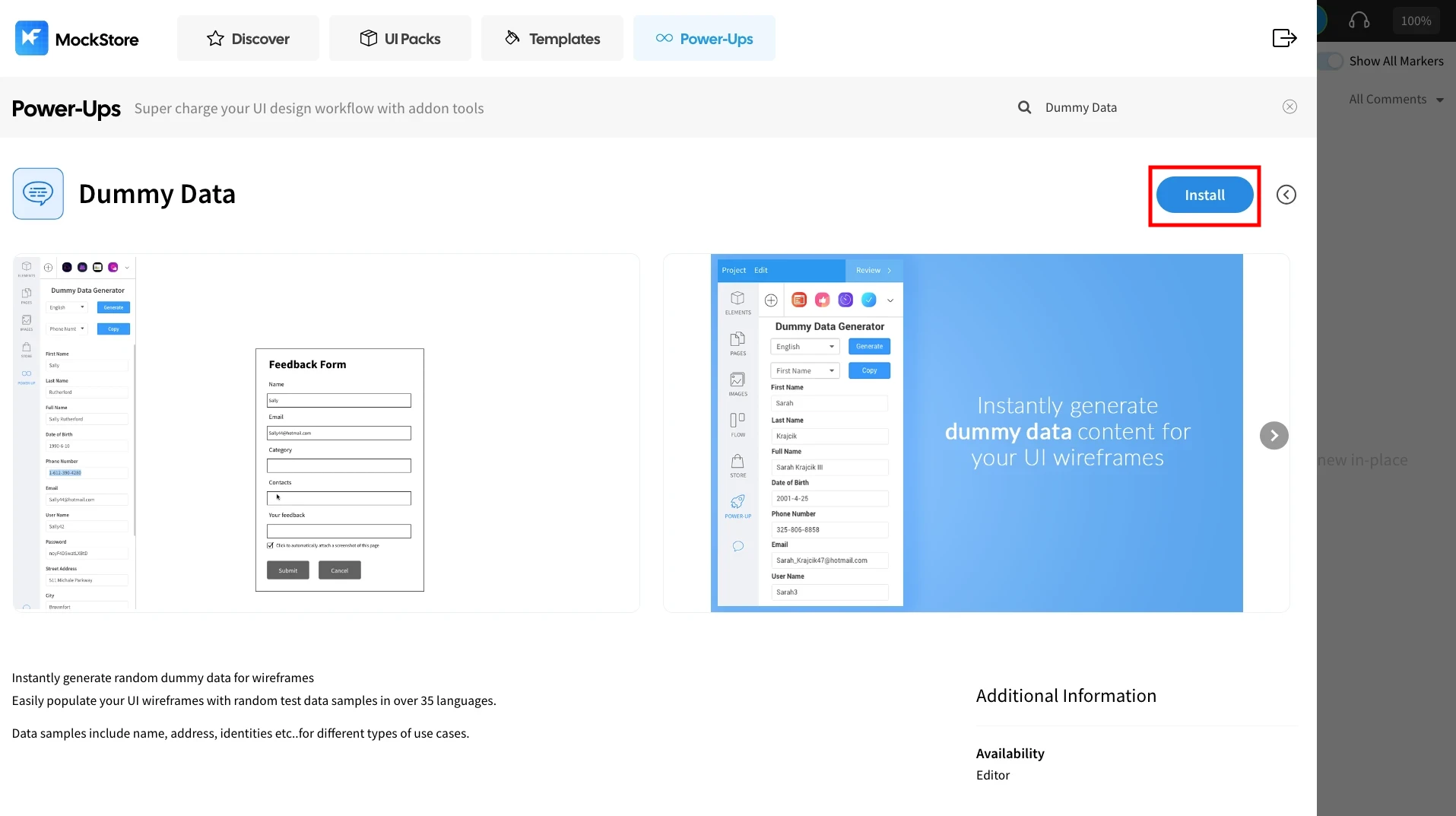
Click ‘Install’ to confirm. The power-up will be added to your editor.
Once installed, click on the ‘Dummy Data Generator’ power up.
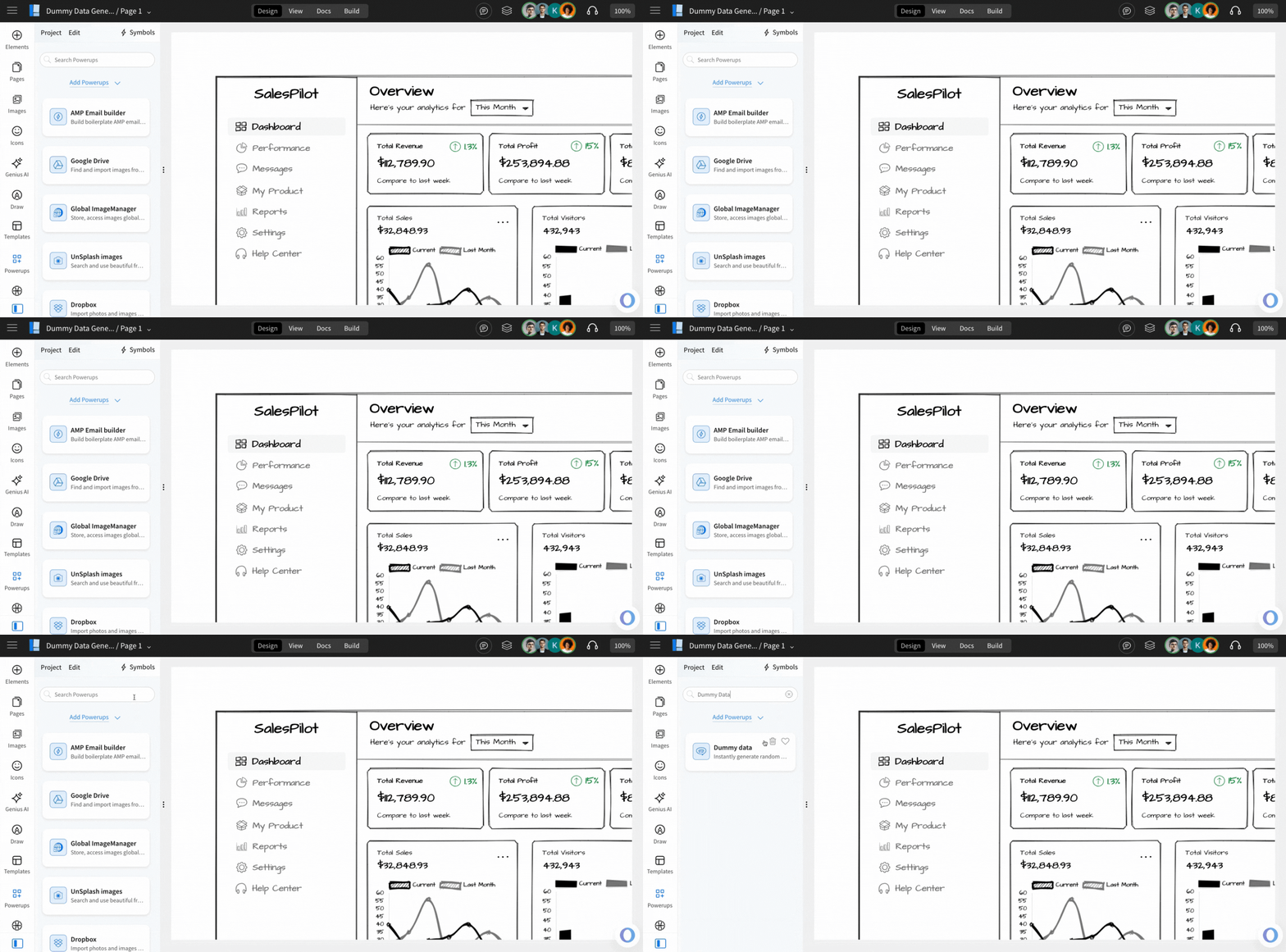
Instantly generate random dummy data
You can use this power-up to generate dummy data for your wireframes instantly.
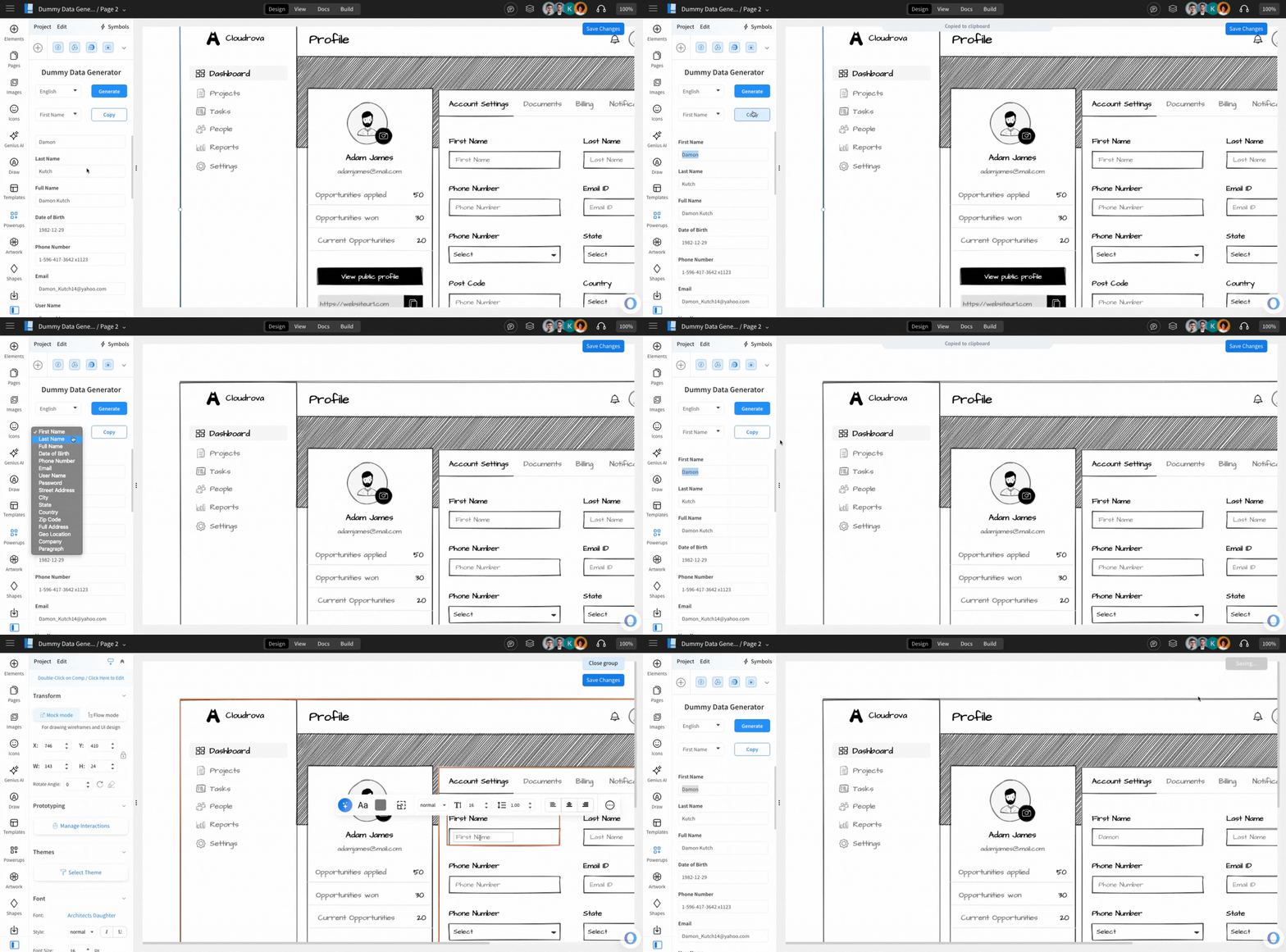
Use the language dropdown to select from over 35 options to generate the dummy data for the data fields.