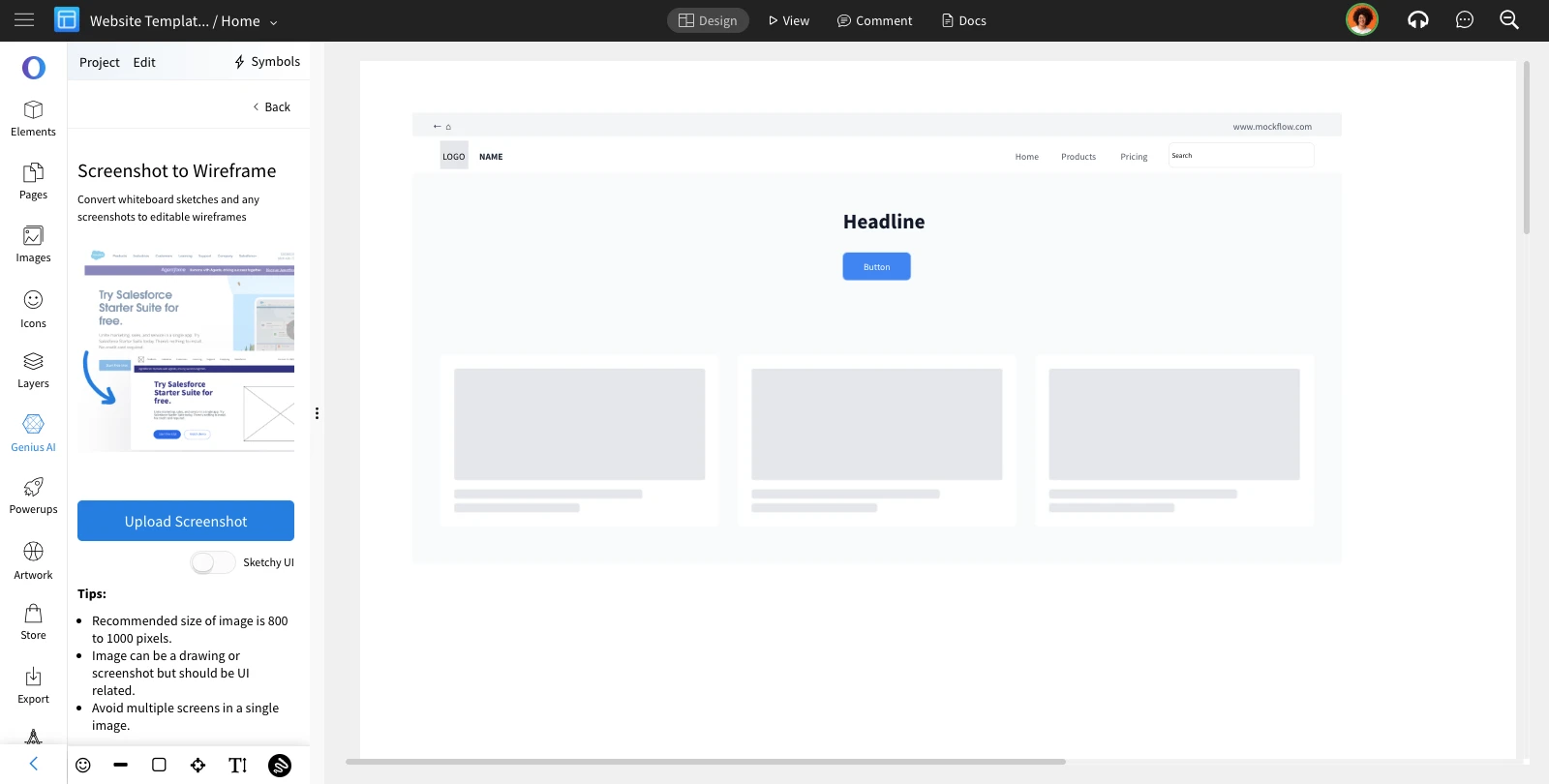
Convert Whiteboard drawings to editable Wireframe
Just finished sketching your wireframe on a whiteboard? Simply snap a photo and convert it to an editable wireframe instantly...
Just finished sketching your wireframe on a whiteboard? Simply snap a photo and convert it to an editable wireframe instantly using MockFlow's whiteboard to wireframe feature.
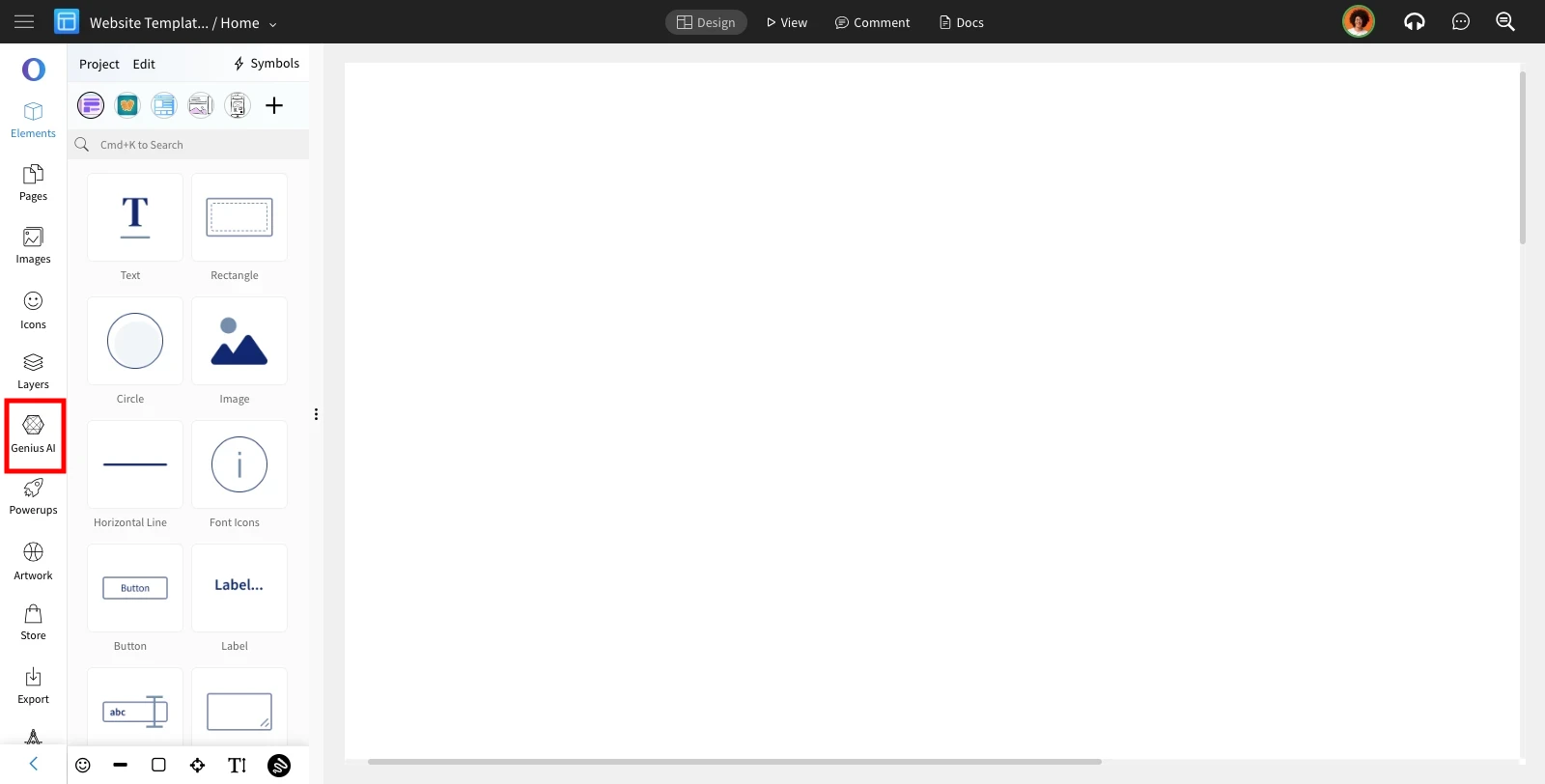
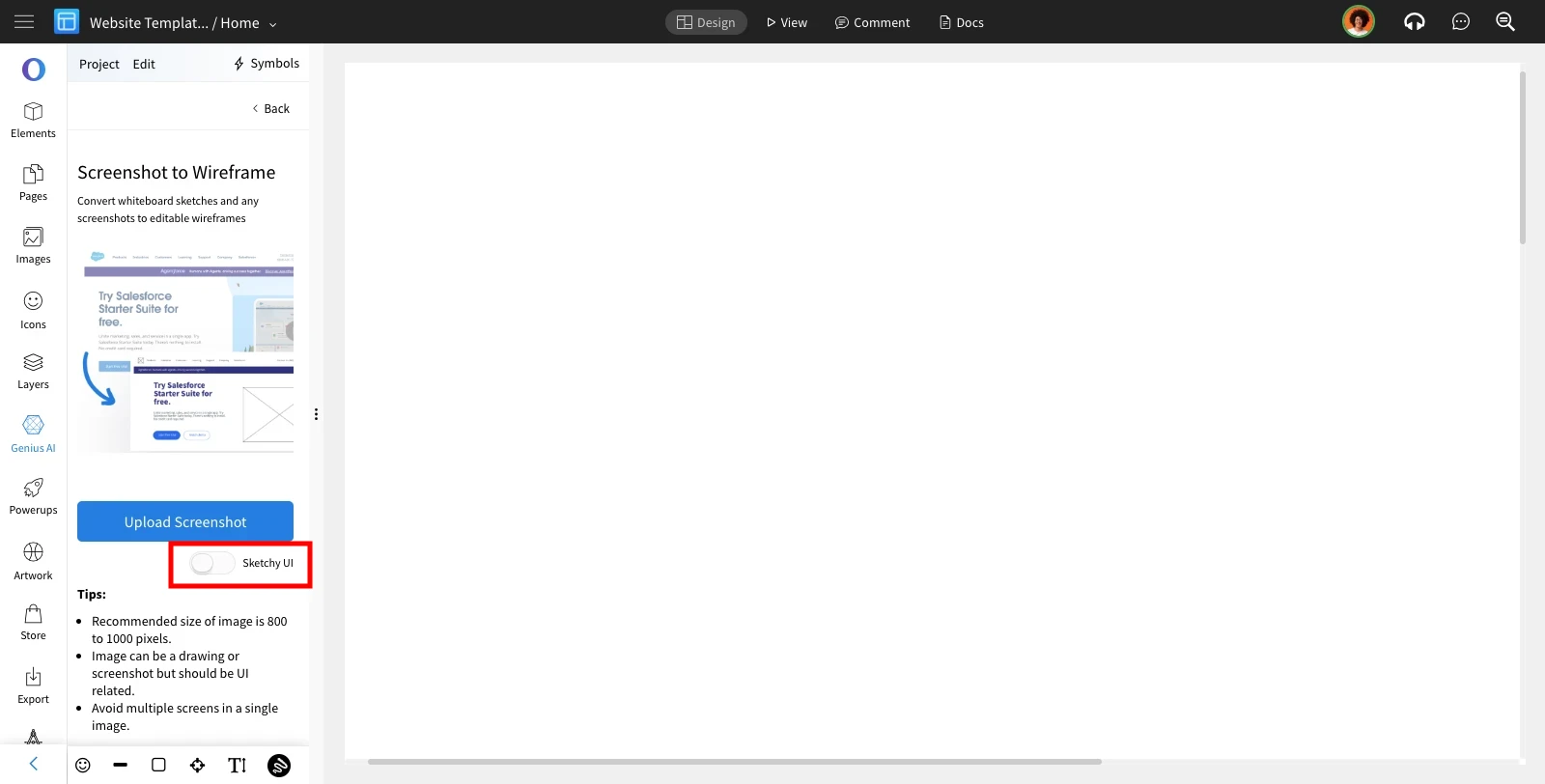
Inside the MockFlow wireframe editor, select 'Genius AI' from the sidebar.
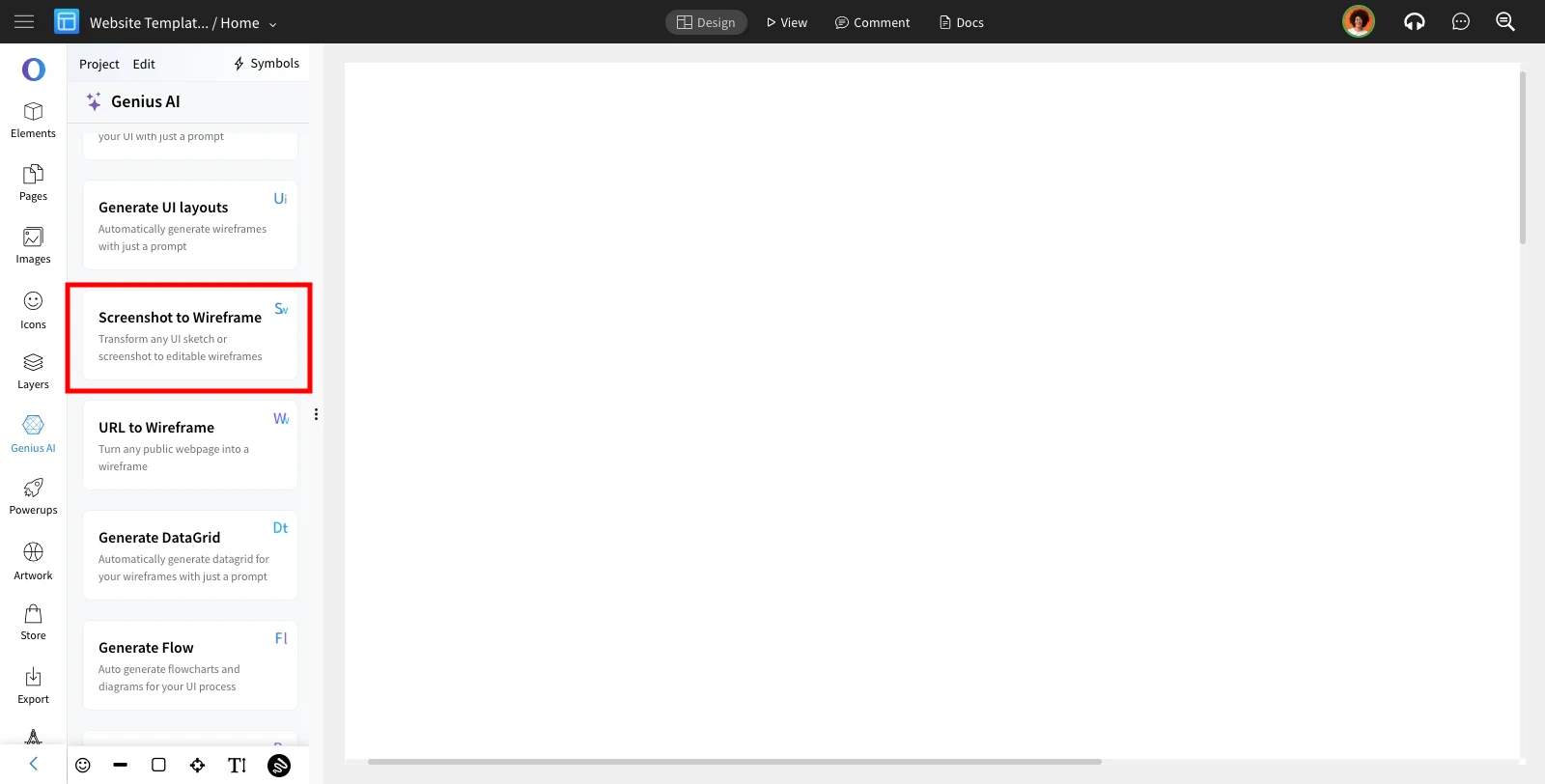
Choose the 'Screenshot to Wireframe' option from the list.
Click 'Upload Screenshot' to upload your whiteboard photo.
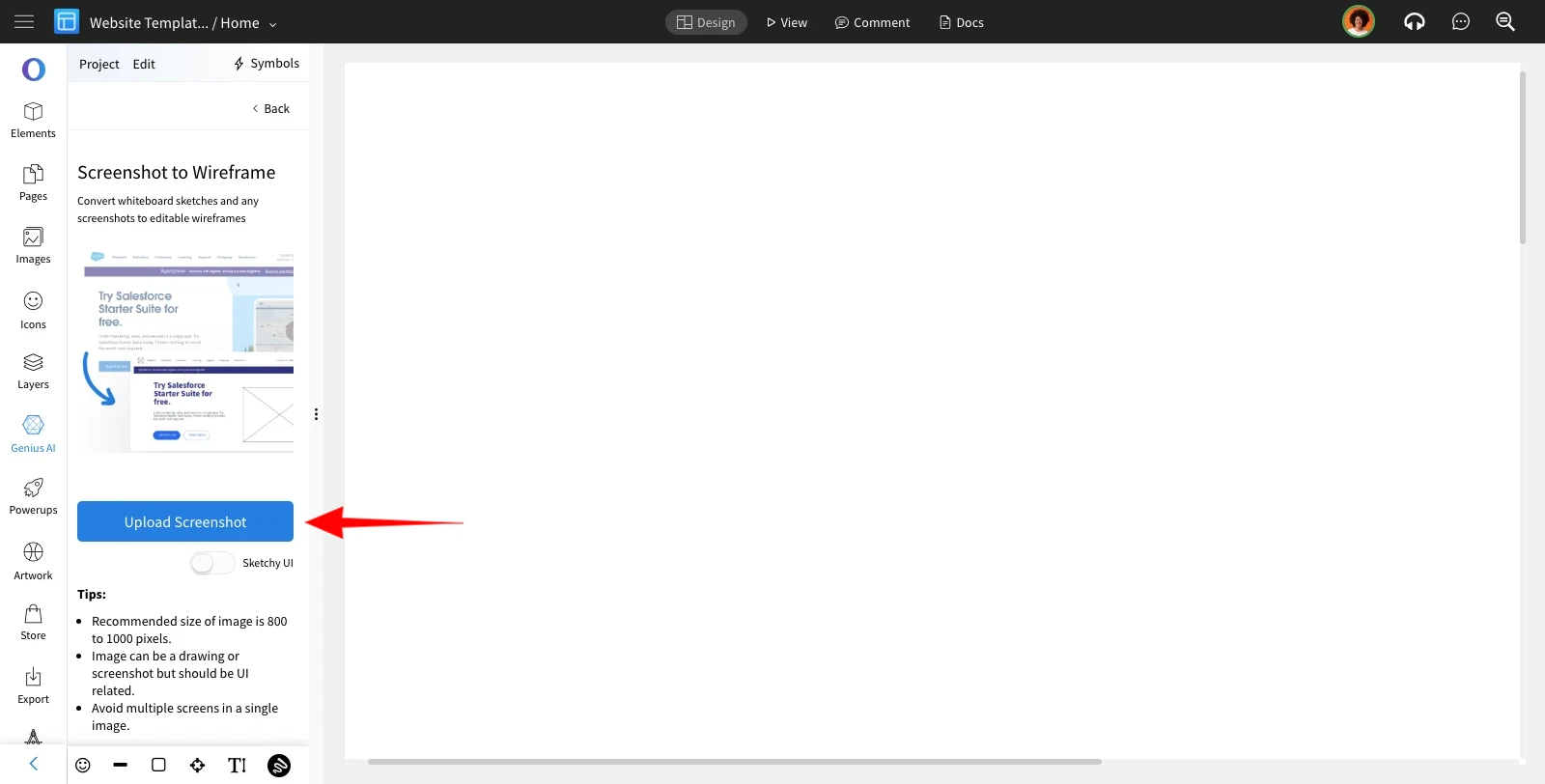
By toggling the 'Sketchy UI' button, the generated wireframe from the image will appear in a sketchy format.
Select the image to be converted to wireframe. Here is the image that we will use in this example.
(Note that this is a drawing on a paper. This features works well with whiteboard diagrams and paper pen drawings)
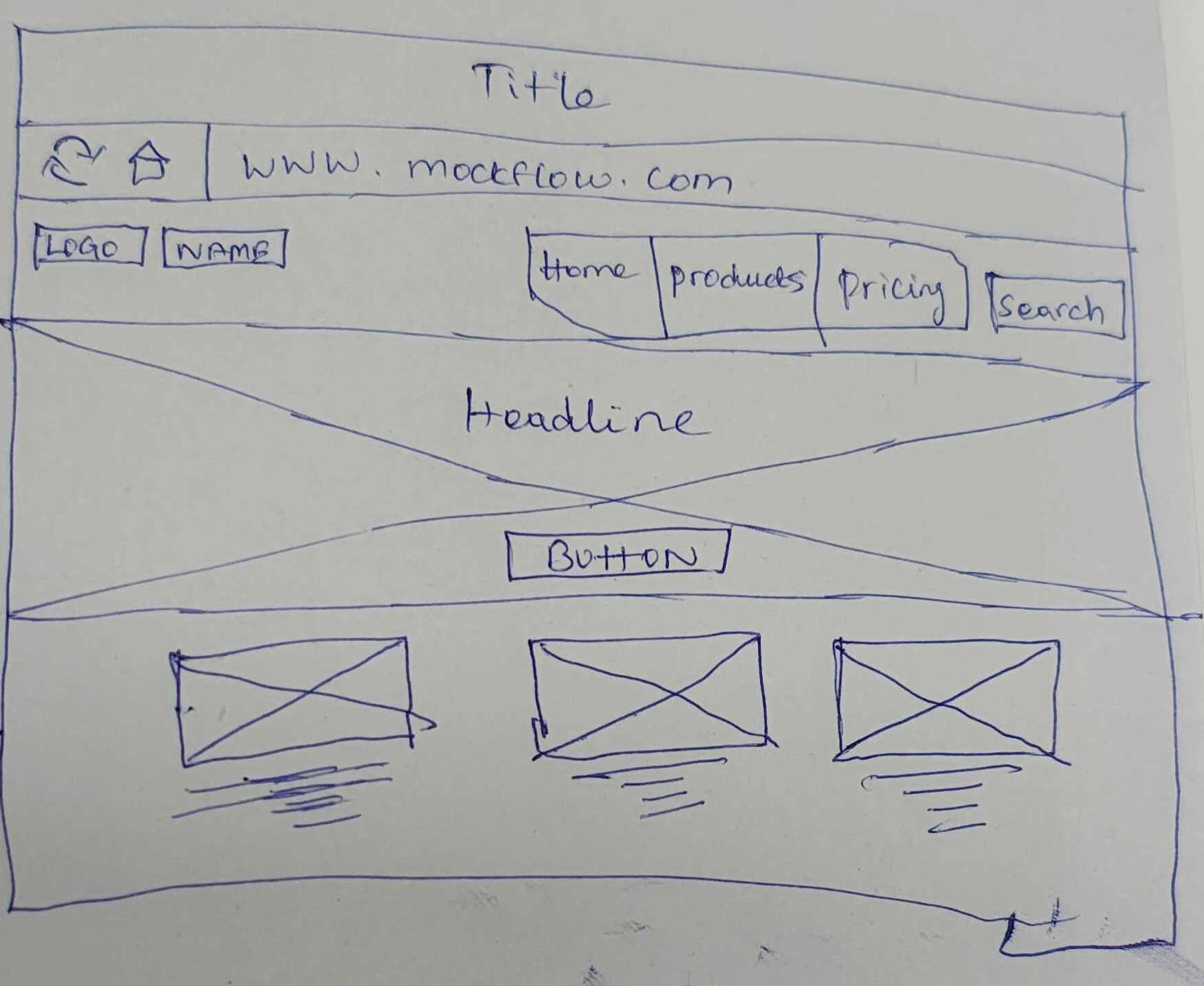
The uploaded image is now converted into an editable wireframe for you to refine it further.