
Todo list power up
Learn how to add checklists to your wireframes with the Todo List Powerup in MockFlow WireframePro.
The To-Do List Power-Up in MockFlow WireframePro helps you manage tasks and progress directly inside your wireframing projects. Once installed, you can create a checklist for each wireframe page - allowing you to track what needs to be done, mark completed items, and stay focused on design milestones.
This help article lists,
How to install the Todo list powerup?
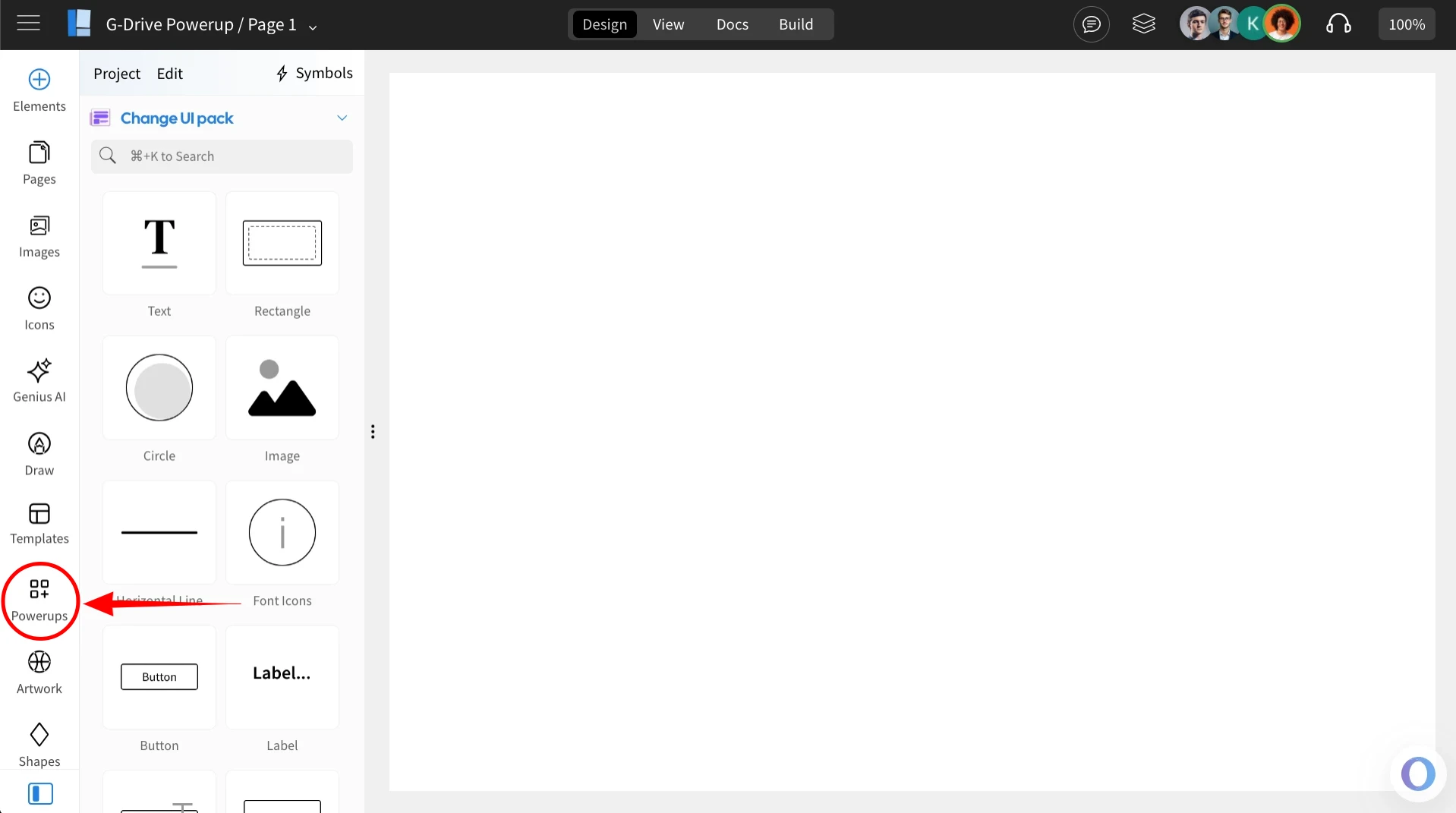
Inside the MockFlow WireframePro Editor, click on ‘Powerups’.
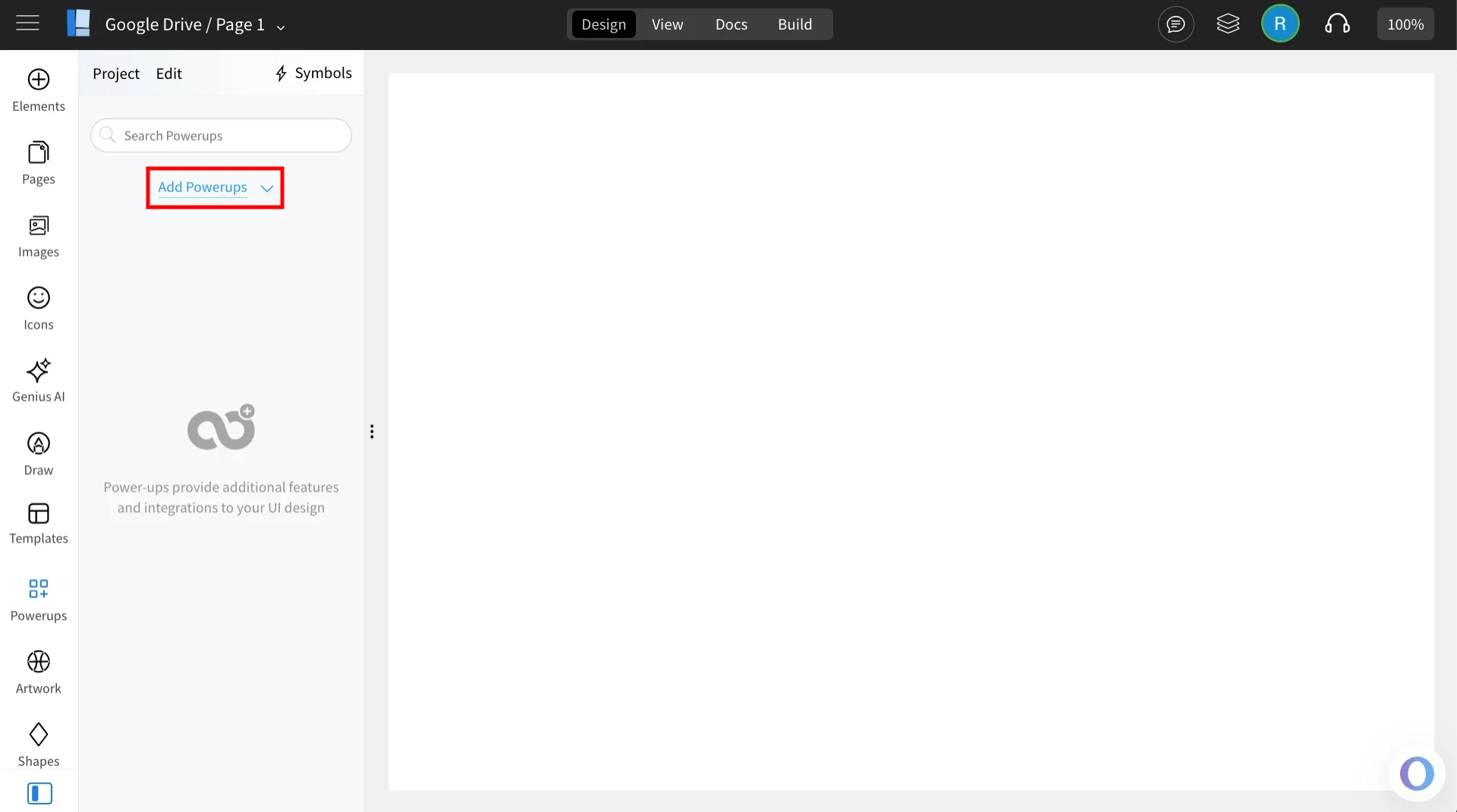
Click on the 'Add Powerups' to install the powerups.
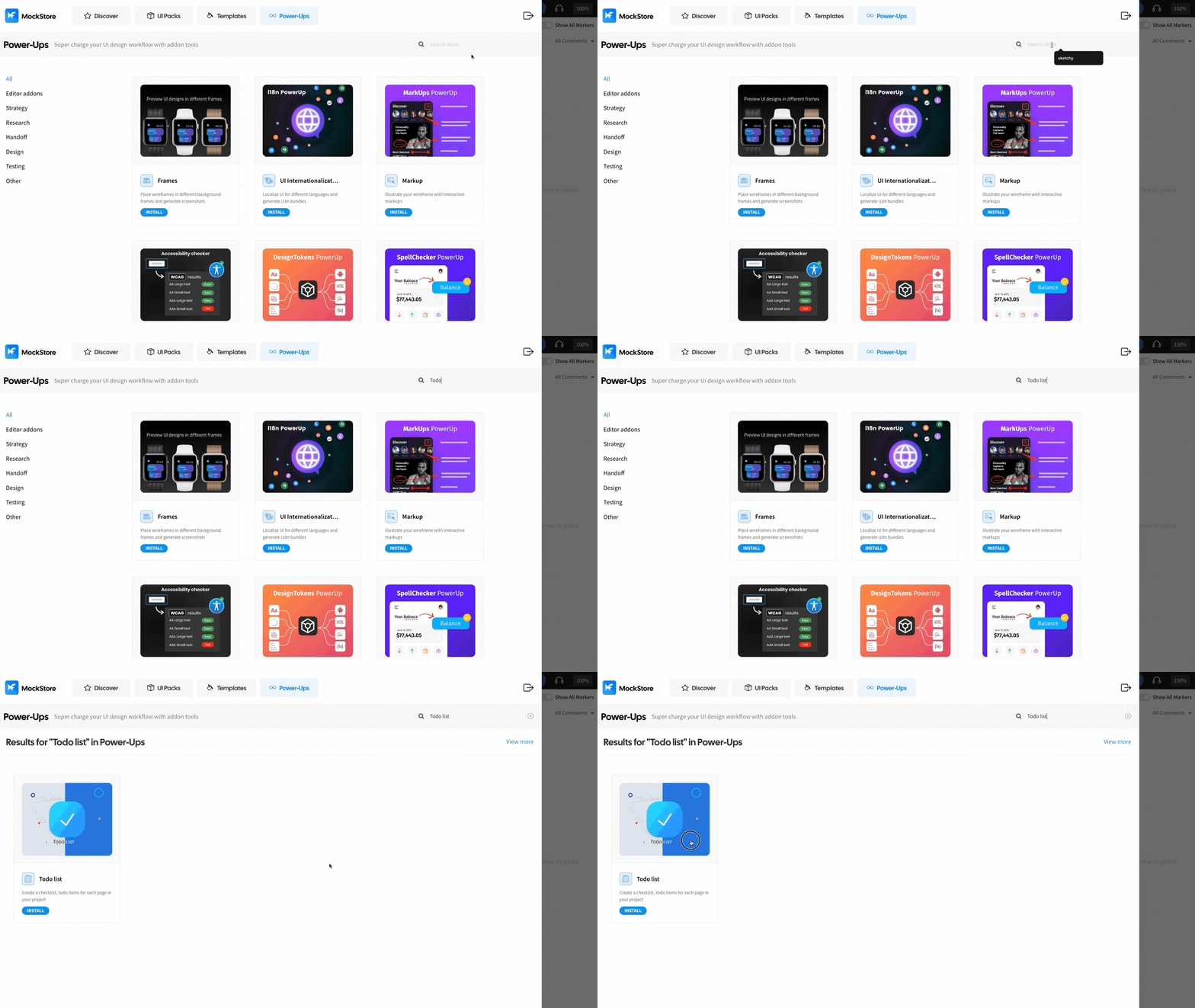
From the list of available powerups, locate ‘Todo List’ and click on it.
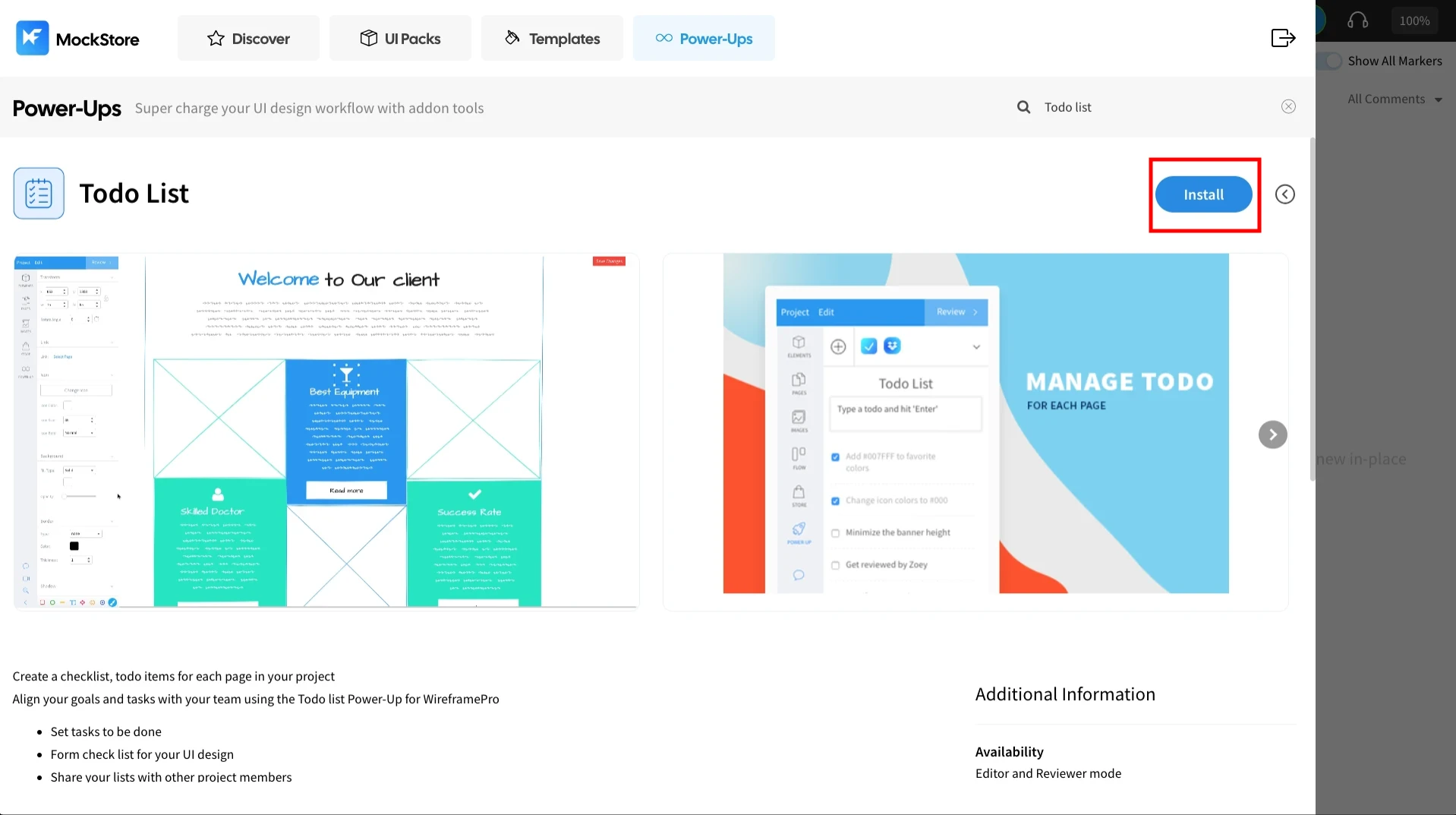
Click ‘Install’ to confirm. The power-up will be added to your editor.
How to add a task list in the Todo list Powerup?
Once installed, click on the ‘Todo List’ powerup.
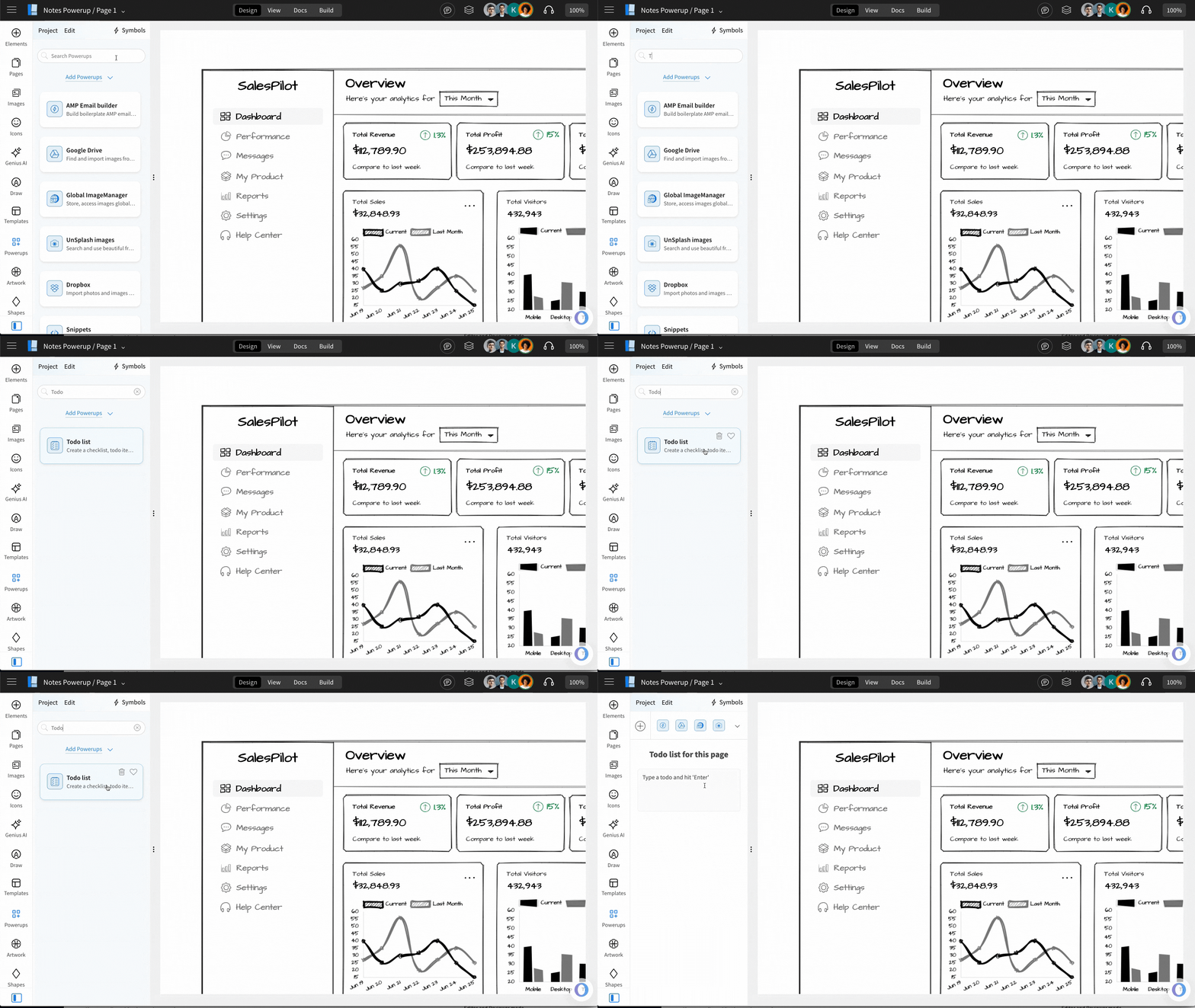
Add tasks directly in the input field and press Enter to create a to-do list item.
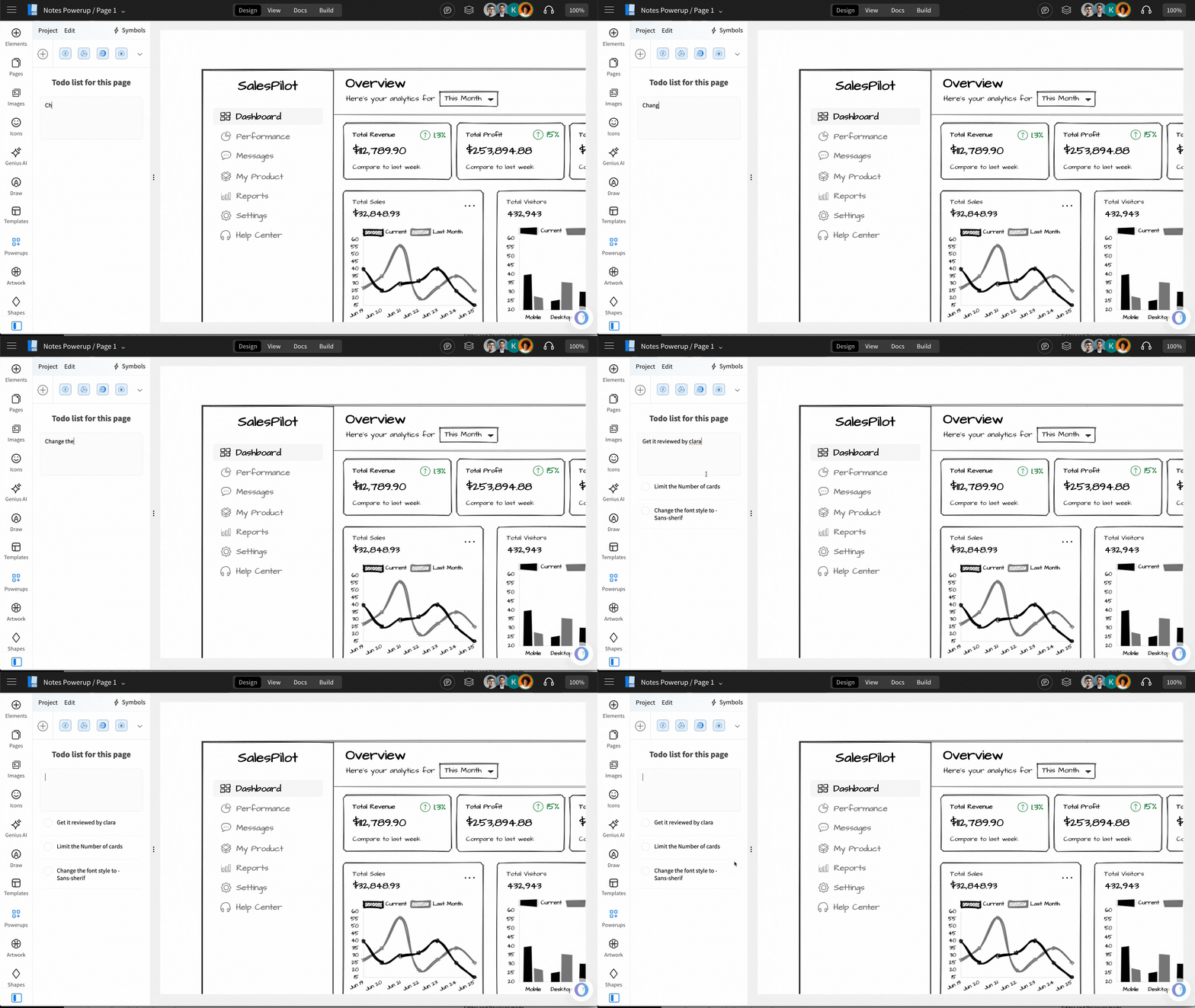
This is a page-based powerup and hence you can create separate checklists for each pages and manage progress.