
Internal
How to export or download your SiteMap design ?
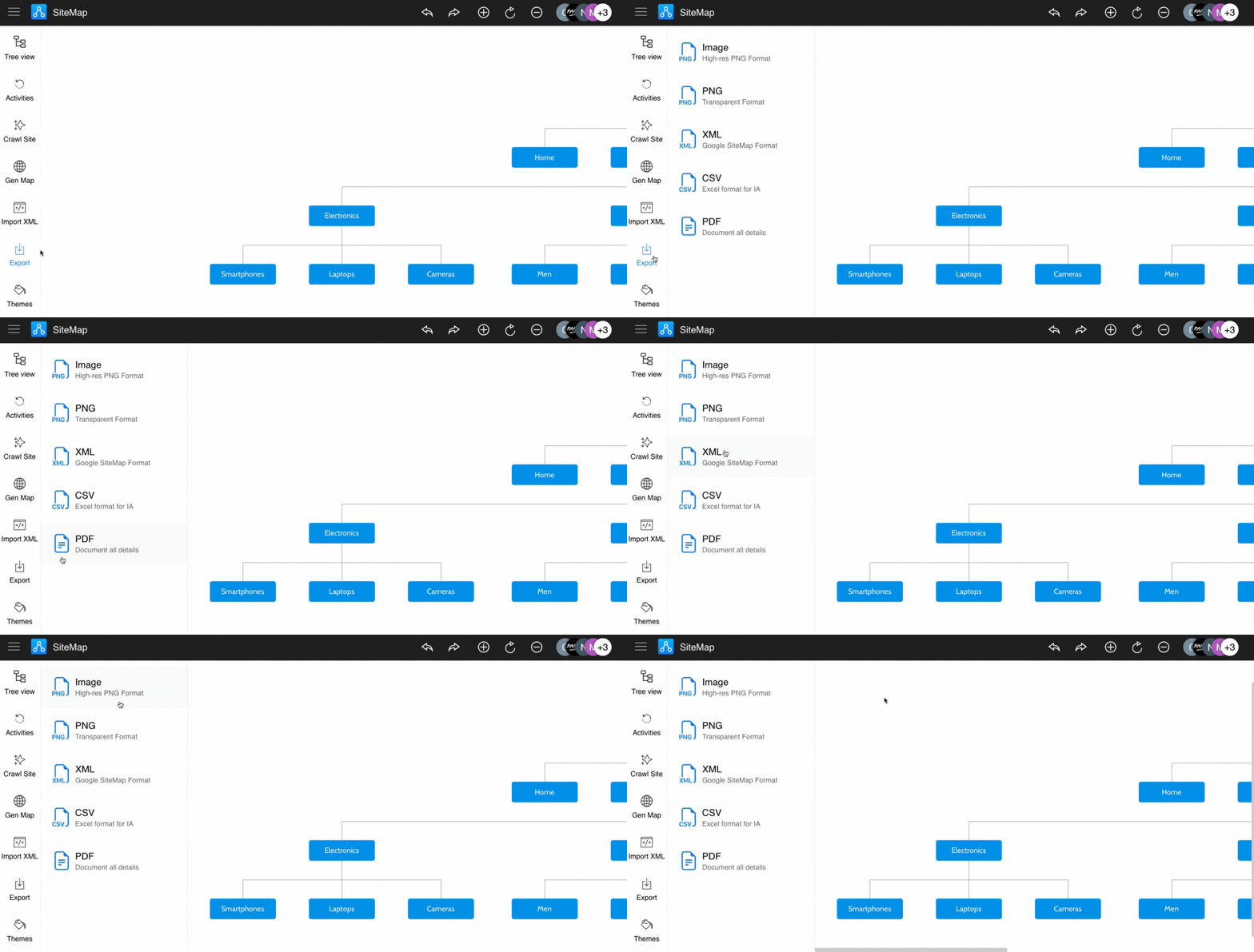
There are multiple ways to export your SiteMap design: Image - Hi-res PNG format Image - Transparent PNG format XML - Google...
There are multiple ways to export your SiteMap design:
Image - Hi-res PNG format
Image - Transparent PNG format
XML - Google SiteMap compatible format
CSV - MS Excel compatible format
PDF - Export design with comments and other details
In the SiteMap editor, click the "Export" icon in the sidebar and select the desired export format.
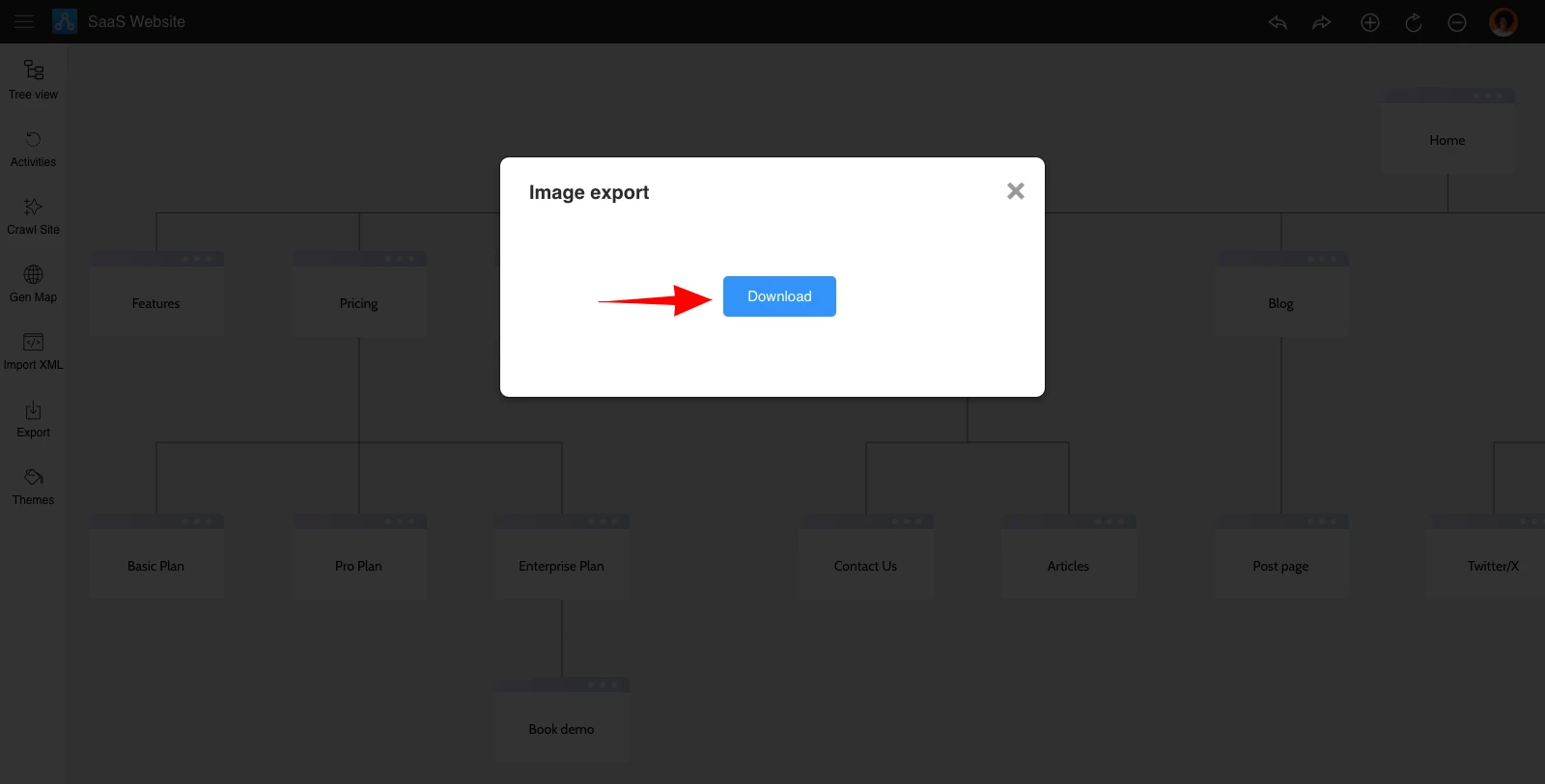
Click "Download" to save the selected SiteMap format.
Was this page helpful?