
Internal
Icons in WireframePro
There are several ways to get icons in the MockFlow WireframePro editor. Let's explore them one by one: Font icons The common /...
There are several ways to get icons in the MockFlow WireframePro editor. Let's explore them one by one:
Font icons
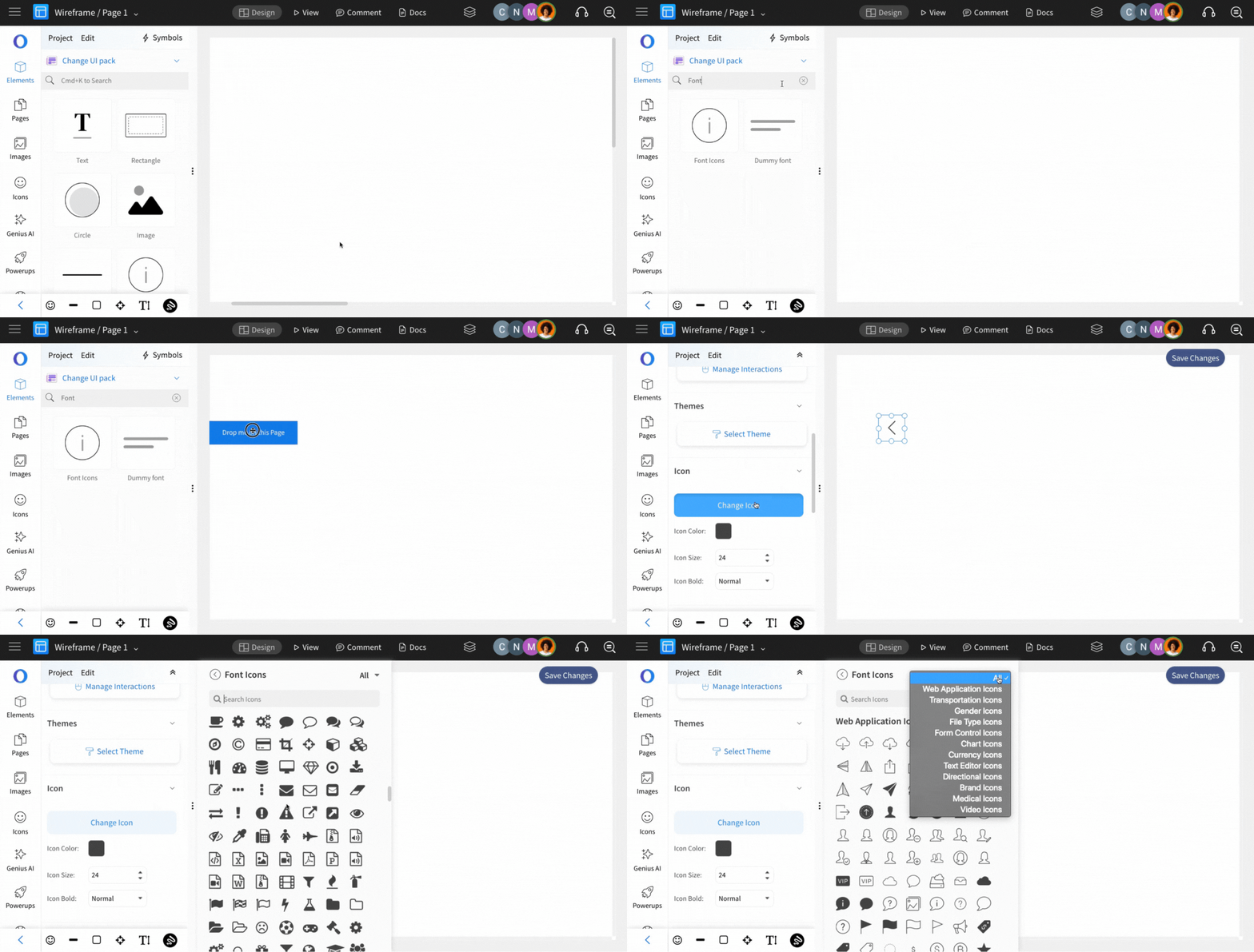
The common / feature UI pack in the editor has a component called "Font Icons". This provides hundreds of font icons under different categories.
SVG icon sets
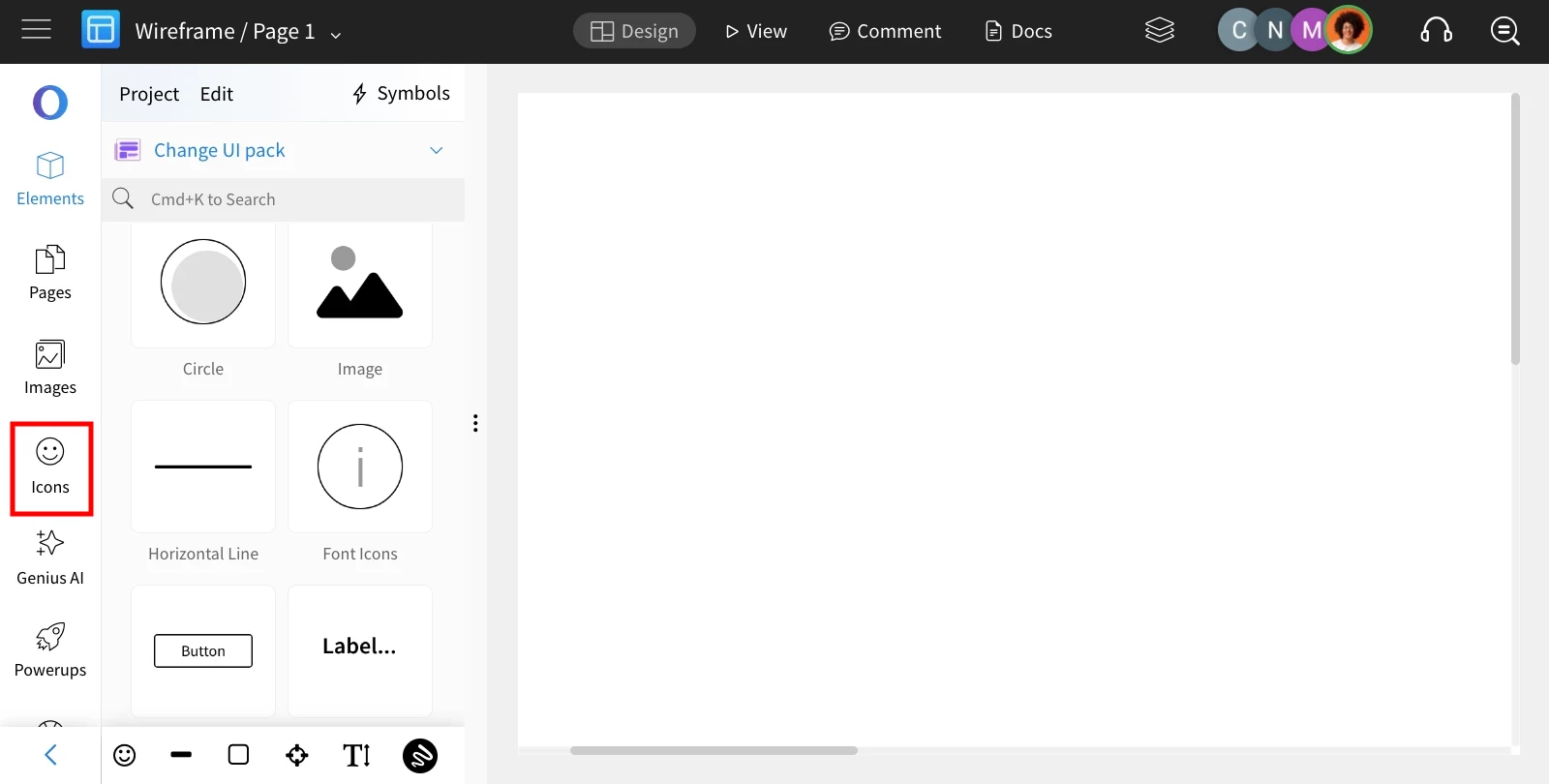
Apart from the built-in font icons, WireframePro editor provides popular open-source icon sets such as Fontawesome, Material, Glyph, Ionic, and many more. This can be accessed from the 'Images' section in the sidebar, as shown in the picture below.
Click the 'Icons' button.
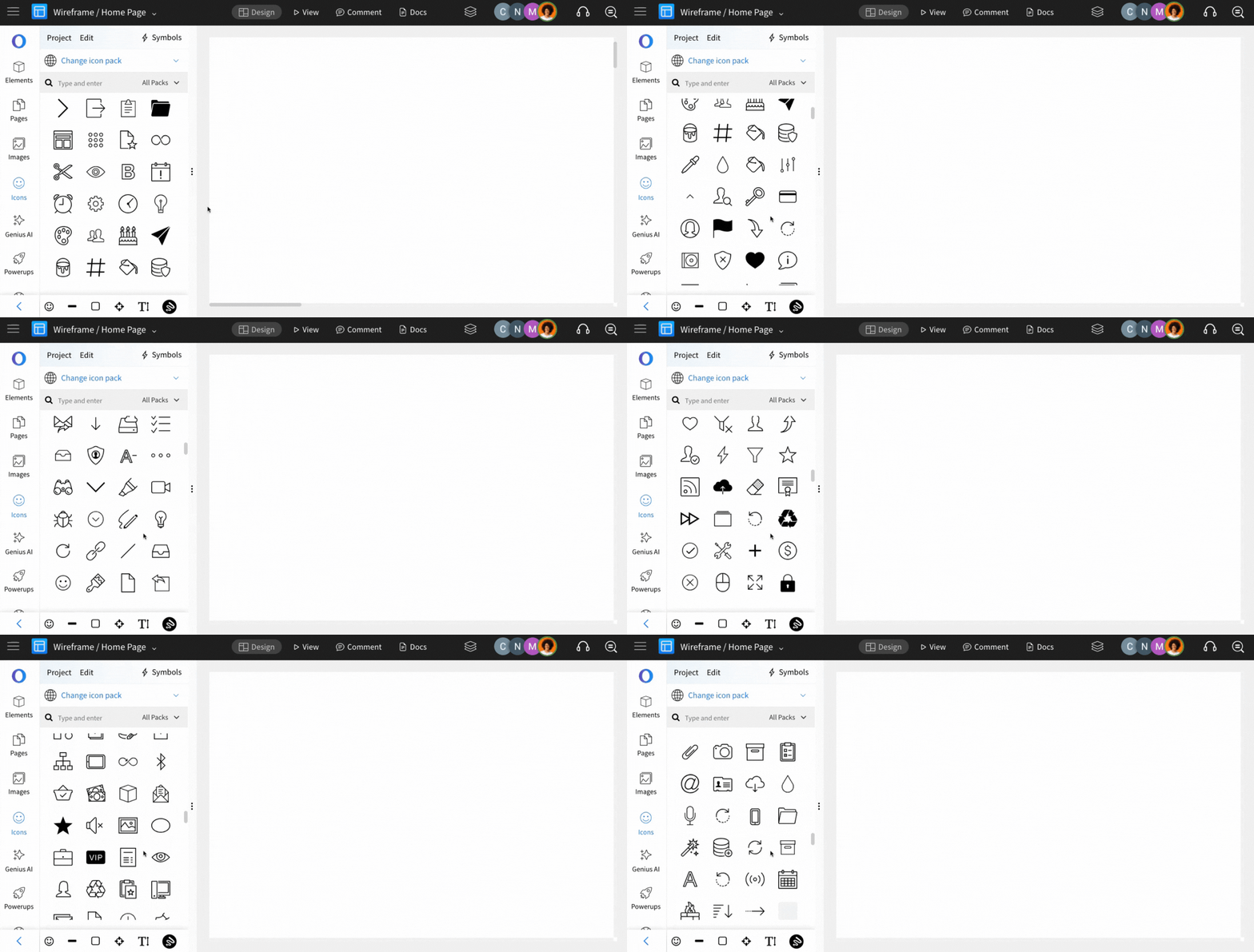
Select between popular icon sets.
Was this page helpful?