
Internal
How to zoom pages in editor?
Keyboard shortcuts: Cmd+ to increase zoom. Cmd- to decrease the zoom. Cmd0 to reset Zoom. Available in editor and review...
Keyboard shortcuts: Cmd+ to increase zoom. Cmd- to decrease the zoom. Cmd0 to reset Zoom.
Available in editor and review modes.
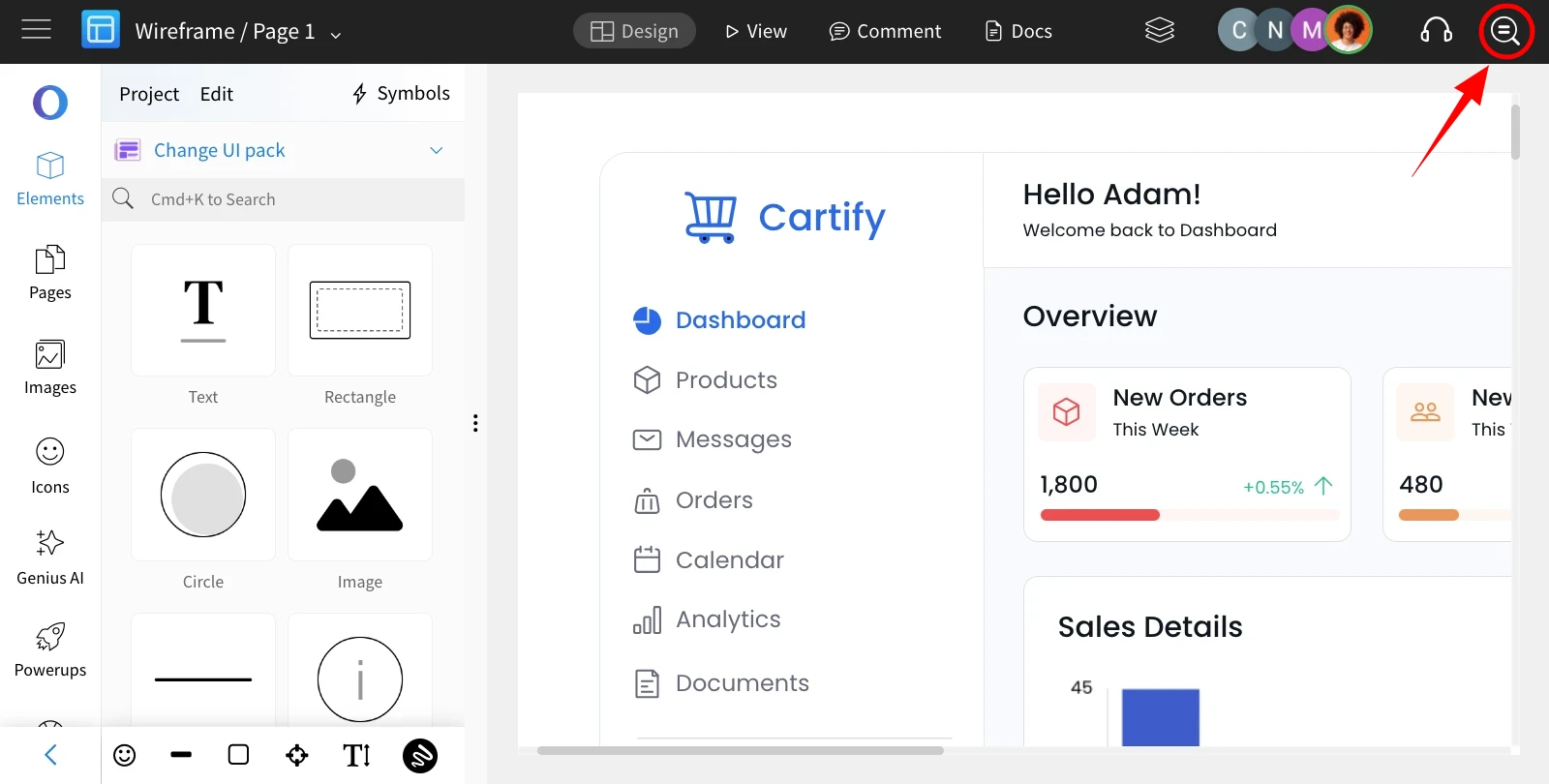
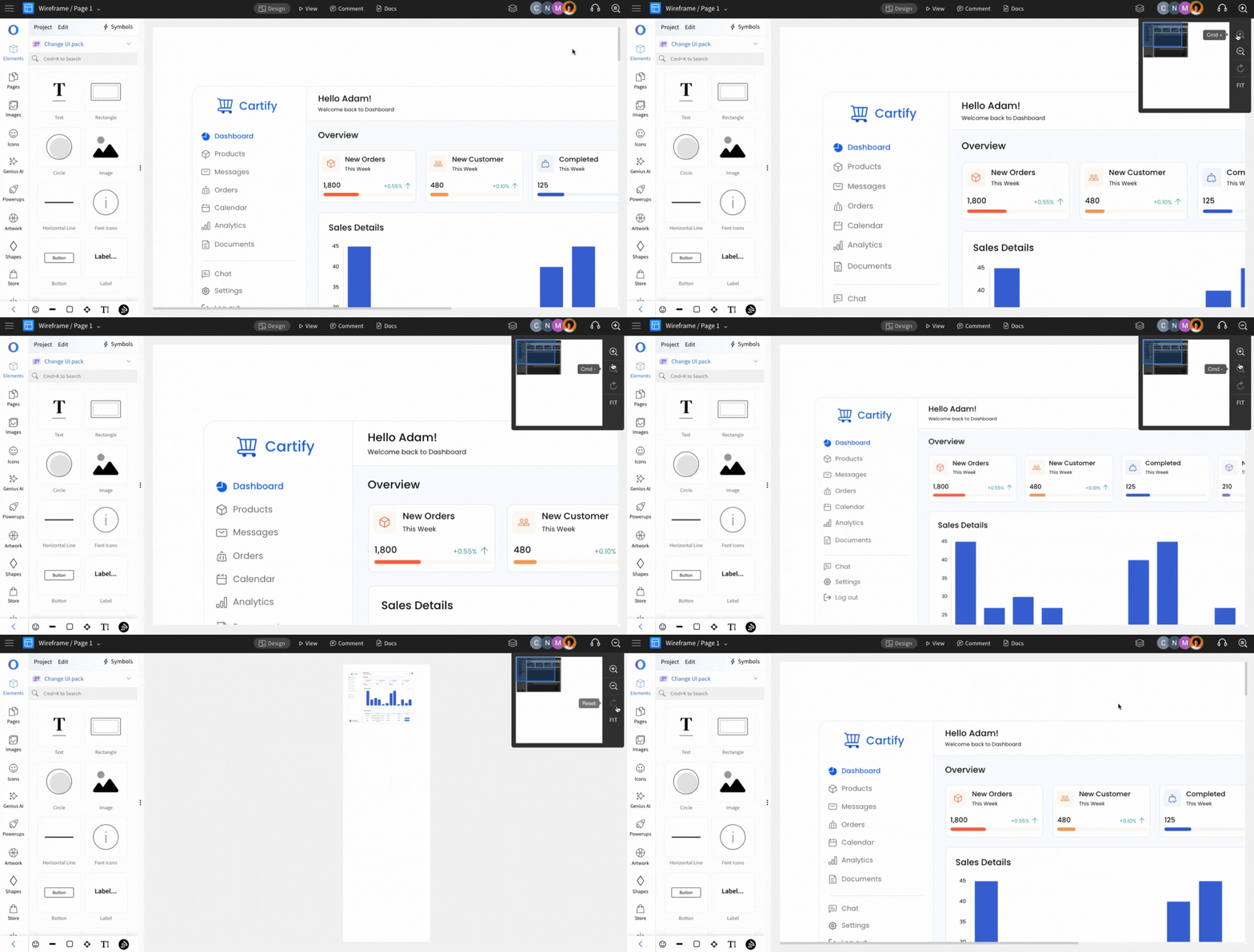
Click on the icon to customize page zooming.
Click to zoom in.
Click here and make the zoom level 100%.
Click here to fit into the screen.
Click to zoom out.
Was this page helpful?