
Internal
How to duplicate boards?
Duplicating whiteboards helps you keep the original while trying new ideas. It also saves time by reusing templates for...
Duplicating whiteboards helps you keep the original while trying new ideas. It also saves time by reusing templates for different projects. Check out these steps below to duplicate boards inside MockFlow.
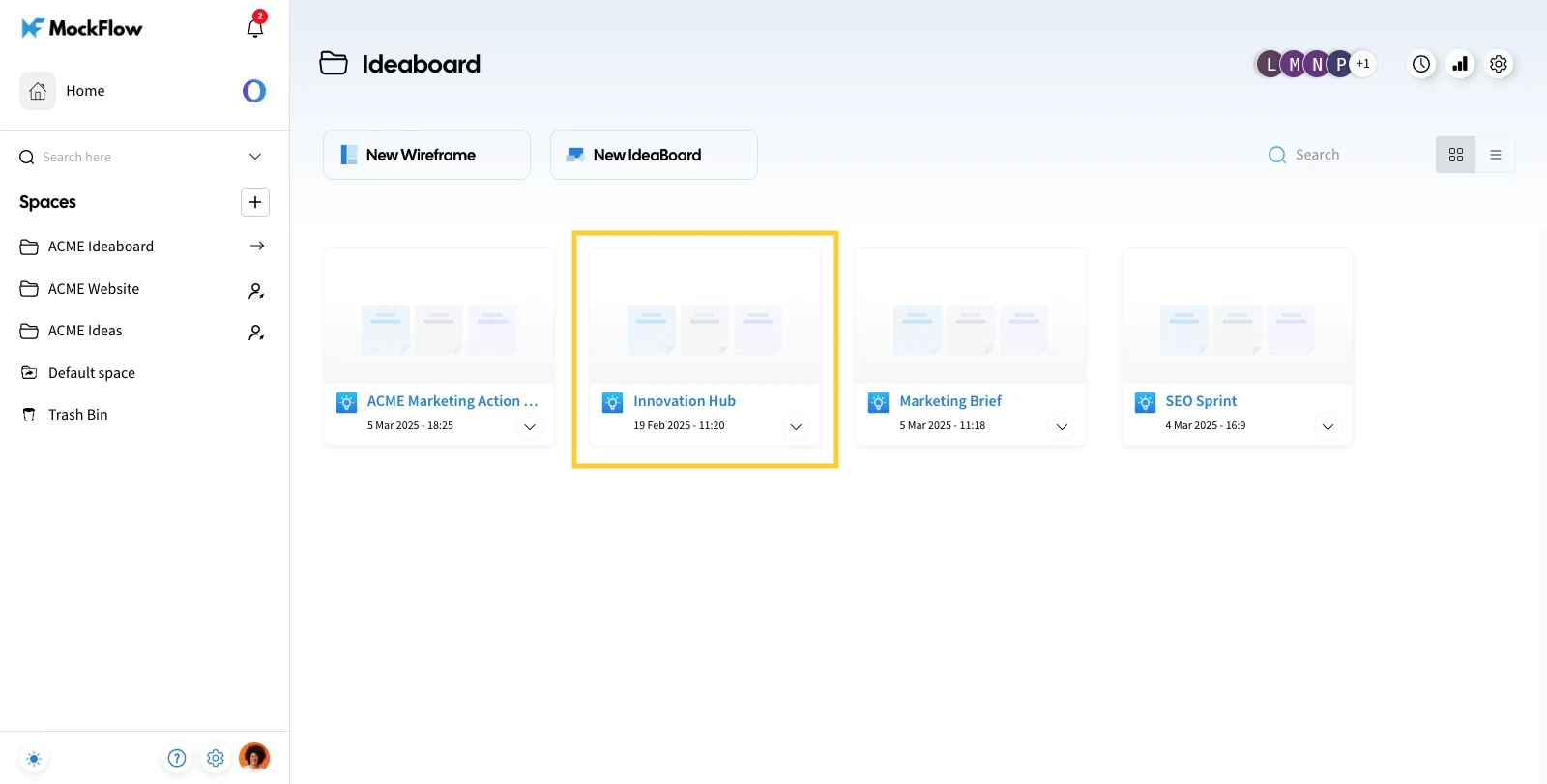
Inside the design space, select the MockFlow Board to be duplicated.
Click on the more options icon and select 'Duplicate' from the list of options.
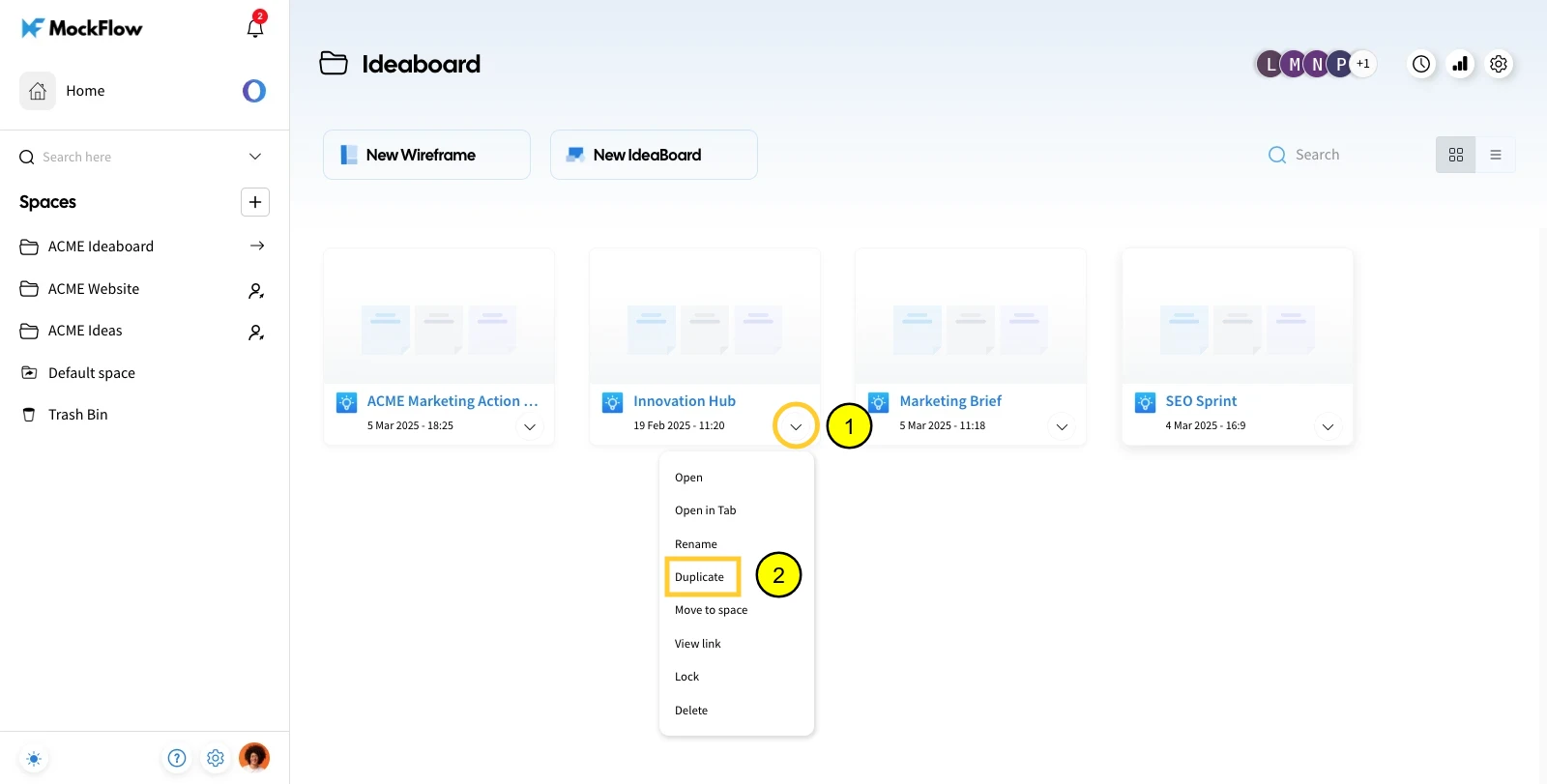
The selected board will be duplicated.
Was this page helpful?