
Internal
How to make annotated comment ?
Follow the steps below to add annotated comments in MockFlow. Navigate to the MockFlow WireframePro editor and locate the...
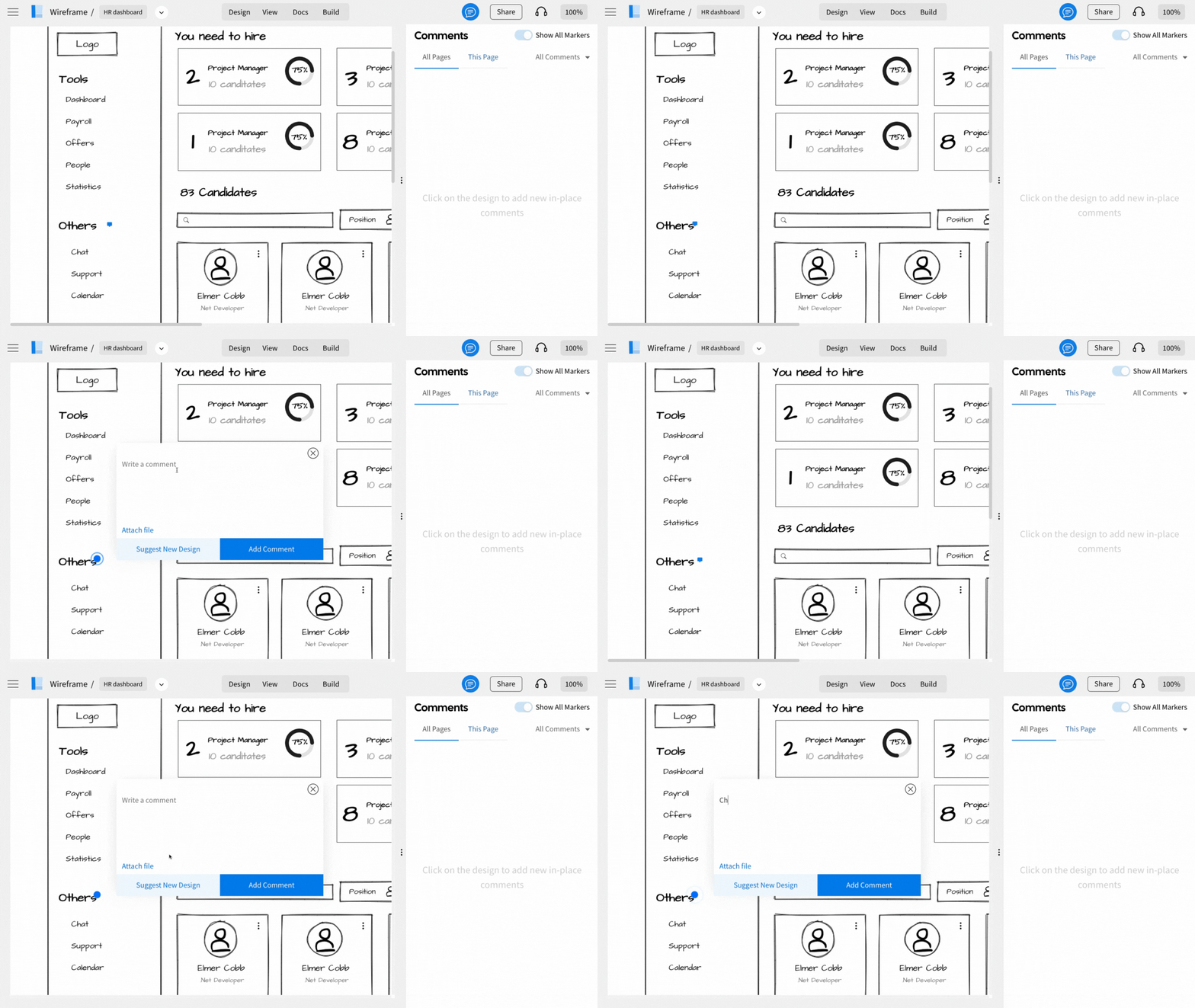
Follow the steps below to add annotated comments in MockFlow.
Navigate to the MockFlow WireframePro editor and locate the sidebar containing the pages of your project.
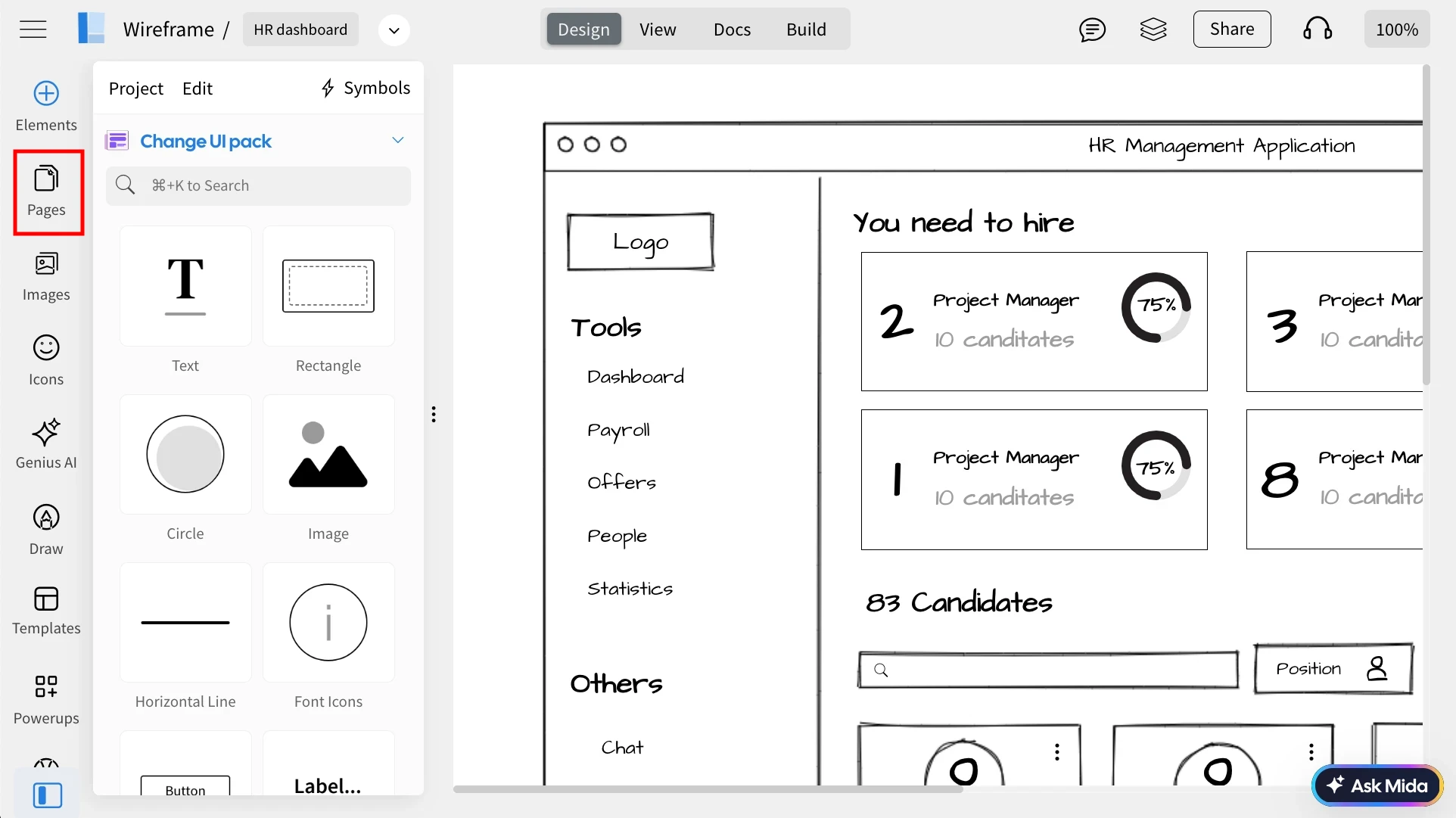
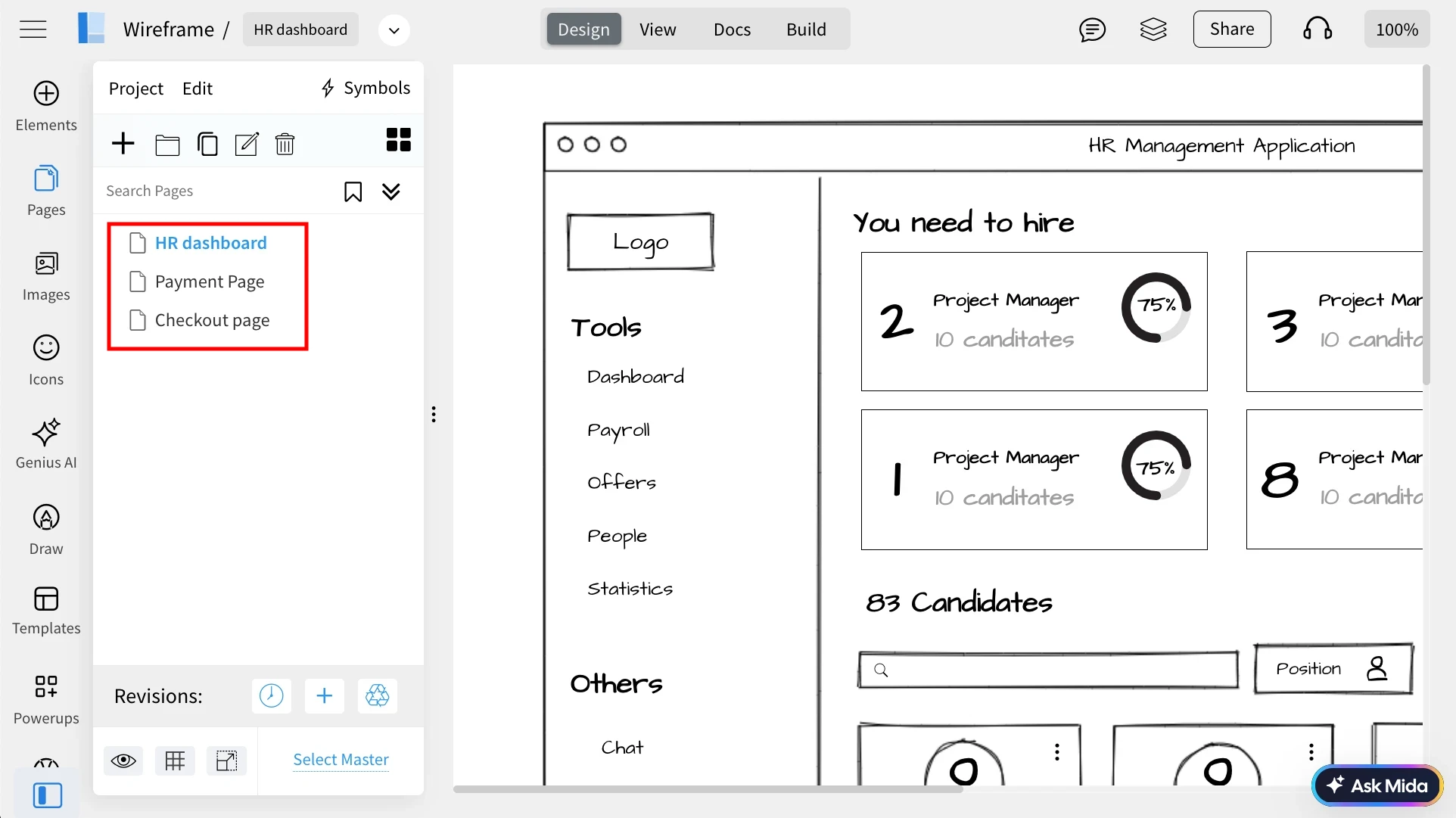
Select the desired page from the sidebar.
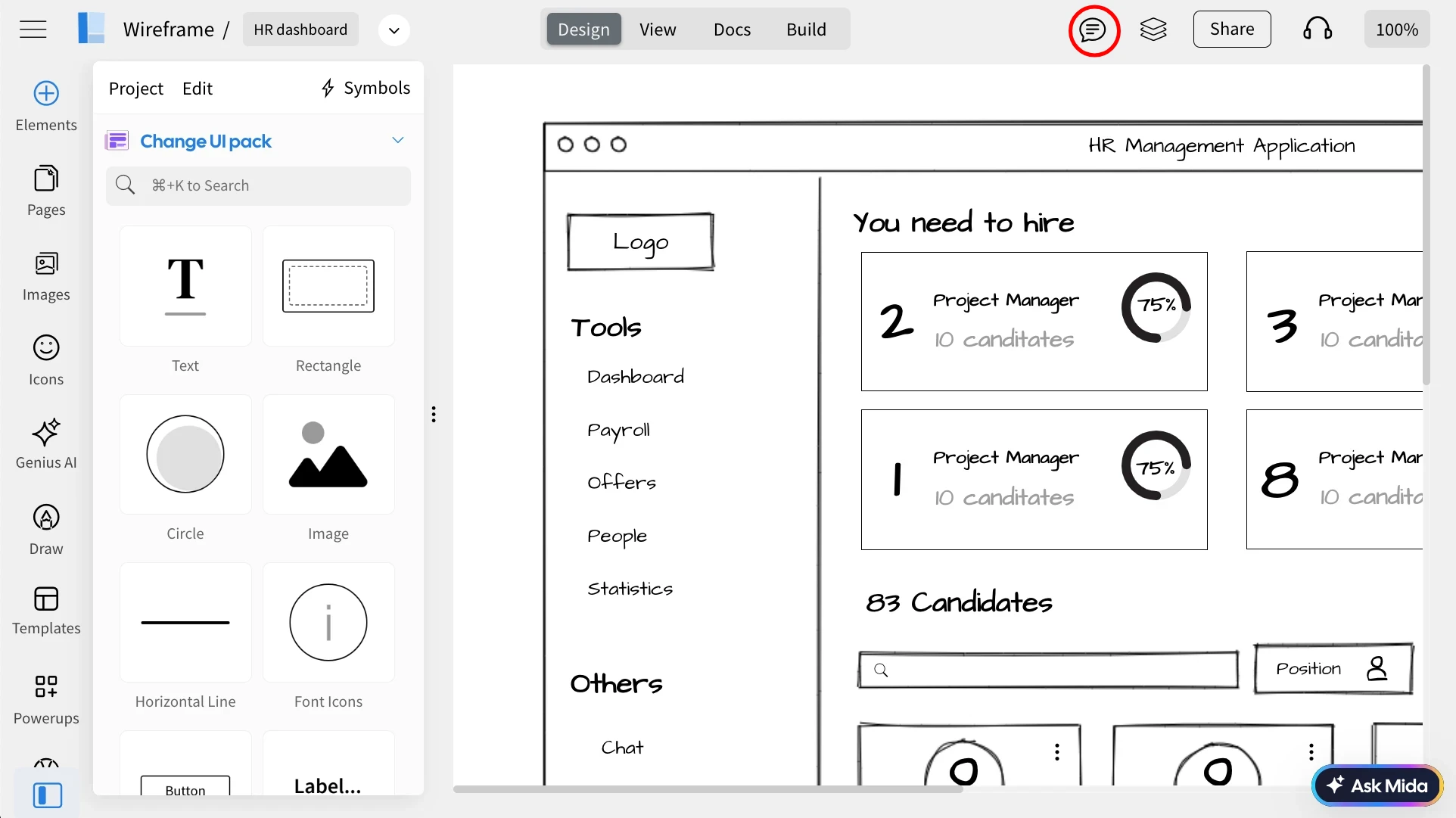
Then access the top menu and click on 'Comment'.
This action triggers the opening of the comments sidebar within the MockFlow editor.
Utilize the comment cursor to interact with the page model; you can add comments just by clicking on it.
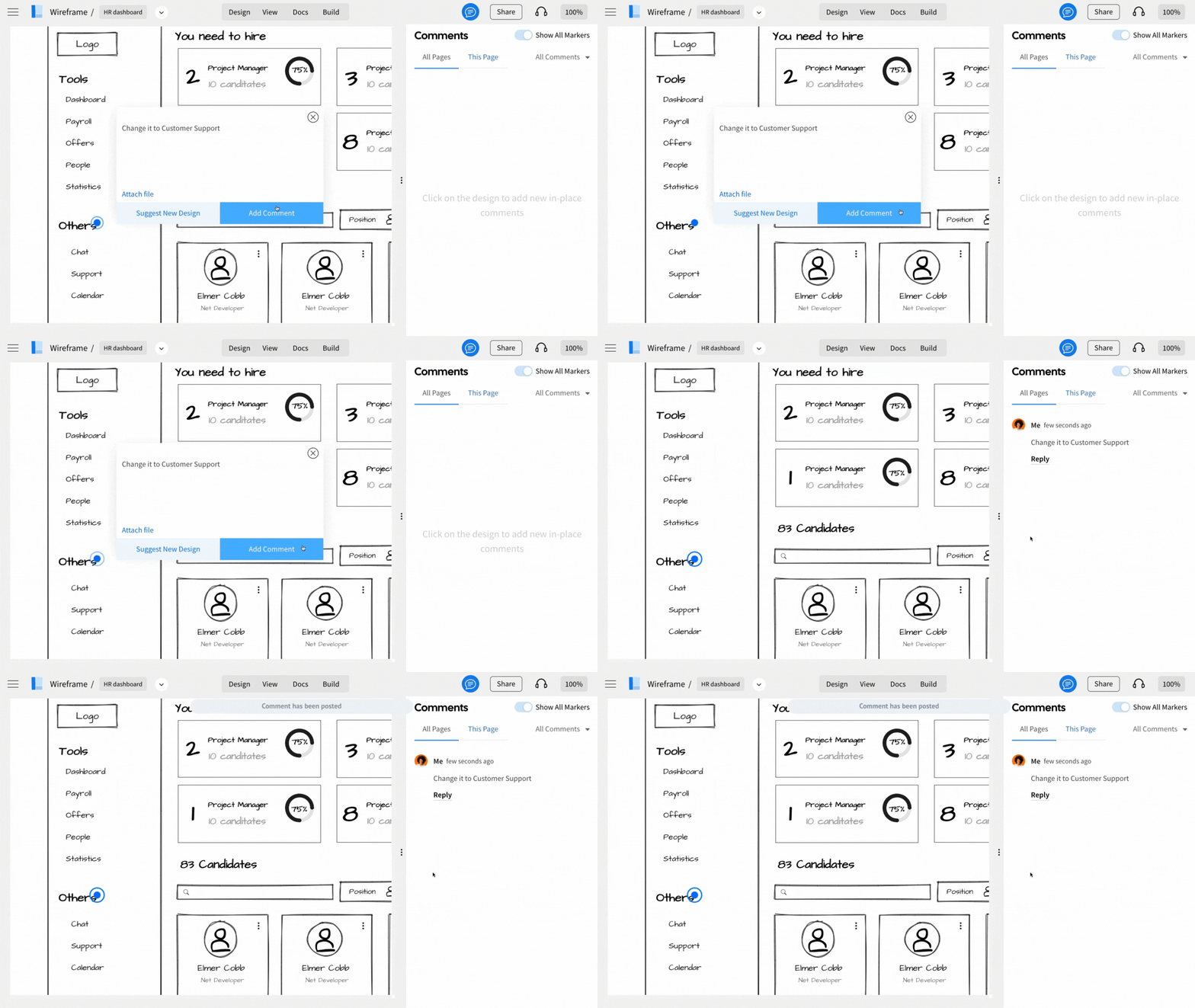
Annotations will be made in the form of markers.
To view or hide the annotated markers, toggle the "Show All Markers" option as needed.
Was this page helpful?