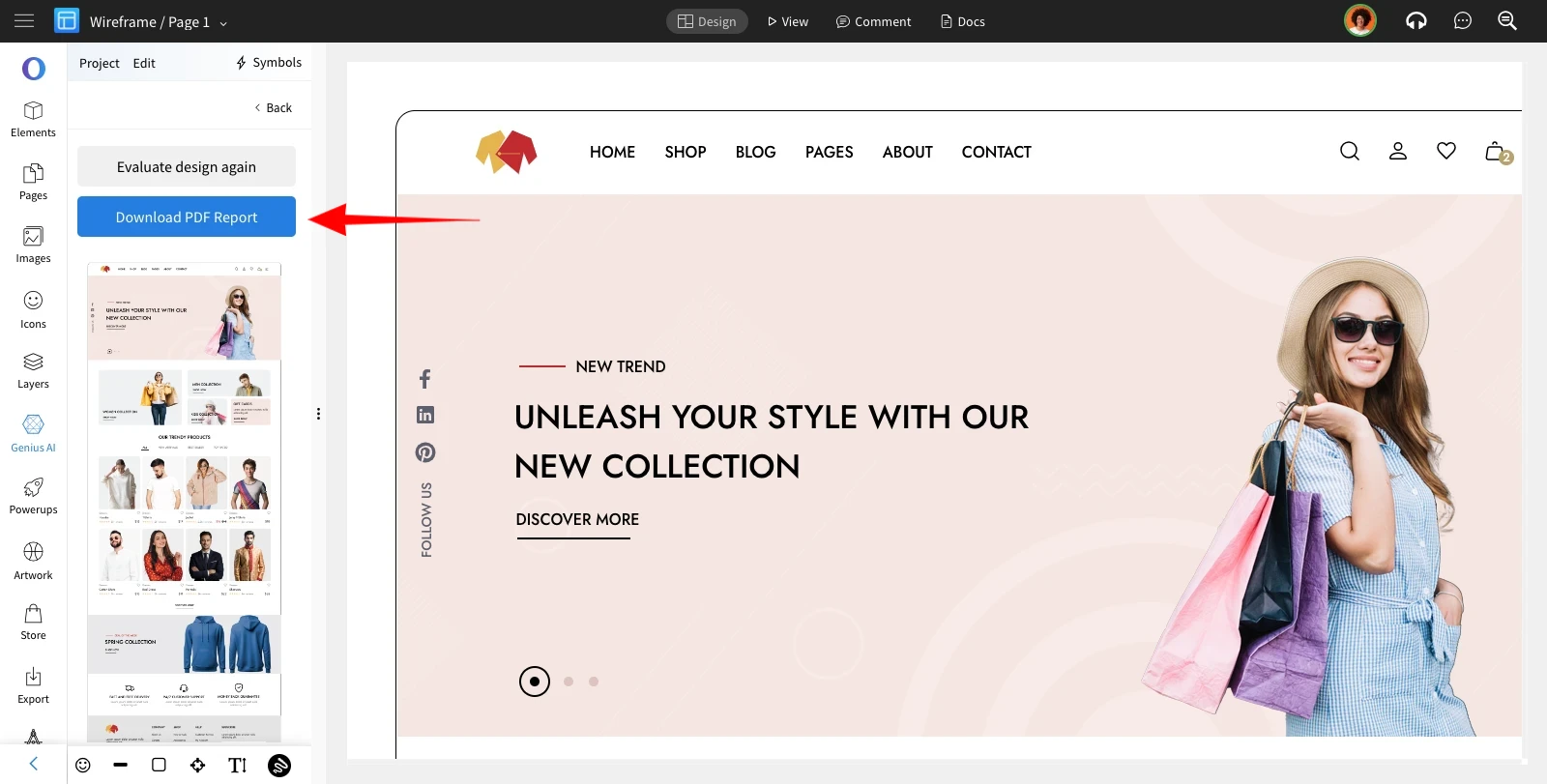
Get Design feedback with AI
MockFlow's Design Review AI offers a new way to automatically analyze and review your UI designs and get a first hand feedback...
MockFlow's Design Review AI offers a new way to automatically analyze and review your UI designs and get a first hand feedback before presenting to your team/stakeholders.
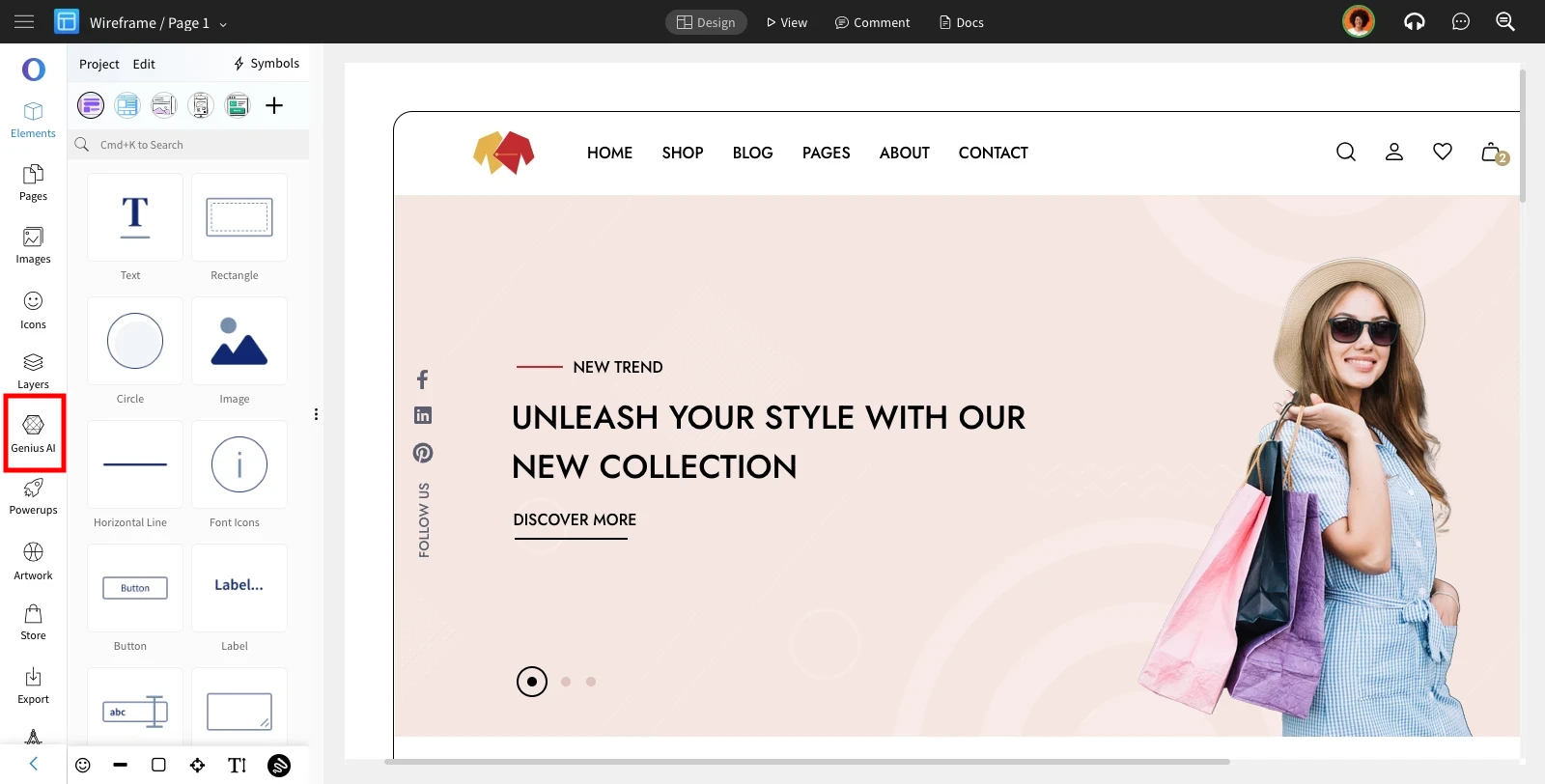
Inside the MockFlow Wireframe editor, click on the 'Genius AI' from the sidebar.
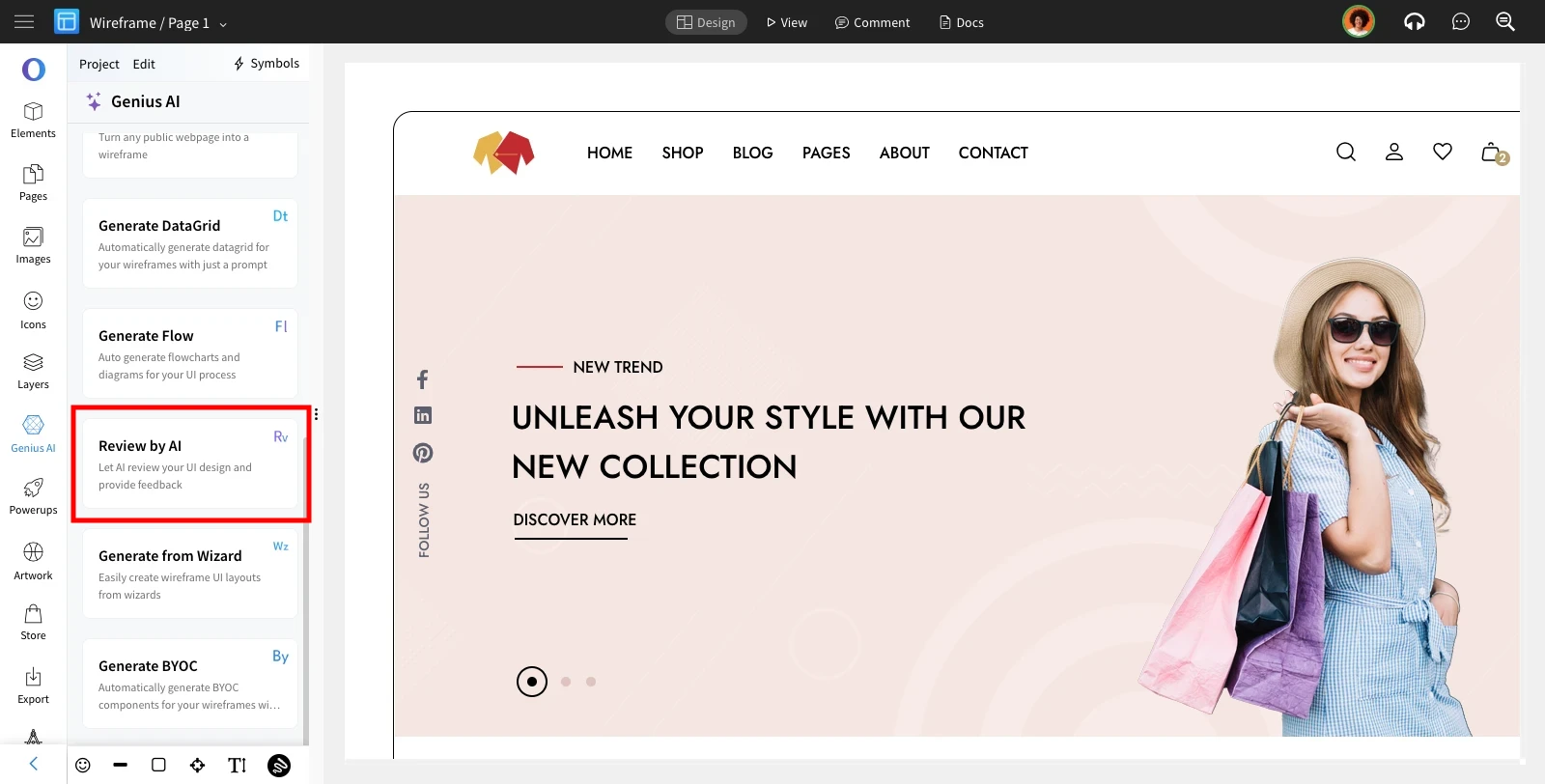
Choose 'Review by AI' from the list of AI features.
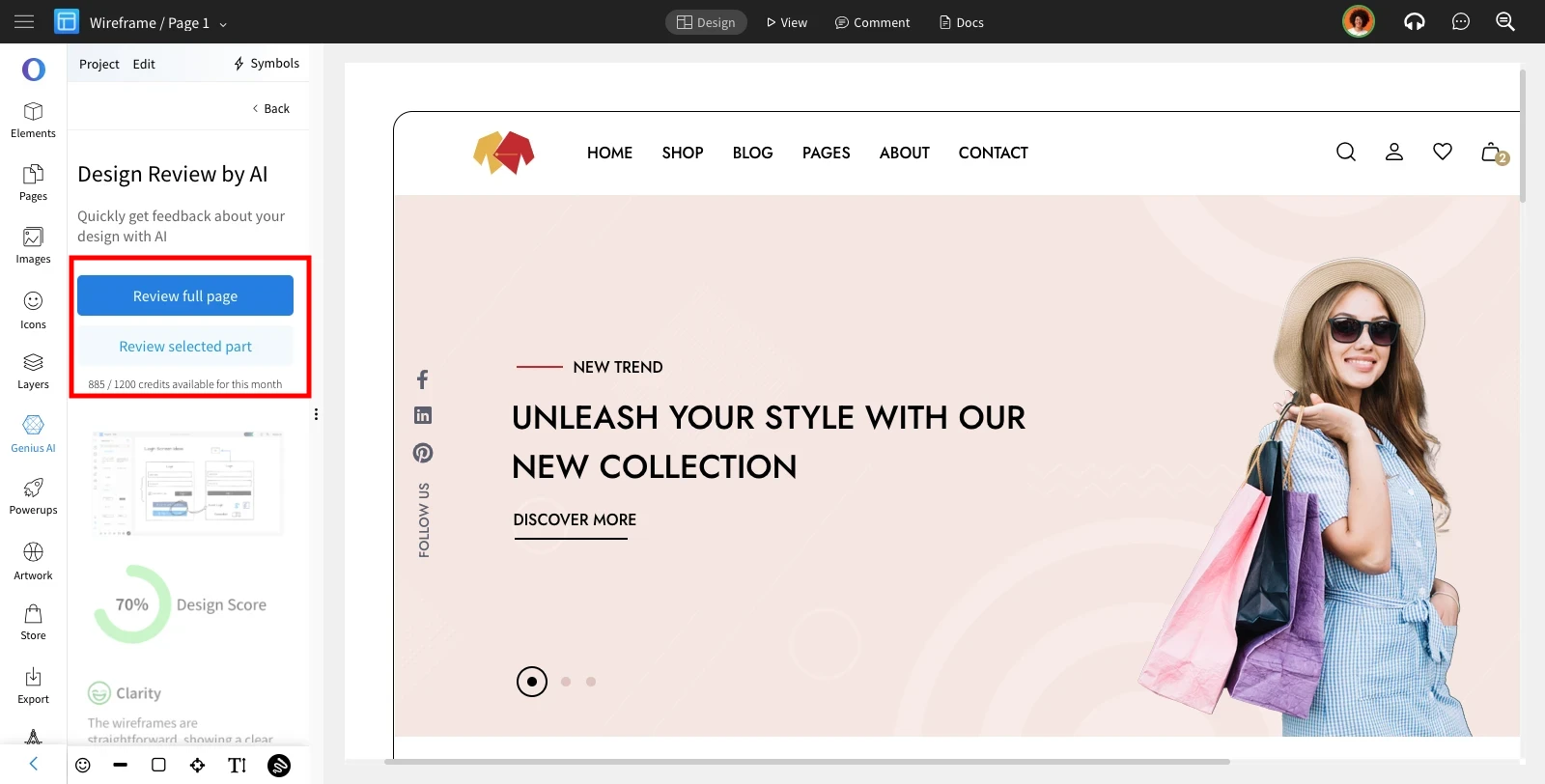
In the Design Review by AI, you have two options: get the entire wireframe reviewed or select specific sections of the design for review (in this case, ensure you've selected the desired sections before clicking the button).
AI will generate a detailed report based on your design.
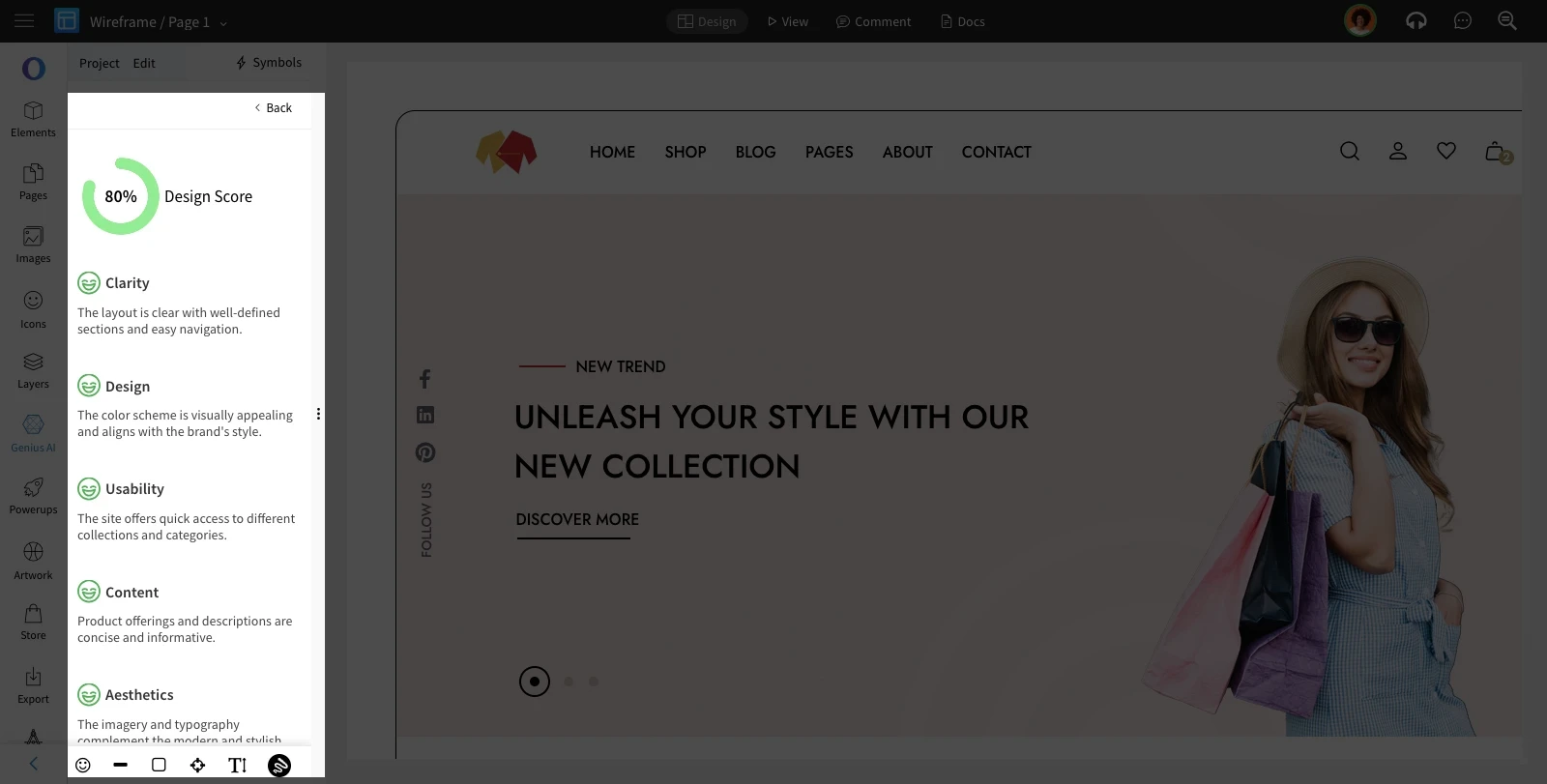
The Generated report can be downloaded in the pdf format.