
Internal
How to add custom fonts to WireframePro ?
MockFlow WireframePro provides several built-in fonts specially chosen for UI typography and also integrates Google Fonts...
MockFlow WireframePro provides several built-in fonts specially chosen for UI typography and also integrates Google Fonts library for a wide selection . Apart from these two options, users can also upload their own custom font family by following the below steps:
Important note: Custom font feature is available only for users with TeamPack license plan.
Select any component that has "Text."
Click "Font Family" in component settings.
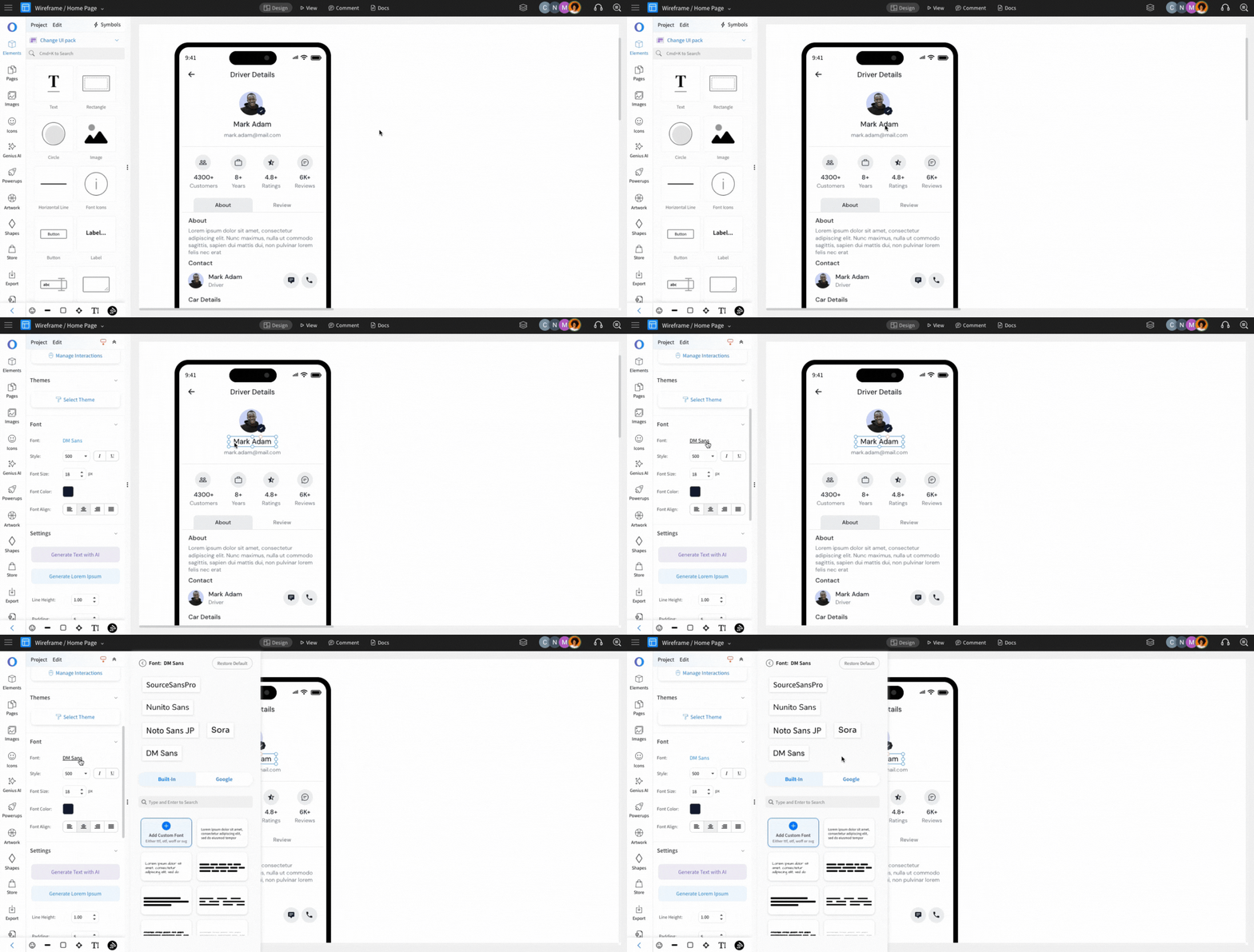
Select "Built-in" tab.
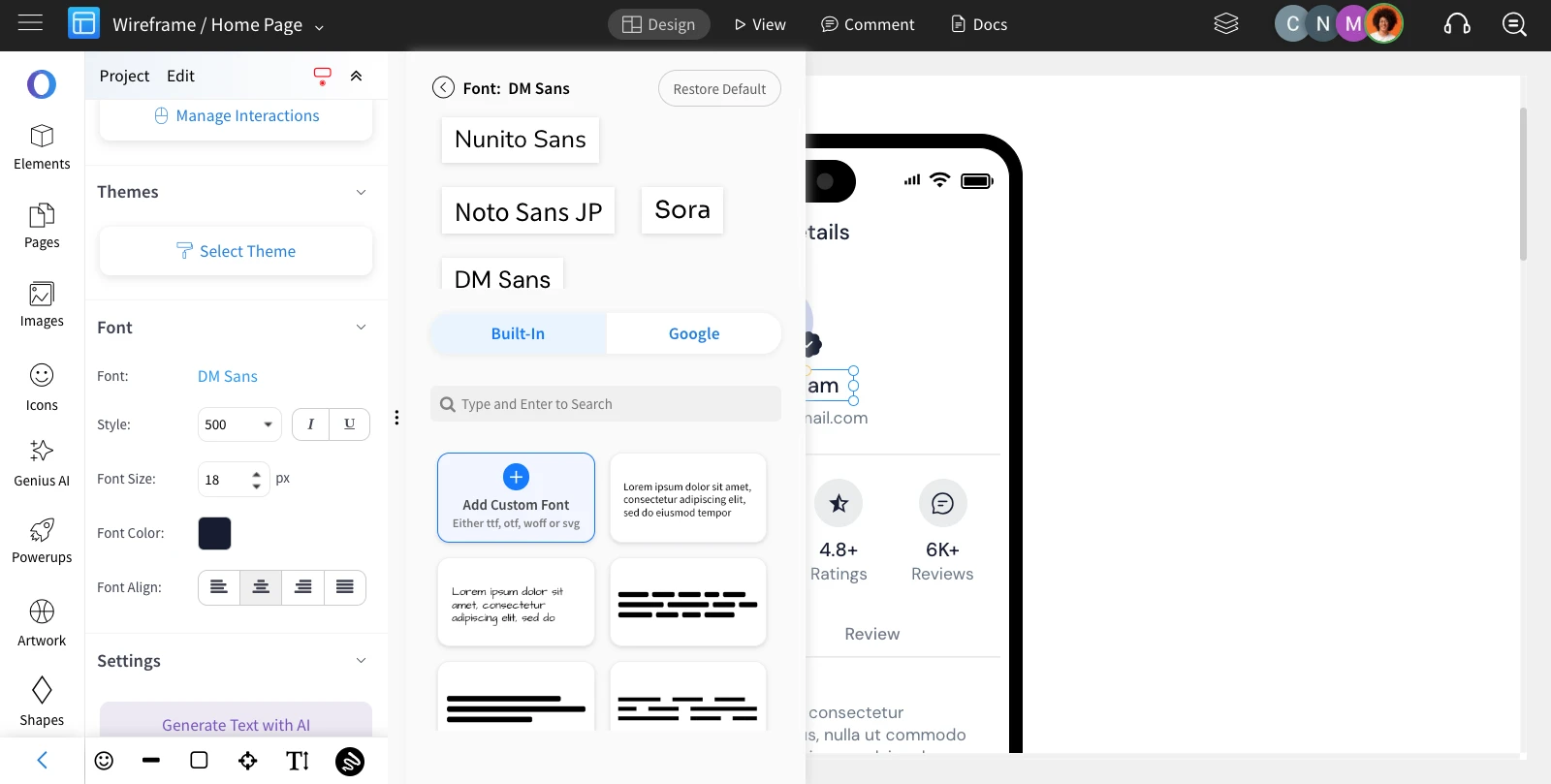
Click 'Add custom font' under 'Built-in' tab to upload your own font file - ttf, otf, woff, svg formats supported.
Was this page helpful?